

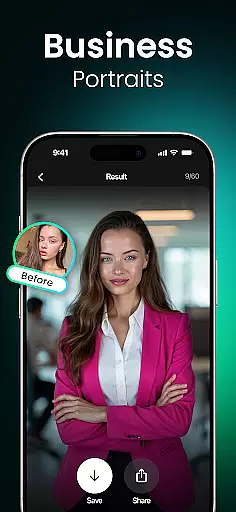
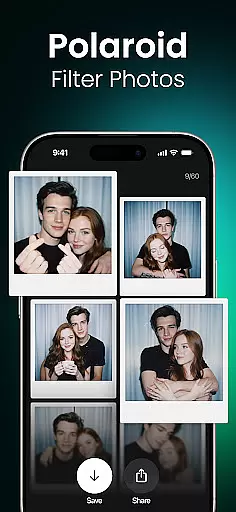
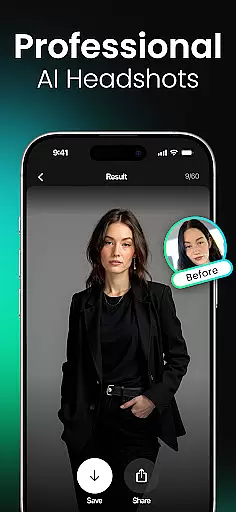

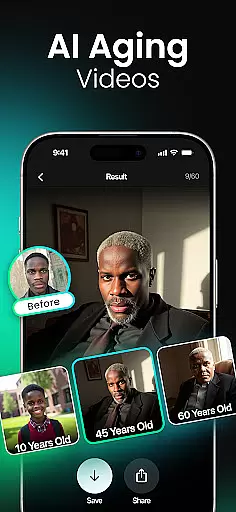

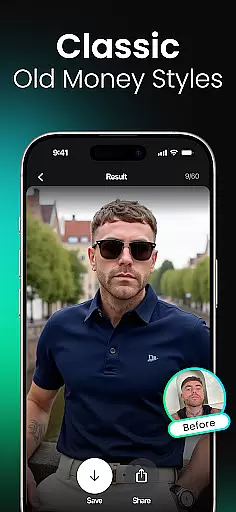

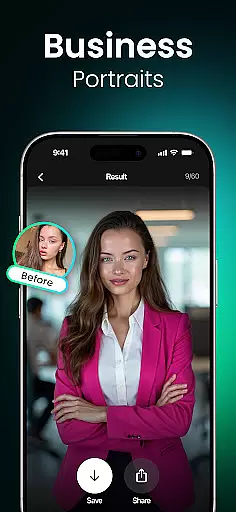
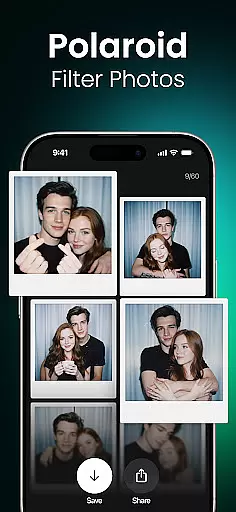
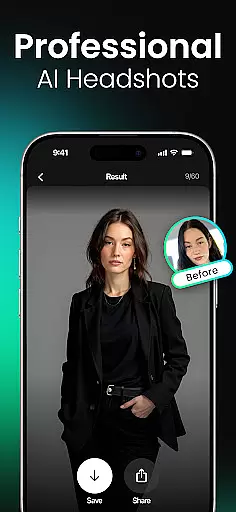



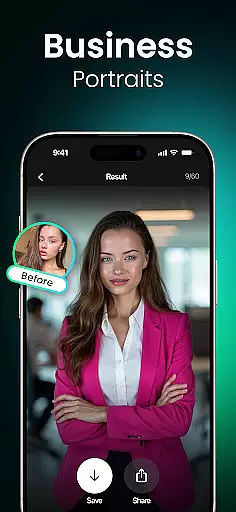
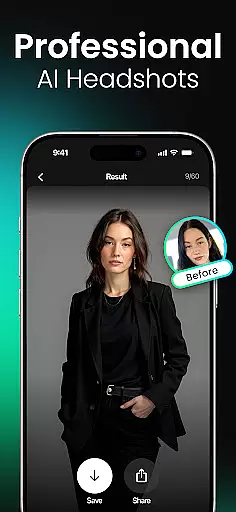

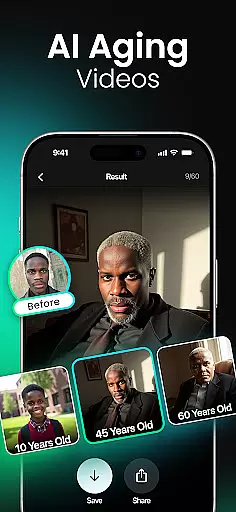

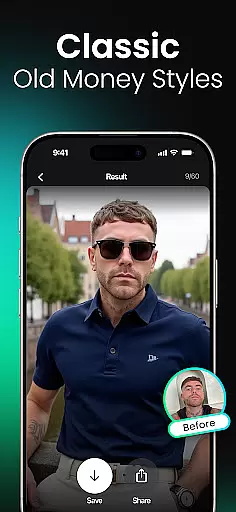
Momo is an innovative AI Photo Generator app that leverages advanced artificial intelligence to revolutionize your digital presence. Whether you're job hunting, enhancing your social media profiles, or exploring creative self-expression, Momo offers a comprehensive suite of tools to generate professional-quality images. The app specializes in creating photorealistic AI headshots, diverse artistic portraits, and trendy profile photos tailored to reflect your unique personality.
With features like the AI Twin Generator, age progression videos, and fantasy-themed filters, Momo caters to a wide range of users. From professionals seeking polished business headshots to creatives experimenting with cinematic aesthetics, this app provides limitless possibilities for reinventing your online identity. Its high-resolution outputs and customizable styles make it ideal for anyone looking to elevate their digital presence.
Momo stands out with its diverse and cutting-edge features designed to cater to various user needs. One of its core functionalities is the ability to create a personalized AI profile, which serves as the foundation for generating customized images. This feature ensures every output aligns with your unique characteristics, making the results highly authentic and tailored.
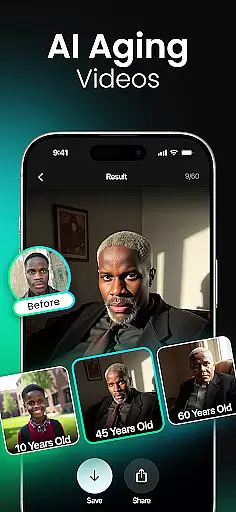
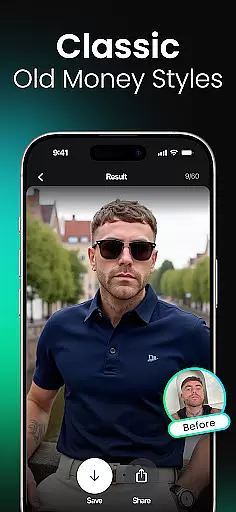
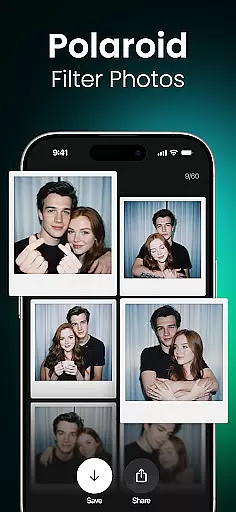
The app also excels in offering photorealistic AI headshots and an extensive library of styles and filters. Users can experiment with everything from fantasy-inspired avatars to K-Pop-themed photoshoots and wedding fashion simulations. Additionally, Momo's AI Aging Photo-Videos and Trend Videos provide dynamic ways to engage with content, while features like Couple Photos and Hairstyle Makeovers add a layer of playful creativity. These innovations not only enhance user experience but also set Momo apart in the photography app market.
Real-time capture and preview functionality is essential for ensuring that users can see the results of their photos or edits instantly within photography applications. This feature allows users to adjust settings, apply filters, and make necessary modifications before capturing the final image.
Momo leverages advanced AI technology to provide real-time previews of various photo styles and filters. Users can experiment with different aesthetics, from photorealistic headshots to fantastical portraits, seeing changes applied to their images instantly. This immediate feedback empowers users to fine-tune their selections and achieve their desired outcomes without any guesswork.
The benefit of real-time capture and preview in Momo is significant. It enhances user experience by providing instant gratification and control over the creative process. Whether preparing for a job interview, updating social media profiles, or exploring imaginative concepts, users can confidently create images that reflect their personal brand and style.
Ultimately, this feature distinguishes Momo in the photography app landscape by offering an interactive and dynamic photo creation process. The ability to visualize changes on the fly not only saves time but also encourages creative exploration, making professional-quality photography accessible to everyone.
AI beauty and enhancement features focus on improving the aesthetic quality of photographs while maintaining a natural appearance. These tools are designed to subtly enhance facial features, skin texture, and overall image quality without creating an artificial or overly edited look.
In Momo, AI-driven enhancements are tailored to each user's unique profile, ensuring personalized and realistic results. The app uses sophisticated algorithms to analyze facial structures and apply enhancements that complement natural features. From smoothing skin imperfections to adjusting lighting for a more flattering effect, Momou2019s AI ensures every edit looks authentic and true to life.
Users benefit greatly from this approach as it helps them present their best selves online without compromising authenticity. Whether generating professional headshots, artistic portraits, or trendy social media photos, individuals can trust that their images will retain a genuine quality that resonates with viewers.
This emphasis on natural enhancement sets Momo apart in the realm of photography apps. By prioritizing realism alongside aesthetic improvement, Momo empowers users to elevate their digital presence confidently, knowing their photos reflect both their true identity and aspirational self-image.
AI-powered customization
High-resolution outputs
Diverse style options
User-friendly interface
Regular updates
Premium features locked
Subscription fees apply
Learning curve for new users
Limited free trials
Resource-intensive

Gallery show photo, video, slideshow, is perfect 3D effect private photo albums.
 4.80
4.80
Long exposure camera with computational photography
2.60
Perfect photos with body shaping, BG changer and object remover.
3.70
Take videos and pictures with the popular TikTok TIME WARP SCAN filter.
4.60
Transform photos into videos! Create realistic or anime-style images easily!
4.50
Over 800 film simulation recipes for Fujifilm. Black Friday Offer!
4.5
Raw Image Viewer. Gallery with support of raw images (.cr3, .cr2, .nef, .raf).
2.00
Catch sunlight, sunrise sunset times and sun phases with the AR sun tracker.
4.10
A unique animation app. Powerful, easy to use, and lots of fun.
4.30
Cartoon and artistic effects for your photos and videos
4.70
Discover & download millions of art for The Frame TV or Hisense CanvasTV
4.60
Add Watermark - Sign your pictures with a text or logo. Effective, quick, easy!
4.50
Photo editor & gallery. Crop pictures & edit photos offline, no wifi!
4.50
A reflected light meter with spot metering and incident light metering.
4.40
Luminar: Photo Editor - easy picture editing with AI
4.20
A light meter for true photographers.
4.20
How would you look like with a differently shaped nose, chin or lips?
3.90
Remote control of the phone camera from your Wear OS smartwatch
3.70
Create amazing frames with up to five photos. Rounded corners, effects and more!
3.60


User Reviews