
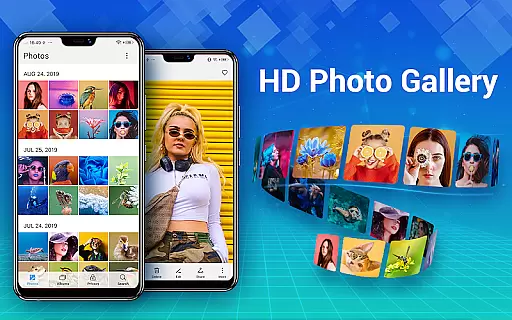
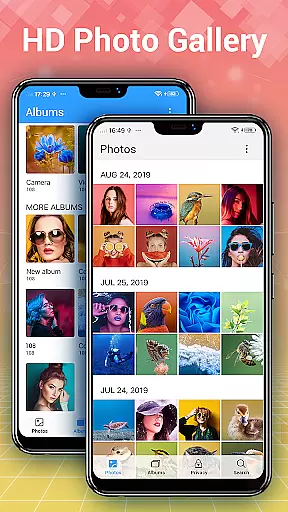
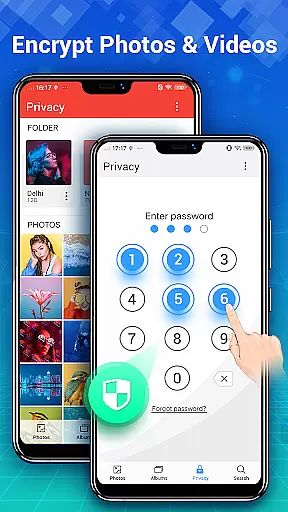

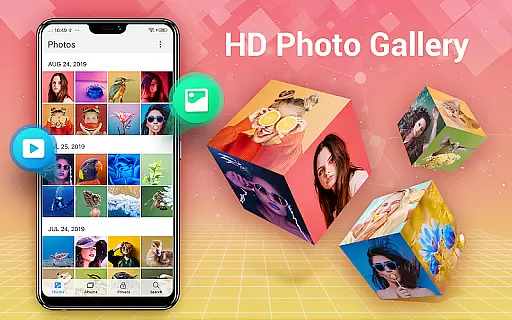
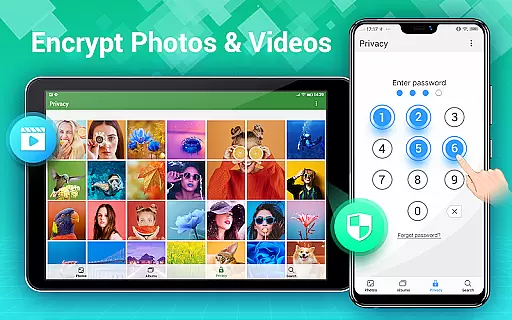
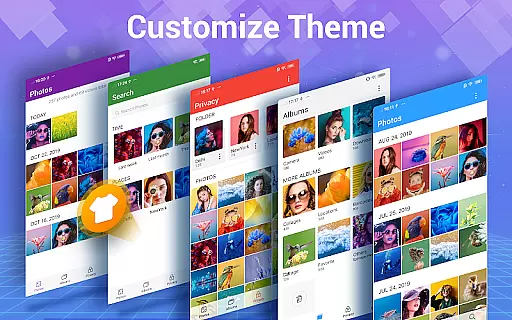
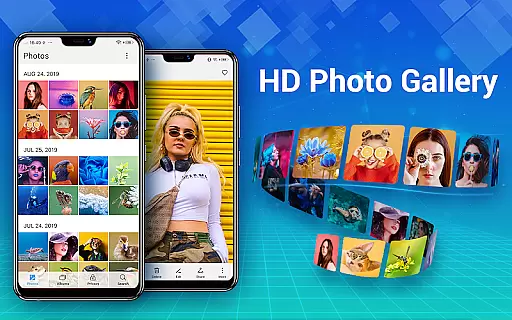
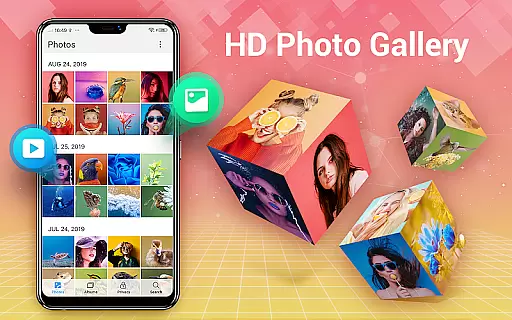
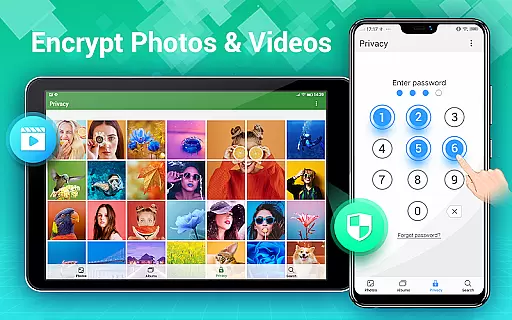
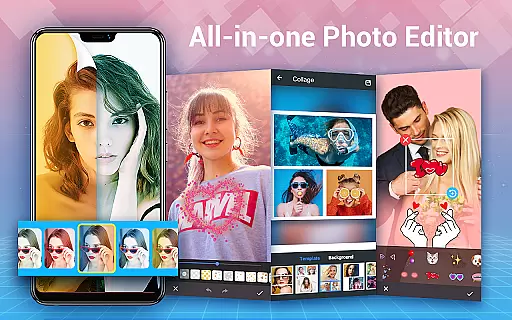
Photo Gallery is a comprehensive photography app designed to manage, organize, and enhance your photo and video collections. This all-in-one solution offers automatic organization of media files into albums, folders, and by date, while supporting SD card storage. The app provides advanced privacy features through its Gallery Vault functionality, allowing users to encrypt and hide sensitive content behind a password.
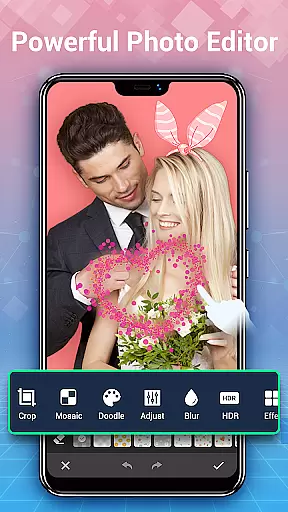
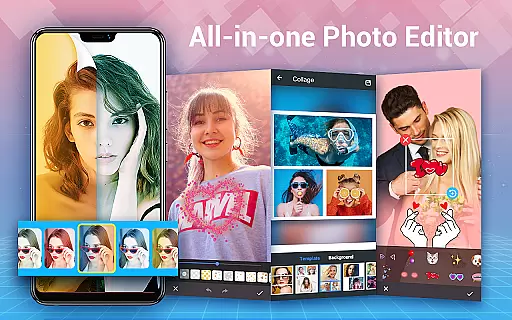
In addition to its organizational capabilities, Photo Gallery includes a powerful photo editor and collage maker. Users can apply filters, adjust lighting, add text and stickers, and create stylish collages with ease. With slideshow playback, HD preview, and intuitive sorting options, this app ensures a seamless experience for both casual users and photography enthusiasts. Its offline functionality makes it accessible without an internet connection, while the sleek user interface enhances usability.
This app is particularly useful for individuals seeking a secure and efficient way to manage their growing media library. Whether you're looking to protect private photos or create stunning edits, Photo Gallery delivers the tools necessary to maximize productivity and creativity.
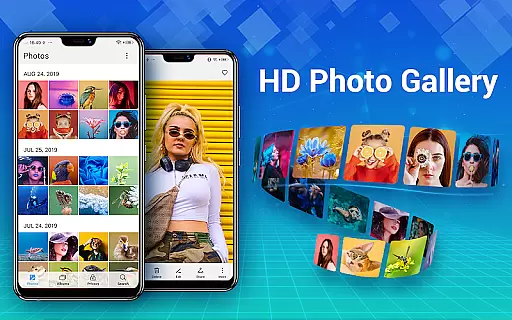
Photo Gallery stands out with its robust feature set tailored for photographers and everyday users alike. One of its key strengths is the automatic organization system, which intelligently categorizes photos and videos by date, album, and folder structures. This eliminates manual sorting and saves time when managing large media libraries. Additionally, the app supports external SD cards, enabling flexible storage solutions for devices with limited internal memory.
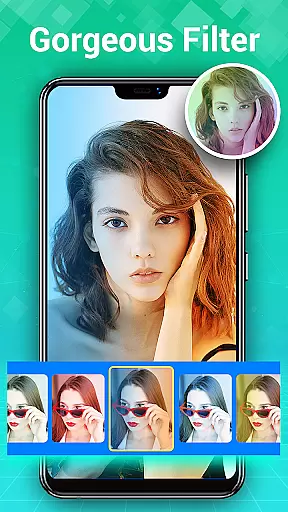
The built-in photo editor is another highlight, offering professional-grade tools such as auto-enhance, cropping, lighting adjustments, and artistic effects like mosaics and doodles. For creative projects, the collage maker provides free-style and grid templates, empowering users to design visually appealing compositions within seconds. Privacy-conscious users will appreciate the Gallery Vault feature, which encrypts and hides sensitive files from other apps and system galleries.
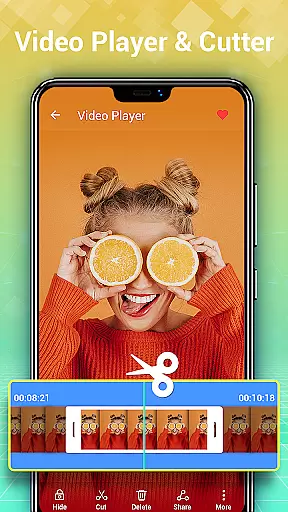
Other notable features include slideshow playback, trash management to recover deleted files, and smart search functionality based on dates and locations. These innovations ensure that Photo Gallery remains a versatile tool for organizing, editing, and safeguarding your digital memories effectively.
Real-time capture and preview functionality is essential for any photography app, ensuring that users can instantly see the results of their shots before committing to a full photo or video capture. Photo Gallery - Album, Vault offers this feature by providing an intuitive interface that allows users to quickly snap photos and review them immediately.
The app's real-time capabilities are enhanced by its automatic organization system, which sorts media into albums based on dates and events. This means that as soon as you capture a moment, it is seamlessly added to your gallery without any manual input required from the user.
For those who value privacy, the app includes a secure vault where sensitive images can be stored away from prying eyes. With real-time encryption, users have peace of mind knowing their private content is protected while still enjoying instant access through password protection.
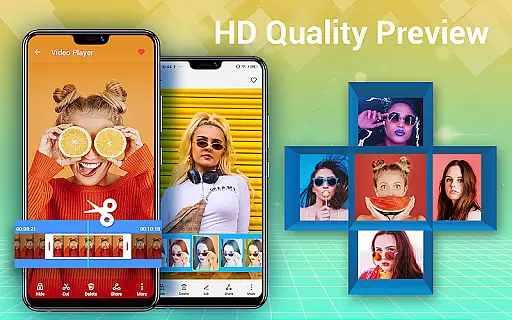
Moreover, with support for HD browsing and slideshow playback, users benefit from high-quality previews of their work directly within the app. Whether reviewing recent captures or revisiting old memories, the clarity and detail preserved in each image ensure an optimal viewing experience every time.
AI beauty and enhancement features have become increasingly popular among mobile photography enthusiasts looking to elevate their selfies and portraits. Photo Gallery - Album, Vault incorporates advanced AI algorithms designed to enhance natural beauty without compromising authenticity.
Users can take advantage of one-tap auto-enhancements that intelligently adjust lighting, color balance, and sharpness to bring out the best in every shot. These enhancements aim to preserve the original character of the subject while subtly improving overall aesthetics.
In addition to basic edits, the app offers a suite of creative tools including filters, stickers, text overlays, and more. Each tool has been carefully crafted to maintain a natural look, avoiding overly processed effects that detract from genuine expressions and emotions captured in photos.
Furthermore, the inclusion of mosaic, blur, and lightening options provides additional control over specific areas of an image, allowing for targeted enhancements that highlight key elements without altering the entire composition. By focusing on maintaining the integrity of the original photograph, Photo Gallery ensures that all edits remain tasteful and true to life.
User-friendly interface
Advanced privacy controls
Powerful editing tools
Offline functionality
SD card support
Requires permissions for full access
Limited cloud integration
Premium features may cost extra
Occasional ads in free version
Steep learning curve for beginners

Easily stitch panoramas from multiple photos or video.
 4.40
4.40
An interval timer to automate photo taking process for timelapse
2.90
Cut and paste photo editor & eraser to customize photos easy and swap faces fun
4.50
Photo Exif Editor allows to view, add and modify EXIF data of multiple photos
4.50
AI photo enhancer with Sora 2! Enhance, descratch, and colorize your old photos.
4.50
Smart, light, and fast photo and video gallery
4.30
Unblur, enhance & restore photos with powerful AI photo enhancer tools.
4.60
A light meter for true photographers.
4.20
Effortlessly make high-quality GIFs from images & videos without any watermarks.
4.70
Easily view, share, delete photos with Gallery.
4.70
See your baby AI baby face generator AI baby maker Face generator babymaker fun!
4.70
Viewfinder, Light meter, Reciprocity failure time, DOF & Bellows Extension
4.60
Create Business Headshots, Polaroid Filter, Retake Photos,Profile Pics,AI Photos
4.50
Use AI Video Generator to turn your words to ai generated videos.
4.50
Trendy TikTok time warp scan funny filter app brings you unique photos & videos.
4.40
Luminar: Photo Editor - easy picture editing with AI
4.20
Astrophotography with your smartphone, photo live stacking and much more!
3.90
Create amazing frames with up to five photos. Rounded corners, effects and more!
3.60
Remote control the phone camera shutter from your smartwatch and take a picture
1.60


User Reviews