

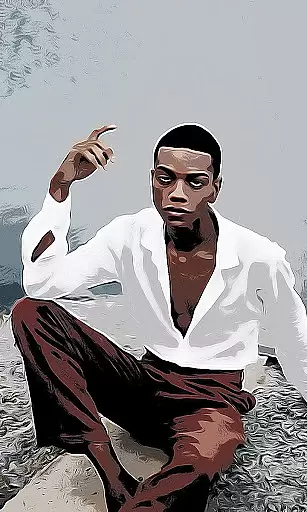
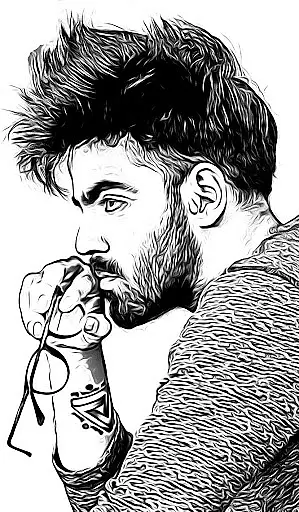
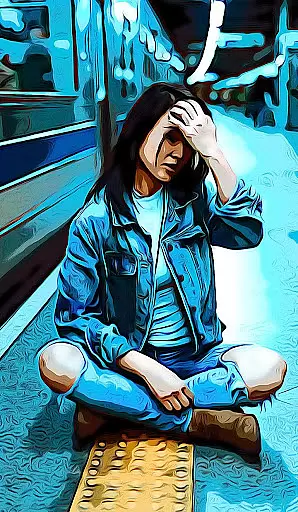
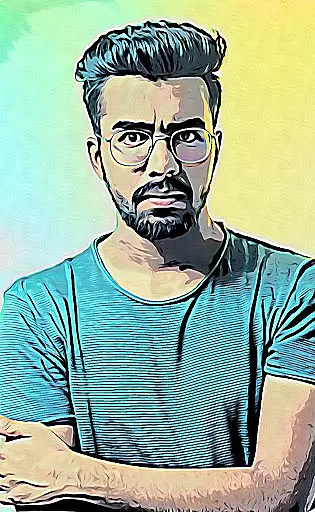
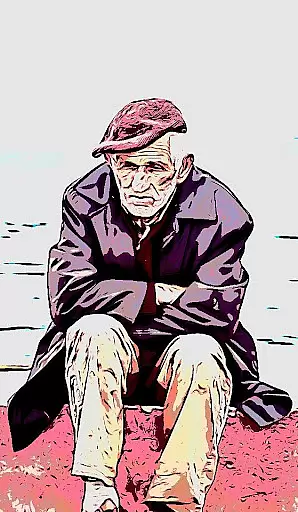
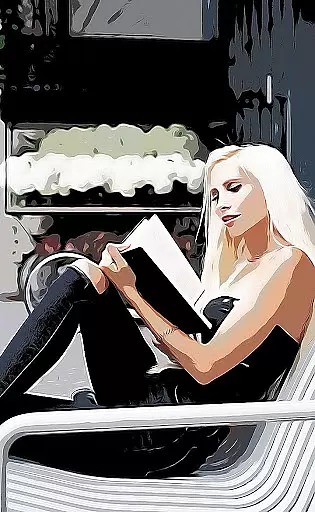
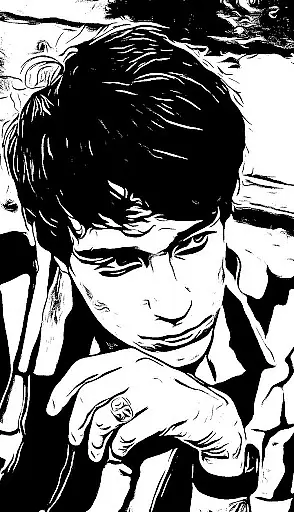
Cartoon Photo PRO is a premium photography app that transforms ordinary photos into artistic masterpieces. With advanced photo effects, it allows users to apply real-time filters and cartoon-style transformations using both front and back cameras. The app supports pinch-to-zoom, auto-focus, and one-touch photo capture, making it easy to create stunning visuals.
This app is perfect for photography enthusiasts who want to explore creative possibilities. Whether you're editing existing photos or capturing new ones, Cartoon Photo PRO offers a wide range of effects such as sketches, oil paintings, pencil drawings, and thermal vision. Its intuitive interface ensures a seamless experience for all users.
Cartoon Photo PRO stands out with its diverse features tailored for creative photography. Users can apply artistic effects like cartoon, sketch, and oil painting transformations to photos from their gallery or capture new images in real time. The app's pinch-to-zoom functionality and support for both front and back cameras enhance the user experience.
Additional features include one-touch photo saving, auto-focus by tapping the screen, and quick sharing options to connect with friends. With over 10 unique effects, including crosshatch and thermal vision, this app empowers users to express their creativity and produce professional-quality images effortlessly.
Real-time capture and preview functionality is essential for photography applications as it allows users to see the effects applied instantly. This feature ensures that users can make immediate adjustments before taking a photo.
Cartoon Photo PRO offers real-time effects that can be applied through the camera interface. Users can experiment with different artistic filters such as cartoon, sketch, and oil painting effects while framing their shots. The application supports both front and back cameras, providing flexibility in capturing selfies or other subjects.
The ability to pinch to zoom further enhances the user's control over the composition of their photos. With auto-focus enabled by simply tapping on the screen, users can ensure their subject is always sharp and well-defined. These features combined create an intuitive and responsive photography experience.
AI beauty and enhancement features are becoming increasingly popular in photography apps, offering users the ability to improve their photos with natural-looking results. The effectiveness of these enhancements lies in their subtlety and authenticity.
While Cartoon Photo PRO focuses on artistic effects, it also provides tools that enhance the overall quality of images. Users can apply a variety of impressive effects including thermal vision, crosshatch, and pencil drawing, which add unique touches to each photo. Although not traditional beauty enhancements, these effects allow for creative expression.
The app ensures that all images retain their original charm while adding an extra layer of creativity. By saving images or taking a photo quickly with a single touch of a button, users can effortlessly capture and share their enhanced photos. This seamless integration of AI-driven enhancements makes the editing process both enjoyable and efficient.
Wide range of effects
User-friendly interface
Real-time photo editing
No advertisements
High-quality results
Premium version cost
Requires storage space
Limited free features
Occasional bugs
Device compatibility

A collection of tools and reference tables for DPs, ACs, DITs and Operators.
 4.70
4.70
Photo Album Watch Face shows your favorite pictures as a Watchface.
1.90
Search, tag and rate your way to an organized image gallery
4.40
Transform photos into videos! Create realistic or anime-style images easily!
4.50
Over 800 film simulation recipes for Fujifilm. Black Friday Offer!
4.3
Turn your phone into a professional camera - full DSLR manual photography
4.30
See your baby AI baby face generator AI baby maker Face generator babymaker fun!
4.70
Unblur, enhance & restore photos with powerful AI photo enhancer tools.
4.60
Catch sunlight, sunrise sunset times and sun phases with the AR sun tracker.
4.10
Gallery show photo, video, slideshow, is perfect 3D effect private photo albums.
4.80
Photo editor: AI filters, photo enhancer, pic collage maker, AI art generator.
4.80
Enhance, retouch & create your story - Share the moment with Photoshop Express.
4.60
Create AI photos & videos with Enhancer; restore, fix, beautify, enhance photos
4.50
AI portrait generator and polaroid AI selfie, fun AI generated AI photo creator!
4.30
Virtual makeup, hair filters & body tuner—edit from face to full body!
4.20
Create & Edit with AI: AI Remove, Enhance, Retouch, Filter
4.10
Photobooth mini FULL app will allow you to add more fun to your parties
4.00
Pet Camera
3.70
Application for remote controlling DSLR
3.00


User Reviews