
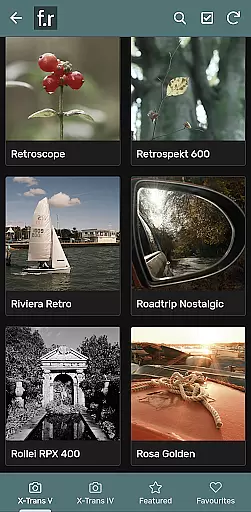

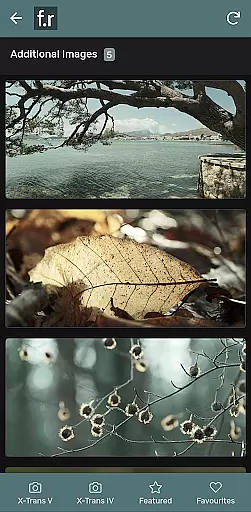
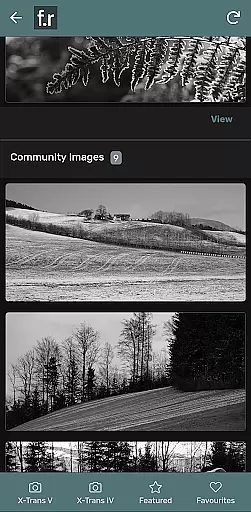
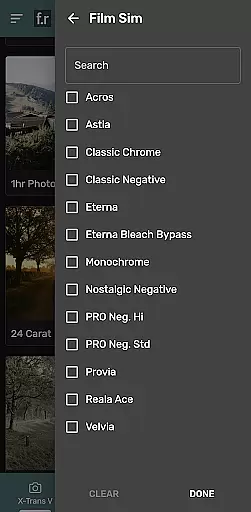
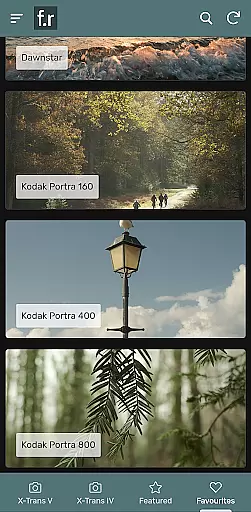
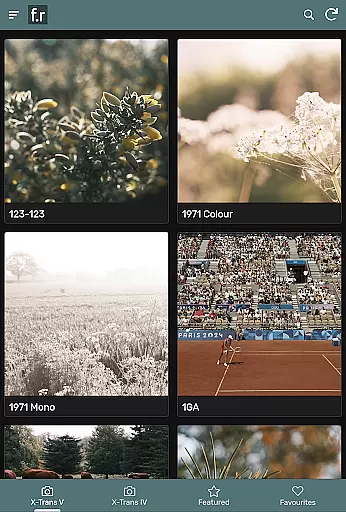
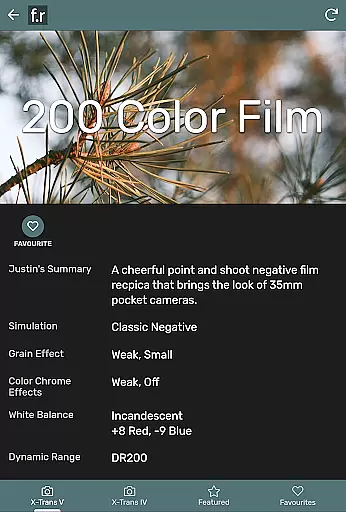
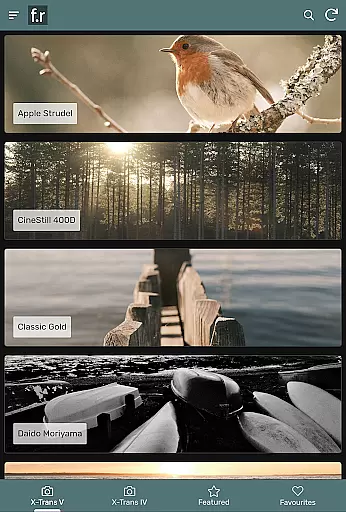
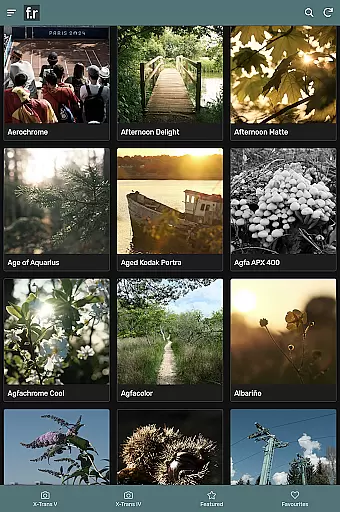
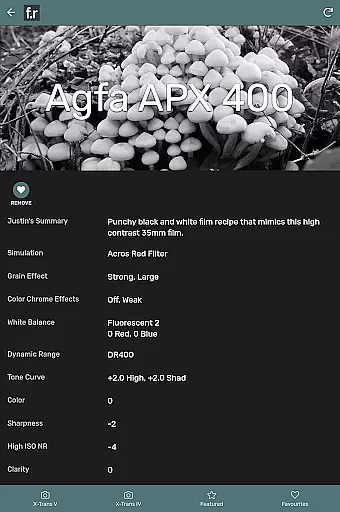
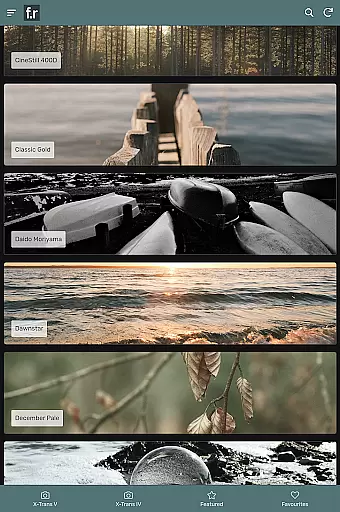
Film Recipes by Justin Gould is a specialized photography app designed for Fujifilm camera users, particularly those with X-Trans IV or V series models. The app provides over 800 film simulation recipes to help photographers capture stylish images straight out of the camera. These settings are inspired by real-world films like Portra and Kodachrome, offering a wide range of styles suitable for various shooting situations.
Key features include filtering options, search functionality, related recipe suggestions, and a shuffle mode to spark photographic creativity. Users can participate in photo challenges, contribute to galleries, engage in social groups, and save favorite recipes within the app. This comprehensive toolset makes it easier than ever to experiment with different photographic styles and achieve professional-looking results without extensive post-processing.
Whether you're using an X-T4, X-S10, or X100V, Film Recipes offers a practical solution for elevating your photography game. By providing direct camera-ready settings, this app saves time and enhances creative possibilities, making it an essential companion for both amateur and professional Fujifilm photographers looking to expand their artistic repertoire.
The Film Recipes app stands out with its extensive collection of over 800 unique film simulation recipes specifically designed for Fujifilm cameras. Each recipe represents carefully crafted JPEG settings that emulate the characteristics of popular film stocks such as Portra, Superia, and Kodachrome. This vast library covers numerous shooting scenarios and artistic styles, enabling photographers to achieve consistent and impressive results across different environments.
A key innovation is the app's sophisticated selection tools. Users can filter recipes by specific criteria, search for particular styles, view related recommendations, or use the shuffle feature for random inspiration. These navigation features make it easy to find the perfect setting for any situation. Additionally, the app supports community engagement through photo challenges, user galleries, and social discussion groups, fostering a collaborative environment for photographers to share their work and experiences.
Another notable aspect is its compatibility with recent Fujifilm models from the X-Trans IV and V generations. The app ensures that each recipe works seamlessly with supported cameras, including popular models like X-T4, X-S20, and X100VI. This integration allows users to directly implement chosen settings into their camera configurations, streamlining their workflow and maximizing creative potential while maintaining technical accuracy.
Film Recipes by Justin Gould offers real-time capture and preview capabilities, allowing photographers to see the effects of film simulation recipes instantly. This feature is crucial for those who want to ensure their creative vision is accurately captured without the need for post-processing.
The app includes over 800 film simulation recipes specifically designed for Fuji X cameras. These settings are inspired by real-world films like Portra and Kodachrome, providing a wide variety of styles that can be previewed live on your camera's LCD screen.
Photographers using Fujifilm cameras from the X-Trans IV or X-Trans V generations will find this feature particularly beneficial. By loading the selected recipe into their camera, they can preview how different settings affect the mood and style of their images before capturing the final shot.
This immediate feedback loop enhances the creative process, enabling users to experiment with different styles confidently. Whether shooting landscapes, portraits, or street photography, the ability to preview results in real time significantly improves efficiency and artistic expression.
While primarily focused on film simulations, Film Recipes also incorporates elements of AI beauty and enhancement, ensuring that images retain a natural look while benefiting from advanced processing techniques. This balance between enhancement and authenticity is vital for maintaining the integrity of the original scene.
The appu2019s vast collection of recipes includes settings that subtly enhance colors, contrast, and sharpness, mimicking the characteristics of classic films. These enhancements are carefully calibrated to avoid over-processing, preserving the natural aesthetics of the captured moment.
Users can apply these enhancements knowing that the app respects the boundaries of realistic image adjustments. The result is a collection of JPEG settings that elevate the quality of straight-out-of-camera images without compromising their genuine feel.
By integrating AI-driven enhancements with a focus on naturalness, Film Recipes empowers photographers to produce stunning images that reflect both technical precision and artistic authenticity. This approach ensures that every photograph tells a true story, enhanced yet unaltered.
Extensive film simulations
User-friendly interface
Active photography community
Regular content updates
Cross-device compatibility
Limited to Fujifilm cameras
Older models unsupported
Premium subscription required
Occasional loading delays
No Android widget support

AI portrait generator and polaroid AI selfie, fun AI generated AI photo creator!
 4.30
4.30
How would you look like with a differently shaped nose, chin or lips?
3.90
Perfect photos with body shaping, BG changer and object remover.
3.70
Safe & smart flight with Go Fly drone controller for 40+ drone camera, zone map
4.50
Professional video recording application with manual controls for filmmakers!
2.80
Edit like a pro with Hypic. Apply filters, AI effects, & magic touch.
4.40
Automatically backup your photos and videos to computer, NAS and Cloud services
4.60
Astrophotography with your smartphone, photo live stacking and much more!
3.90
Enhance, upscale, and transform your images — on your device, without limits
4.70
Create funny photos and videos with the popular Time Warp Scan filter.
4.90
Amazing Photo Effects - The most fun you can have with your photos!
4.70
Easily view, share, delete photos with Gallery.
4.70
The original Rarevision VHS look seen everywhere!
4.70
Viewfinder, Light meter, Reciprocity failure time, DOF & Bellows Extension
4.60
Cut and paste photo editor & eraser to customize photos easy and swap faces fun
4.50
Photo Exif Editor allows to view, add and modify EXIF data of multiple photos
4.50
Movie camera, supports pro recording settings for filming. Try it and be amazed!
4.50
Trendy TikTok time warp scan funny filter app brings you unique photos & videos.
4.40
Easily stitch panoramas from multiple photos or video.
4.40


User Reviews