

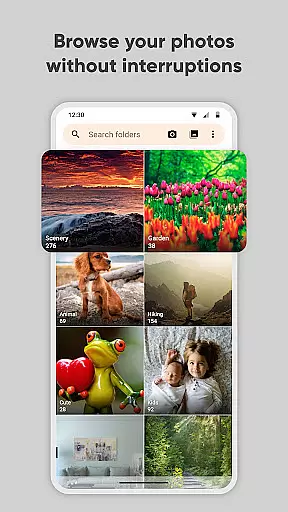
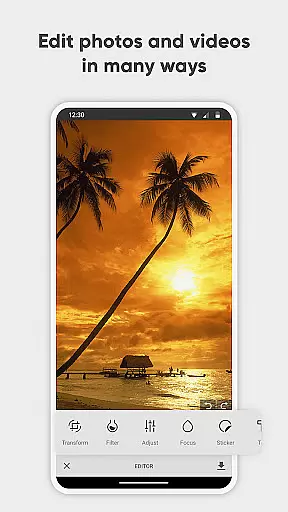
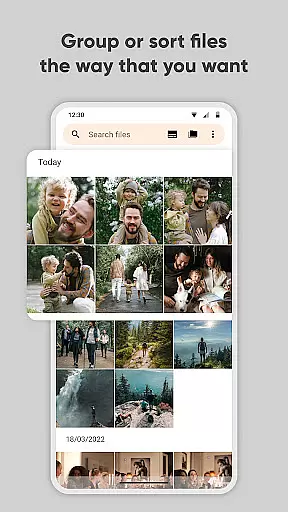
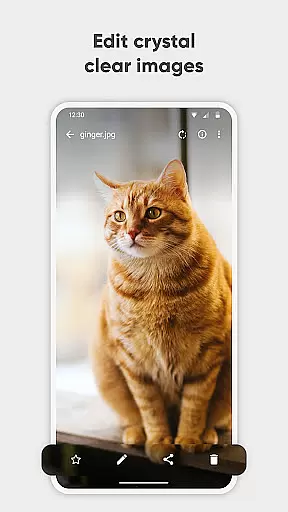
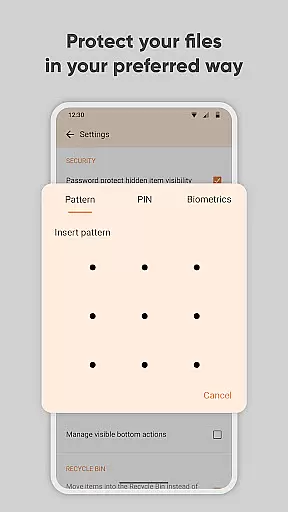
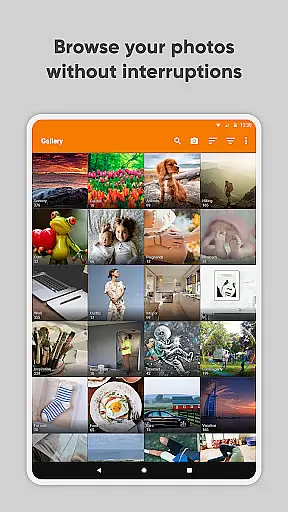
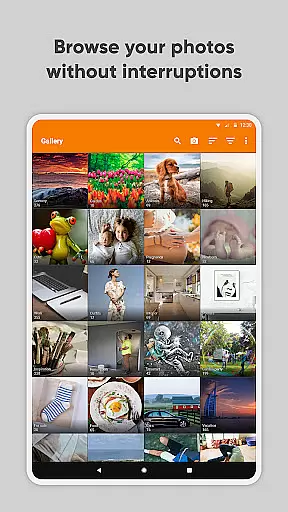
Simple Gallery Pro is a comprehensive photography app that brings advanced photo viewing, editing, and management features to Android users. This app allows you to browse, manage, crop, and edit photos or videos with remarkable speed and ease. One of its standout features is the ability to recover accidentally deleted files, ensuring that your precious memories are not lost forever. Additionally, Simple Gallery Pro supports the creation of hidden galleries for your private images and videos, providing an extra layer of security.
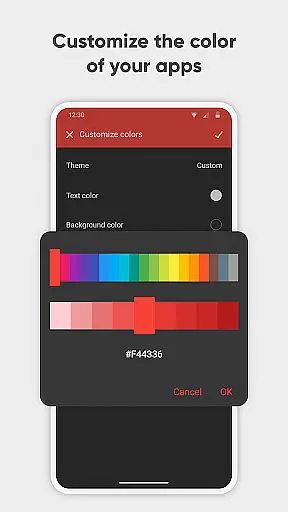
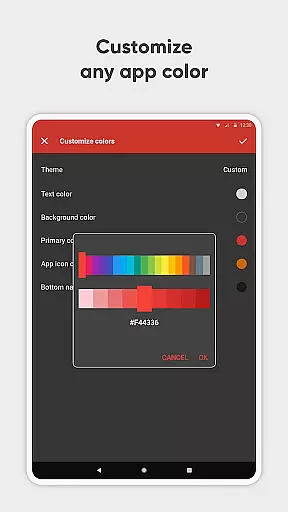
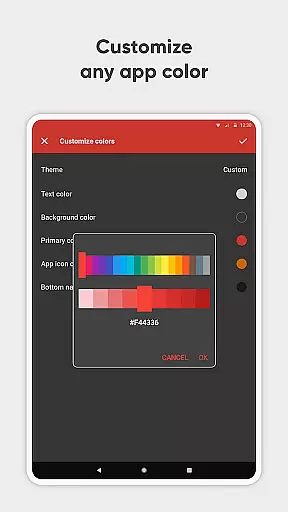
The app supports a wide variety of file types including JPEG, PNG, MP4, MKV, RAW, SVG, GIF, panoramic photos, and more, offering unparalleled flexibility in format choice. With customizable design options, you can tailor the UI and function buttons to suit your preferences. Whether you need an advanced photo editor, a secure vault for your media, or a versatile file organizer, Simple Gallery Pro delivers a complete solution for all your photography needs.
Simple Gallery Pro stands out with its advanced photo editing capabilities. The app offers intuitive gestures that make it easy to edit images on the fly. You can crop, flip, rotate, resize pictures, and apply stylish filters to enhance your photos instantly. These features ensure that even novice users can achieve professional-looking results with minimal effort.
Beyond editing, Simple Gallery Pro provides robust file management features. It supports a vast array of file formats, making it a versatile tool for both casual and professional photographers. The app's customization options allow you to modify the interface and functionality to match your workflow. Furthermore, the inclusion of recovery options for deleted photos and videos ensures that you never lose important content due to accidental deletion. With its user-friendly design and powerful features, Simple Gallery Pro is an indispensable tool for managing and enhancing your digital media library.
Real-time capture and preview functionality is essential for ensuring that every photo or video taken meets the user's expectations without delay. Simple Gallery Pro offers an intuitive interface where users can instantly see the results of their captures, making it easier to adjust settings on-the-fly.
The application supports a wide array of file types including JPEG, PNG, MP4, and even RAW formats. This versatility ensures that whether you're snapping quick shots or engaging in professional photography, the app accommodates all your needs with precision.
With real-time previews, users can make immediate decisions about their photos and videos. The ability to crop, flip, rotate, resize, and apply filters right after capture streamlines the editing process, saving valuable time while maintaining creative control.
Ultimately, this feature enhances the overall user experience by providing instant feedback and allowing for swift adjustments. It empowers photographers to focus more on creativity rather than post-processing, ensuring that each shot is as perfect as possible before moving on to the next.
AI beauty and enhancement features are revolutionizing how we edit our photos, offering natural-looking improvements without manual intervention. Simple Gallery Pro leverages advanced algorithms to automatically enhance facial features, skin tones, and lighting conditions, resulting in stunning yet authentic images.
This intelligent system works seamlessly across various file formats supported by the app, such as JPEG, PNG, and RAW. By analyzing each image individually, the AI applies enhancements tailored specifically to its content, preserving original details while elevating visual appeal.
Users benefit from customizable options that allow them to fine-tune these enhancements according to personal preferences. Whether looking for subtle touch-ups or dramatic transformations, the app provides tools that cater to diverse aesthetic tastes without compromising on quality.
By integrating AI-driven enhancements, Simple Gallery Pro not only simplifies the editing process but also sets a new standard for digital photo retouching. Its commitment to delivering natural results ensures that every edited image retains its unique character, enhancing memories beautifully and effortlessly.
User-friendly interface
Advanced photo editing tools
Wide file format support
Customizable UI and features
Secure media protection
Limited cloud integration
No built-in social sharing
Advanced features may overwhelm beginners
Occasional performance lags
Requires manual updates

AI portrait generator and polaroid AI selfie, fun AI generated AI photo creator!
 4.30
4.30
Add Watermark - Sign your pictures with a text or logo. Effective, quick, easy!
4.50
Cut and paste photo editor & eraser to customize photos easy and swap faces fun
4.50
Pet Camera
3.70
Be your best in every shot! Fix, edit and retouch your face in selfies & photos.
3.70
A reflected light meter with spot metering and incident light metering.
4.40
Use AI Video Generator to turn your words to ai generated videos.
4.50
Turn photos into cartoons & avatars! - Photo Editor, Cartoon Face!
3.90
Snap photos remotely using your Garmin watch as the camera trigger
4.0
Pro version: AR sun/moon tracker for any date. Tool for photographers & planners
4.90
Enhance, retouch & create your story - Share the moment with Photoshop Express.
4.60
Take videos and pictures with the popular TikTok TIME WARP SCAN filter.
4.60
Unblur, enhance & restore photos with powerful AI photo enhancer tools.
4.60
Turn your phone into a professional camera - full DSLR manual photography
4.30
Create & Edit with AI: AI Remove, Enhance, Retouch, Filter
4.10
Photo editor: face & body editor, beauty cam, filters and quality enhancer.
4.00
Photobooth mini FULL app will allow you to add more fun to your parties
4.00
How would you look like with a differently shaped nose, chin or lips?
3.90
Remote control the phone camera shutter from your smartwatch and take a picture
1.60


User Reviews