
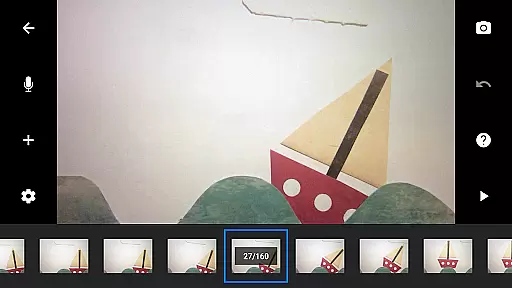
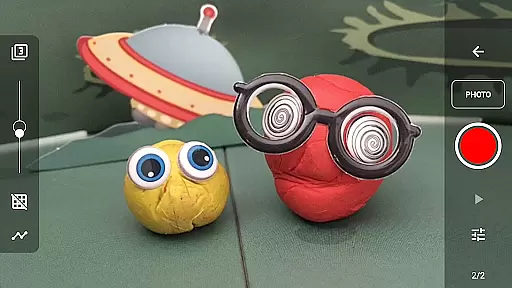
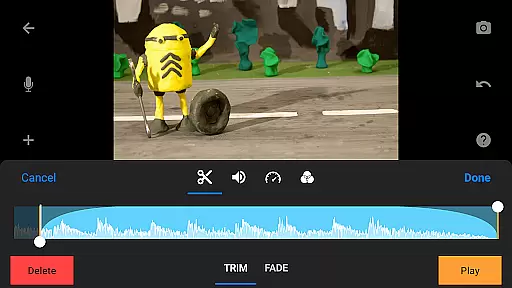
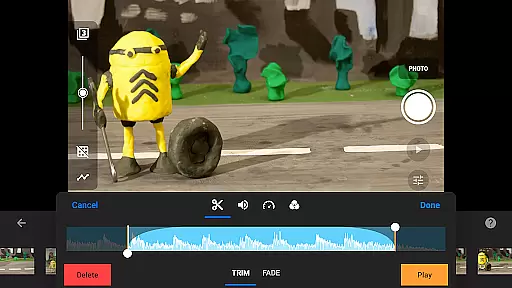
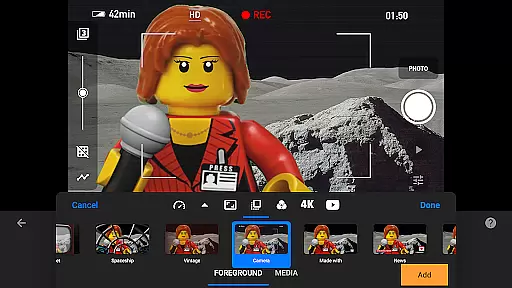
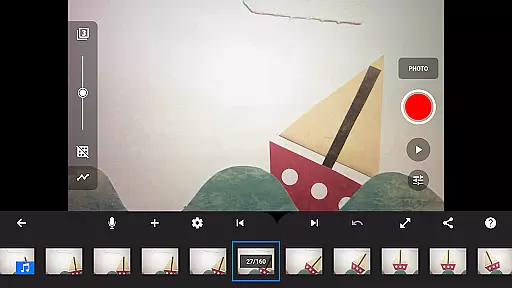
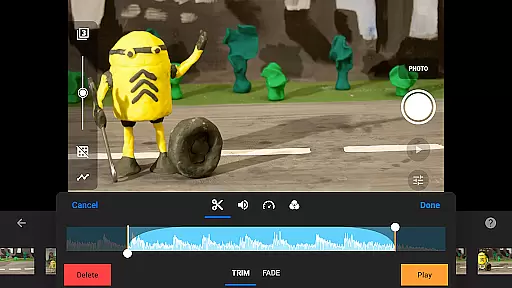
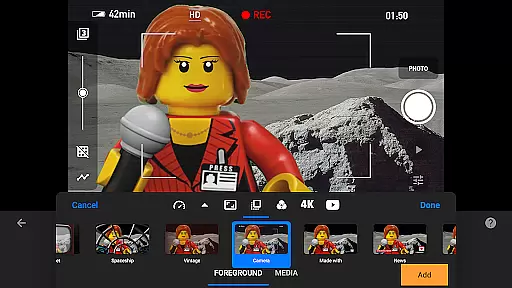
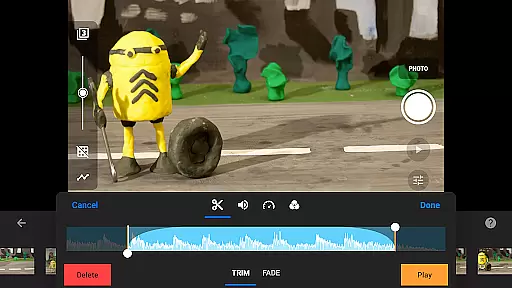
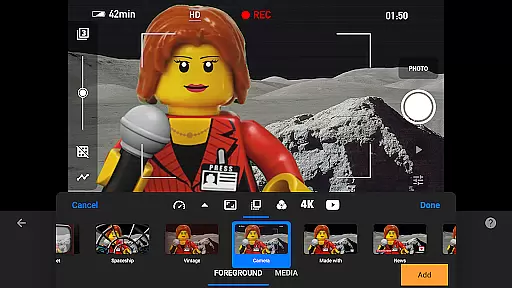
Stop Motion Studio Pro is the ultimate app for creating professional-quality stop motion animations. This powerful tool offers a complete suite of features that makes moviemaking accessible to both beginners and experienced animators. The app's intuitive interface allows users to easily capture frames, edit movies, and add finishing touches.
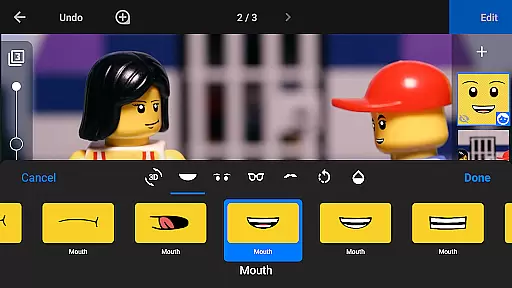
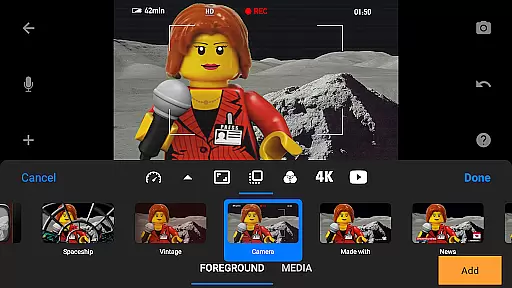
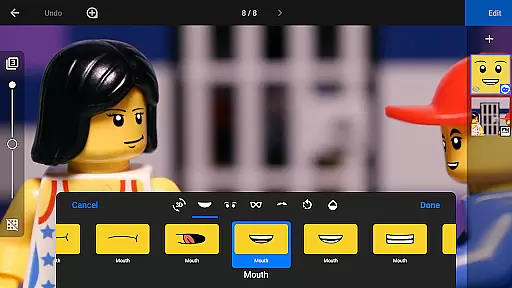
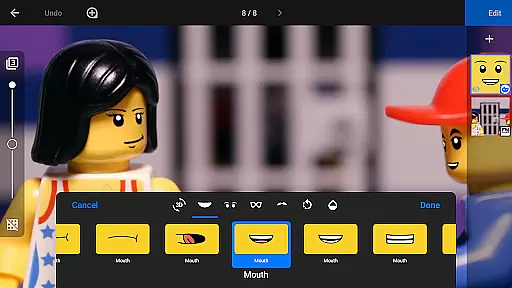
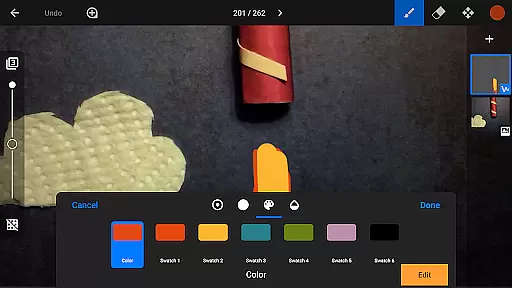
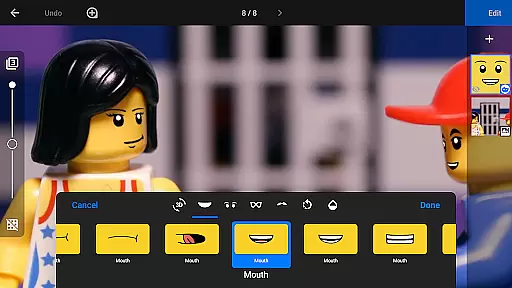
With advanced features like rotoscoping, green screen effects, and animation guides, Stop Motion Studio Pro enables creators to produce stunning animations with precision and control. The built-in layer-based image editor provides tools for adding text, speech bubbles, and facial expressions, while the comprehensive sharing options let users export their creations in various formats including 4K video and animated GIFs.
Ideal for filmmakers, educators, and hobbyists, this app transforms any iOS or Android device into a full-featured animation studio. Whether you're creating professional projects or simply having fun with family videos, Stop Motion Studio Pro delivers everything needed to bring your ideas to life.
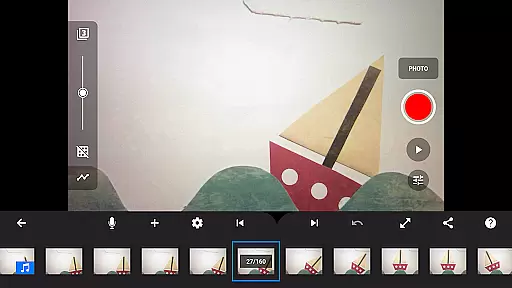
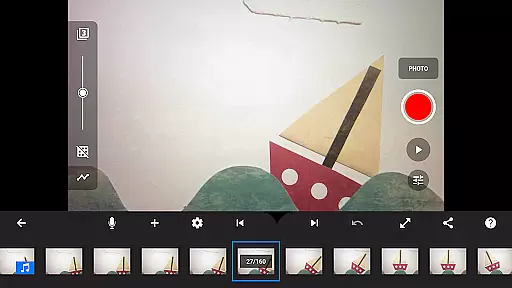
Stop Motion Studio Pro stands out with its extensive feature set designed for professional-grade animation. The app includes an innovative overlay mode that displays frame differences, helping animators maintain consistency between shots. Its interactive timeline keeps projects organized, even when working with hundreds of frames.
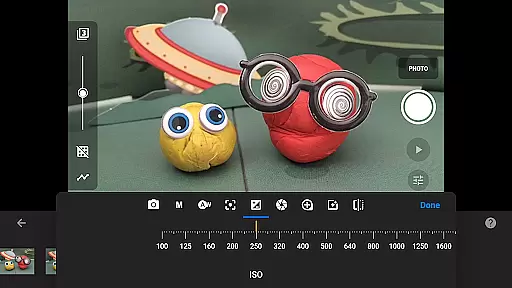
The app's powerful capture tools offer adjustable time intervals and full camera controls, including manual settings for white balance, focus, and exposure. Users can connect external devices as remote cameras and utilize the built-in layer-based image editor for detailed frame manipulation. Advanced features like rotoscoping and green screen effects enable sophisticated visual techniques.
Sharing capabilities are equally impressive, with options to export projects in 4K resolution, save as animated GIFs, or transfer files via cloud services. The app also supports cross-platform project continuity, allowing seamless transitions between mobile devices and desktop computers. These features combine to create a versatile tool suitable for both casual and professional animation projects.
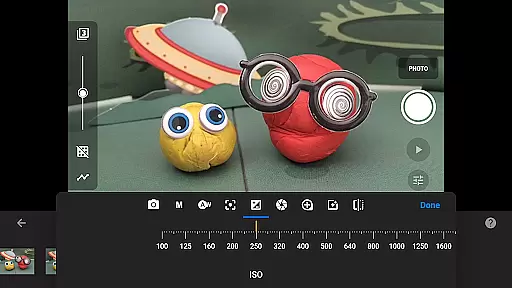
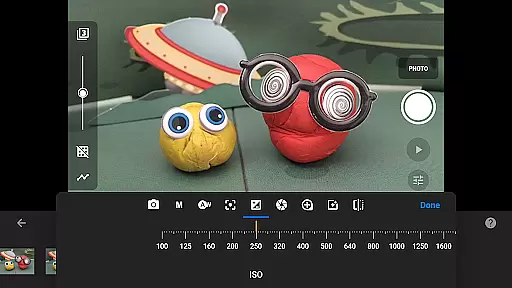
Stop Motion Studio Pro offers a powerful real-time capture feature that allows users to create stop-motion animations with precision and ease. The app provides full camera control, including adjustable time intervals, manual white balance, focus, exposure, ISO, and shutter speed settings.
The ability to use a second device as a remote camera enhances the capturing process, providing flexibility and convenience. This feature is particularly beneficial for animators who require exact framing and timing in their projects.
With its professional-grade tools, users can capture high-quality images while previewing their work in real time. This ensures that each frame meets the desired visual standards before finalizing the animation, thus saving time during post-production.
The combination of advanced camera settings and real-time preview empowers both amateur and professional animators to produce studio-quality stop-motion films directly from their mobile devices.
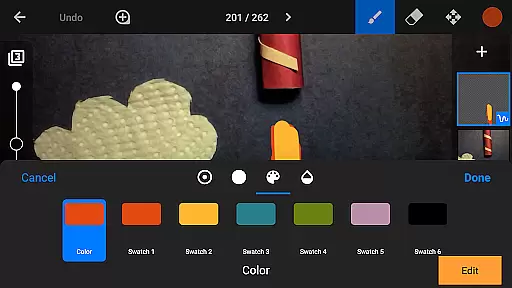
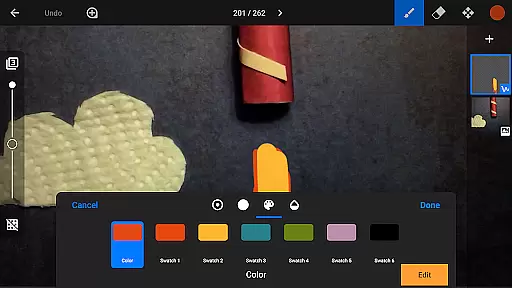
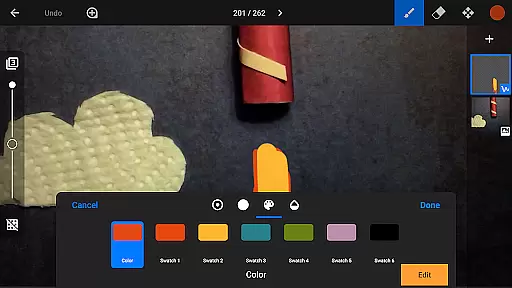
While Stop Motion Studio Pro doesn't specifically market itself as having AI beauty features, it does offer powerful image enhancement tools that help create natural-looking animations. The app includes a layer-based image editor that allows users to touch up frames, add facial expressions, and enhance overall image quality.
These enhancement features maintain the authenticity of stop-motion animation while providing options to refine details. Users can paint, sketch, or erase unwanted objects without compromising the organic feel of their creations.
The app's comprehensive editing suite enables animators to achieve professional results without relying on artificial enhancements. This approach preserves the handmade quality that's essential to traditional stop-motion techniques.
By focusing on natural enhancement rather than artificial beautification, Stop Motion Studio Pro maintains the integrity of stop-motion animation while offering tools that help polish the final product.
User-friendly interface
Comprehensive editing tools
Professional-grade features
Extensive sharing options
Cross-platform compatibility
Steep learning curve
High resource requirements
Limited free version
Occasional performance issues
Complex interface for beginners

Long exposure camera with computational photography
 2.60
2.60
HD Photo gallery and photo manager to edit, hide private photos, videos & albums
4.1
Viewfinder, Light meter, Reciprocity failure time, DOF & Bellows Extension
4.60
How old age camera Gender Swap App Face Shape Hairstyle App Hair Styler App fun!
4.00
See your baby AI baby face generator AI baby maker Face generator babymaker fun!
4.70
Fit multiple photos on one post. Create carousels & scroll layouts for Instagram
4.50
Snap photos remotely using your Garmin watch as the camera trigger
4.4
Your personal guide to the sun and moon. Plan ahead, visualize and predict!
4.70
Welcome to ProShot, the most powerful camera app on Android.
4.20
Amazing Photo Effects - The most fun you can have with your photos!
4.70
Android Native system HD camera app. Never been so simple and faster.
4.70
Automatically backup your photos and videos to computer, NAS and Cloud services
4.60
Easily create custom gifts, cards, photo books & more on the Shutterfly app!
4.60
Search, tag and rate your way to an organized image gallery
4.40
A reflected light meter with spot metering and incident light metering.
4.40
[3DSteroid Pro] is a stereoscopic application for Android.
4.30
Astrophotography with your smartphone, photo live stacking and much more!
3.90
Perfect photos with body shaping, BG changer and object remover.
3.70
Application for remote controlling DSLR
3.00


User Reviews