
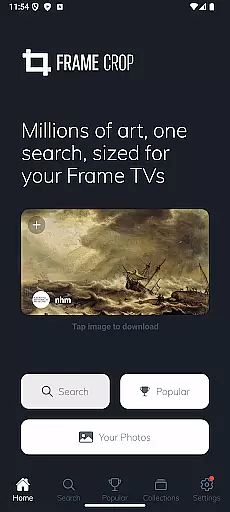
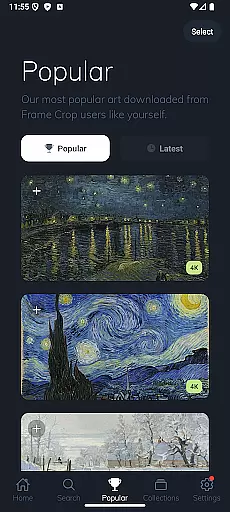
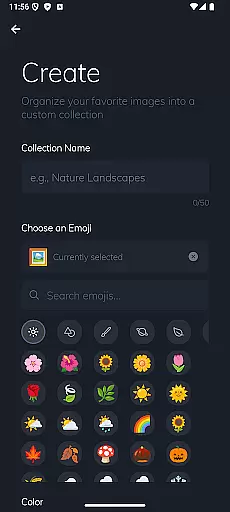
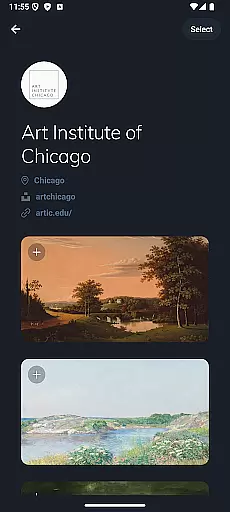
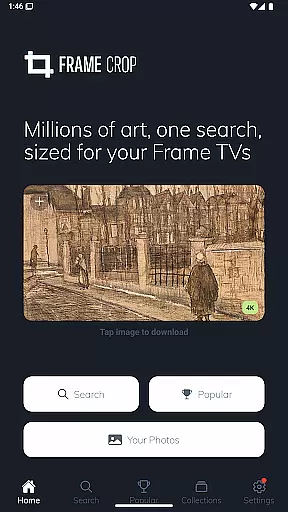
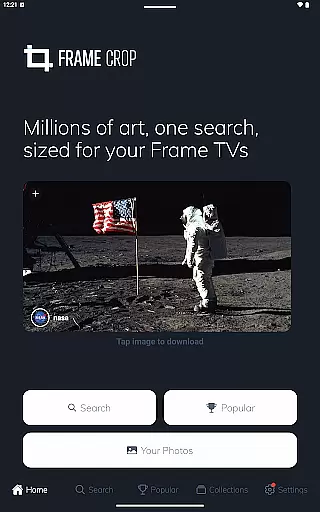
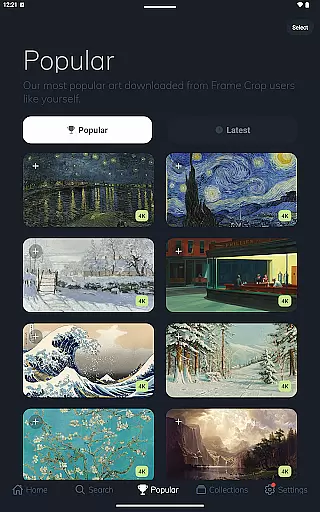
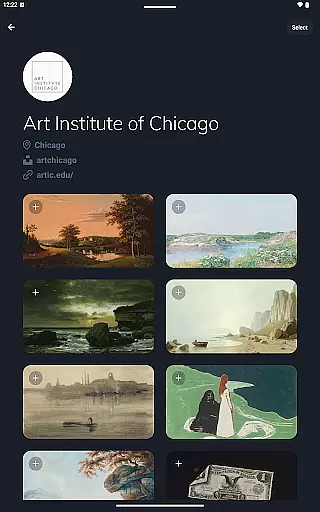
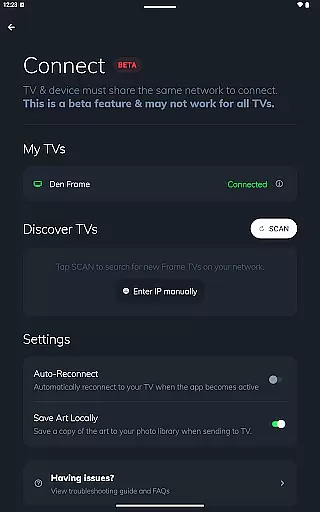
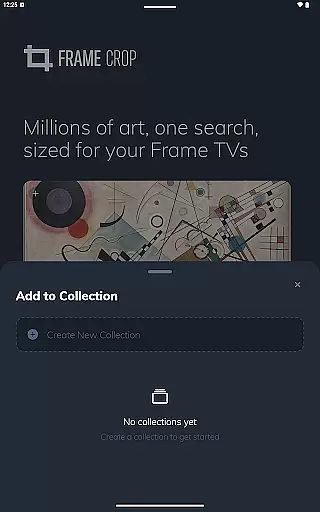
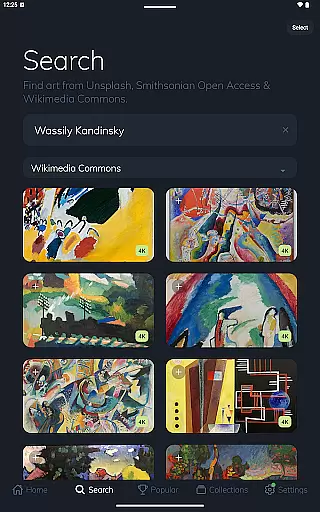
Frame Crop is a specialized application designed for Samsung Frame TV and Hisense CanvasTV owners who wish to enhance their viewing experience with personalized artwork. This app allows users to browse, crop, and download high-quality images from renowned libraries such as Smithsonian and Unsplash. With an intuitive interface, it simplifies the process of adjusting photos to fit the unique borderless display of these TVs.
The core functionality revolves around its powerful cropping tool which ensures every image looks perfect on screen. Whether you want to showcase cherished memories or professional art pieces, Frame Crop provides the means to match your TV's display with your personal style or home decor. The app supports both landscape and portrait orientations, making it versatile for different room settings.
Ideal for art enthusiasts and travelers alike, this app brings a gallery-like experience into your living room. By integrating with SmartThings, users can conveniently switch between artworks, creating an ever-changing display that reflects their mood or interior design preferences.
Frame Crop stands out with its comprehensive set of features tailored specifically for optimizing visual content on Samsung Frame TV and Hisense CanvasTV. One of its key attributes is the advanced photo cropping tool, which allows precise adjustments to ensure images fill the screen perfectly without distortion. This feature is particularly beneficial for those who have portrait-mounted TVs, offering flexibility in how art is displayed.
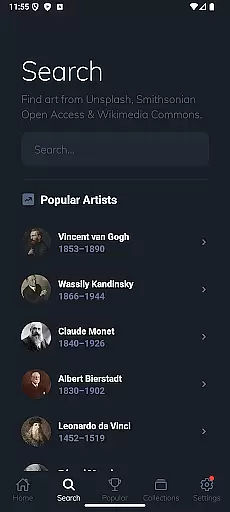
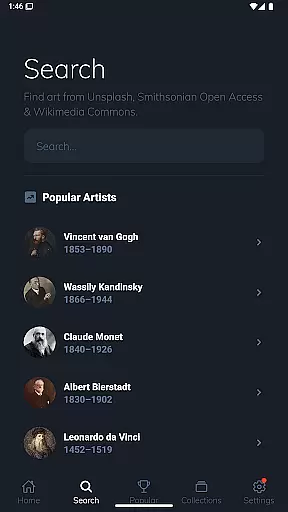
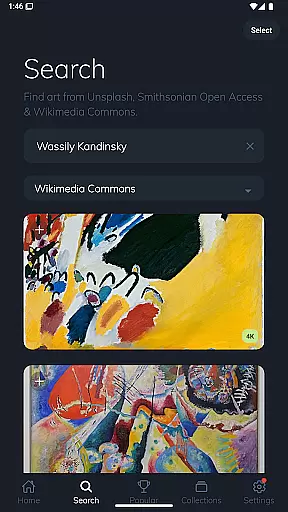
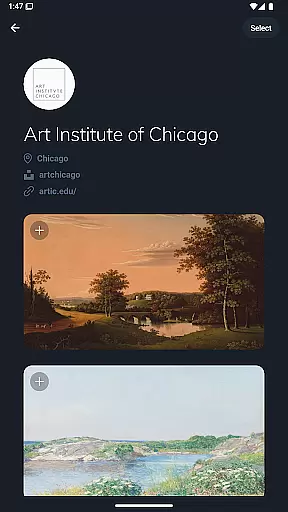
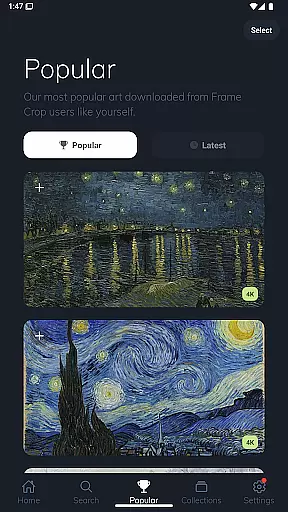
Beyond basic cropping, the app grants access to extensive libraries including Smithsonian Open Access, Unsplash, and Wikimedia Commons. These repositories contain thousands of high-resolution images spanning various categories like art, landscapes, and animals. Users can search through this vast collection to find pieces that resonate with their aesthetic preferences or complement their home environment.
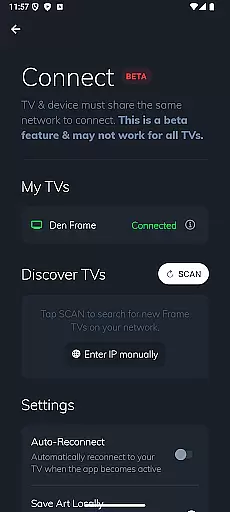
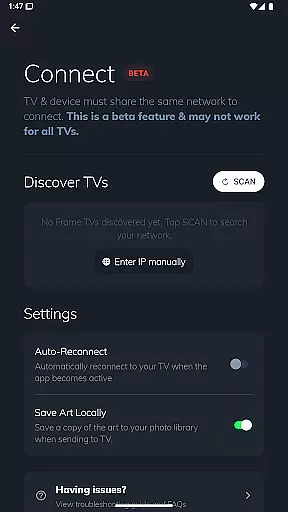
Another notable aspect is the seamless integration with SmartThings, enabling effortless management of displayed content. This connectivity allows for dynamic updates and customization options, ensuring that the art shown on your TV remains fresh and engaging over time.
Real-time capture and preview functionality is essential for ensuring that the images displayed on your Samsung Frame TV or Hisense CanvasTV are perfectly aligned with your expectations. This feature allows users to see exactly how their selected artwork, photos, or paintings will look on their TV screens before finalizing the display.
Frame Crop excels in this area by providing intuitive cropping tools that enable users to adjust images precisely to fit the unique borderless display of their TVs. The app supports both landscape and portrait orientations, catering to various mounting options and artistic preferences.
Users benefit from the ability to instantly preview changes, ensuring that every piece of art matches their mood or home decor seamlessly. With access to thousands of high-resolution images from renowned libraries like Smithsonian Open Access and Unsplash, users can experiment with different visuals until they achieve the perfect aesthetic.
This real-time functionality not only enhances user satisfaction but also saves time by eliminating guesswork. Whether showcasing personal memories or professional artwork, Frame Crop's real-time capture and preview features guarantee a flawless presentation every time.
AI beauty and enhancement features have become increasingly important in photography apps, offering users the ability to optimize and enhance their images while maintaining a natural appearance. For Frame Crop, these enhancements focus on refining artwork and photos specifically for display on Samsung Frame TVs and Hisense CanvasTVs.
The application leverages advanced AI algorithms to automatically adjust image parameters such as brightness, contrast, and color balance. These adjustments ensure that each piece of art looks vibrant and true to its original form when viewed on a large screen. Additionally, the app provides manual controls for users who prefer more granular customization over their visual content.
One significant advantage of Frame Crop's AI enhancements is the preservation of authenticity. Unlike other apps that might overly process images, Frame Crop maintains the integrity of the original artwork, whether it's a cherished family photo or a masterpiece from the Smithsonian collection.
By combining powerful AI technology with user-friendly interfaces, Frame Crop delivers an unparalleled experience in digital art display. Users can confidently showcase their favorite pieces, knowing that each image has been optimized for maximum impact without sacrificing natural beauty.
User-friendly interface
Extensive art library
Precise cropping tools
SmartThings integration
Versatile orientation support
Limited to specific TV models
Requires internet connection
Some features may need subscription
Occasional loading delays
Dependent on third-party libraries

A collection of tools and reference tables for DPs, ACs, DITs and Operators.
 4.70
4.70
Add Watermark - Sign your pictures with a text or logo. Effective, quick, easy!
4.50
Android Native system HD camera app. Never been so simple and faster.
4.70
Create collages easily! Nice pic collage maker & background eraser for Instagram
4.50
Be your best in every shot! Fix, edit and retouch your face in selfies & photos.
3.70
A must-have app for landscape photographers
4.60
Enhance, retouch & create your story - Share the moment with Photoshop Express.
4.60
Easily create custom gifts, cards, photo books & more on the Shutterfly app!
4.60
Astrophotography with your smartphone, photo live stacking and much more!
3.90
Gallery show photo, video, slideshow, is perfect 3D effect private photo albums.
4.80
Easily view, share, delete photos with Gallery.
4.70
The original Rarevision VHS look seen everywhere!
4.70
AI photo editor with hair editor, retouch tools, hair color changer & filters!
4.50
Edit like a pro with Hypic. Apply filters, AI effects, & magic touch.
4.40
A reflected light meter with spot metering and incident light metering.
4.40
Luminar: Photo Editor - easy picture editing with AI
4.20
All-in-One Editor & AI Photo Enhancer, Collage, Cartoonify, Funny Stickers & BGS
4.10
Photobooth mini FULL app will allow you to add more fun to your parties
4.00
USB Storage Access for Photos, Videos, Music and Documents
3.80


User Reviews