
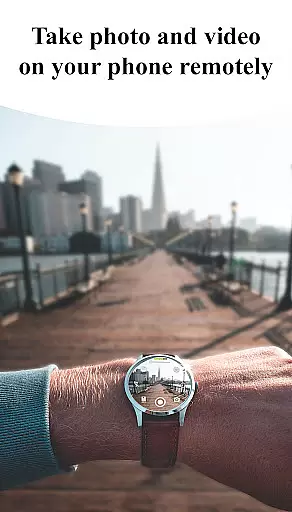
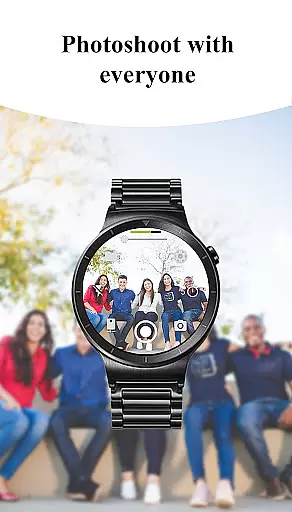
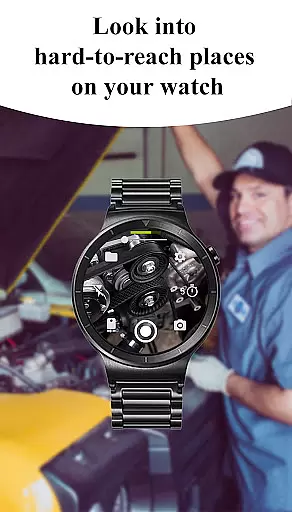
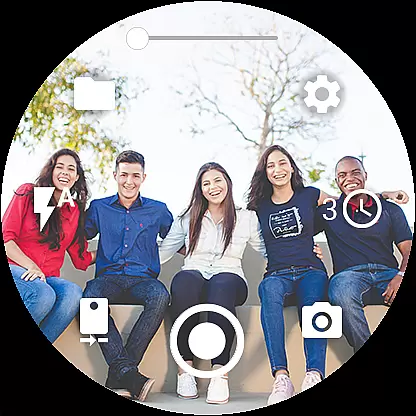
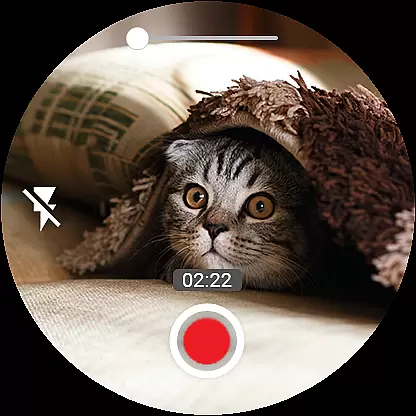

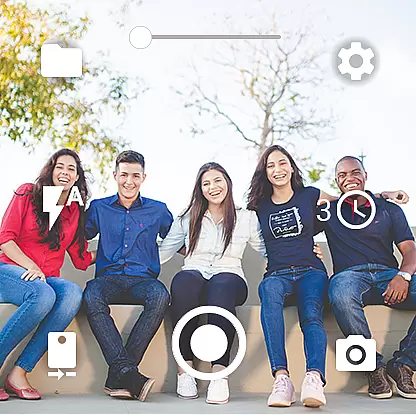
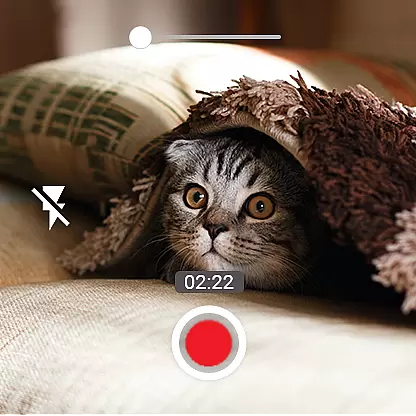
Camera Control for Wear OS is a powerful photography application that allows users to remotely operate their phone's camera directly from a Wear OS smartwatch. The app offers an impressive range of functionalities including three shooting modes, advanced camera settings like Bokeh and HDR, and precise timer setup options. With features such as flash control, quick camera switching, and zoom adjustment, it provides comprehensive control over both photo and video capture.
The app supports wide-angle photography, high-framerate video recording at 30 or 60 fps, and various aspect ratios. It also enables geotagging, orientation lock, and screen-off capture capabilities. Additional conveniences include wireless connectivity via Bluetooth and Wi-Fi, automatic image rotation on the watch display, and gesture-based controls. These robust features make Camera Control for Wear OS an essential tool for photographers seeking versatile and convenient shooting options right from their wrist.
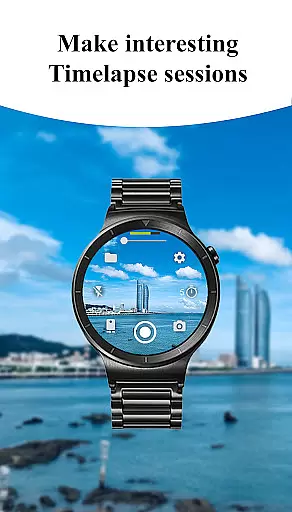
One of the standout aspects of Camera Control for Wear OS is its diverse feature set tailored for different photography needs. The app includes three distinct shooting modes - photo capture, video recording, and timelapse creation - each designed to provide effortless control over varying types of content generation. Advanced camera modes such as Bokeh, HDR, Night mode, and Auto settings ensure optimal image quality based on lighting conditions and user preferences.
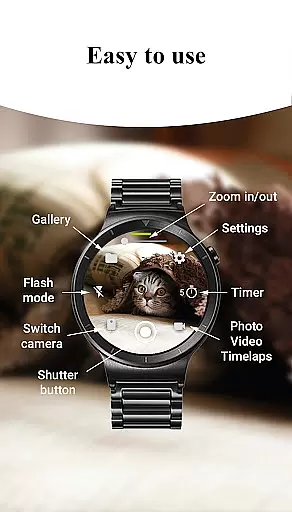
Practical tools like timer setup, flashlight activation, and flash mode selection give users enhanced command over their shooting environment. The ability to switch between front and rear cameras seamlessly, adjust photo/video quality settings, and control zoom levels directly from the smartwatch adds another layer of versatility. Furthermore, specialized options like wide-angle support, 4K video capture, and flexible storage choices (SD card or internal memory) cater to more demanding photographic requirements, making this app suitable for both casual snapshots and professional-grade imagery.
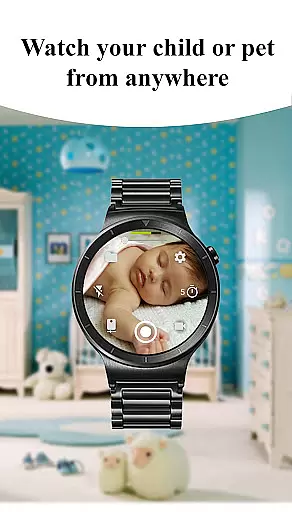
Real-time capture and preview functionality is essential for ensuring that every photo or video taken meets your expectations. With Camera Control for Wear OS, users can directly control their phone's camera from their smartwatch, providing a seamless experience. This app allows you to choose between different shooting modes including photo, video, and timelapse, all while previewing the scene in real-time on your watch.
The app supports advanced camera modes such as Bokeh, HDR, Night, and Auto, which are designed to enhance image quality based on the environment. By setting up timers directly from the watch, users can ensure precision in their photography. Additionally, flash and flashlight controls are accessible, enabling multiple flash modes and independent flashlight activation to illuminate any scene effectively.
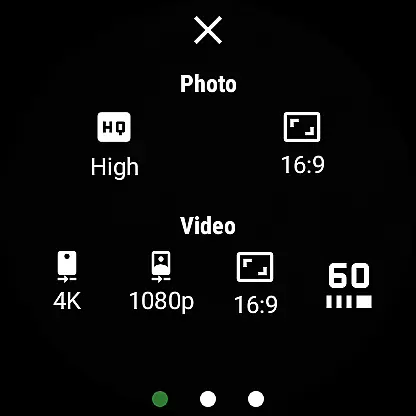
Quick camera switching between front and rear cameras adds versatility to photography, allowing users to capture moments from any angle effortlessly. Quality settings can be adjusted directly from the watch, giving users control over photo and video quality for both front and rear cameras. Zoom control further enhances this by letting users zoom in and out by simply controlling the phone's camera zoom from their smartwatch.
AI beauty and enhancement features have become increasingly popular in photography apps, aiming to improve image quality while maintaining a natural look. Camera Control for Wear OS incorporates AI-driven functionalities that allow users to enhance their photos with authenticity. The app offers wide-angle camera support and high-framerate video recording at 30 or 60 frames per second, ensuring smooth, professional-grade footage without compromising the natural essence of the captured moment.
Aspect ratio options provide flexibility in framing, allowing users to select between 4:3 and 16:9 ratios for perfect composition. Stunning 4K video capability captures breathtaking moments in high resolution on supported devices, preserving details that matter. Geotagging adds location data to photos and videos, documenting where each memory was made, while camera orientation lock keeps the camera fixed in vertical, horizontal, or auto-rotate mode for consistent shooting.
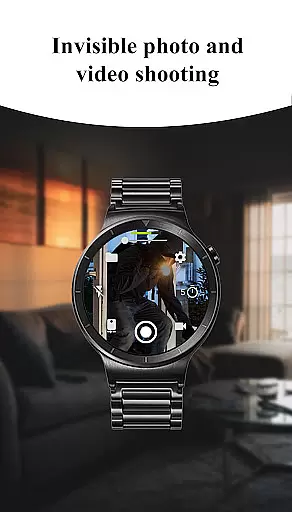
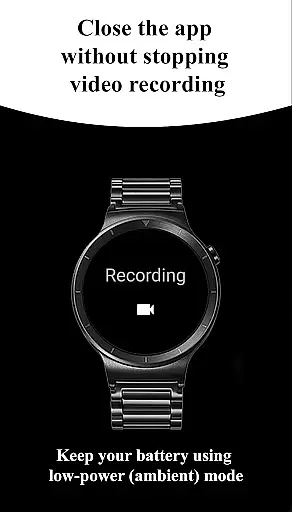
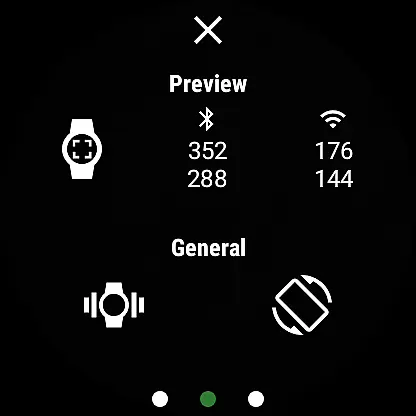
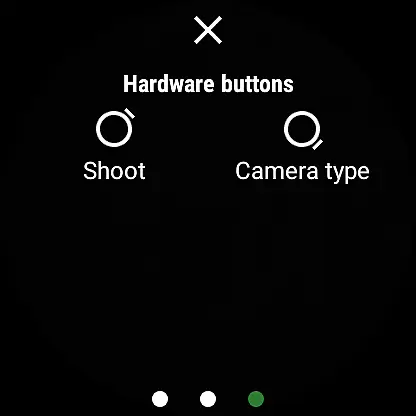
Additional features like screen-off capture enable taking photos and videos even when the phone screen is off or locked, adding convenience to the user experience. Wireless connectivity through Bluetooth and Wi-Fi ensures seamless control, while automatic image rotation on the watch facilitates easy viewing. Gesture and button control, along with the option to hide control buttons, offer an intuitive and distraction-free interface, making photography more accessible and enjoyable.
User-friendly interface
Comprehensive camera control
Advanced shooting modes
Wireless connectivity
Screen-off capture functionality
Device compatibility issues
Limited to Wear OS
Complex for beginners
Battery consumption
Premium feature costs

AI portrait generator and polaroid AI selfie, fun AI generated AI photo creator!
 4.30
4.30
1M influencer's special filter
4.60
Virtual makeup, hair filters & body tuner—edit from face to full body!
4.20
Photo editor: AI filters, photo enhancer, pic collage maker, AI art generator.
4.80
Unblur, enhance & restore photos with powerful AI photo enhancer tools.
4.60
RAW video capture with advanced controls
4.40
Snap photos remotely using your Garmin watch as the camera trigger
4.1
PhotoSync Bundle Add-On License. Enables all features and services in PhotoSync.
4.60
Edit photos with the picture generator: PS2 & AI Clay filters, cartoon effects.
4.50
Cut and paste photo editor & eraser to customize photos easy and swap faces fun
4.50
Photo editor & gallery. Crop pictures & edit photos offline, no wifi!
4.50
Use AI Video Generator to turn your words to ai generated videos.
4.50
[3DSteroid Pro] is a stereoscopic application for Android.
4.30
Natural Beauty, Selfie Retouch
4.30
Catch sunlight, sunrise sunset times and sun phases with the AR sun tracker.
4.10
live datamoshing
4.00
Turn photos into cartoons & avatars! - Photo Editor, Cartoon Face!
3.90
GCamera allows all GCam features on all phone models! Better photos with GCamera
3.30
Superimpose one photo on top of another using the original Superimpose app!
3.20


User Reviews