
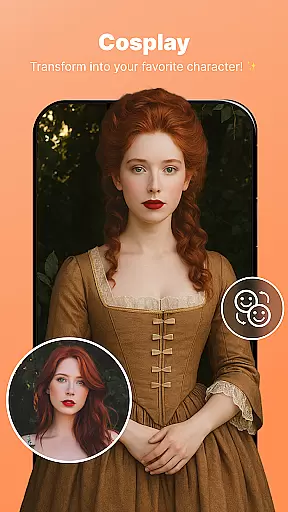
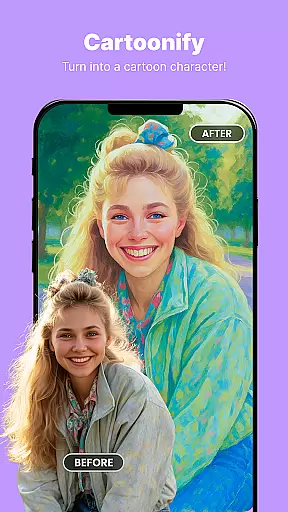
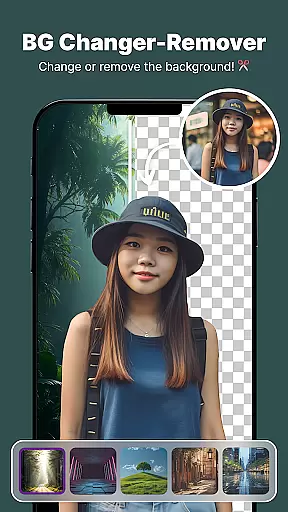
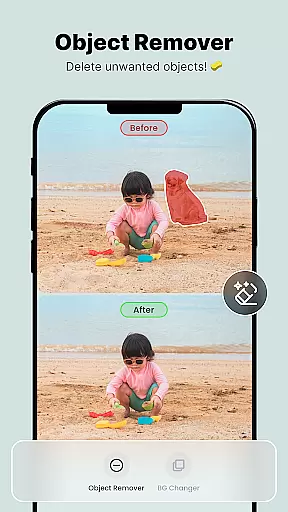
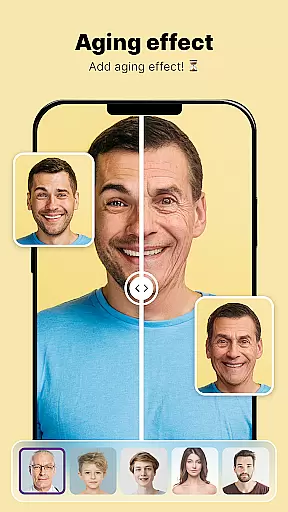
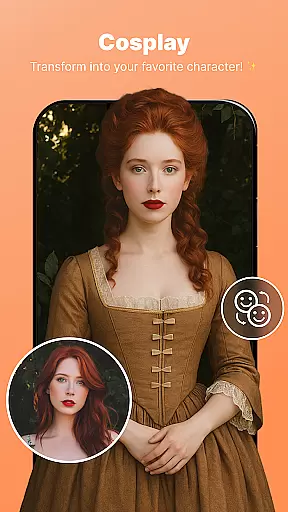
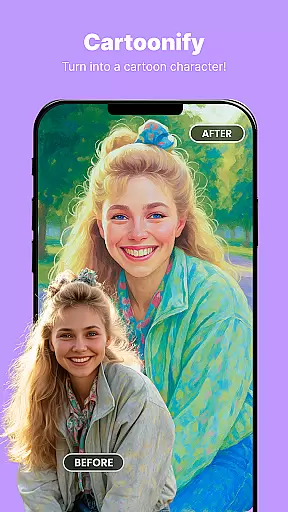
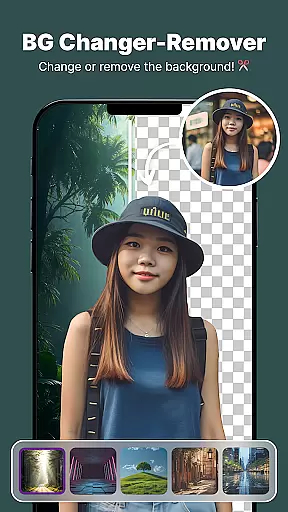
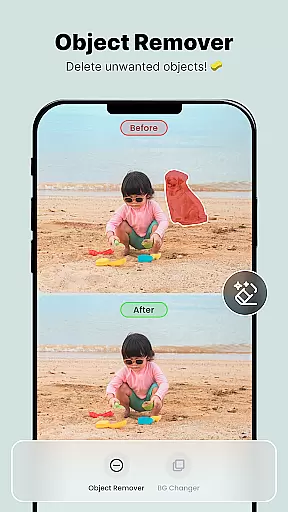
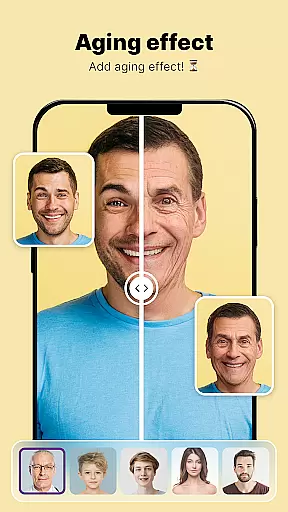
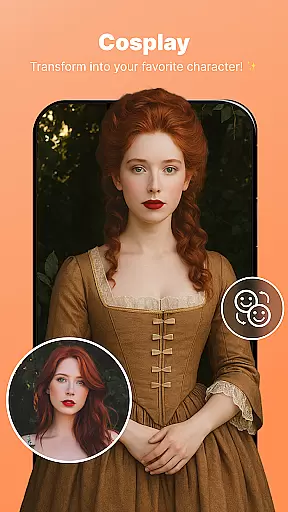
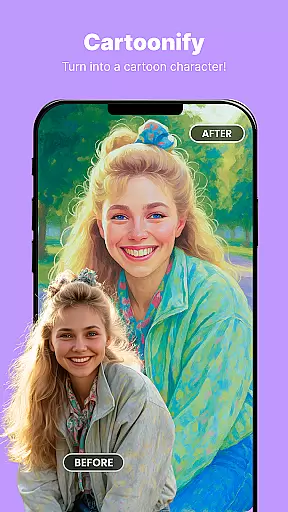
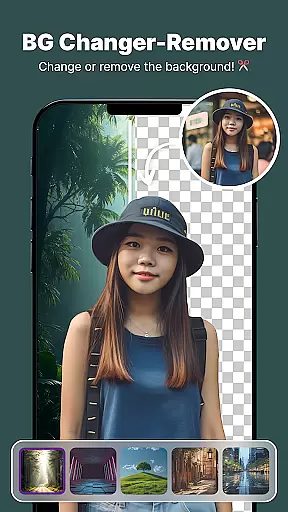
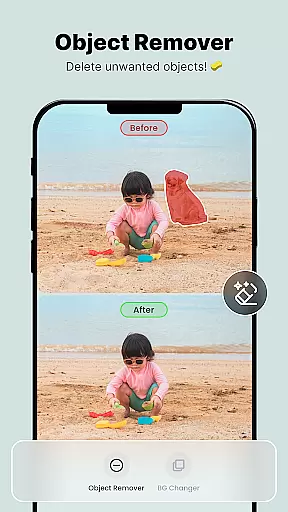
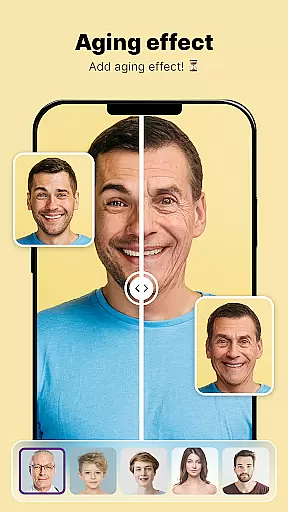
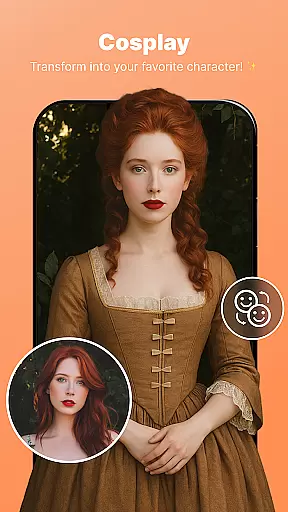
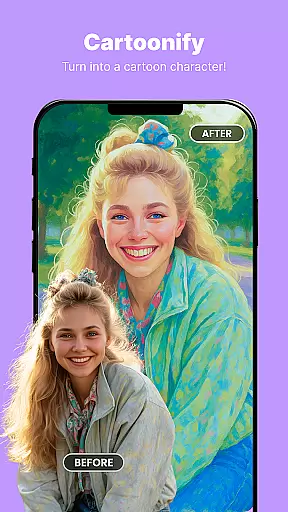
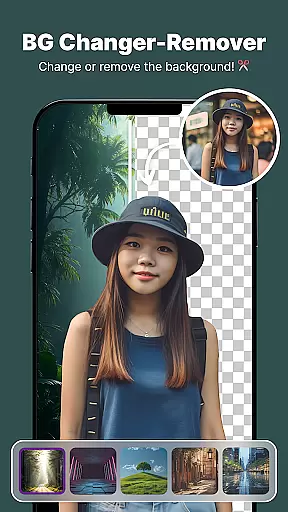
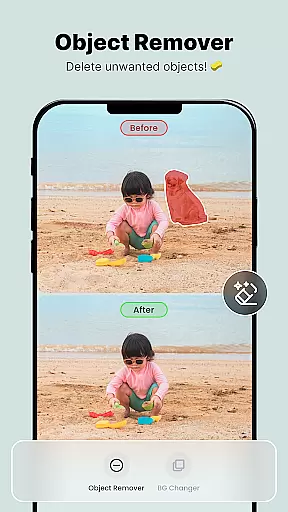
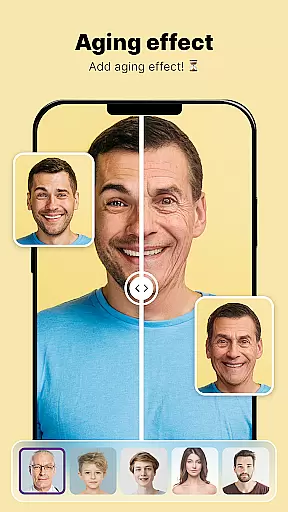
ShotCam is a comprehensive photo editing app designed to enhance your photography experience. The application offers an array of powerful tools including Body Shape editing, Collage Maker, Background Changer, Object Remover, Aging Effects, and Background Blur.
With ShotCam, users can effortlessly sculpt their body shape, create stunning collages, replace unwanted backgrounds, remove distracting objects, apply aging effects for a futuristic look, and add professional-grade background blur to portraits. Whether you're editing photos for fun or perfection, this app provides top-tier tools for every editing need.
This versatile app is perfect for anyone looking to elevate their photo editing skills and achieve flawless results on mobile devices. Its intuitive interface and robust features make it an ideal choice for both amateur and professional photographers.
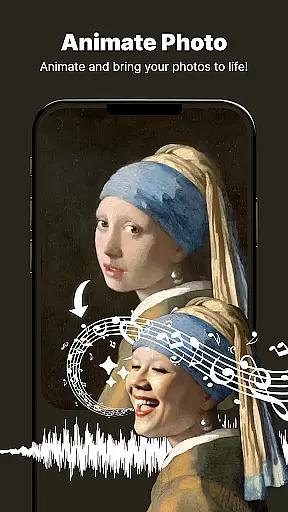
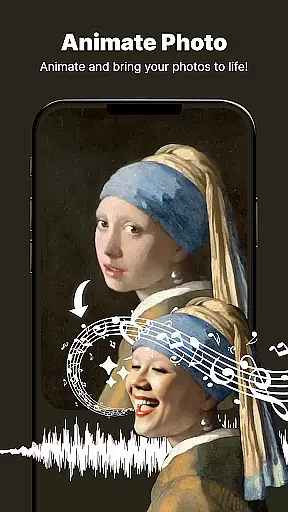
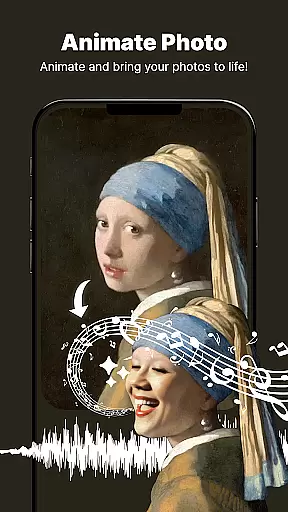
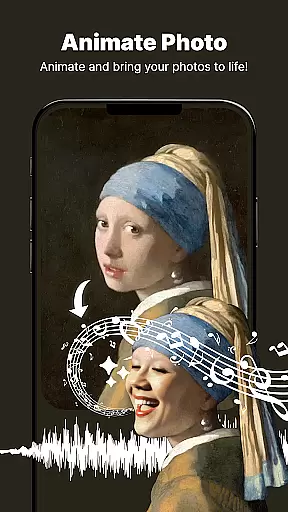
ShotCam stands out with its diverse range of advanced photo editing features. The Animate Photo tool allows users to bring static images to life by adding dynamic animation effects with just a few taps.
The Body Shaper feature lets you fine-tune and reshape any part of your body with precision. The Collage Maker offers various customizable layouts to combine favorite moments into beautiful designs. Meanwhile, the Background Changer and Eraser tools enable instant scenery replacement and precise object removal.
Additional innovative features include Aging Effects that show future appearances and Background Blur for professional-looking portraits. Each tool is designed to provide users with complete creative control while maintaining exceptional image quality.
Real-time capture and preview functionality is essential for ensuring that every photo taken meets the user's expectations without delay. The Photo Editor, Enhanceruff0dShotCam app excels in this area by providing users with instant feedback on their shots before they even take them.
This application leverages advanced processing capabilities to offer a seamless experience when capturing images. Users can see adjustments and effects applied immediately within the viewfinder, allowing for precise control over the final outcome of each photograph.
With real-time previews, photographers can experiment with different settings such as lighting, filters, and composition with confidence. This feature empowers users to make informed decisions about their edits and compositions, thus enhancing creativity while reducing post-processing time significantly.
The ability to visualize changes instantly not only saves time but also elevates the overall photography experience. By delivering an intuitive and responsive interface, Photo Editor, Enhanceruff0dShotCam ensures that every snapshot is captured exactly as envisioned, resulting in professional-quality photos every time.
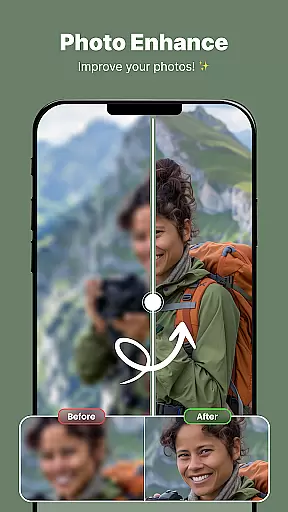
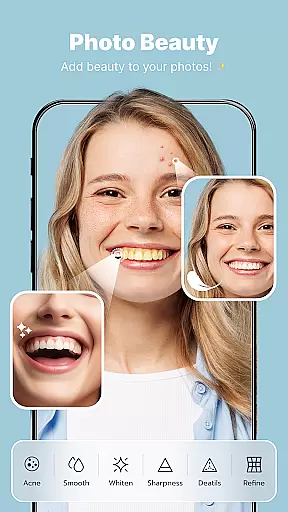
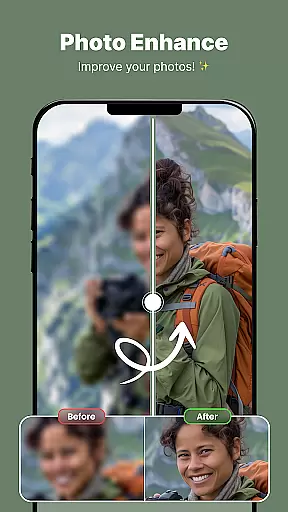
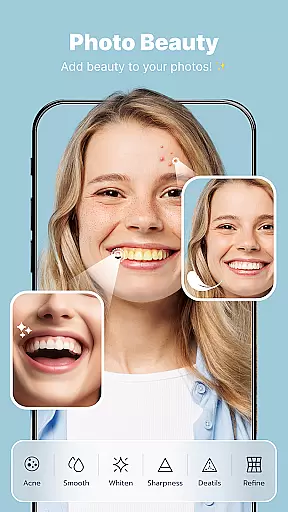
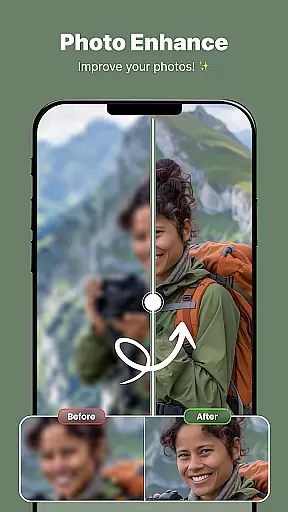
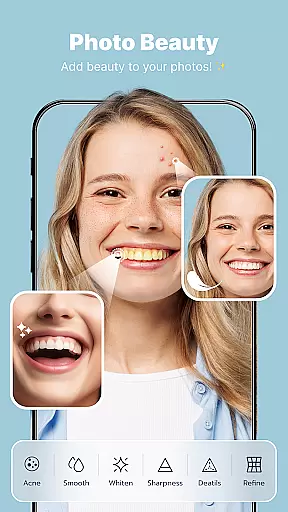
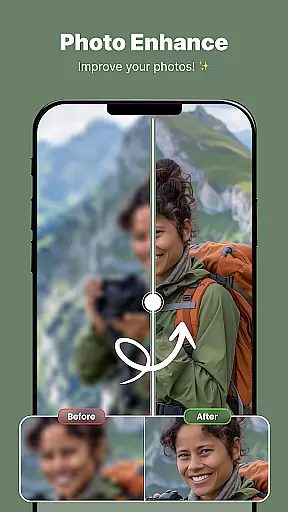
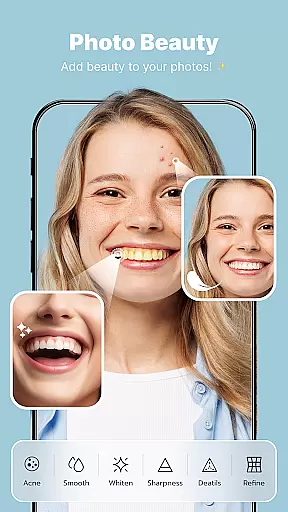
AI beauty and enhancement features are revolutionizing how we approach photo editing by offering natural-looking improvements without manual intervention. In the Photo Editor, Enhanceruff0dShotCam app, these tools are designed to subtly enhance facial features while maintaining authenticity.
Utilizing sophisticated algorithms, the app intelligently identifies key areas for improvement, such as skin tone, texture, and facial contours. It then applies enhancements that complement the subject's natural appearance, avoiding the artificial look often associated with heavy digital manipulation.
Users benefit from a suite of AI-driven options including body shaping, aging effects, and portrait blurring. Each tool works harmoniously to produce stunning yet believable results. For instance, the Body Shaper function allows for realistic figure adjustments, while Aging Effects provide a glimpse into future appearances with remarkable realism.
Ultimately, the emphasis on naturalness sets this app apart from others in its category. By prioritizing subtlety and true-to-life outcomes, Photo Editor, Enhanceruff0dShotCam delivers an unparalleled editing experience that respects the integrity of the original image while elevating it to new aesthetic heights.
User-friendly interface
Extensive editing tools
High-quality results
Customizable options
Innovative animation feature
May overwhelm beginners
Some features require learning
Premium tools cost extra
Occasional performance issues
Limited free content

All-in-One Editor & AI Photo Enhancer, Beautify & Retouch, Collage, Cartoonify
 4.20
4.20
Search, tag and rate your way to an organized image gallery
4.40
Shooting photos and records video easily and efficient with professional Camera
4.30
Create funny photos and videos with the popular Time Warp Scan filter.
4.90
Transform photos into videos! Create realistic or anime-style images easily!
4.50
Cartoon and artistic effects for your photos and videos
4.70
USB Storage Access for Photos, Videos, Music and Documents
3.80
Easily view, share, delete photos with Gallery.
4.70
Unlock the full potential of your DJI drone with Litchi
4.50
Unblur, enhance & restore photos with powerful AI photo enhancer tools.
4.60
AI photo editor with hair editor, retouch tools, hair color changer & filters!
4.50
Photo Exif Editor allows to view, add and modify EXIF data of multiple photos
4.50
Create AI photos & videos with Enhancer; restore, fix, beautify, enhance photos
4.50
AI portrait generator and polaroid AI selfie, fun AI generated AI photo creator!
4.30
What celebrity do you look like? Celebs will find your celebrity match!
4.10
Photobooth mini FULL app will allow you to add more fun to your parties
4.00
Astrophotography with your smartphone, photo live stacking and much more!
3.90
GCamera allows all GCam features on all phone models! Better photos with GCamera
3.30
Add a dreamy vibe to your selfies and videos with soft style filters
4.2


User Reviews