
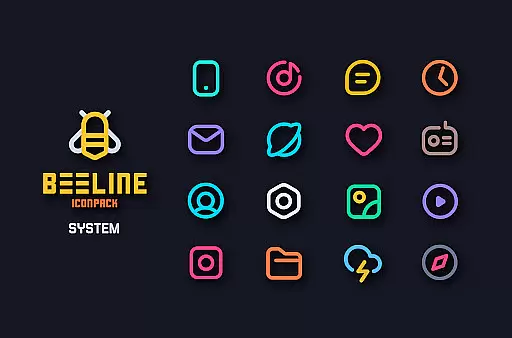
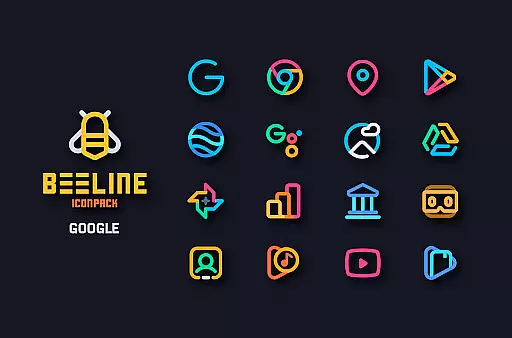
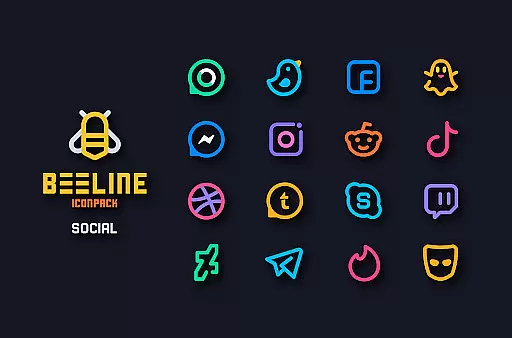
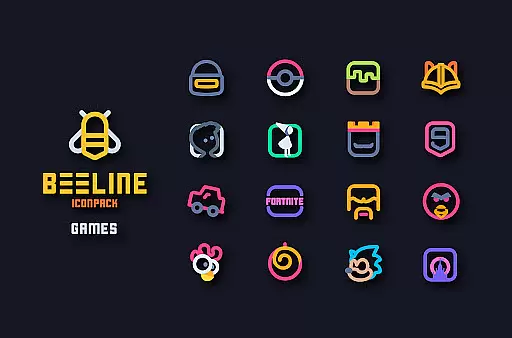
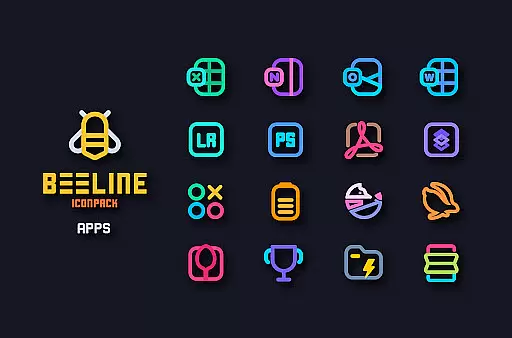
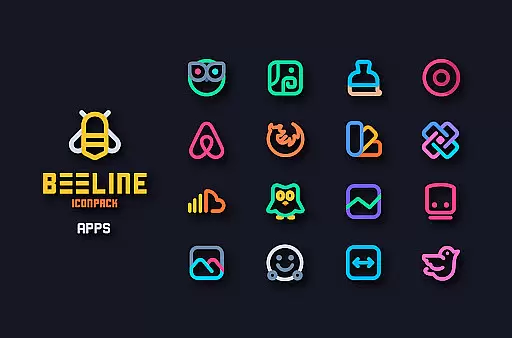
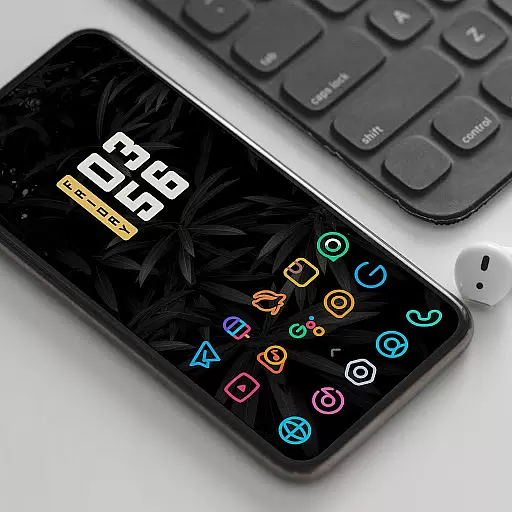
BeeLine Icon Pack is a vibrant collection of over 3000 linear icons designed to enhance both dark and light Android interfaces. This icon pack stands out with its unique colorful design inspired by Google's Material Design principles, while incorporating creative touches that make each icon a detailed masterpiece.
The pack offers frequent updates, alternative icons for popular apps, cloud-based wallpapers, and compatibility with various launchers like Nova Launcher and Apex Launcher. With features such as Muzei Live Wallpaper support, icon search, and dynamic calendar integration, BeeLine provides users with a customizable and visually appealing experience.
BeeLine Icon Pack distinguishes itself through meticulous attention to detail and a sleek material dashboard interface. Each icon is crafted with precision, ensuring top-notch quality and aesthetic consistency across the entire set of 3000+ icons.
Users can enjoy additional functionalities such as server-based icon request systems, custom folder icons, and app drawer customization options. The inclusion of matching wallpapers and support for dynamic calendars further enhances the personalization possibilities, making it an ideal choice for those seeking a fresh and cohesive look for their devices.
BeeLine Icon Pack offers an extensive range of customization options that cater to personal preferences and device aesthetics. With over 3000 icons, it provides a rich selection for users looking to refresh their smartphone interface.
The pack includes alternative icons for popular apps and system applications, ensuring that every user finds a style that resonates with them. Additionally, custom folder icons and app drawer icons allow for a cohesive look across the entire device.
Dynamic calendar support and a slick material dashboard enhance the user experience by offering both functionality and style. These features ensure that your device not only looks good but also maintains usability.
By choosing BeeLine Icon Pack, you gain access to frequent updates that bring new icons and activities, keeping your interface fresh and engaging over time.
Compatibility is key when selecting an icon pack, and BeeLine Icon Pack excels in this area. It has been optimized to work seamlessly with a wide array of launchers, including popular choices like Nova Launcher and Action Launcher.
For users on specific launchers such as LG Home or ZenUI Launcher, rest assured that BeeLine Icon Pack supports these environments too. This broad compatibility ensures that regardless of your launcher choice, you can enjoy a consistent and visually pleasing theme.
In cases where the apply section is not available within the dashboard, users can still apply the icon pack through their launcher's theme settings. This flexibility highlights the pack's commitment to accessibility and ease of use.
It's important to note that while Google Now Launcher and ONE UI do not support third-party icon packs, many other launchers do. This makes BeeLine Icon Pack a versatile option for those seeking to personalize their Android devices.
Stunning design
Frequent updates
Wide launcher support
Customizable options
Dynamic calendar
Paid icon pack
No iOS support
Limited stock compatibility
Requires third-party launcher
Missing some app icons

Themes - Widget & Wallpaper: Customize home screen, icon changer w unique themes
 4.30
4.30
Unique Android Launcher
4.60
AI-powered Copilot. Personalized keyboard with gifs, stickers & themes
4.40
Art & Emoji Keyboard with Cool Fonts, Cute Themes and Custom Designs.
4.40
Interactive Miniature Painting Catalogue
3.30
Design your screen with unique, vibrant clocks
3.80
One 8 icons glass color version
4.80
400+ Beautifully crafted widgets inspired by NOTHING.
4.70
Transform your phone with stunning video wallpapers and a unique, personal touch
3.80
Customizable Glass widgets. Over 360+ stunning widgets and more!
4.70
Ultra realistic high quality analog watch face for Wear OS.
4.60
Over 28,000 high quality icons to bring color & homogeneity to your phone.
4.60
Embrace the Night. Unleash the power of darkness with Raven Dark Icon Pack
4.60
300+ Beautifully crafted widgets inspired by OneUI.
4.60
Handcrafted pixel art icons, widgets & wallpapers
4.60
A light in the dark, a unique style and an andless cutomization!
4.30 4.10
4.10
Realistic animated snow on your wrist, with 10 images landscapes to choose from
4.00
Create unique, fun emojis with Funny Emoji Maker! Unlimited creativity!
4.00


User Reviews