
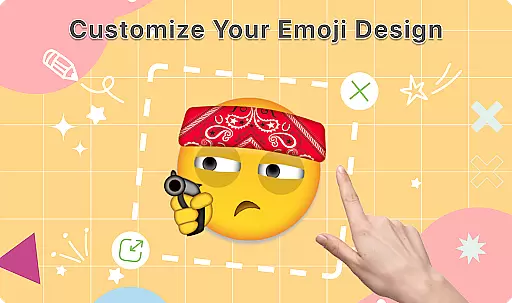
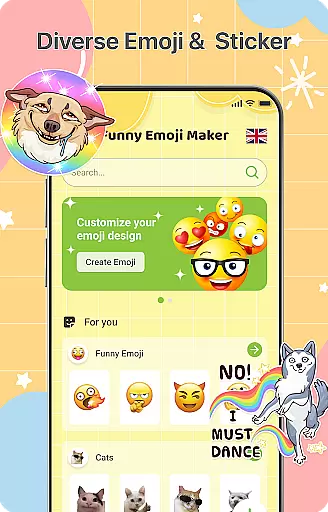
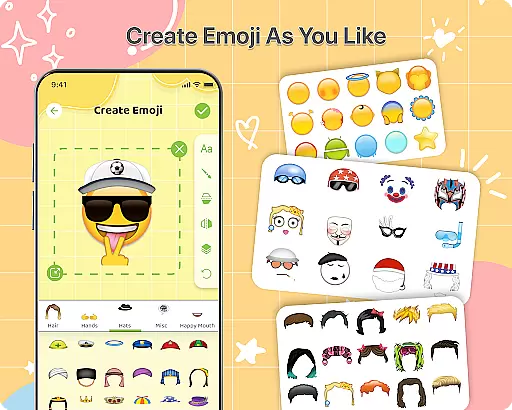
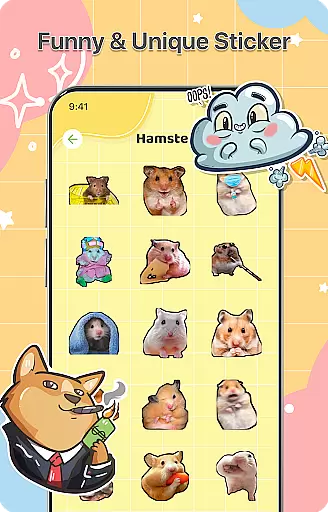
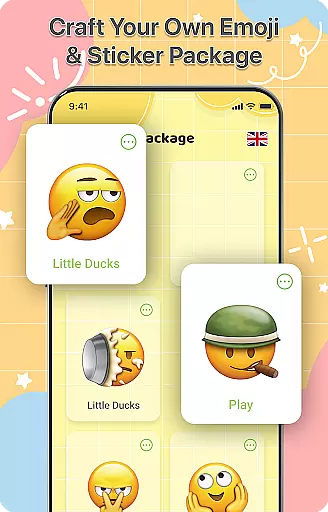
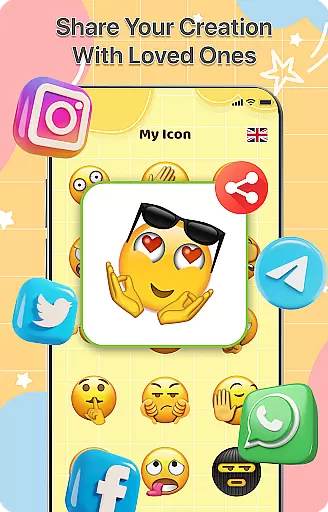
DIY Emoji is a creative personalization app that allows users to design their own unique emojis. With over 500 accessories including eyes, mouths, hats, and glasses, the app offers endless customization possibilities. Users can flip elements, draw details, add text with various fonts and colors, and layer components for perfect emoji designs.
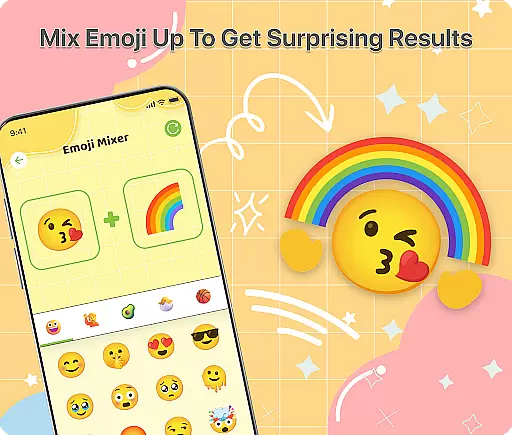
The app also features an innovative Emoji Mixer that lets users combine any two emojis for quirky and unique results. The built-in Emoji Library helps manage and store all custom creations, while frequent updates ensure a growing collection of accessories and emotes. Whether you want to express yourself in chats or simply enjoy creating fun designs, DIY Emoji provides a complete toolkit for unlimited creativity.
DIY Emoji stands out with its comprehensive set of features tailored for creative expression. The Emoji Maker tool includes a vast selection of customizable elements such as eyes, mouths, hats, and glasses. Users can manipulate these elements by flipping them, drawing additional details, adding stylized text, and layering components for more complex designs.
The Emoji Mixer feature enables users to blend any two emojis, opening up new possibilities for unique combinations. This functionality encourages experimentation and exploration of different styles. Additionally, the app's Emoji Library provides a centralized location to store and manage all created emojis, complete with quick search capabilities for easy access. Regular updates bring new accessories and emotes, ensuring the content stays fresh and engaging.
DIY Emoji offers an extensive range of customization options that allow users to express their creativity. With over 500 accessories including eyes, mouths, hats, and glasses, the possibilities are virtually endless.
The app includes drawing tools for adding unique details to your emojis, as well as text options with various fonts and colors. This level of detail ensures that each emoji can be personalized to the user's exact specifications.
Layering elements is another feature that enhances customization, enabling users to create complex designs by stacking different components. This function provides a professional touch to emoji creation, making it not just a fun activity but also an art form.
Ensuring theme compatibility, DIY Emoji allows users to create emojis that fit seamlessly into any chat or messaging platform. The app supports a wide array of themes, from funny to formal, catering to all forms of digital communication.
Users can save their creations in a comprehensive emoji library, which maintains the integrity of the design across different devices and platforms. This ensures that whether you're using iOS, Android, or any other system, your emojis will look just as intended.
Additionally, frequent updates bring new accessories and emotes, keeping the content fresh and engaging. These updates guarantee that the emojis remain compatible with current trends and technology, providing continuous value to the user.
Extensive customization options
User-friendly interface
Frequent content updates
Variety of creative tools
Fun and engaging experience
Limited advanced editing tools
Some features may require in-app purchases
Occasional performance issues
Learning curve for beginners
Interface can feel cluttered

Customizable Glass widgets. Over 360+ stunning widgets and more!
 4.70
4.70
Vertically oriented rectangular icons
4.70
Ultra realistic gold analog watch face with lots of customization options.
4.50
Beautiful realistic hybrid watch face with numerous customization options.
4.50
Glass style colourful icons with a One UI look and feel
4.60
Wear Os Watch Face - Seasonal - Animated Snow Effect - 9 Animals
4.20
Customize glowing edges, wallpapers, and caller screen with EdgeAura.
3.50
One 8 icons glass color version
4.80
set a new experience for the Android mobile phone
4.20
Sparkle your screen with Glitter Wallpapers For Girls and Cute Backgrounds!
4.80
A launcher for Samsung Good Lock and Good Guardians modules without ads
4.70
Icons made of colorful linear lines
4.60
Try creating your own keyboard with "Keyboard theme for android" app now!
4.50
Vibrant Adaptive Icons with Material You and Enhanced Monet Colors.
4.50
App Icon Changer & Shortcut Creator. Customize your icons without any watermarks
4.30
Organize and manage your photos and videos effortlessly with Photo Gallery
4.20
Transfer your live wallpapers from Windows to Android using Wallpaper Engine!
4.00
Transform your phone with stunning video wallpapers and a unique, personal touch
3.80
Adorable pets roam and play right on your phone screen!
3.30


User Reviews