
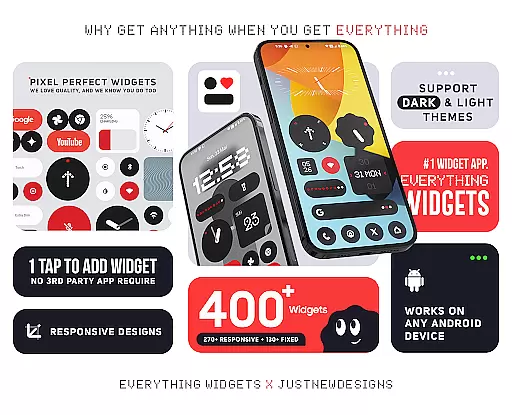
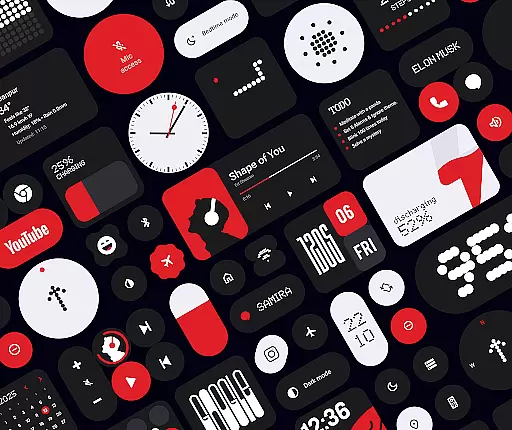
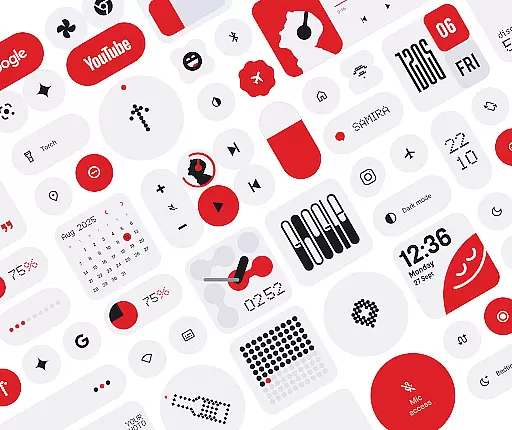
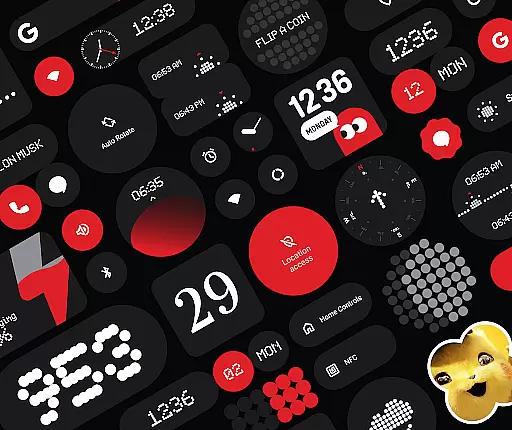
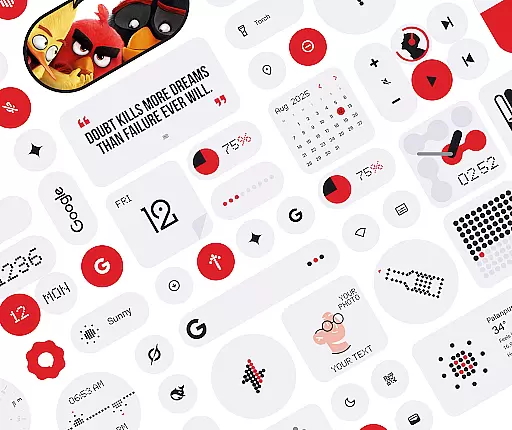
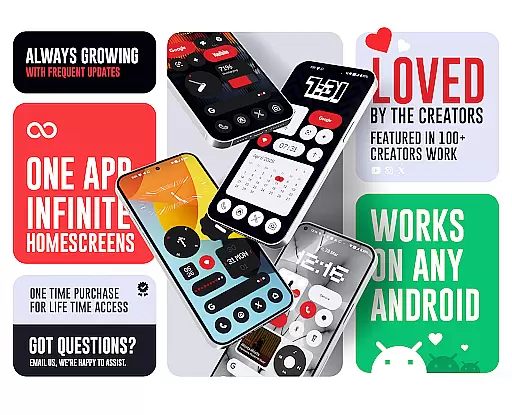
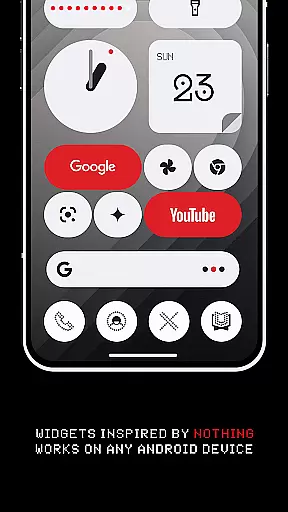
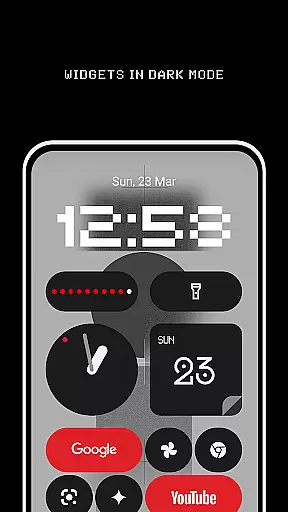
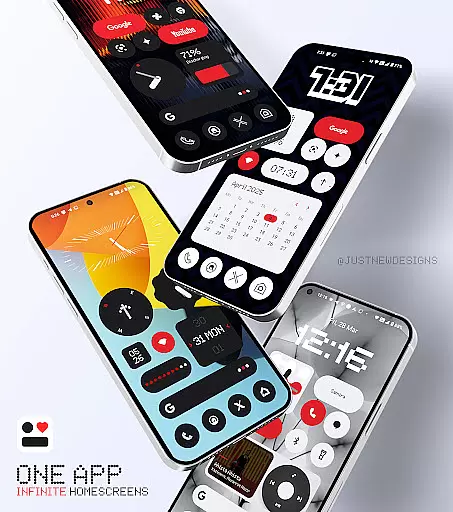
Everything Widgets offers a comprehensive suite of 400+ beautifully designed widgets inspired by the Nothing OS aesthetic, allowing users to customize their Android home screens without the need for additional apps. The widgets are fully resizable and responsive, ensuring a perfect fit for any screen size and layout.
This widget pack includes a diverse range of functionalities such as clock and calendar widgets, battery indicators, weather forecasts, quick settings toggles, contact shortcuts, photo displays, Google app integrations, utility tools, productivity enhancers, pedometer, inspirational quotes, and even game widgets. With regular updates and new additions, Everything Widgets ensures that your home screen remains fresh and functional.
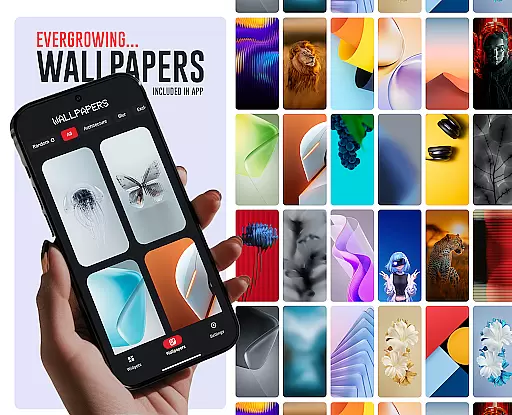
The inclusion of matching wallpapers further enhances the customization experience, providing users with exclusive designs to complement their widgets. Whether you're looking to boost productivity or simply personalize your device, Everything Widgets delivers both style and substance.
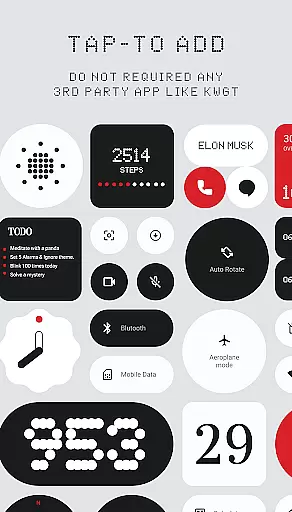
One of the standout features of Everything Widgets is its native functionality, eliminating the need for third-party apps like KWGT. Users can effortlessly add widgets with a simple tap, streamlining the customization process. This ease of use is coupled with high-quality design, ensuring that each widget not only looks great but also performs efficiently.
The widgets themselves cover a broad spectrum of uses. Clock and calendar widgets offer elegant timekeeping solutions, while battery and weather widgets keep users informed about their device status and environmental conditions. Quick settings widgets provide instant access to essential functions like WiFi, Bluetooth, and flashlight, enhancing convenience. Contact and photo widgets allow personal touches, and utility widgets bring practical tools right to the home screen.
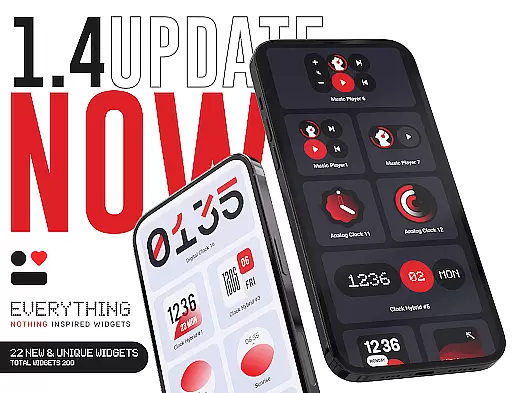
Moreover, Everything Widgets is committed to continuous improvement. Regular updates introduce new and innovative widgets, maintaining the app's relevance and appeal. The focus on quality over quantity ensures that each addition is both useful and creative, making this app a must-have for Android users seeking a personalized and efficient home screen experience.
Customization is at the heart of Everything Widgets, offering users an extensive array of options to personalize their home screens. With over 400 widgets available, this app provides a rich diversity of customization choices that cater to various preferences and needs.
The app includes clock and calendar widgets, battery indicators, weather forecasts, quick settings toggles, contact shortcuts, photo displays, Google app integrations, utility tools, productivity enhancers, pedometer displays, inspirational quotes, and even game widgets. This vast selection ensures that users can find precisely what they need to make their devices truly their own.
Everything Widgets stands out by allowing users to adjust widget sizes fully, from small to large, ensuring a perfect fit for any home screen layout. The ability to resize widgets adds another layer of customization, enabling users to create a balanced and aesthetically pleasing interface.
By providing such a wide variety of customization options, Everything Widgets empowers users to design a home screen that reflects their personality and enhances their daily interactions with their device. Whether you're looking for functionality or style, this app delivers both in spades.
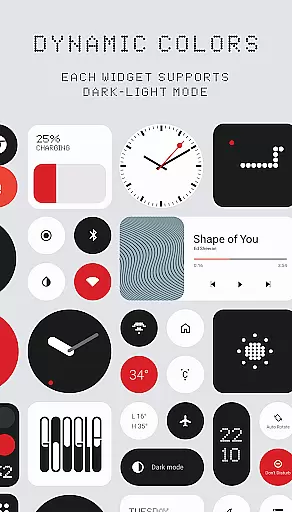
Theme compatibility is a crucial aspect of Everything Widgets, ensuring that all widgets blend seamlessly with the overall aesthetic of your device. Inspired by the Nothing OS design philosophy, these widgets offer a cohesive look that transforms your home screen into a visually stunning environment.
The app's widgets are crafted to maintain visual consistency across different themes and backgrounds. Whether you prefer a minimalist, modern, or vibrant theme, Everything Widgets adapts effortlessly, preserving the integrity of your chosen style while adding functional elements.
In addition to its versatile widget collection, Everything Widgets offers 100+ matching wallpapers, including exclusive designs. These wallpapers complement the widgets perfectly, completing the transformation of your home screen into a harmonious and personalized space.
With its strong emphasis on theme compatibility, Everything Widgets ensures that every element on your home screen works together to create a unified and engaging user experience. This attention to detail makes it an ideal choice for those who value both form and function in their mobile devices.
User-friendly interface
Wide variety of widgets
Fully customizable options
Regular updates with new widgets
Inspired by Nothing OS aesthetic
Limited to Android devices
No iOS version available
Some widgets may vary in performance
Requires manual updates
Design consistency may differ

Only for Wear OS devices!
 4.90
4.90
Adult video chat, dating, making friends, random matching
4.20
Ultimate widget creator. Design custom widgets for a truly unique home screen!
3.90
More than 3000+ themes and 9000+ wallpapers for everybody!
4.10
Wallpaper HD 4K Live - Thousands of high-quality Anime backgrounds for you.
4.80
Want to make your phone more special than ever?
4.60
Romantic Kiss Stickers App. Start romantic messaging now!
4.30
350+ widgets with a premium glass-style finish, perfect for home & lock screens.
4.70
Cool custom fonts & keyboard themes! Symbols & font changer for Instagram
4.50
300+ Stunning and well-designed widgets inspired by NOTHING.
4.70
Classic analogue watch face. For wear os devices.
4.60
Make your phone look simple & luxury, like iDevice
4.60
Bring adorable pets to life on your screen. Playful, interactive and full of fun
4.60
Vibrant Adaptive Icons with Material You and Enhanced Monet Colors.
4.50
Design your screen with unique, vibrant clocks
3.80
Adaptive Dot Style IconPack with Light & Dark Theme.
3.70
Customize glowing edges, wallpapers, and caller screen with EdgeAura.
3.50
Turn your lock screen into fun with smile live wallpapers & animated wallpapers!
2.50
⭐ OneUI inspired Fluffy Icon Pack – Soft. Stylish. Standout. ⭐
4.3


User Reviews