
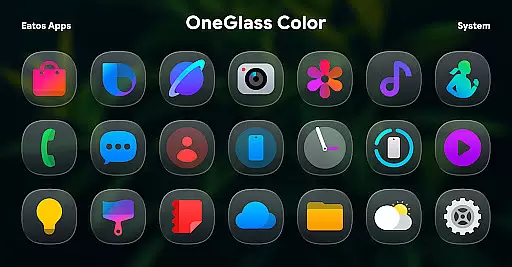
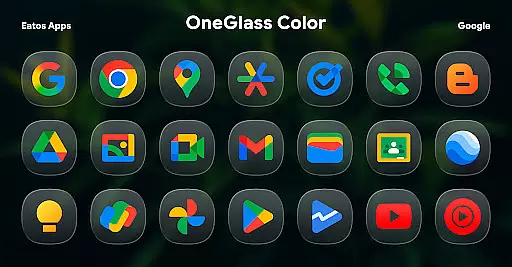
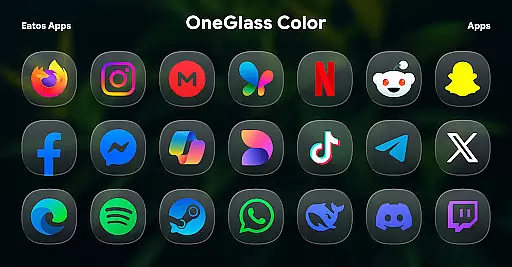
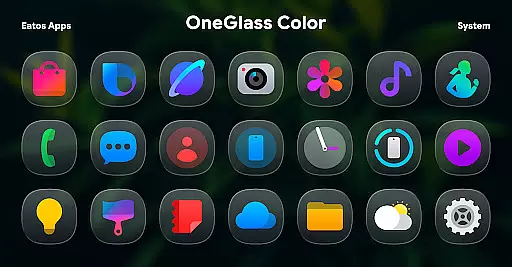
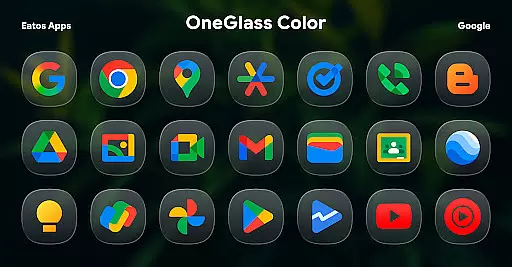
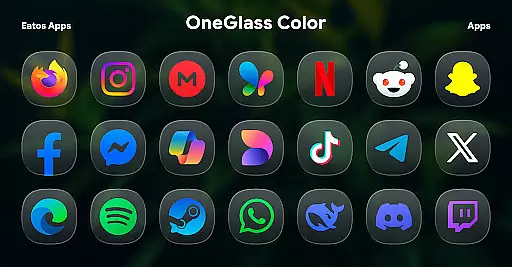
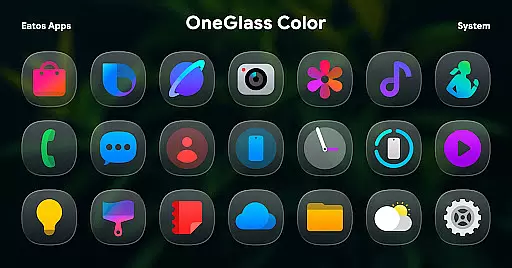
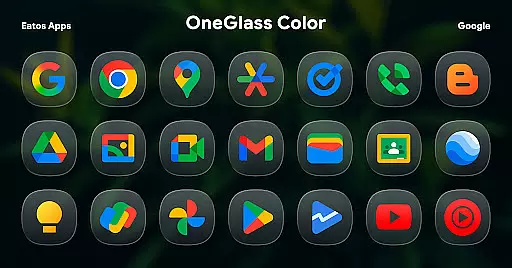
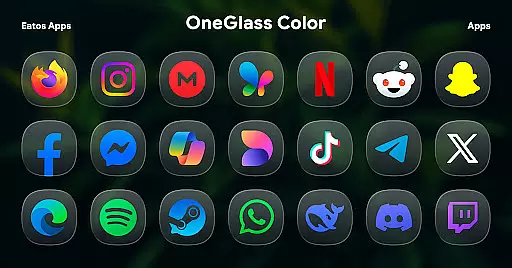
OneGlass 8 (Color) is a premium icon pack featuring over 4,600 beautifully crafted glass-style icons inspired by One 8 design language. This comprehensive customization solution also includes more than 430 high-quality wallpapers, specifically optimized for dark mode usage.
The icon pack is designed to work seamlessly with popular launchers like Hyperion Launcher, Nova Launcher, and Smart Launcher. For Samsung users, it supports OneUI launcher through Good Lock and Theme Park applications. Each icon showcases meticulous attention to detail, bringing modern aesthetics to your device's interface while maintaining consistency across different apps.
Ideal for users seeking a sophisticated dark-themed experience, OneGlass 8 (Color) offers extensive customization possibilities. The included wallpapers complement the icons perfectly, creating a cohesive and visually appealing home screen that works harmoniously in dark mode environments.
OneGlass 8 (Color) stands out with its massive collection of over 4,600 icons, each meticulously designed with glass-inspired effects. The pack includes multiple variants for popular apps, ensuring better compatibility with various applications on your device.
A distinctive feature is the inclusion of more than 430 wallpapers specifically created for dark mode. These wallpapers are carefully curated to match the icon set's aesthetic, providing users with complete theme consistency. The pack supports major launchers including Nova, Hyperion, and Smart Launcher, while offering dedicated support for Samsung's OneUI through Good Lock and Theme Park integration.
The icon pack maintains high resolution (up to 512x512 pixels) for crisp visuals and includes regular updates to support new applications. Users can request missing icons through the developer's support channels, ensuring continuous improvement and expanding coverage for lesser-known apps.
OneGlass 8 (Color) offers an extensive range of customization options, ensuring users can tailor their device's appearance to their personal style. With over 4,600 Glass color icons and more than 430 wallpapers, this icon pack provides a rich selection for those who prefer a cohesive dark mode aesthetic.
The variety extends beyond just the number of icons and wallpapers. Each icon is meticulously designed to complement dark wallpapers, enhancing the visual experience when using dark mode. This attention to detail ensures that every element on your screen aligns with your desired look and feel.
Users benefit from the ability to mix and match these resources, creating unique combinations that reflect individual preferences. Whether you're looking for subtle changes or dramatic transformations, OneGlass 8 (Color) equips you with everything needed to achieve a personalized interface.
Theme compatibility is at the core of OneGlass 8 (Color)'s design philosophy. The icon pack is optimized for use with launchers that support theme application, such as Hyperion Launcher, Nova Launcher, and Smart Launcher. This ensures seamless integration and consistent performance across different platforms.
For Samsung One UI launcher users, additional steps are required to fully utilize the theme capabilities. By downloading 'Good Lock' and 'Theme Park' apps, users can follow specific instructions to apply themes effectively. These steps ensure that even within proprietary systems like One UI, OneGlass 8 (Color) maintains its intended functionality.
This compatibility focus guarantees that regardless of your chosen launcher or device type, you'll enjoy a harmonious blend of icons and wallpapers. Such versatility makes it easier for users to maintain a uniform appearance without compromising on quality or performance.
Extensive icon collection
High-quality wallpapers
Regular updates
Wide launcher support
Dark mode optimized
Requires compatible launcher
No standalone app
Paid content only
Complex setup process
Limited light mode

Stunningly Different look with Line Icons and Neon Colors
 4.60
4.60
Winter's Journey: digital watch face for Galaxy Watch & Wear OS
4.80
3D, live, and moving wallpapers & themes in 4K and HD for your device.
4.50
Fingerprint Lock Screen & Live Animations with 4K Wallpapers as Live Wallpaper
4.40
Customize glowing edges, wallpapers, and caller screen with EdgeAura.
3.50
Adaptive Dot Style IconPack with Light & Dark Theme.
3.70
Icons made of colorful linear lines
4.60
200+ Material Inspired Widgets
4.50
Enjoy a variety of amazing live wallpapers and colorful EDGE lighting borders!
4.80
Only for Wear OS devices!
4.90
Gun Chase - Let the chase begin.
4.80
Classic analogue watch face. For wear os devices.
4.60
Glass style colourful icons with a One UI look and feel
4.60
Unique Android Launcher
4.60
Bring adorable pets to life on your screen. Playful, interactive and full of fun
4.60
Ultimate Gallery Lock App - Hide Pictures, Videos and Lock Apps Instantly!
4.60
Transfer your live wallpapers from Windows to Android using Wallpaper Engine!
4.00
HappyLighting is a Bluetooth lamp control software.
3.40
Modern Glass Icon Pack with glossy icons, clean minimal theme & aesthetic style
4.2


User Reviews