
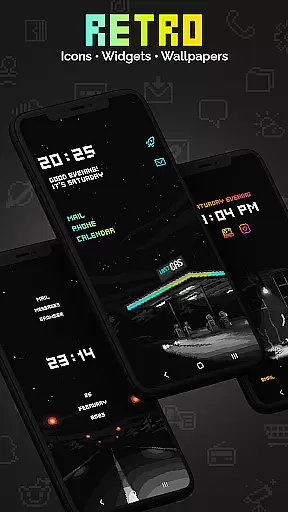
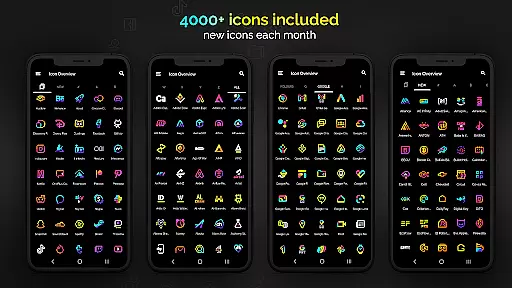
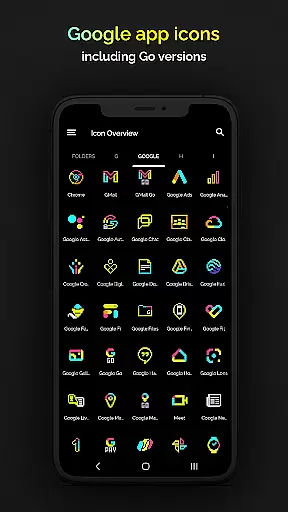
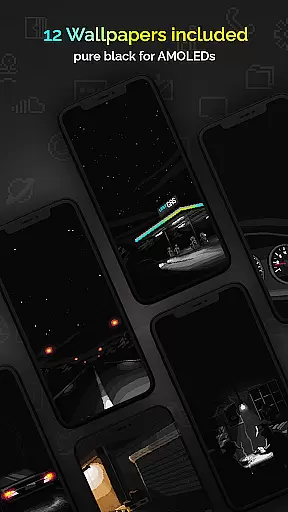
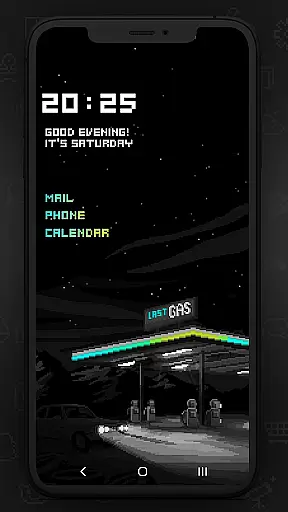
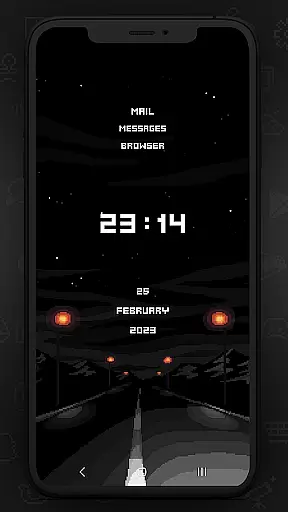
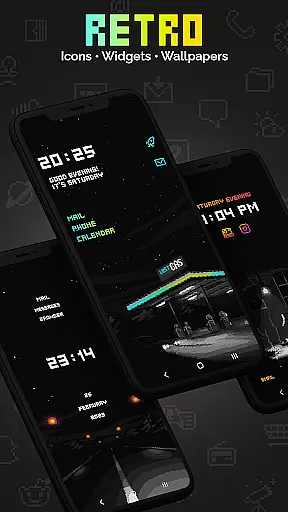
Retro Mode - Icon Pack (Neon) is a pixel art icon pack meticulously crafted by pixel artist Moertel. It offers over 4050 unique icons, 12 wallpapers, and 6 customizable widgets, all designed in vibrant neon colors. This app allows users to transform their smartphone's interface into a nostalgic 90s-style digital experience while maintaining modern functionality.
The icon pack supports more than 20 launchers and includes monthly updates with new icons and features. With its crisp pixel art design, Retro Mode brings an unparalleled level of customization for users who appreciate retro aesthetics combined with contemporary usability.
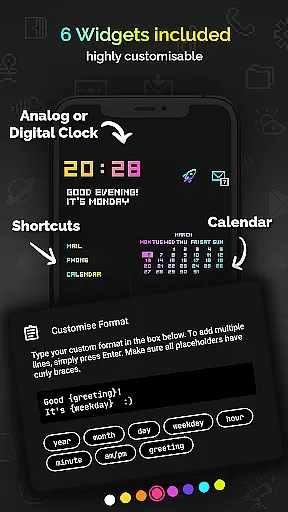
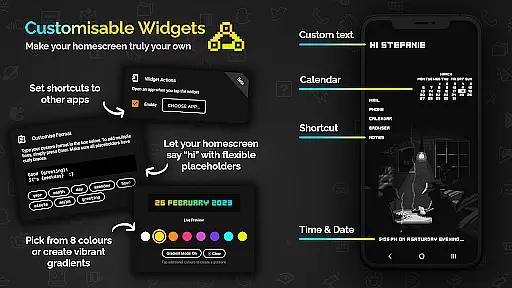
This app stands out due to its extensive range of features tailored for personalization enthusiasts. It includes over 4050 pixel-perfect icons, each drawn on a tiny 20x20 pixel canvas and then upscaled for sharpness. Additionally, it provides 12 high-quality wallpapers and six versatile widgets such as digital clocks, analog clocks, date displays, greetings based on the time of day, calendars, and text shortcuts.
Users can customize widget colors from eight different options or combine them into gradients. The text within widgets is fully configurable up to 500 characters, allowing for personalized messages or information placeholders like day, month, year, hour, minute, am/pm, greeting, and weekday. Furthermore, the app supports more than 20 launchers including popular ones like Nova, ensuring broad compatibility across devices.
Retro Mode - Icon Pack (Neon) offers an extensive range of customization options, ensuring users can tailor their smartphone experience to their unique tastes. With over 4050 pixel-perfect icons included in the pack, this app provides one of the most comprehensive collections available on the Play Store.
In addition to the vast icon library, the pack includes 12 vibrant wallpapers and 6 versatile widgets. These widgets encompass digital and analog clocks, date displays, greetings with the time of day, a calendar, and text shortcuts, all designed to enhance personalization.
Users can further customize their experience by choosing from 8 different widget colors or combining colors to create gradients. The text within widgets is freely configurable, allowing for up to 500 characters, and placeholders such as day, month, year, hour, minute, am/pm, greeting, and weekday offer dynamic content display.
Compatibility is a cornerstone of Retro Mode - Icon Pack (Neon), supporting over 20 launchers, which ensures that a wide array of devices and user preferences are catered to. Whether you're using Google Pixel, Motorola, Xiaomi, or Samsung devices, this icon pack has got you covered.
For Samsung users on Android 12 with OneUI 4.0 or newer, applying icons is seamless with the Theme Park app. Those with older versions or other devices can switch to recommended launchers like Nova, known for its compatibility and ease of use.
The pack's design maintains a crisp pixel art style in neon colors without shadows or outlines, offering a clean and consistent look across different platforms. This uniformity guarantees that no matter which supported launcher you choose, your device will exhibit a cohesive and visually pleasing interface.
Extensive icon library
Vibrant neon design
Frequent monthly updates
Customizable widgets
Broad launcher support
Limited stock launcher support
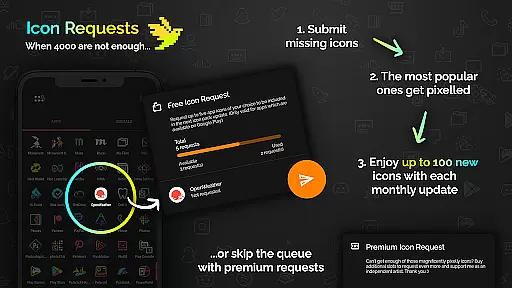
Additional icon requests cost extra
No shadow or outline effects
Small canvas size may lack detail
Some features require newer Android versions

A light in the dark, a unique style and an andless cutomization!
 4.30
4.30
Glass style colourful icons with a One UI look and feel
4.60
Transform your phone with Launcher iOS 26 - Smooth & elegant iOS experience
4.50
Sparkle your screen with Glitter Wallpapers For Girls and Cute Backgrounds!
4.80
Adult video chat, dating, making friends, random matching
4.20
Turn text & photos into stunning AI videos, art, and creative visual stories.
4.50 4.50
4.50
400+ Beautifully crafted widgets inspired by NOTHING.
4.70
Magic fluids wallpaper 4D: Relax with stunning fluid simulation wallpaper app
4.20
3D, live, and moving wallpapers & themes in 4K and HD for your device.
4.50
The definitive Icon pack maker and editor
4.30
Your home screen, just the way you like it.
4.30 4.10
4.10
Transfer your live wallpapers from Windows to Android using Wallpaper Engine!
4.00
Customize glowing edges, wallpapers, and caller screen with EdgeAura.
3.50
Adorable pets roam and play right on your phone screen!
3.30
Capture moments that pass like a storm, second by second.
4.0
⭐ OneUI inspired Fluffy Icon Pack – Soft. Stylish. Standout. ⭐
4.1
Modern Glass Icon Pack with glossy icons, clean minimal theme & aesthetic style
4.5


User Reviews