
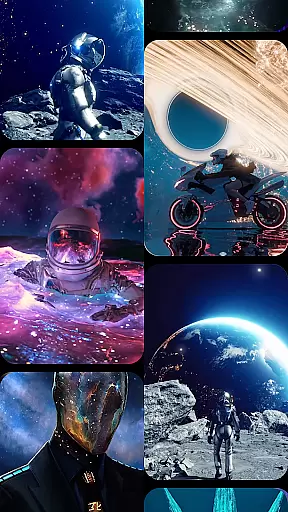
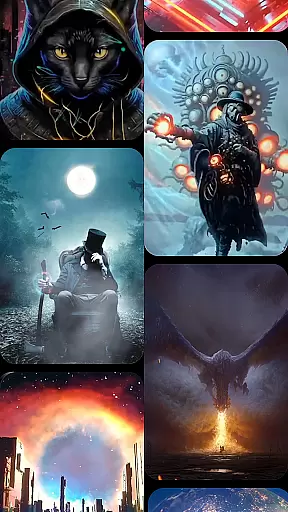
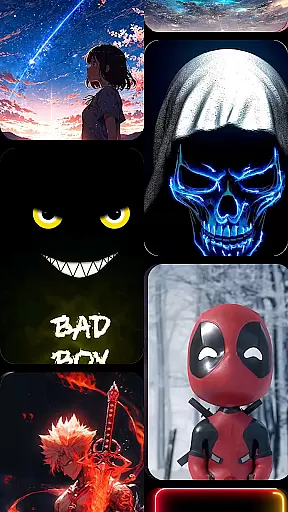

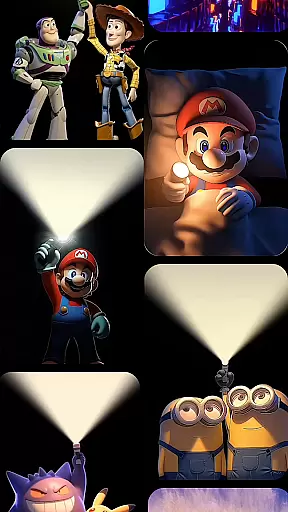

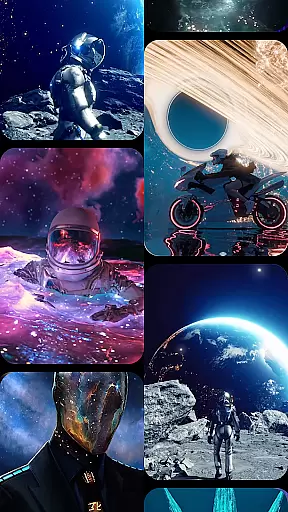
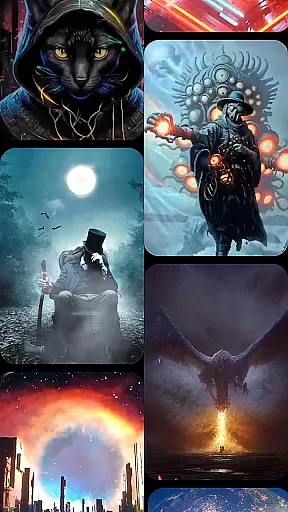
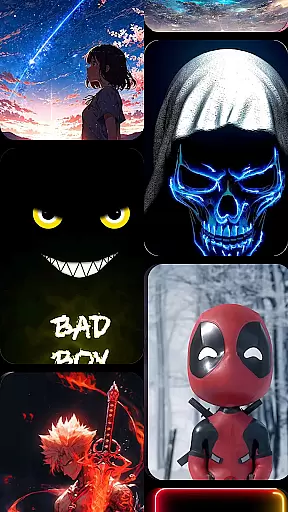

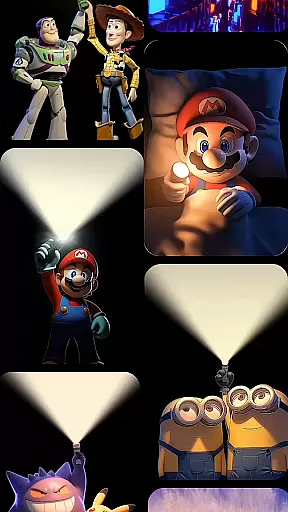

Cool Launcher Pro is a premium home screen replacement app designed to elevate your Android experience through stunning 3D themes, smooth performance, and complete customization. This launcher offers a sleek, modern interface that combines aesthetics with functionality, ensuring both visual appeal and practical usability.
With advanced features like live video wallpapers, automatic app organization, and an extensive theme library, Cool Launcher Pro caters to users seeking personalized device experiences. Whether you prefer minimalist designs or vibrant animations, this app provides the tools to create a truly unique home screen setup.
The app's powerful animation engine ensures fluid transitions and dynamic effects, while built-in widgets and tools enhance everyday productivity. Cool Launcher Pro is ideal for those who want to optimize their device’s appearance and performance simultaneously.
Cool Launcher Pro stands out with its comprehensive feature set tailored for personalization enthusiasts. The app includes a vast collection of 3D themes, icon packs, custom fonts, and wallpapers, allowing users to tailor every aspect of their home screens. These resources are complemented by live video wallpapers, which bring devices to life with dynamic visuals powered by an advanced animation engine.
Smart app management is another key highlight, automatically organizing apps into folders for a clutter-free desktop. Users can also access built-in tools such as real-time weather updates, a Bible reader, and a live wallpaper gallery, adding convenience without compromising on style.
For those seeking variety, Cool Launcher Pro connects users to a massive theme store offering diverse categories—from futuristic tech designs to nature-inspired motifs. Each feature is optimized for seamless integration, ensuring that personalization does not come at the cost of performance.
Customization is at the heart of CoolLauncher Pro, offering users a vast array of options to tailor their Android experience.
This launcher provides an extensive collection of themes, icon packs, custom fonts, and wallpapers, ensuring that every detail of your home screen can be personalized to reflect your unique style. Whether you prefer sleek minimalism or vibrant designs, CoolLauncher Pro caters to all tastes.
Beyond static customization, the app supports live video wallpapers and 3D effects, powered by an advanced animation engine. This feature brings dynamic animations and transitions to your device, making your home screen not just personalized but alive with motion.
The ability to add personal media for wallpapers further enhances the customization journey, allowing users to create a truly one-of-a-kind setup that no other launcher can offer.
CoolLauncher Pro excels in theme compatibility, ensuring that users have access to a diverse range of design options without sacrificing quality or performance.
With its integration into the world's largest theme store, this launcher offers countless categories ranging from futuristic tech-inspired visuals to serene nature-themed designs. Each theme is crafted to maintain visual consistency across icons, widgets, and wallpapers.
Moreover, CoolLauncher Pro guarantees seamless compatibility between these themes and various device models, meaning that regardless of your smartphone's specifications, you will enjoy a smooth and visually cohesive experience.
This commitment to compatibility extends to regular updates, ensuring that new themes are consistently added while maintaining optimal functionality and aesthetic harmony on all supported devices.
Highly customizable
Smooth animations
Extensive theme library
Built-in productivity tools
User-friendly interface
Premium version required
Heavy on system resources
Occasional bugs
Limited free themes
Steep learning curve

Ultra realistic gold analog watch face with lots of customization options.
 4.50
4.50
Only for Wear OS devices!
4.90
Customizable flower power digital watch face for Wear OS watches.
4.00
Prank your friends with realistic broken screen and cracked HD effects!
4.2
Personalize your phone with stunning HD and 4K wallpapers!
4.70
Nothing Icon pack with more than 3750+ highly crafted icons.
4.70
Custom edge gestures for volume control, brightness, apps, and shortcuts.
4.3
Adorable pets roam and play right on your phone screen!
3.30
Create stunning widgets with Widget 2026: Aesthetic Widgets for Android!
4.60
300+ Stunning and well-designed widgets inspired by NOTHING.
4.70
Vertically oriented rectangular icons
4.70
Embrace the Night. Unleash the power of darkness with Raven Dark Icon Pack
4.60
300+ Beautifully crafted widgets inspired by OneUI.
4.60
Beautiful realistic hybrid watch face with numerous customization options.
4.50
AI-powered Copilot. Personalized keyboard with gifs, stickers & themes
4.40
Unique Fonts, typefaces and stylish text. Fonts for Instagram, Whatsapp & others
4.20
More than 3000+ themes and 9000+ wallpapers for everybody!
4.10
Interactive Miniature Painting Catalogue
3.30
⭐ OneUI inspired Fluffy Icon Pack – Soft. Stylish. Standout. ⭐
4.1


User Reviews