
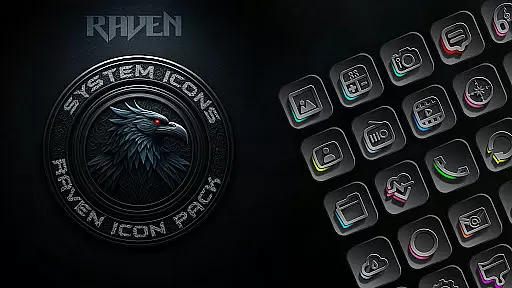
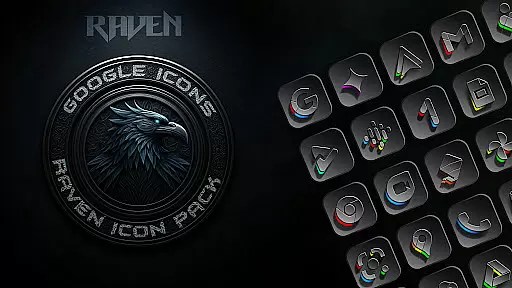
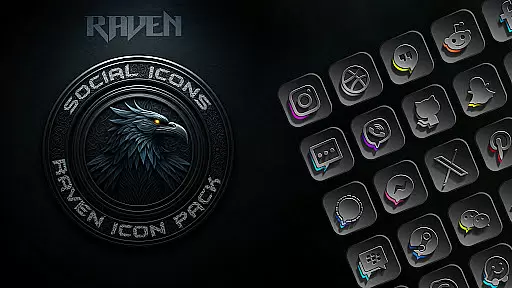
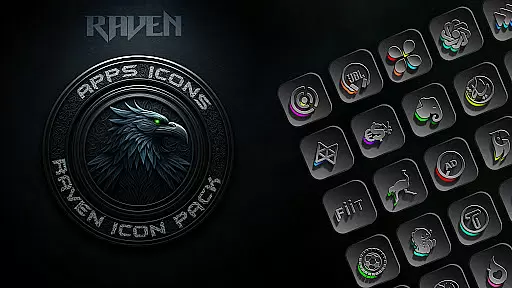
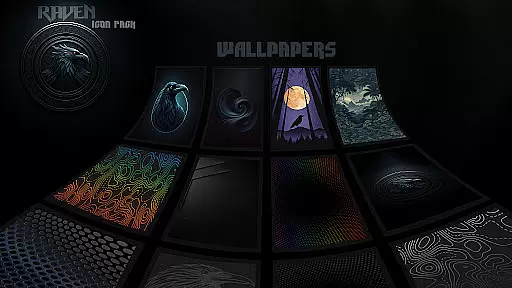
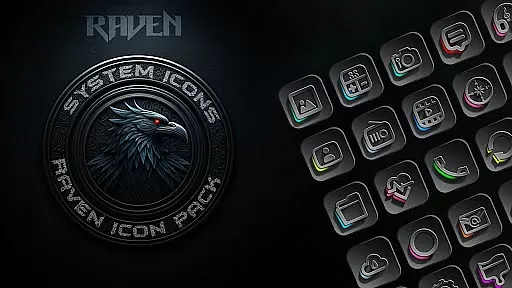
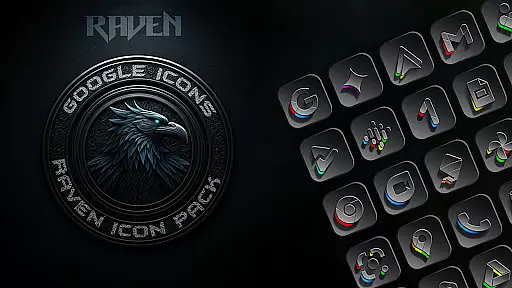
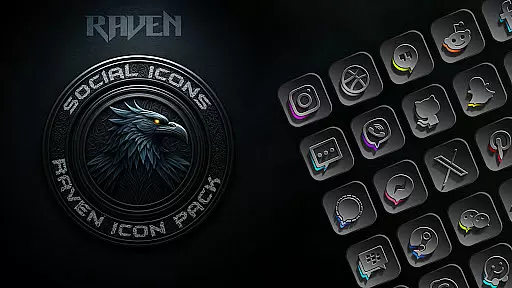
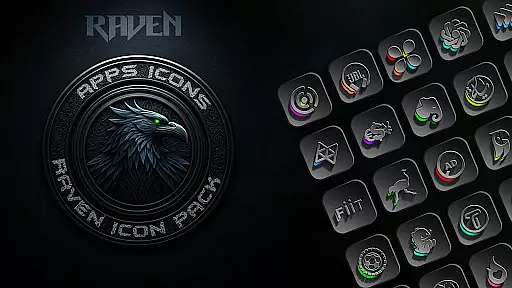
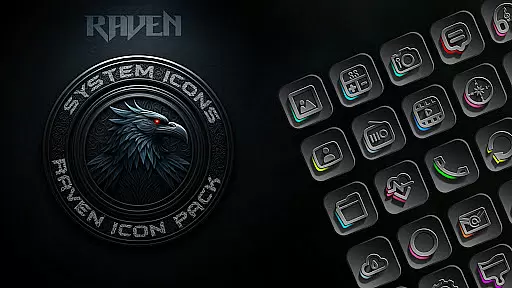
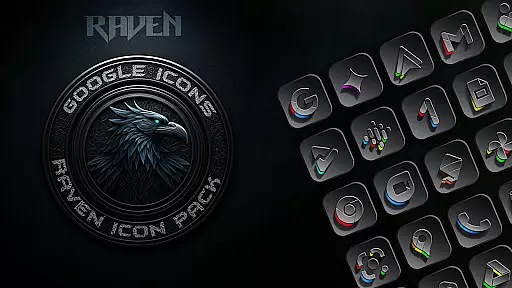
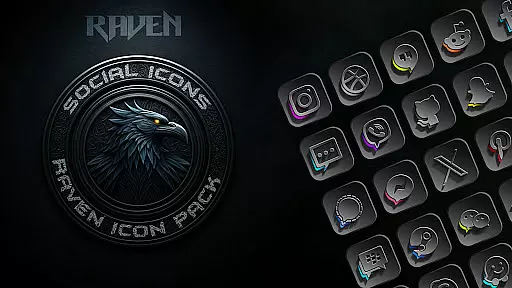
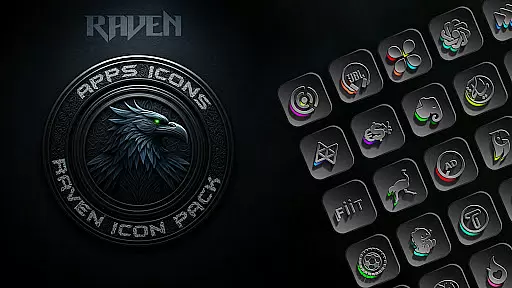
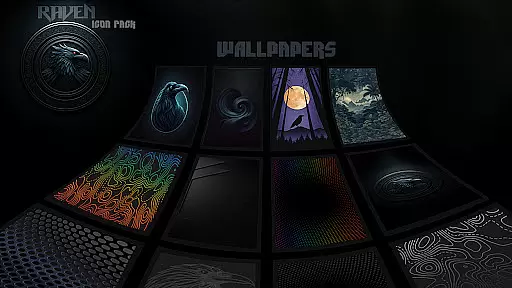
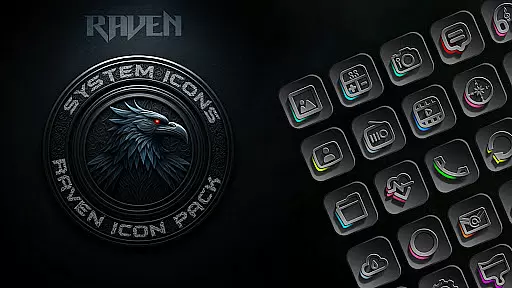
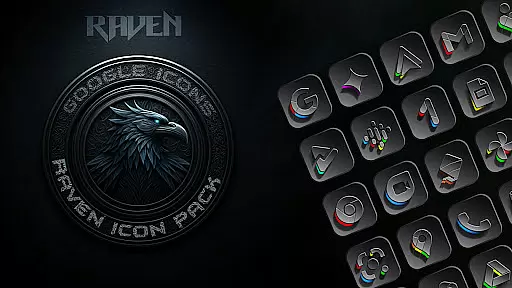
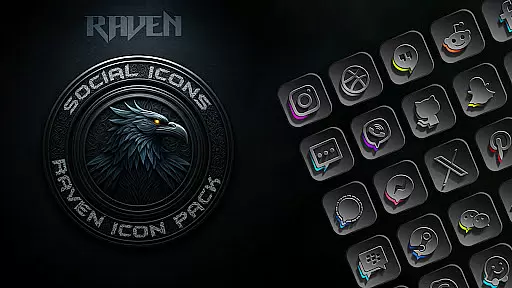
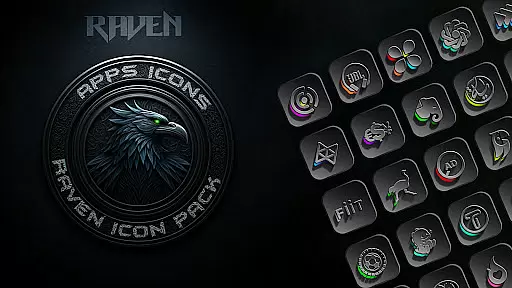
Raven Dark Icon Pack offers a sleek and mysterious collection of dark-themed icons, perfect for users who appreciate minimalist and elegant aesthetics. With over 4500 unique icons, it provides a vast library of exquisitely designed options that complement popular launchers. The pack features a dark and moody aesthetic with deep blacks, greys, and vibrant color accents, ensuring a clean and uncluttered look.
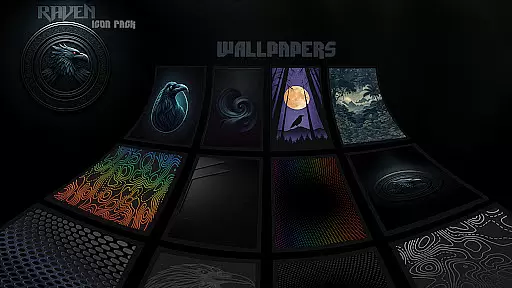
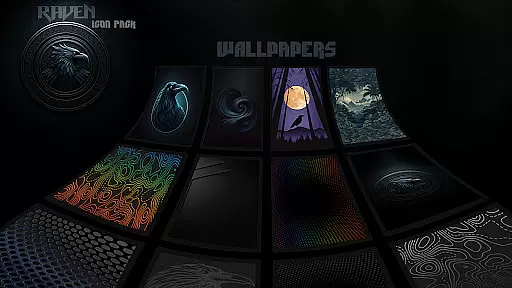
Users can customize their home screens easily, enjoying regular updates that include user-requested icons. Cloud-based wallpapers offer a selection of stunning dark backgrounds to match the icon pack's style. Compatible with most Android launchers, this pack allows for seamless integration and personalization, elevating your phone's style with high-resolution icons and modern UI themes.
The Raven Dark Icon Pack stands out with its extensive range of features tailored for customization enthusiasts. It includes hundreds of unique icons, each meticulously crafted to ensure visual harmony and functionality. Alternate icons for popular apps provide additional flexibility, allowing users to tailor their device's appearance precisely to their liking.
Regular updates are a key feature, responding directly to user feedback and requests. This ensures that the icon pack remains relevant and comprehensive. The inclusion of cloud-based wallpapers enhances the overall aesthetic, offering complementary backgrounds that complete the dark theme. An easy-to-use icon request tool further empowers users to personalize their experience, making it simple to request missing icons and maintain a cohesive look across their device.
Raven Dark Icon Pack offers an extensive range of customization options, ensuring that users can tailor their Android device's interface to their unique preferences. With over 4500 meticulously designed icons, this pack caters to a wide array of tastes and complements numerous popular launchers.
The inclusion of alternate icons for popular apps further enhances the personalization experience, allowing users to choose the design that best fits their aesthetic. Additionally, the pack provides access to a curated selection of 15 dark wallpapers, perfectly matching the dark and moody theme of the icons.
For those seeking even more customization, the icon request tool enables users to ask for specific app icons not yet included in the pack. This commitment to user-driven updates ensures that the icon library remains fresh and relevant.
Compatibility with a vast list of launchers, including Nova Launcher, Apex Launcher, and many others, makes it easy for users to apply the dark theme across different devices and systems. Whether you're using a Samsung device with One UI or another Android launcher, Raven Dark Icon Pack delivers a seamless customization experience.
Theme compatibility is a crucial aspect of any icon pack, and Raven Dark Icon Pack excels in this area by supporting a broad spectrum of Android launchers. From widely-used options like Nova Launcher and Action Launcher to niche choices such as Atom Launcher and Zero Launcher, this pack ensures that users can enjoy a cohesive look regardless of their preferred launcher.
Even for Samsung users, who often face limitations with third-party icon packs, Raven Dark Icon Pack provides a solution. By utilizing the Theme Park app available on Samsung Store, users with Android 12 and Samsung One UI 4.0 or newer can fully integrate the dark-themed icons into their system.
It's important to note that while Google Now Launcher does not support icon packs, the vast majority of other launchers do. This inclusivity allows a diverse user base to embrace the sleek and minimalist design language of Raven Dark Icon Pack without being restricted by their device's default settings.
The pack's compatibility extends beyond just launchers, as it also integrates smoothly with various home screen setups and supports features like dark mode and HD icons. This comprehensive approach to compatibility ensures that users can achieve a unified and stylish appearance across all aspects of their device's interface.
Extensive icon library
Regular updates
Cloud-based wallpapers
Compatible with many launchers
User-friendly interface
Requires compatible launcher
No support for Google Now Launcher
Limited to Android devices
Some features need specific apps
Premium aesthetic may not suit all

Customizable flower power digital watch face for Wear OS watches.
 4.00
4.00
Ninja Turtles Cowabunga SE watch face for Wear OS
4.50
Fingerprint Lock Screen & Live Animations with 4K Wallpapers as Live Wallpaper
4.40
Personalize your phone with stunning HD and 4K wallpapers!
4.70
App Icon Changer & Shortcut Creator. Customize your icons without any watermarks
4.30
Stylish Pink Cute Hippo keyboard with 10000+ customized keyboard themes!
4.60
Yandex Browser — stylish and secure, with voice search and data compression
4.40
Your home screen, just the way you like it.
4.30
Your home screen, just the way you like it.
3.80
A retro cartoon style watch face and a punch right in the face of the copyright
4.60
Want to make your phone more special than ever?
4.60
Icons made of colorful linear lines
4.60
Aesthetic Widgets, HD Wallpapers, Themes in Mico Widget for Home and Lock Screen
4.50 4.50
4.50
Color phone with cool effects for call screen, flash alert & ringtones music
4.50
Create unique, fun emojis with Funny Emoji Maker! Unlimited creativity!
4.00
Customize glowing edges, wallpapers, and caller screen with EdgeAura.
3.50 3.50
3.50
Custom edge gestures for volume control, brightness, apps, and shortcuts.
4.5


User Reviews