
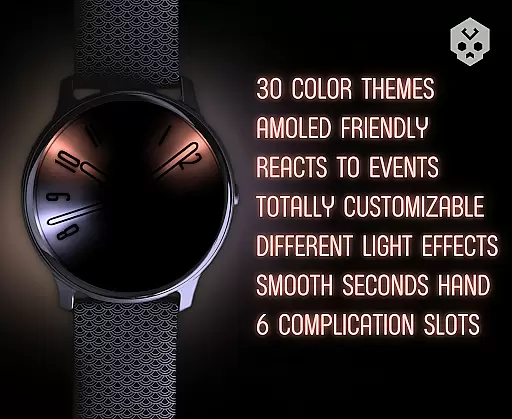
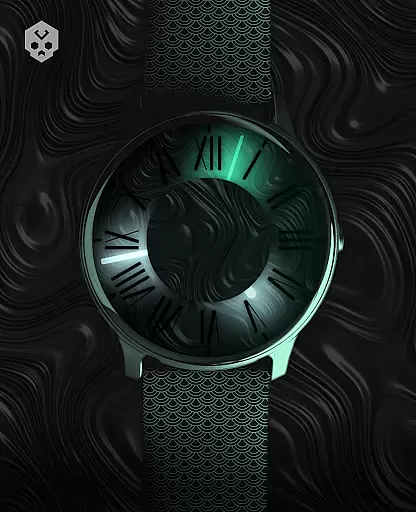
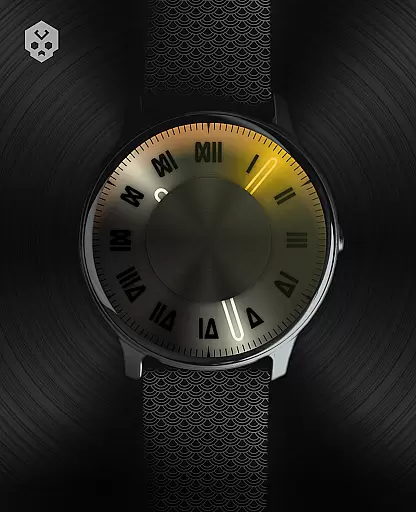

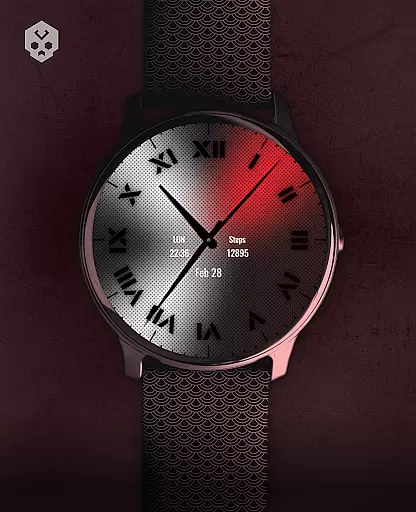
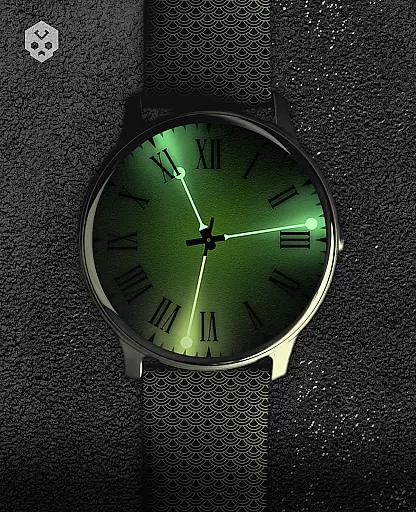
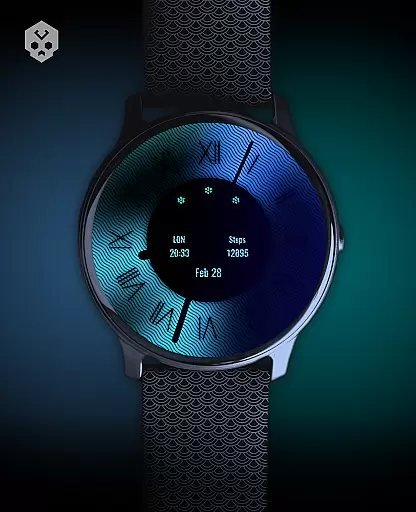
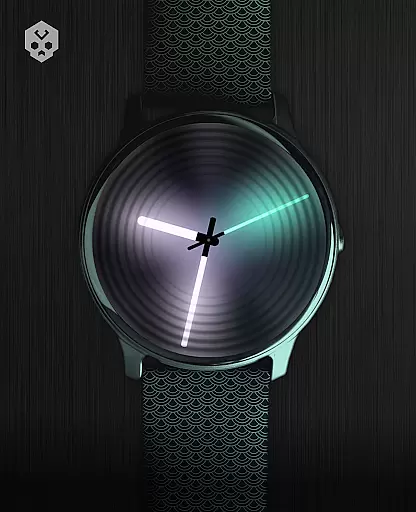
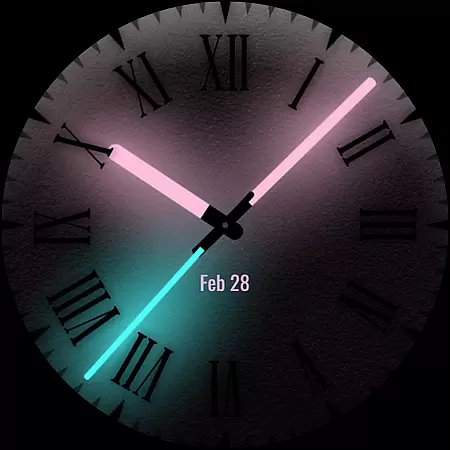
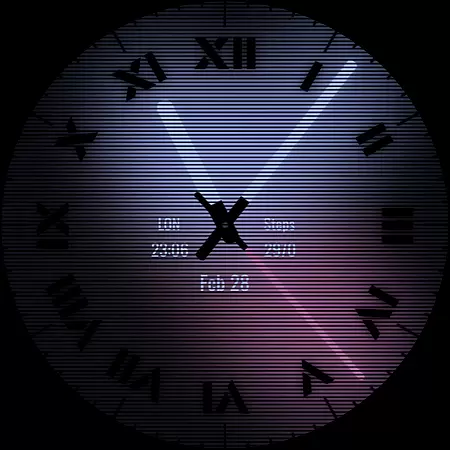
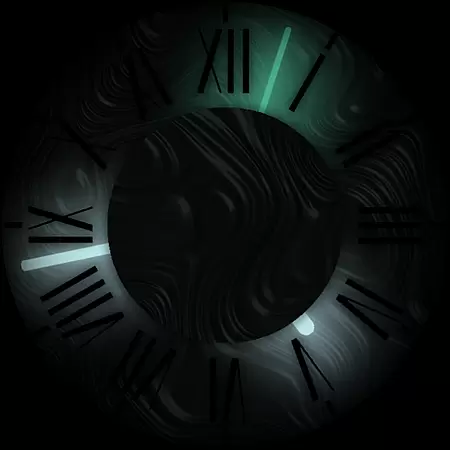

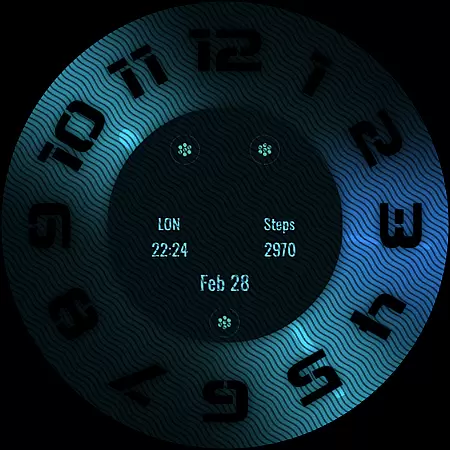
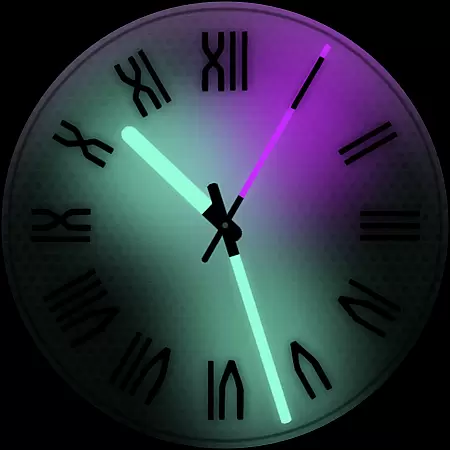
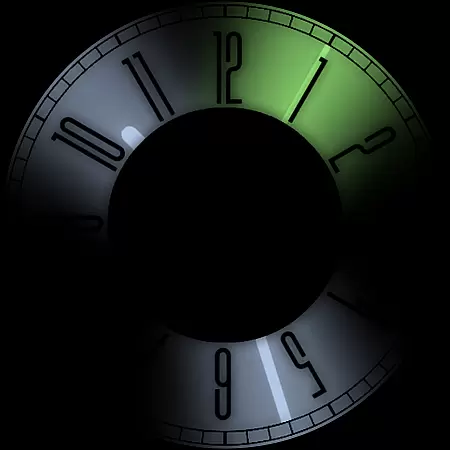
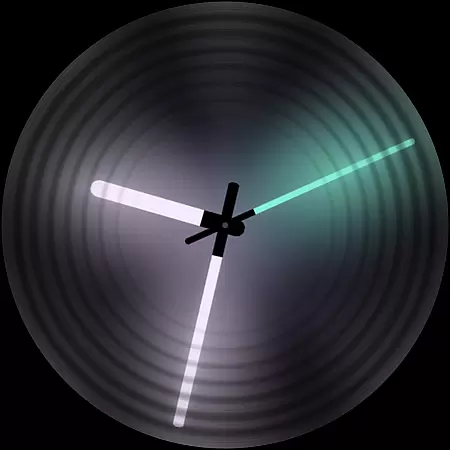
Dark Metal Saber Watch Face is a highly customizable Wear OS watch face designed for style-conscious users. It features an impressive range of color schemes and customization options, including adjustable clock hands, index, decorator, and overlay settings.
This standalone app works on various smartwatches from Samsung, Mobvoi Ticwatch, Fossil, Oppo, and Xiaomi devices. Its unique handcrafted design reacts to low battery, notifications, and charging states while offering five customizable complications in different sizes.
The watch face provides both aesthetic appeal and practical functionality, making it suitable for users who want to personalize their smartwatch experience while maintaining essential timekeeping features and smart functionalities.
Dark Metal Saber offers an extensive set of features that make it stand out among other watch faces. With 30 color schemes and numerous customization options, users can create a truly personal look. The watch face elements, including clock hands, index markers, decorators, and overlays, are all adjustable.
A key advantage is its smart responsiveness - the watch face reacts to low battery levels, notifications, and charging status. Users can also choose from five different complication sizes, allowing for optimal information display. An easy-to-use companion app simplifies installation and management while being completely removable afterward.
The implementation of these features demonstrates careful attention to detail, providing both aesthetic flexibility and practical functionality. This combination creates a premium user experience that justifies the price point through quality design and ongoing support.
Customization is at the heart of Dark Metal Saber Watch Face, offering users an extensive range of personalization options to suit their unique style. With 30 color schemes available, users can select the perfect look that resonates with their personal aesthetic preferences.
Beyond colors, the watch face provides numerous customizations including clock hands, index, decorator, and darkness settings. Users have the freedom to adjust these elements to match their desired appearance, ensuring their smartwatch reflects their individuality.
The overlay, backlight, logo, and background are also customizable, allowing for further personal expression. These features collectively ensure that each user's watch face is not only functional but a true extension of their personal style.
Dark Metal Saber Watch Face is designed as a standalone Wear OS application, ensuring broad compatibility across various devices such as Samsung, Mobvoi Ticwatch, Fossil, Oppo, and the latest Xiaomi smartwatches. This wide-reaching compatibility means more users can enjoy a personalized experience regardless of their device brand.
Despite its complex design, the installation process is straightforward. After downloading the companion app on a smartphone, users can easily connect their Wear OS smartwatch and install the watch face directly from their device. The intuitive setup ensures that even those new to smartwatches can personalize their device without hassle.
Moreover, the watch face reacts to low battery, notifications, and charging states, providing dynamic functionality alongside its stylish design. With five customizable complications in different sizes, users can maintain essential information at a glance while enjoying a cohesive visual theme across their wearable technology.
Highly customizable
Wide device compatibility
Smart responsiveness
Multiple complication options
Premium handcrafted design
Higher price point
Wear OS only
Complex setup process
Limited free options
Requires companion app

Fingerprint Lock Screen & Live Animations with 4K Wallpapers as Live Wallpaper
 4.40
4.40
Sparkle your screen with Glitter Wallpapers For Girls and Cute Backgrounds!
4.80
A launcher for Samsung Good Lock and Good Guardians modules without ads
4.70
Personalize your phone with stunning HD and 4K wallpapers!
4.70 4.50
4.50 4.50
4.50
Embrace the Night. Unleash the power of darkness with Raven Dark Icon Pack
4.60
Your home screen, just the way you like it.
4.30
Amazing letter fonts in your messages and social statuses
4.70
300+ Beautifully crafted widgets inspired by OneUI.
4.60
Handcrafted pixel art icons, widgets & wallpapers
4.60
300+ widgets inspired by Material You and Material 3 expressive design.
4.60
Ultra realistic gold analog watch face with lots of customization options.
4.50
Transform your phone with Launcher iOS 26 - Smooth & elegant iOS experience
4.50
Aesthetic Widgets, HD Wallpapers, Themes in Mico Widget for Home and Lock Screen
4.50
200+ Material Inspired Widgets
4.50
Wear Os Watch Face - Seasonal - Animated Snow Effect - 9 Animals
4.20
More than 3000+ themes and 9000+ wallpapers for everybody!
4.10
Transfer your live wallpapers from Windows to Android using Wallpaper Engine!
4.00


User Reviews