
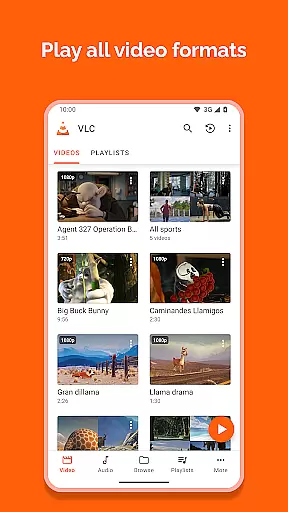
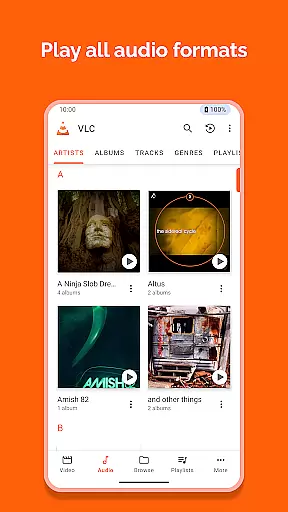
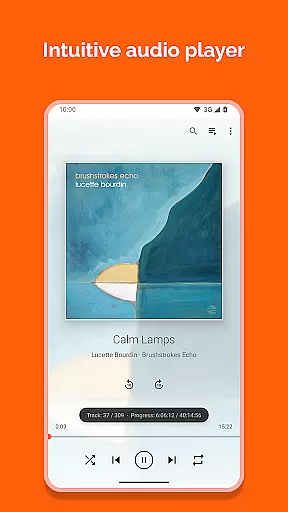
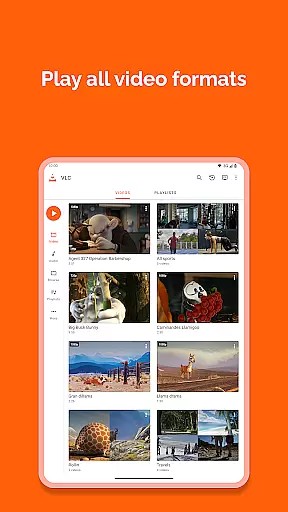
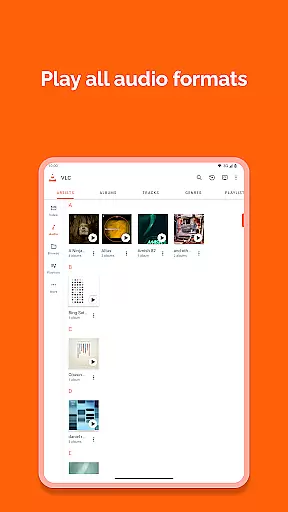
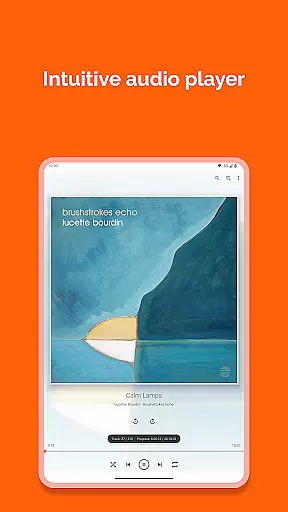
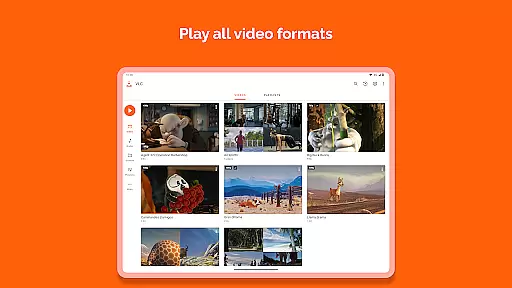
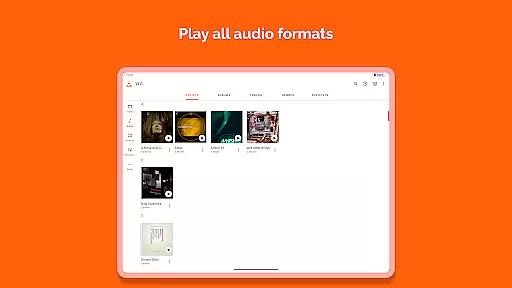
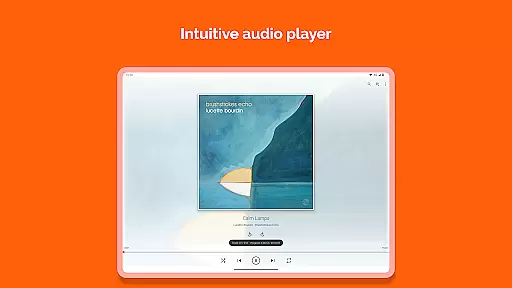
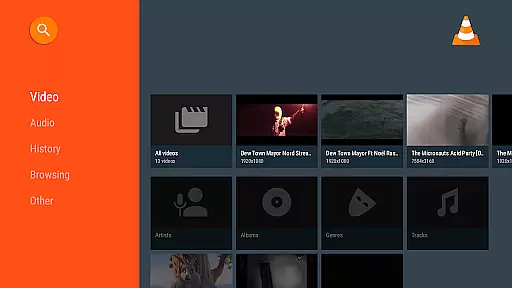
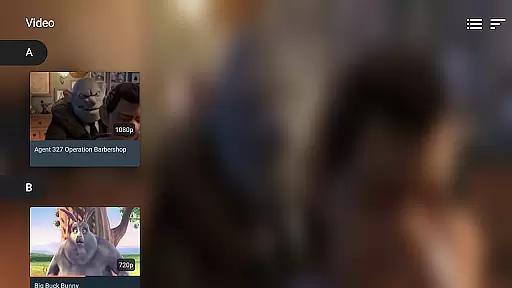
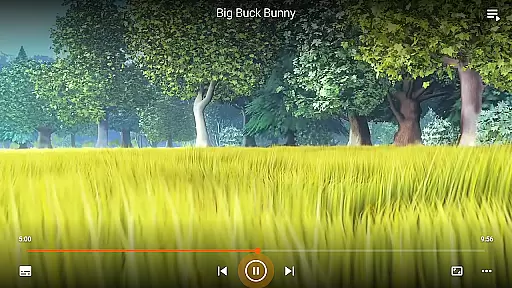
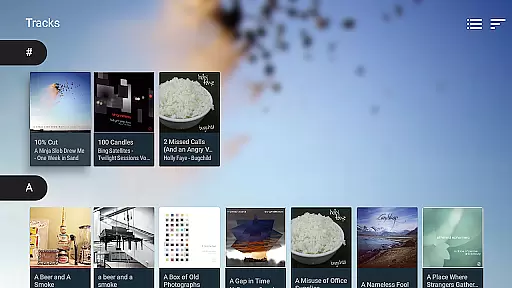
VLC for Android is a versatile, free, and open-source media player that brings the renowned VLC experience to mobile devices. This application supports an extensive range of video and audio formats, including network streams, DVD ISOs, and disk shares, without the need for separate codecs or downloads.
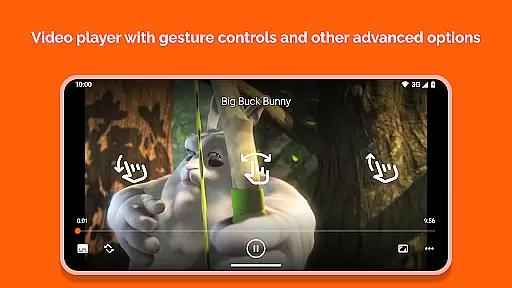
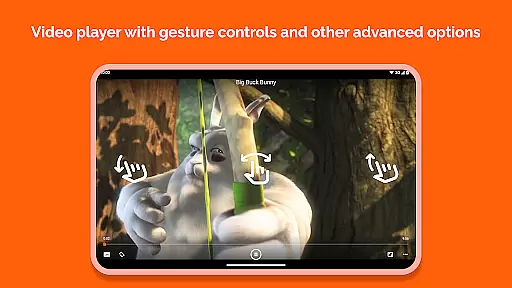
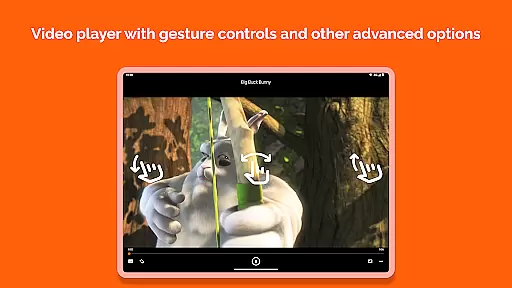
Designed with user convenience in mind, it features a comprehensive media library, supports multi-track audio and subtitles, and includes advanced playback controls through intuitive gestures. Whether you're streaming content online or managing your local media files, VLC for Android offers a seamless multimedia experience across all formats.
Ideal for users seeking a robust media player on their Android device, VLC provides exceptional value by combining powerful functionality with a commitment to privacy and freedom from ads or in-app purchases.
VLC for Android stands out with its ability to handle virtually any multimedia file format without additional codec packs. It supports everything from standard MP4 and AVI to more specialized formats like Ogg and FLAC, ensuring universal compatibility.
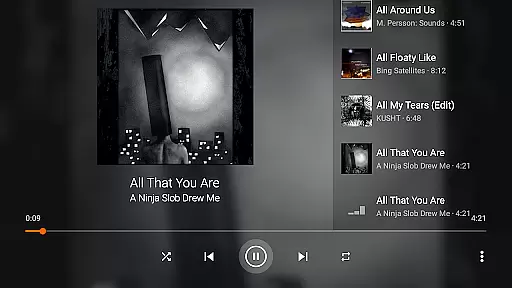
The app's feature set extends to include support for adaptive streaming, multi-track audio, and subtitles, alongside advanced playback controls such as auto-rotation and aspect-ratio adjustments. Users can also enjoy practical functionalities like a media library for organizing audio and video files, a widget for audio control, and support for audio headsets.
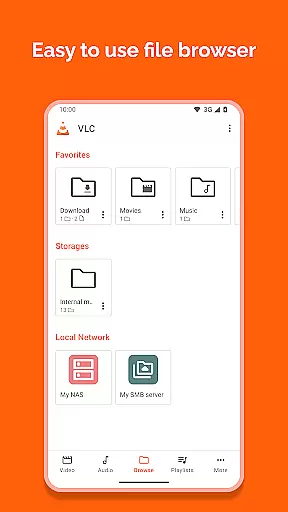
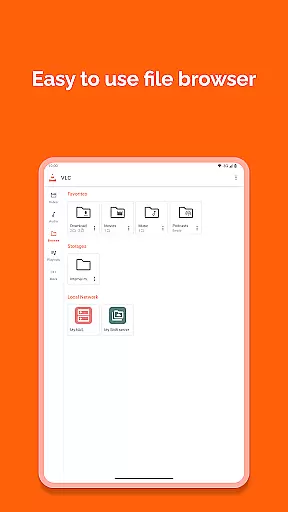
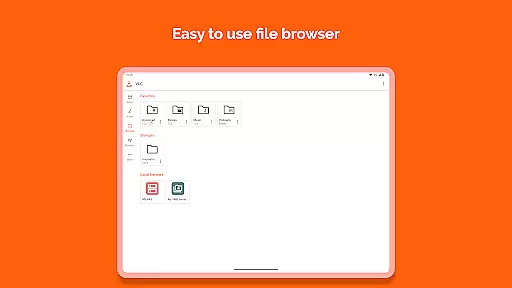
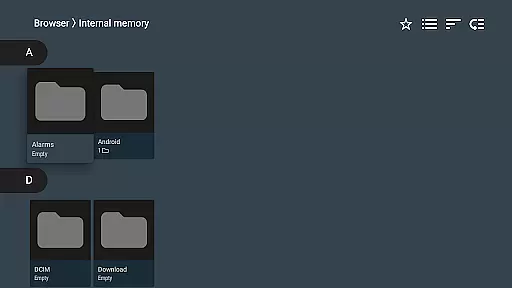
What sets VLC apart is its dedication to user freedom and privacy; it contains no ads or in-app purchases and requires no unnecessary permissions. The inclusion of network stream support and the ability to browse folders directly further enhance its utility for both casual listeners and dedicated audiophiles.
VLC for Android stands out in its ability to support a wide range of video formats, making it one of the most versatile video players available. The application is designed to handle everything from common formats like MP4 and AVI to more specialized ones such as MKV and M2TS.
The inclusion of all necessary codecs within the app eliminates the need for users to download additional software or plugins. This comprehensive support ensures that users can play virtually any video file they encounter without compatibility issues.
Moreover, VLC for Android supports advanced features like subtitles, closed captions, and multi-track audio. These capabilities enhance the viewing experience by allowing users to customize their playback according to personal preferences or accessibility needs.
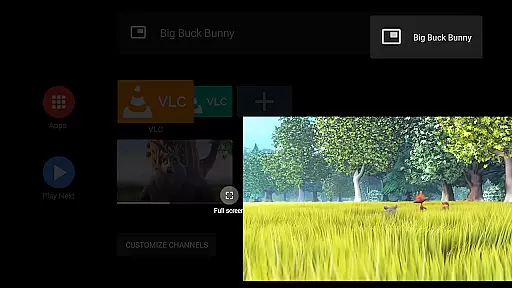
By offering such extensive video format compatibility, VLC for Android empowers users to enjoy a seamless media experience across diverse content types, whether streaming from network shares or playing local files.
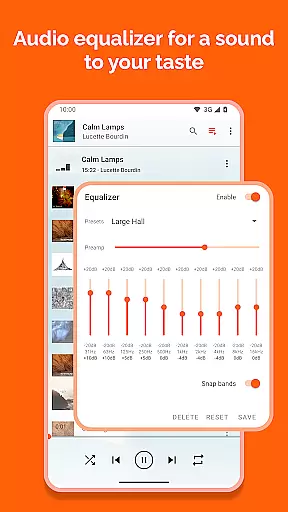
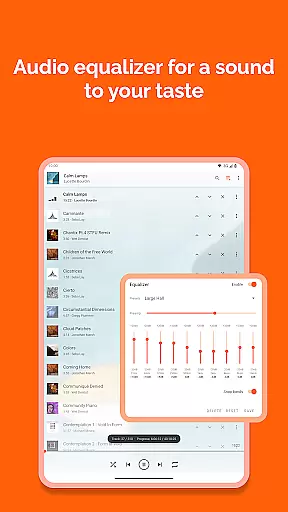
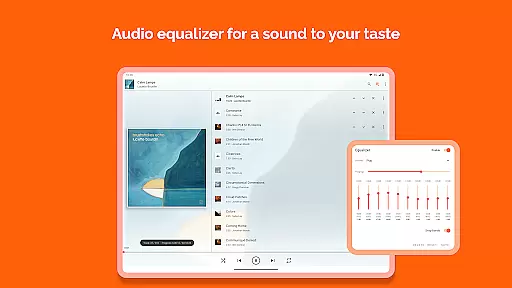
While VLC for Android primarily focuses on media playback, it incorporates some intelligent features that resemble AI-powered editing capabilities. For instance, the app provides automatic audio equalizer settings and various filters that optimize audiovisual quality based on the content being played.
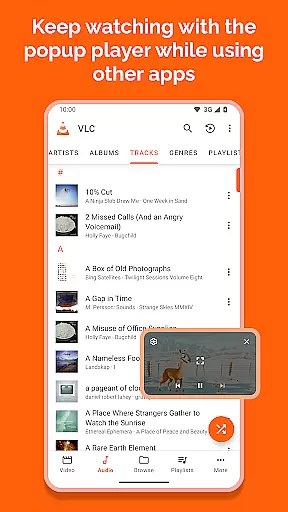
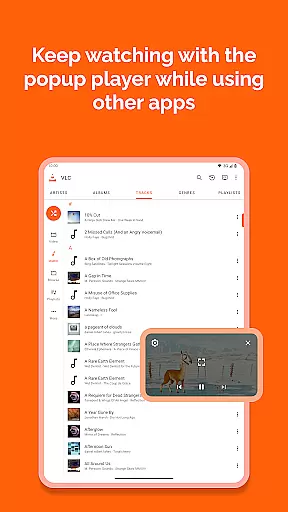
The media library function employs smart organization techniques, automatically categorizing and sorting audio and video files. This feature simplifies navigation through large collections of media files, although it doesn't alter or edit the content itself.
VLC's adaptive streaming technology demonstrates another aspect of intelligent media handling. The player automatically adjusts playback quality based on network conditions, ensuring smooth streaming experiences without manual intervention.
These smart features, while not traditional editing tools, represent VLC's commitment to enhancing user experience through intelligent media management and playback optimization.
User-friendly interface
Comprehensive format support
No in-app purchases
Regular updates
Active community support
Occasional bugs
Complex settings
Limited design customization
Heavy on older devices
Advanced features may overwhelm new users

Auto video maker with music & exclusive filters. Video editing made simple.
 4.50
4.50
A full editing room to accompany your Insta360 cameras and handheld gimbals.
3.30
Powerful, professional, versatile teleprompter. Developed by an active film crew
4.00
IPTV-Smarters Player Pro M3U - Watch Live Stream TV Channels with Chromecast
4.00
Stream high quality video from your camera over NDI protocol
4.5
KMPlayer Plus (Divx Codec) officially support Divx codec.
4.30
Stream Web Videos to Chromecast, Samsung, LG, Sony, Roku, Fire TV, DLNA + more
4.00
Livestream, news, & gaming content. Watch, chat, and upload. Join Rumble today!
3.80
convenient, safe and fast at Video Downloader & Player
4.60
Download Hub, easy and private way to download and enjoy your videos offline
4.80
AI Video Editor with Music, Filter, Slideshow, Effect, Merge & Trim Video.
4.80
Fast & easy HD video downloader for all formats, support 4K playback & download.
4.60
Cast to Chromecast, Xbox, Fire Stick, Roku, DLNA, Smart TV & No Feature Limited!
4.50
Full HD Video mp3 Player, MP4 player play 1080p, File manager, Video Downloader
4.40
AirMirror Receiver - Screen mirroring/cast web videos to Android TV by AirPlay.
4.40
Create & edit videos with AI
4.30
Fast private browser with secure, seamless access & supported video downloads!
4.00
Online Videos Player
3.90
The essential companion to your Blue Iris PC software
2.50


User Reviews