

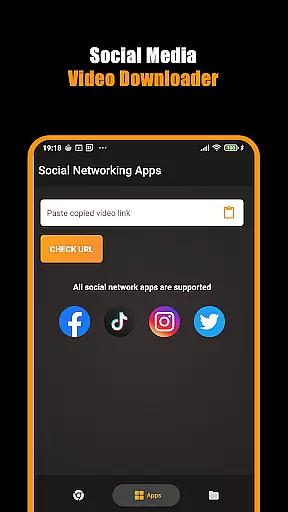
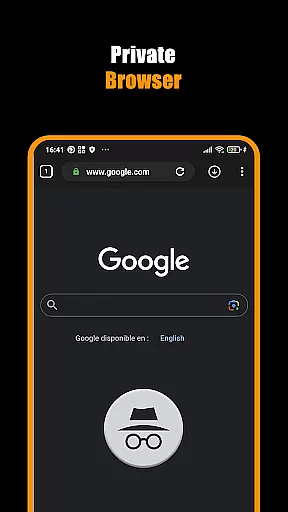



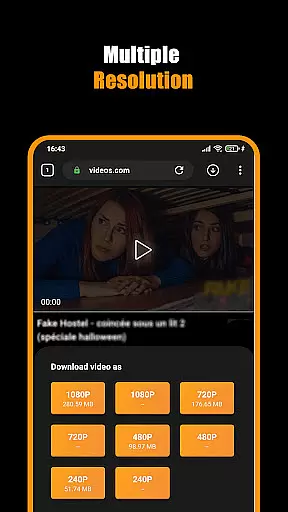
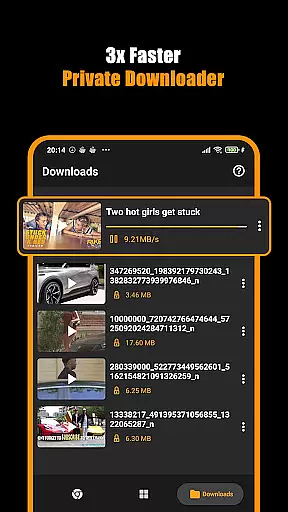


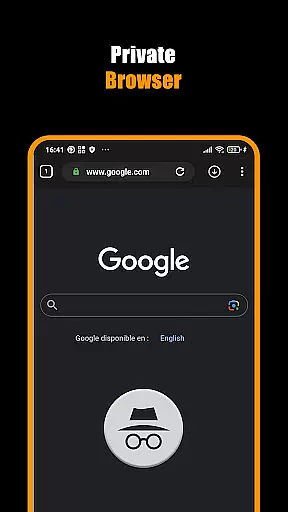
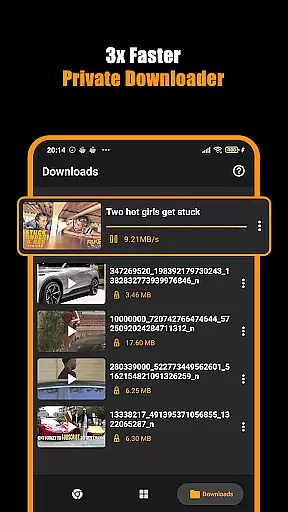


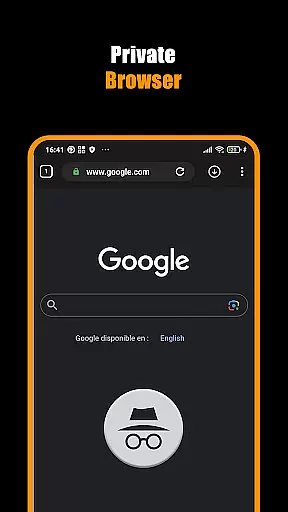


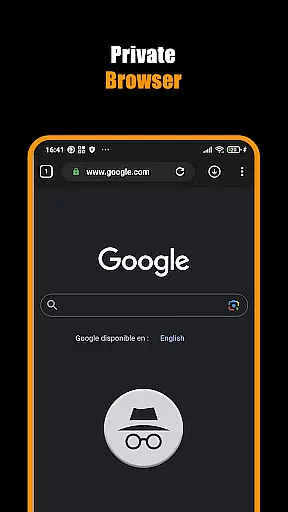
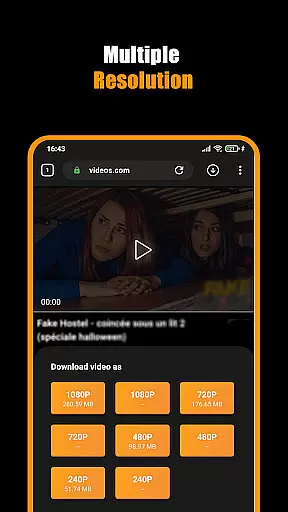
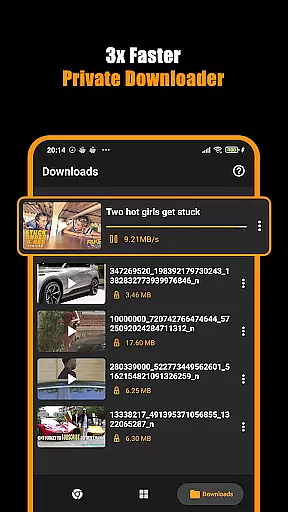
Hub Video Downloader is a versatile video downloading tool designed for users who want to save online videos directly to their devices. The app features a built-in private browser that allows users to browse the web securely while automatically detecting downloadable video content. With support for high-definition video downloads in 2K and 4K resolutions, it ensures premium quality for every saved file.
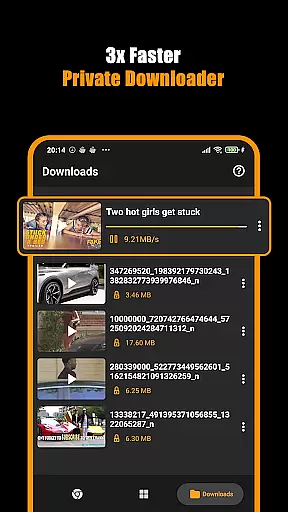
One of the standout capabilities of Hub Video Downloader is its multitasking functionality, enabling users to manage multiple downloads simultaneously. Users can pause, resume, or cancel downloads at any time, ensuring maximum control over their content-saving process. Additionally, the app emphasizes privacy by automatically clearing browsing history and download records once the session ends, making it an ideal choice for those who prioritize discreet media consumption.
Hub Video Downloader offers several advanced features tailored to enhance user experience. Its automatic video detection system identifies downloadable content as soon as users visit a webpage, streamlining the saving process. The integrated Download Hub tool provides seamless management of ongoing downloads, even allowing background activity so users can continue using their devices without interruption.
The app also supports unlimited tabs within its private browser, giving users the freedom to multitask efficiently. Another notable feature is the ability to bookmark favorite websites for quick access later. Once videos are downloaded, they are automatically stored in the device's gallery, organized neatly for easy retrieval. These functionalities make Hub Video Downloader not just a downloader but also a comprehensive media management solution.
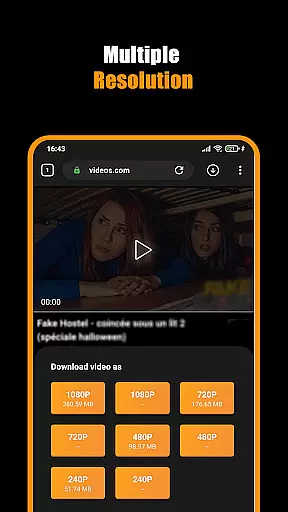
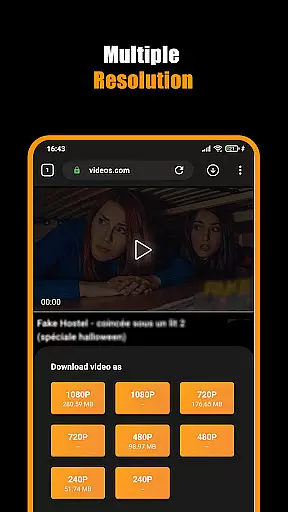
Hub Video Downloader stands out with its extensive video format compatibility, ensuring users can download and save videos in multiple resolutions including 2K and 4K quality. This flexibility allows for an optimized viewing experience across various devices, accommodating different screen sizes and bandwidth capabilities.
The application's support for high-definition formats means that users do not have to compromise on video quality. Whether it's a high-resolution movie or a simple clip, the app maintains the clarity and detail of the original content, making it an ideal choice for users who demand the best visual experience.
Moreover, the app's ability to automatically detect and download videos in the most suitable format ensures a seamless user experience. Users are not required to manually select formats, as the intelligent system adapts to provide the best possible version of the content available.
This comprehensive format support not only enhances user satisfaction but also broadens the app's utility, catering to a wide audience with varying needs and preferences in video consumption.
While Hub Video Downloader focuses primarily on downloading capabilities, it also integrates AI-powered editing features that elevate the post-download experience. These tools allow users to make quick edits, such as trimming, cropping, and adjusting video parameters, directly within the app, streamlining the process from download to final use.
The inclusion of smart editing options powered by artificial intelligence ensures that even users with minimal editing experience can enhance their videos effortlessly. The intuitive interface guides users through various editing functions, making video customization accessible to everyone.
Furthermore, these AI-driven features optimize video files for storage and sharing without compromising quality. Intelligent compression algorithms reduce file size while maintaining visual integrity, which is particularly beneficial for users looking to save space or share content quickly.
By combining robust downloading capabilities with innovative editing tools, Hub Video Downloader offers a complete package for users seeking both convenience and creative control over their video content.
User-friendly interface
High-definition video support
Private browsing mode
Background download capability
Automatic video detection
No YouTube support
Limited to non-copyrighted content
Requires stable internet
Privacy concerns with unknown sites
Storage-intensive downloads

Online Videos Player
 3.90
3.90
A full editing room to accompany your Insta360 cameras and handheld gimbals.
3.30
Save photos and videos from social apps in one tap.
3.60
Tik & Story Saver-Download ALL social media videos, photos & reels no watermark.
4.80
Powerful HD video player with support for all formats & subtitles.
4.3
Seamlessly connect and control your smart devices, anytime, anywhere with ease.
4.60
Video Downloader, Multiple Resolution Options, Video Player
4.50
Watch IPTV on your Android device
4.60
Browser for Samsung TV to stream webvideos, online movies and livestreams in HD
4.10
#1 Torrent App on Android ** No Ads Ever + Battery Saver **
4.80
GENRAL PRO - General Pro is the best video player that fully supports all formats.
4.70
Cast movies, tv shows and live streams to Chromecast, Roku, DLNA, Fire TV & more
4.60
Fast & Private HD Video Downloader with Built-in Proxy Browser and Video Player.
4.50
Fast video downloader & private browser. Save HD clips to watch offline.
4.40
AirMirror Receiver - Screen mirroring/cast web videos to Android TV by AirPlay.
4.40
Turn your phone into a wireless camera!
4.20
Powerful video player with advanced hardware acceleration and subtitle supports
4.20
Stream Web Videos to Chromecast, Samsung, LG, Sony, Roku, Fire TV, DLNA + more
4.00
AI Video Editor:AI Music, Text to Video,Text to Speech,Auto Caption,Video Effect
4.00


User Reviews