
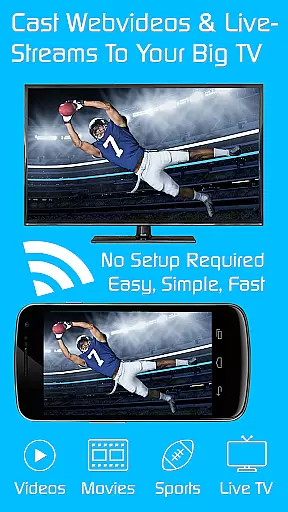
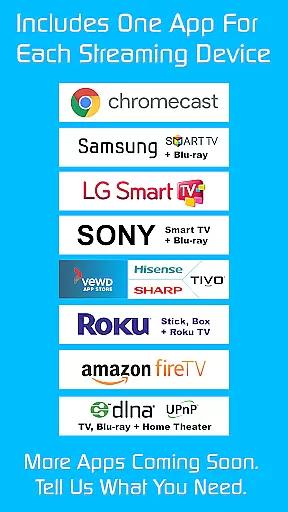
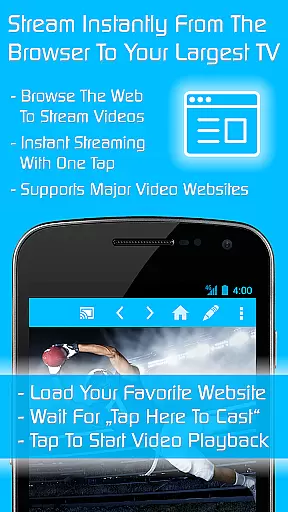
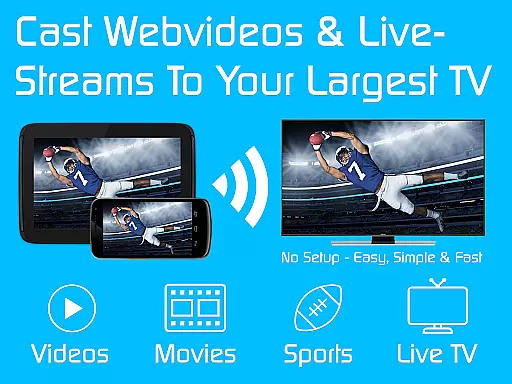
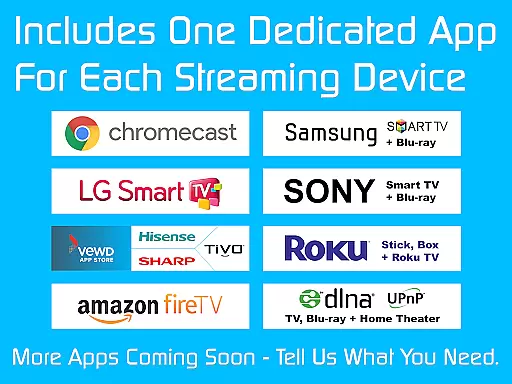
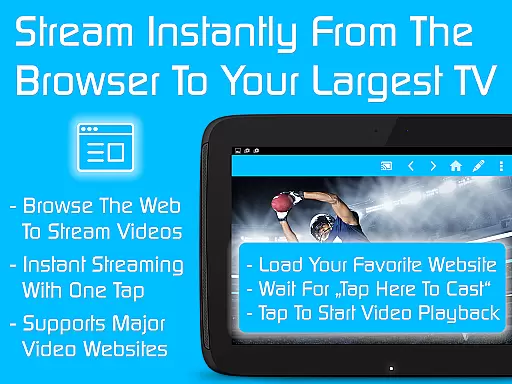
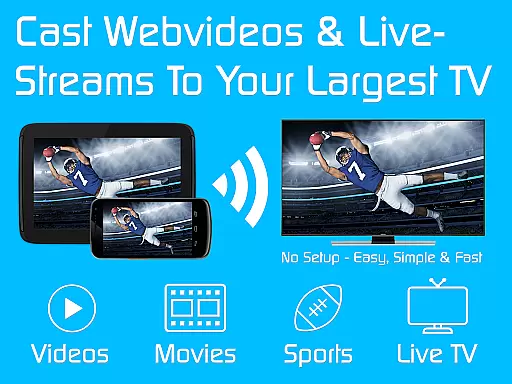
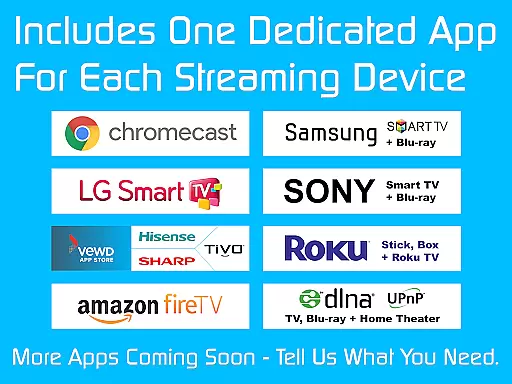
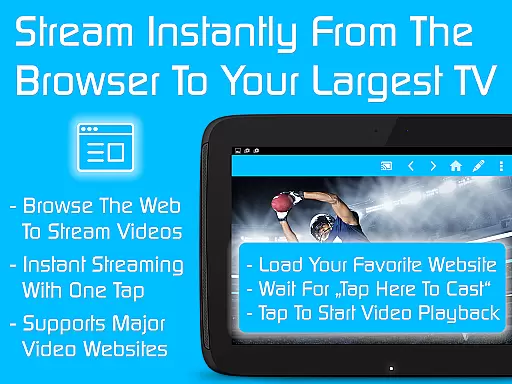
TV Cast is a versatile streaming browser app that allows users to stream and watch web videos, online movies, livestreams, and live TV shows on a variety of devices. Compatible with Chromecast, Samsung TV, LG TV, Sony TV, Hisense TV, Sharp TV, TiVo, Roku, Fire TV, DLNA, and Google Cast or Android TV-powered devices, it offers an extensive range of connectivity options. The Ultimate app serves as a license key that unlocks premium features in all free editions of Video & TV Cast apps on your Android device.
The app's core functionality lies in its ability to seamlessly cast content from your mobile device to larger screens. With more than 10 million users, TV Cast stands out for its user-friendly interface and reliable performance. Whether you're looking to enjoy entertainment on your smart TV or share content with friends and family, this app provides a comprehensive solution for all your casting needs.
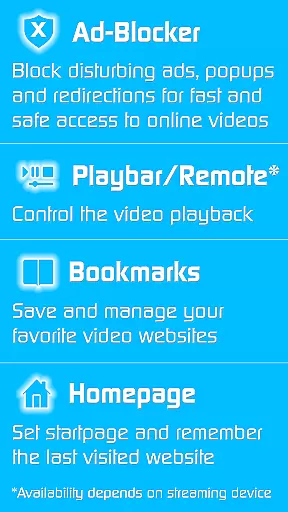
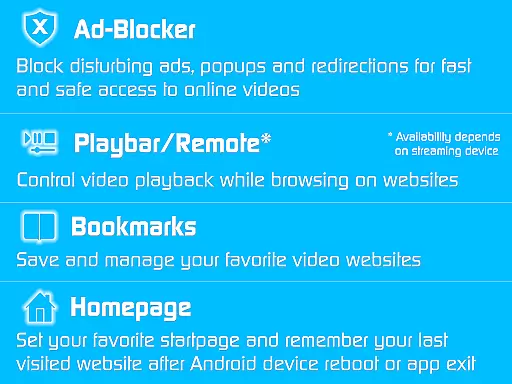
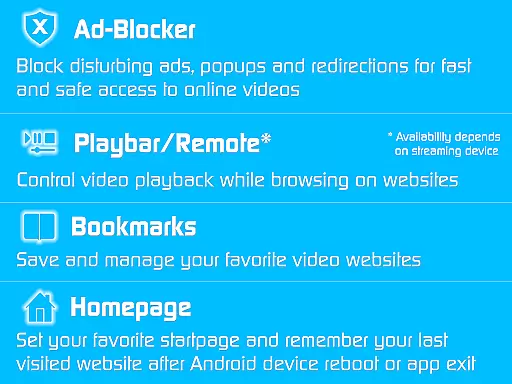
TV Cast boasts a rich set of features designed to enhance the streaming experience. One standout feature is the Ad-Blocker for websites, which blocks all advertisements, popups, and redirections caused by the websites you visit. This ensures uninterrupted viewing pleasure without annoying interruptions. Additionally, the Playbar/Remote function enables fast forward, rewind, and video scrubbing while browsing, depending on the capability of the streaming device.
Customization is at the heart of TV Cast's offerings. Users can change the homepage to set a personal starting point and enable remembering the last visited website. The Desktop Mode cloaks your device as a desktop PC, aiding in detecting video links on some websites. Moreover, the app supports unlimited bookmarks, allowing users to save and manage their favorite websites and videos efficiently. All these features come without any sponsoring advertisements, providing a clean and focused user interface.
Video format compatibility is a crucial feature for any video player, ensuring that users can enjoy content in various formats without technical hindrances. TV Cast excels in this area by supporting an extensive range of video formats, making it versatile for streaming on multiple devices such as Chromecast, Samsung TV, LG TV, and more.
The app's broad format support allows users to stream web videos, online movies, livestreams, and live TV shows effortlessly. Whether you're looking to watch content on Google Cast, DLNA, or Android TV-powered devices, TV Cast ensures seamless playback without the need for format conversion.
By unlocking Premium Features through the Ultimate app, users gain access to enhanced capabilities like an Ad-Blocker, Playbar/Remote, and Unlimited Bookmarks, enriching the overall viewing experience. This flexibility empowers users to enjoy their favorite content on a wide array of devices without worrying about compatibility issues.
AI-powered editing features represent the cutting-edge advancement in video players, enabling users to enhance their viewing experience through intelligent automation. Although TV Cast primarily focuses on streaming and casting capabilities, its integration with AI functions indirectly supports content management and optimization.
While direct AI editing tools may not be the app's primary focus, features like the Desktop Mode and Video Scrubbing contribute to a smarter interaction with video content. These functionalities help in detecting video links on websites and allow precise control over video playback, mimicking some benefits of AI-driven interfaces.
TV Cast's ability to cloak your device as a desktop PC and enable fast forward, rewind, and video scrubbing enhances user engagement. Such features ensure that viewers can tailor their experience according to personal preferences, thus offering a semi-customized and intuitive interface akin to AI-powered editing.
User-friendly interface
Wide device compatibility
Ad-free experience
Fast forward and rewind capabilities
Unlimited bookmarks
Premium requires separate app
Limited troubleshooting support
Device-specific feature limitations
No offline functionality
Premium reverts upon uninstall

Full HD Video mp3 Player, MP4 player play 1080p, File manager, Video Downloader
 4.40
4.40
1)AirPlay/DLNA Mirroring/Streaming, up to 4 connections; 2)Samba/NAS/DMS Player.
4.00
KMPlayer Plus (Divx Codec) officially support Divx codec.
4.30
Play and download HD videos from all sources — fast, simple, and all-in-one.
4.4
Add date and time watermark to photos and videos
4.50
Find, download, and play torrents with the official BitTorrent® Pro app
4.70
Livestream, news, & gaming content. Watch, chat, and upload. Join Rumble today!
3.80
Fast private browser with secure, seamless access & supported video downloads!
4.00
Enjoy your favorite videos and channels with the official YouTube app.
3.90
A Quick and Pro Video Editor
4.70
Cast movies, tv shows and live streams to Chromecast, Roku, DLNA, Fire TV & more
4.60
Auto video maker with music & exclusive filters. Video editing made simple.
4.50
KineMaster, Your Ultimate Video Editor!
4.40
Powerful, professional, versatile teleprompter. Developed by an active film crew
4.00
IPTV-Smarters Player Pro M3U - Watch Live Stream TV Channels with Chromecast
4.00
Kodi media center, a free and open source cross-platform entertainment hub
3.60
This app is an emulator of some specific IPTV boxes
3.50
IPTV Player - Watch live TV from m3m & m3u8 playlist, stream IPTV on mobile
3.30
The smartest M3U IPTV Player your playlists have ever seen.
4.5


User Reviews