
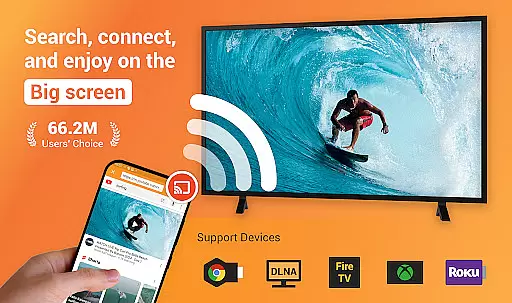
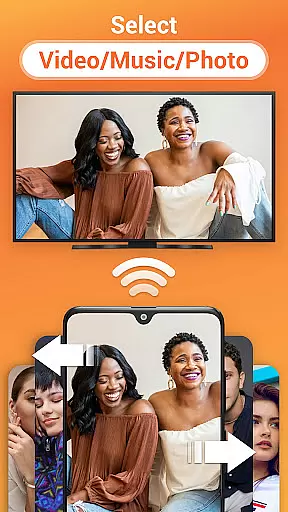
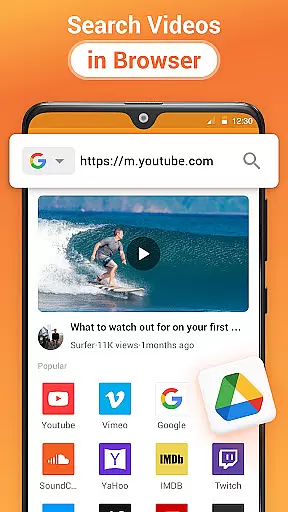
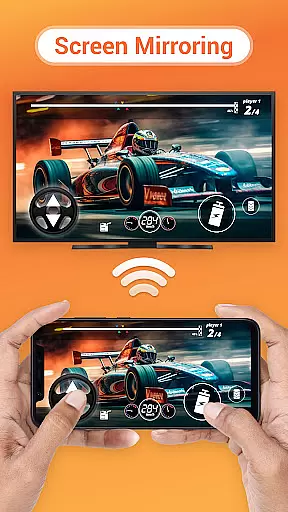
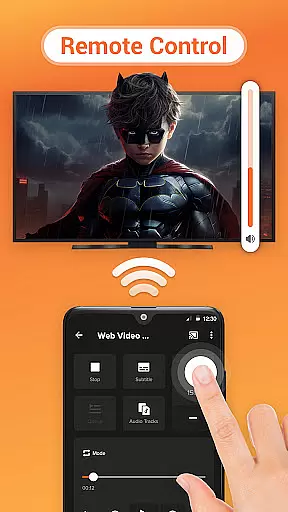

Cast to TV is a versatile media streaming application that allows users to cast online videos, live streams, local videos, music, and images to various devices including TVs, Chromecast, Roku, Amazon Fire Stick, Xbox, Apple TV, and other DLNA-enabled devices. The app offers an intuitive interface for controlling playback directly from your phone, making it easy to manage volume, playback speed, and navigation.
In addition to casting capabilities, the app features a built-in browser for web video casting, supports local playback, and automatically identifies media files on your device and SD card. With its comprehensive compatibility across multiple platforms, Cast to TV provides a seamless solution for enjoying multimedia content on larger screens.
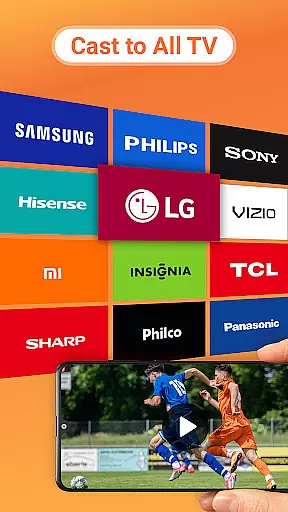
One of the standout features of Cast to TV is its extensive device compatibility. It supports casting to Chromecast, smart TVs from brands like Samsung, LG, Sony, Hisense, Xiaomi, Panasonic, gaming consoles such as Xbox One and Xbox 360, and streaming devices like Amazon Fire TV, Apple TV, and Roku. This wide-ranging support ensures that users can enjoy their content on virtually any screen.
The app also includes advanced playback controls, allowing users to shuffle, loop, or repeat media. Its Play Queue functionality enables users to organize and manage their media efficiently. Additionally, the app's ability to search for available casting devices automatically simplifies the connection process, enhancing user convenience and ensuring a smooth streaming experience.
Cast to TV, Chromecast & Roku stands out with its extensive video format compatibility, ensuring that users can cast virtually any video file to their preferred devices. This includes popular formats like MP4, AVI, and MKV, as well as less common ones, making it versatile for different user needs.
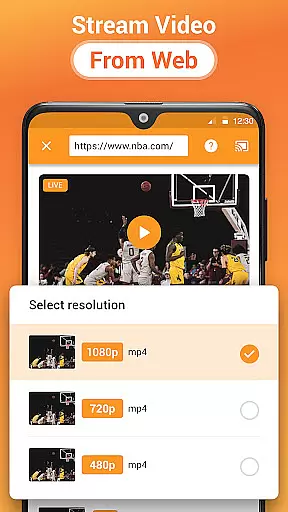
The application's built-in browser allows for seamless web video casting without the need for additional codecs or plugins. This feature simplifies the process of streaming online content directly to smart TVs, gaming consoles, and streaming devices such as Chromecast and Roku.
For users looking to cast local files, the app automatically identifies video files on the device and SD card, streamlining the selection process. This automatic detection ensures that users spend less time configuring settings and more time enjoying their content.
By supporting a wide array of devices including Samsung, LG, Sony, and others, Cast to TV, Chromecast & Roku provides a comprehensive solution for video casting needs. The broad compatibility enhances user experience by offering flexibility and convenience in streaming content across different platforms.
While primarily a casting application, Cast to TV, Chromecast & Roku incorporates AI-powered features that enhance the media streaming experience. Although not a traditional video editor, the app uses intelligent algorithms to optimize video playback and ensure smooth streaming sessions.
One notable AI feature is the automatic identification and categorization of media files. The app intelligently scans and organizes videos, music, and images from the user's device and SD card. This automated organization saves users valuable time and effort when preparing to cast their media.
The application also includes smart queue management, allowing users to create customized playlists using local audio and video files. The AI-driven system enables shuffle, loop, and repeat modes, giving users greater control over their viewing experience while maintaining continuity in media playback.
Additionally, the app's network optimization capabilities demonstrate AI implementation. It intelligently manages Wi-Fi connections between the casting device and receiving equipment, ensuring stable transmission even during bandwidth-intensive activities like 4K video streaming or live sports broadcasts.
User-friendly interface
Wide device compatibility
Advanced playback options
Built-in web browser
Automatic media detection
Dependent on Wi-Fi network
Occasional connectivity issues
Limited format support
No offline mode
Ads in free version

HD video & music player - All format support with floating & PIP mode!
 3.80
3.80
A Quick and Pro Video Editor
4.70
Tik & Story Saver-Download ALL social media videos, photos & reels no watermark.
4.80
Download website videos fast&privacy
4.40
Powerful Video Editor & Photo Editing App —— Quick Edits & Stunning Effects!
4.30
Connect EasyCap or UVC devices for recording and broadcast video/audio stream
3.60
Fast & Private HD Video Downloader with Built-in Proxy Browser and Video Player.
4.50
VLC for Android is the best open source video and music player, fast and easy!
4.10
convenient, safe and fast at Video Downloader & Player
4.60
All in one HD video downloader & player for multiple formats with full privacy
4.70
?100% FREE! Download & save videos? safely in this app. All formats supported.
4.60
VLC Remote lets you control your VLC Media Player on Mac, PC or Linux.
4.60
Support 1000+ Video Format, Subtitle Download, mp3 & Background Play, Cast On TV
4.60
Watch IPTV on your Android device
4.60
Video player, file manager for all formats, 4K/HD media player supports subtitle
4.30
Create & edit videos with AI
4.30
AI Video Editor:AI Music, Text to Video,Text to Speech,Auto Caption,Video Effect
4.00
Live TV, anywhere in your home
3.80
A full editing room to accompany your Insta360 cameras and handheld gimbals.
3.30


User Reviews