
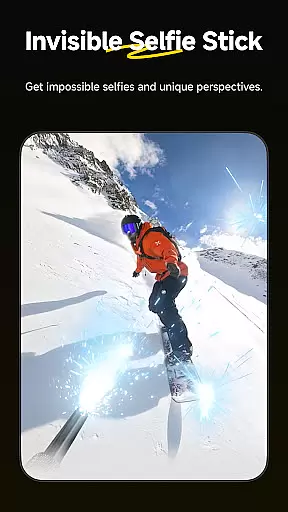
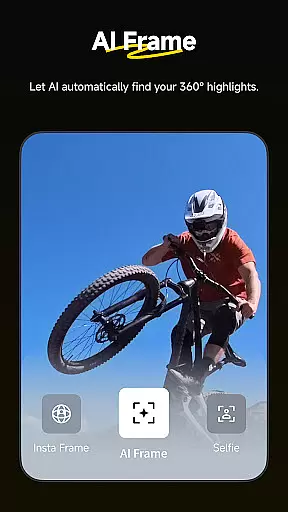
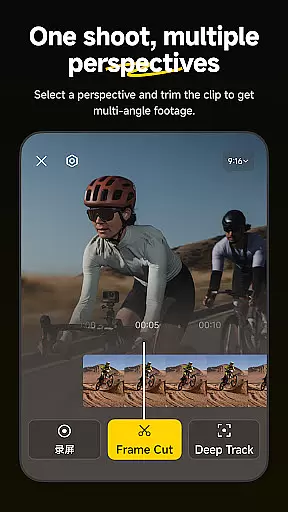
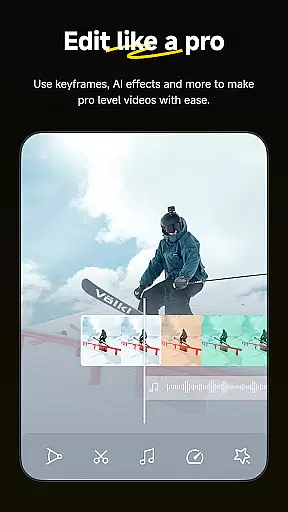
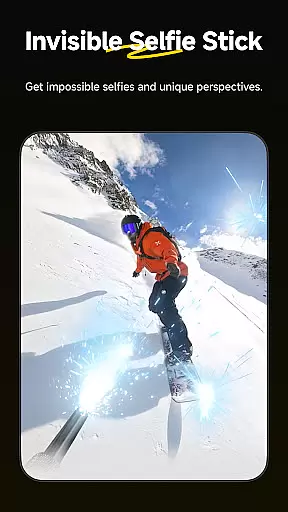
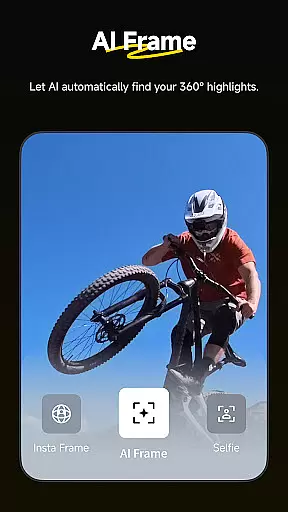
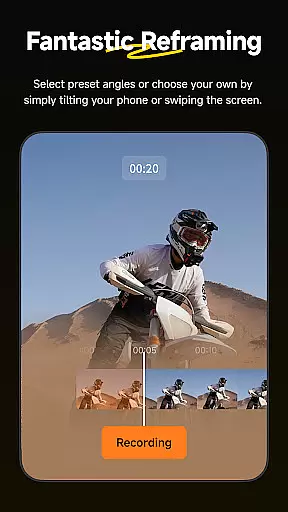
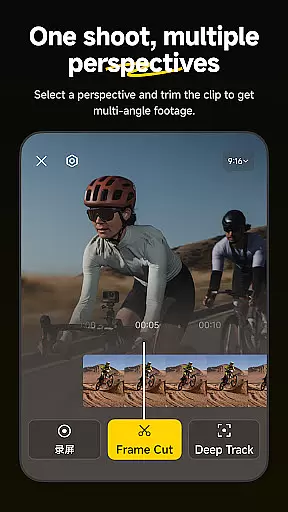
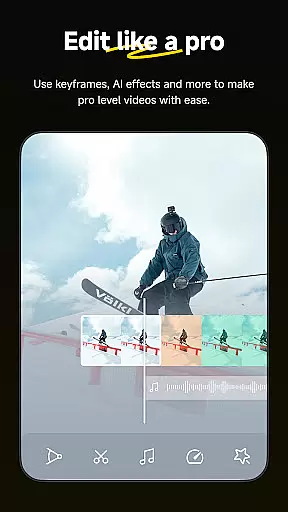
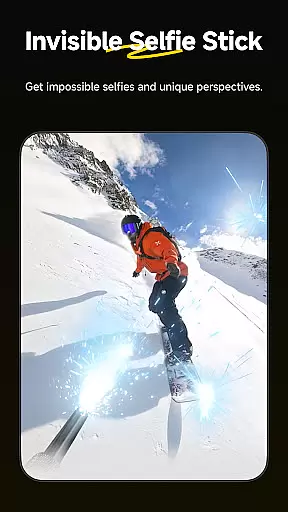
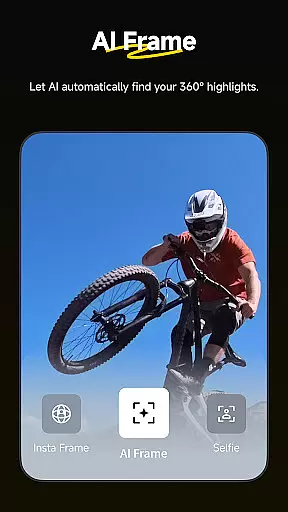
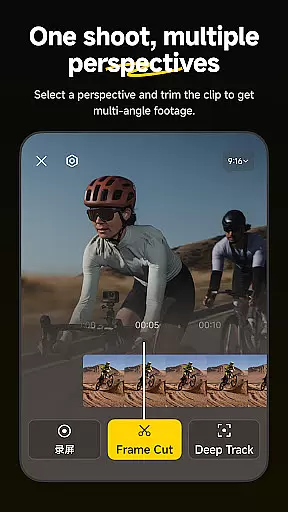
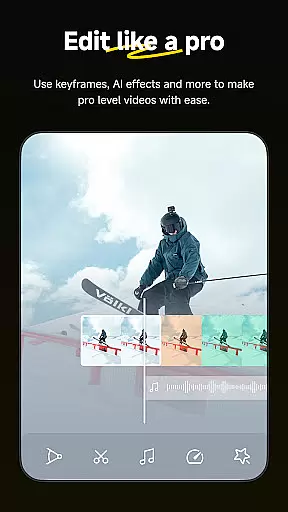
Insta360 is a powerful video editing and camera companion app designed for creators, athletes, and adventurers. It offers advanced AI-powered tools to enhance the video creation process, including auto-editing features, reframing capabilities, and creative templates. The app works seamlessly with Insta360 cameras and handheld gimbals, providing users with complete control over their footage while simplifying complex editing tasks.
One of the standout features is its ability to automatically detect subjects and reframe videos with minimal effort. Users can also experiment with creative techniques like hyperlapses, deep tracking, and 360-degree reframing. With an intuitive interface and innovative tools, Insta360 ensures that both beginners and professionals can produce high-quality content directly from their mobile devices.
Whether you're shooting action-packed sports videos or creating social media content, Insta360 provides all the necessary tools to streamline your workflow. Its download-free editing feature saves phone storage while enabling on-the-go edits, making it ideal for modern content creators who value efficiency and creativity.
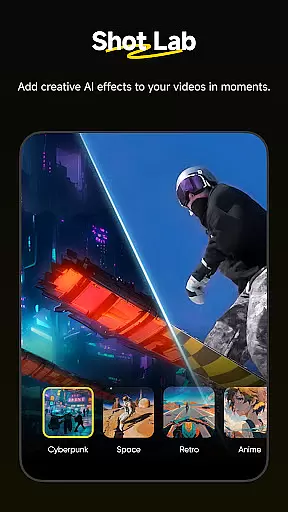
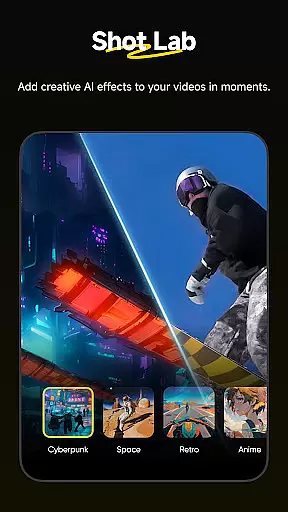
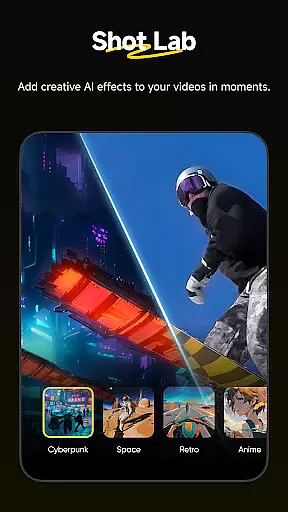
Insta360 boasts a wide range of features tailored for creative professionals. The AI Edit functionality automates the reframing process, allowing users to focus on capturing moments rather than spending time on post-production. Templates in the Shot Lab, such as Nose Mode, Sky Swap, and Clone Trail, enable users to create viral-worthy clips with just a few taps.
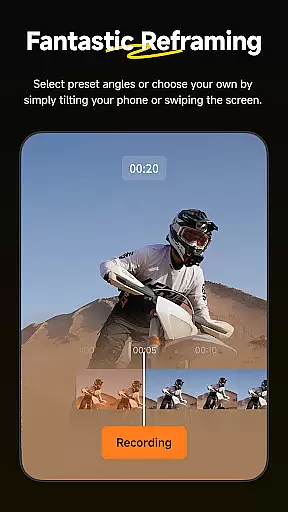
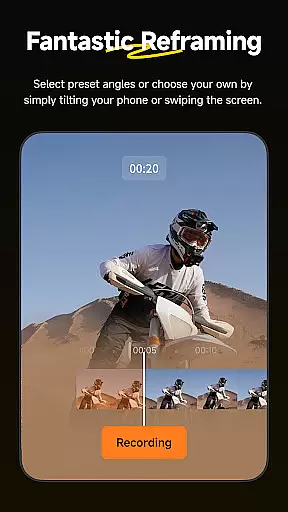
The Reframing tool lets users adjust perspectives dynamically by adding keyframes, ensuring smooth transitions between angles. Deep Track keeps subjects centered in the frame, even during fast-paced movements. Additionally, Hyperlapses allow users to speed up footage while maintaining stabilization, offering endless creative possibilities.
Another notable feature is Download-Free Editing, which allows users to edit and share videos without consuming device storage. This makes the app highly versatile for creators who need quick access to their files. Overall, these features combine to deliver a seamless and professional-grade editing experience.
Insta360 supports a wide range of video formats, ensuring that creators can work with their preferred file types without any hassle. The app's compatibility extends to both standard and 360-degree video formats, making it versatile for various creative projects.
With the ability to handle high-resolution footage, including 5.7K and 8K videos, Insta360 provides users with the tools needed to produce professional-quality content. This flexibility is crucial for athletes and adventurers who demand the highest quality in their visual storytelling.
The app also allows for download-free editing, meaning you can edit and share your clips directly to social media without needing to download them onto your phone first. This feature not only saves storage space but also streamlines the workflow for creators on the go.
By supporting a broad spectrum of video formats, Insta360 empowers users to focus on their creativity rather than technical limitations, enhancing the overall user experience and expanding the possibilities for innovative video production.
Insta360 leverages advanced AI technology to revolutionize the video editing process. With auto-editing tools and templates, users can let AI handle the entire reframing process, from subject detection to action highlights, significantly speeding up the editing workflow.
The Shot Lab within the app offers over 25 AI-powered editing templates, such as Nose Mode, Sky Swap, AI Warp, and Clone Trail, enabling creators to craft viral clips with just a few taps. These intelligent features democratize video creation, allowing even novices to produce compelling content.
Deep Track functionality ensures that whether it's a person, animal, or moving object, the subject remains centered in the shot with a single tap. This intuitive feature simplifies complex tracking shots, making professional-grade videography accessible to everyone.
Hyperlapses are another standout feature, where users can speed up their videos into stabilized hyperlapses effortlessly. The ability to adjust clip speed on a whim gives creators full control over time and perspective, pushing the boundaries of traditional video editing.
User-friendly interface
Advanced AI editing tools
Versatile templates
Efficient workflow
Download-free editing
Requires compatible hardware
Steep learning curve
Limited offline support
Subscription fees
Occasional bugs

Powerful, professional, versatile teleprompter. Developed by an active film crew
 4.00
4.00
Watch a large amount of high-definition short drama content
4.60
Tik & Story Saver-Download ALL social media videos, photos & reels no watermark.
4.80
HD video maker with no watermark, no ads & vlog maker with music, PIP, text
4.50
An easy-to-use and all-round screen recorder with audio
4.80
Video Downloader, Multiple Resolution Options, Video Player
4.50
Add date and time watermark to photos and videos
4.50
Browser for Sony TV to stream web videos, online movies and live tv
3.20
VLC for Android is the best open source video and music player, fast and easy!
4.10
AI Video Editor with Music, Filter, Slideshow, Effect, Merge & Trim Video.
4.80
Cast Videos from Web Browser, IPTV to Roku, Chromecast, DLNA, Smart TV +more
4.60
IPTV Loader, loads your own Playlist. DOES NOT CONTAIN ANY LIST OR CHANNELS
4.60
AirMirror Receiver - Screen mirroring/cast web videos to Android TV by AirPlay.
4.40
Video player, file manager for all formats, 4K/HD media player supports subtitle
4.30
Your media, on your terms.
4.10
Stream Web Videos to Chromecast, Samsung, LG, Sony, Roku, Fire TV, DLNA + more
4.00
Online Videos Player
3.90
Connect 2 UVC devices for recording and broadcast video/audio stream
3.90
Livestream, news, & gaming content. Watch, chat, and upload. Join Rumble today!
3.80


User Reviews