
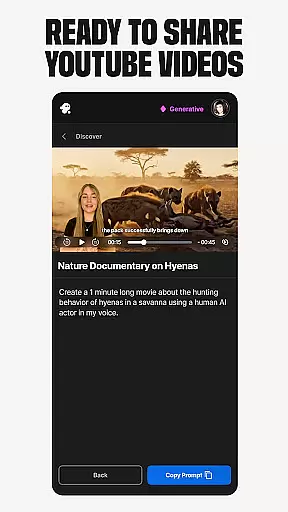
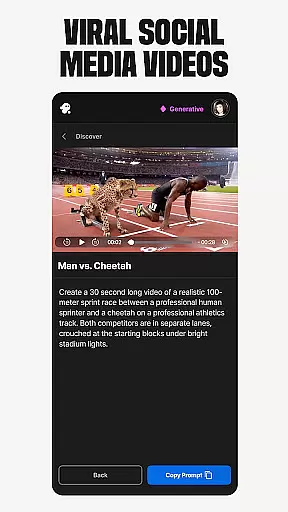
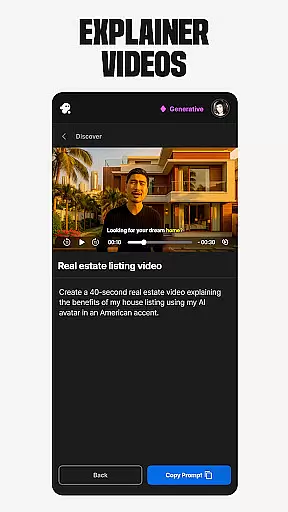
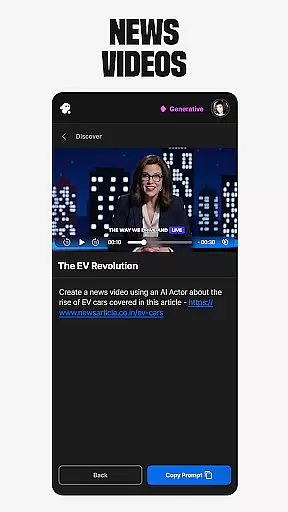
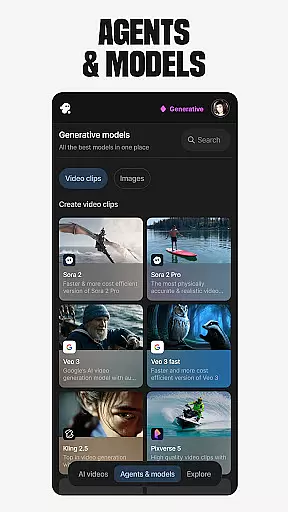
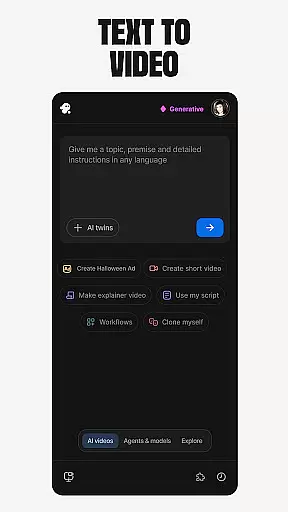
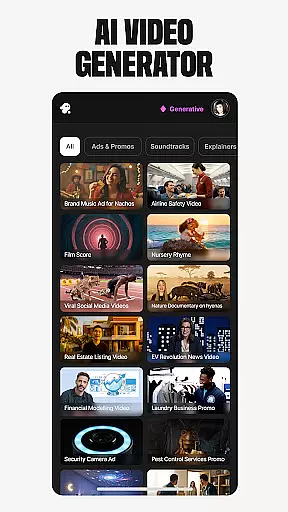
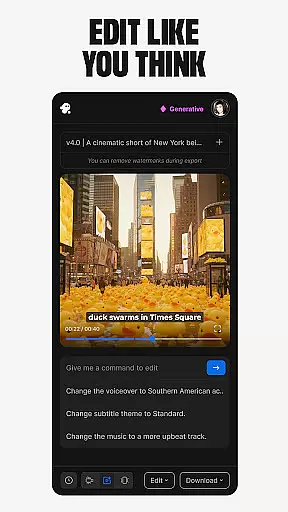
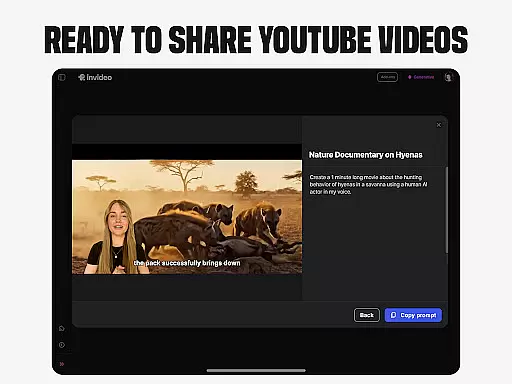
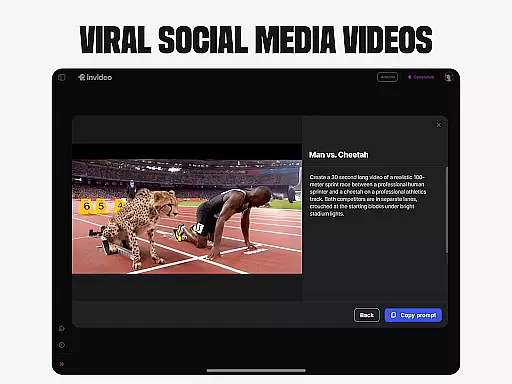
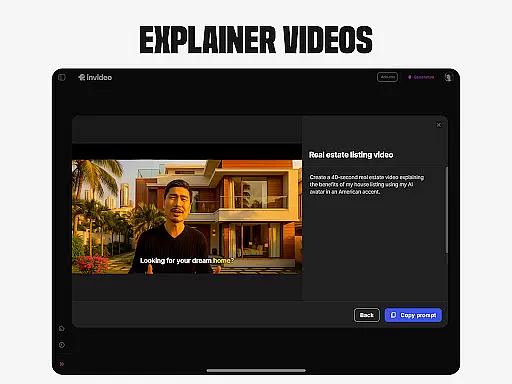
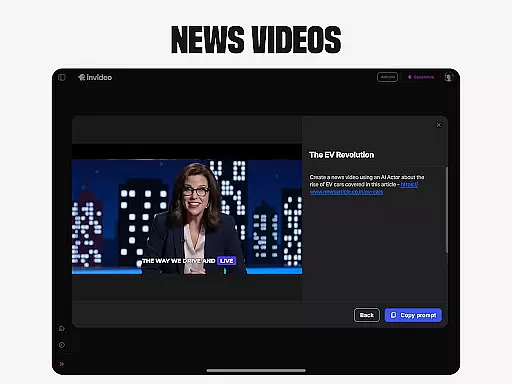
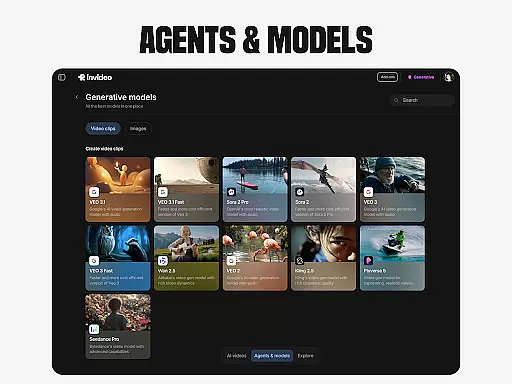
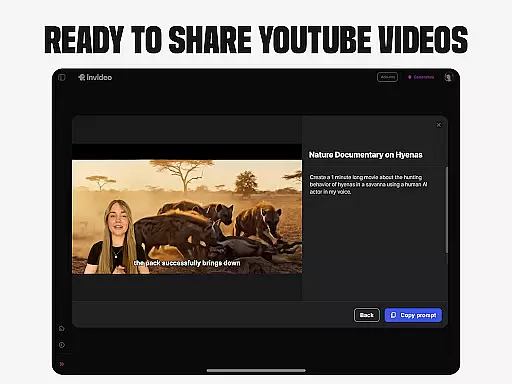
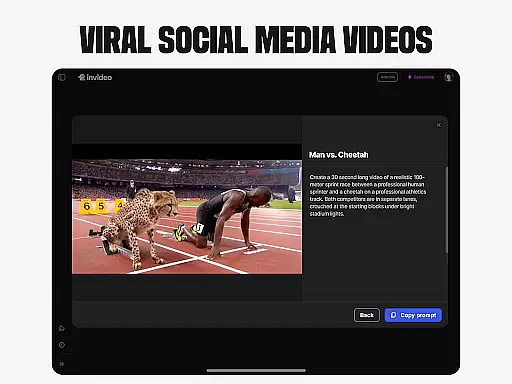
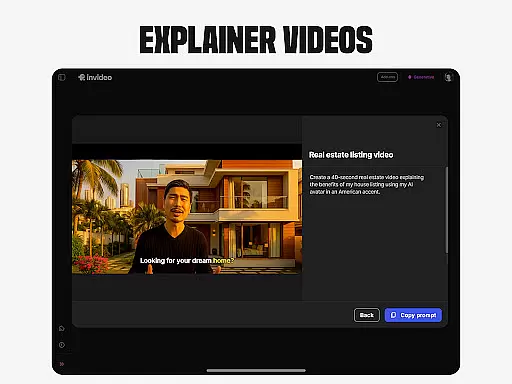
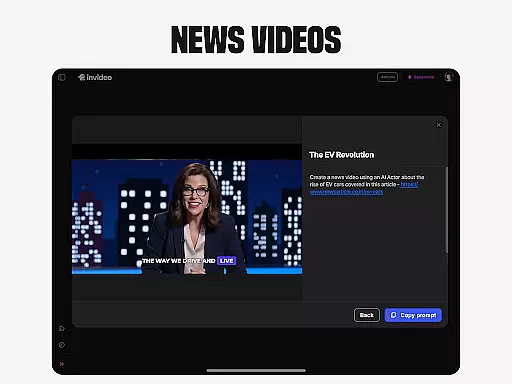
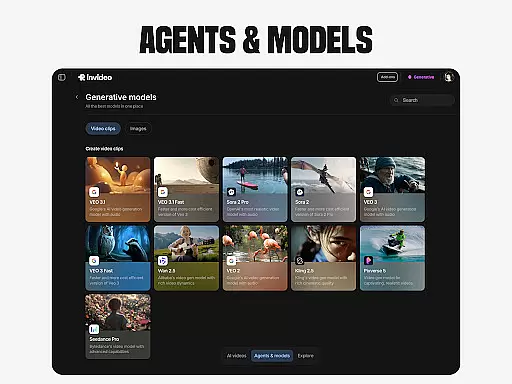
Invideo AI is a revolutionary video creation platform that empowers users to produce professional-quality videos without requiring technical expertise. The app's core functionality lies in its powerful AI-driven tools that automate complex video production processes.
Key features include AI video generation, movie creation, text-to-video conversion, and avatar creation. These capabilities make it suitable for both novice creators and seasoned professionals. Whether you're producing marketing content, educational materials, or creative projects, Invideo AI streamlines the entire workflow.
The application's true value emerges in its ability to generate complete video packages including scripts, media elements, voiceovers, and effects across 50+ languages, making it an indispensable tool for global content creators.
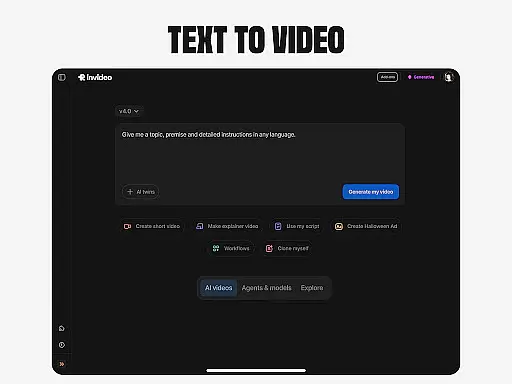
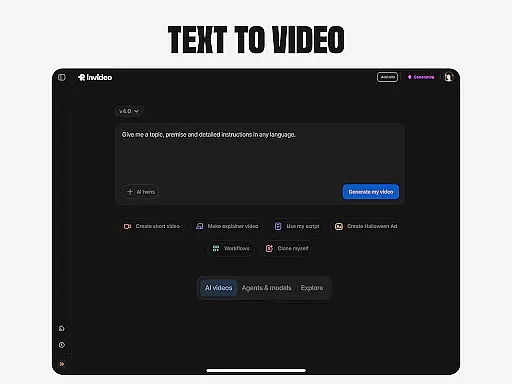
Invideo AI distinguishes itself through its comprehensive suite of AI-powered video creation tools. The platform's standout feature is its end-to-end video production capability, which transforms simple text prompts into fully realized video content.
The application excels in several specialized areas: AI avatar creation allows users to generate digital twins for various applications; voice cloning technology enables multilingual content creation with consistent branding; and image-to-video conversion brings static visuals to life. These features work together seamlessly, providing users with unprecedented creative control.
Particularly noteworthy is the platform's UGC video generation and virtual try-on capabilities, which revolutionize e-commerce content creation by eliminating traditional logistical challenges while maintaining high production quality.
Video format compatibility is a crucial feature for any video editing tool, ensuring that users can work with a wide range of file types without conversion hassles. Invideo AI supports over 50 languages and various media formats, making it versatile for international and multimedia projects. The platform allows creators to seamlessly integrate scripts, generative media, captions, voiceovers, music, and effects into their videos. This flexibility empowers users to focus on creativity rather than technical limitations, enhancing productivity and creative freedom.
The ability to handle multiple video formats also simplifies collaboration among team members who may be using different devices or software. With Invideo AI's extensive format support, teams can easily share and edit video files without worrying about compatibility issues. This ensures a smooth workflow and reduces the time spent on troubleshooting technical problems. Furthermore, the platform's adaptability extends to its AI-driven features like text-to-video, image-to-video, and voice cloning, which support diverse input sources.
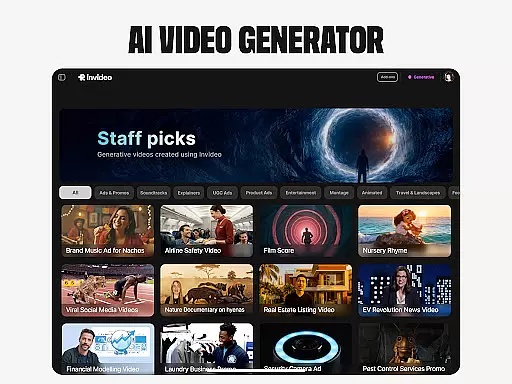
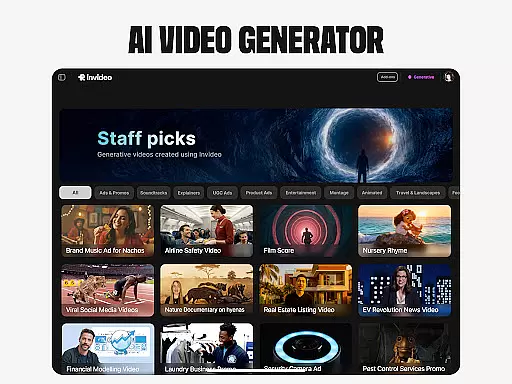
For businesses and content creators, this broad compatibility means reaching wider audiences across various platforms and devices. Whether creating explainers, promos, ads, or full-length films, Invideo AI's robust format support ensures high-quality output every time. Users can confidently publish their creations on YouTube, educational channels, e-commerce stores, and social media platforms, knowing that the final product will meet professional standards. This reliability ultimately enhances user satisfaction and engagement.
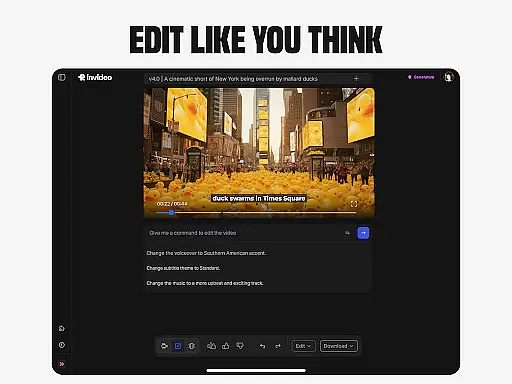
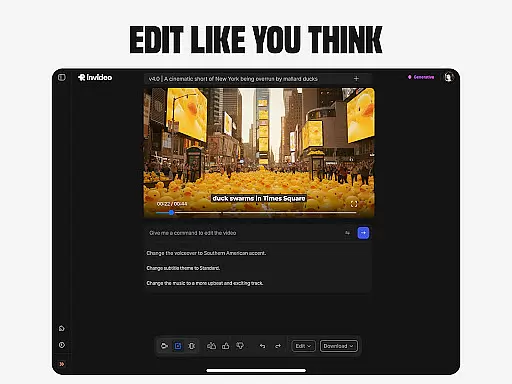
AI-powered editing features revolutionize the way videos are edited by simplifying complex processes and offering advanced capabilities at the user's fingertips. Invideo AI incorporates cutting-edge AI tools that allow users to change scenes, edit music, refine tone, and swap voiceovers effortlessly. These features eliminate the steep learning curve associated with traditional timeline-based editing apps, enabling users to edit videos intuitively through simple text commands. As a result, both beginners and professionals can achieve polished results quickly and efficiently.
Invideo AI stands out with its unique offerings such as AI avatars, AI voice cloning, and virtual product try-ons, which further enhance the editing experience. Creators can generate ultra-realistic testimonial videos, spokesperson clips, and even visualize scripts with AI script-to-video capabilities. The AI-driven functionalities extend to creating AI twins, training videos, and onboarding walkthroughs, providing unparalleled customization options. Such innovations not only save time but also reduce costs associated with studio sessions, shipping products, and hiring models.
Ultimately, these AI-powered editing features empower users to produce high-quality content that captivates audiences and drives engagement. By leveraging Invideo AI's sophisticated tools, creators can focus on storytelling and delivering impactful messages rather than getting bogged down by technical details. This democratization of video production enables anyone to become a proficient video editor, fostering creativity and expanding opportunities in digital content creation.
User-friendly interface
Multi-language support
Comprehensive editing tools
AI-powered automation
Versatile content creation
Subscription costs
Learning curve
Resource intensive
Limited free features
Occasional glitches

Video Player - Unlimited features, 30 days money back guarantee.
 4.60
4.60
IPTV-Smarters Player Pro M3U - Watch Live Stream TV Channels with Chromecast
4.00
?100% FREE! Download & save videos? safely in this app. All formats supported.
4.60
Fast video downloader & private browser. Save HD clips to watch offline.
4.40
Live TV, anywhere in your home
3.80
The essential companion to your Blue Iris PC software
2.50
Powerful video player with advanced hardware acceleration and subtitle supports
4.20
AI Video Editor with Music, Filter, Slideshow, Effect, Merge & Trim Video.
4.80
Manage your YouTube channel on the go
4.40
An easy-to-use and all-round screen recorder with audio
4.80
Fast & easy HD video downloader for all formats, support 4K playback & download.
4.60
Watch IPTV on your Android device
4.60
Video player, file manager for all formats, 4K/HD media player supports subtitle
4.30
All format media Player, no need video converter any more!
4.00
Fast private browser with secure, seamless access & supported video downloads!
4.00
Explore the largest library of free GIFs, Stickers & Memes - or create your own!
3.90
Kodi media center, a free and open source cross-platform entertainment hub
3.60
This app is an emulator of some specific IPTV boxes
3.50
Video player with powerful streaming playback and various convenient features.
2.10


User Reviews