
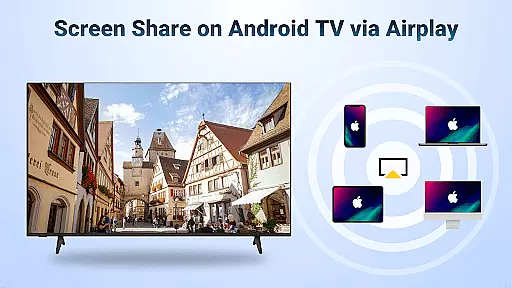
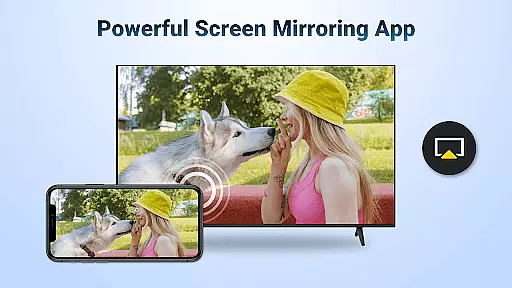
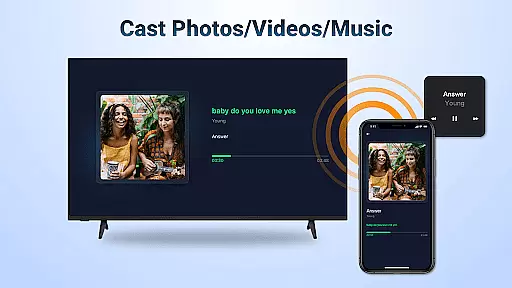
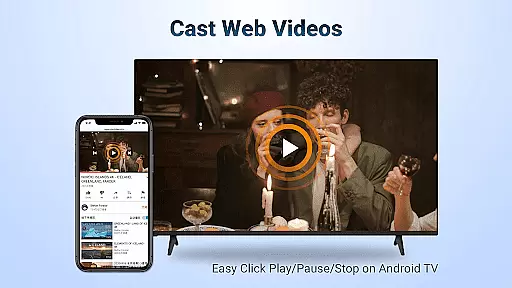
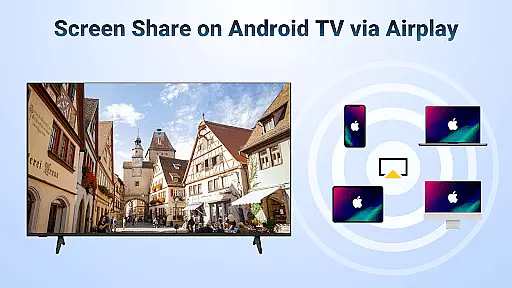

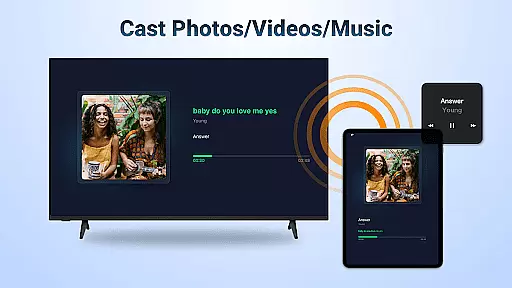
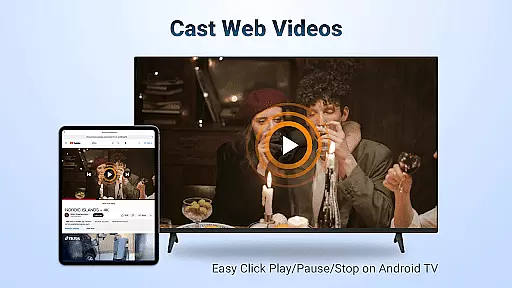
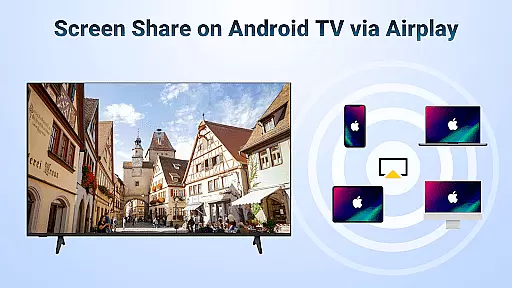

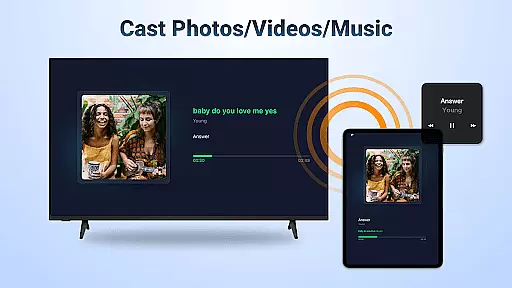
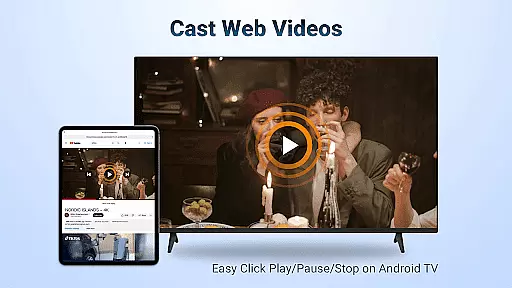
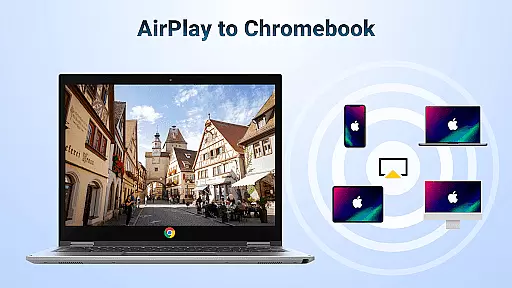
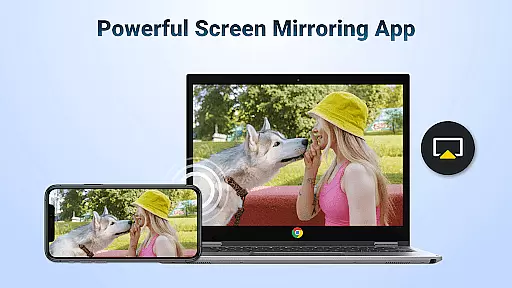
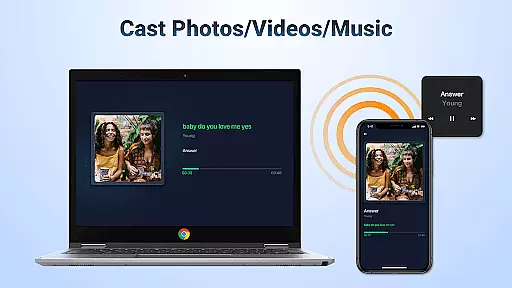
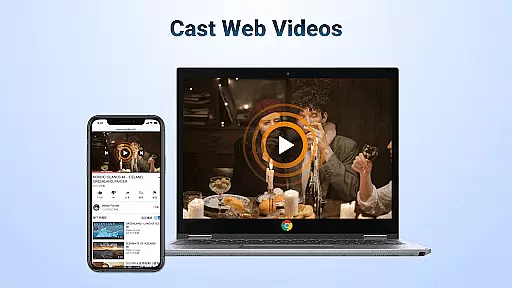
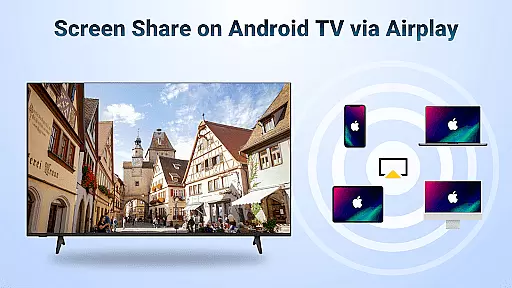
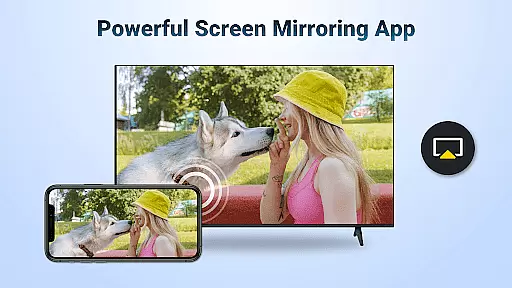
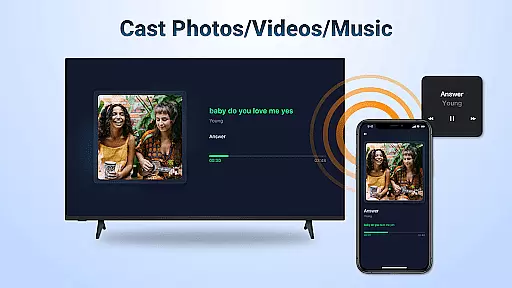
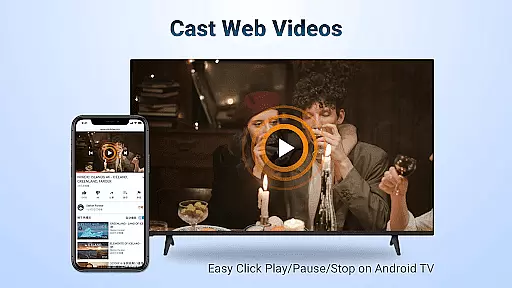
AirMirror is a powerful wireless streaming receiver app that enables seamless screen mirroring and content casting from Apple devices to Android TV. With its user-friendly interface, the app allows users to mirror screens, photos, web videos, and audio files directly to their Android TV over WiFi without requiring additional converters or complex setups.
Designed for both personal and professional use, AirMirror supports various scenarios such as business presentations, educational content sharing, multiplayer gaming, and family entertainment. The app ensures smooth and stable connectivity while offering features like landscape/portrait mode switching and direct playback controls on the receiving device.
This application is particularly valuable for those seeking an affordable and efficient solution to bridge Apple and Android ecosystems, enhancing multimedia experiences across devices.
AirMirror stands out with its comprehensive feature set tailored for seamless cross-platform content sharing. One of its core strengths is the ability to stream audio, video, and photos from AirPlay-enabled devices, including iTunes and iOS platforms, directly to Android TV. This functionality extends to web videos where DRM restrictions allow, ensuring broad compatibility.
The app provides users with convenient playback controls, enabling them to play, pause, or stop content directly on the receiving end. Its adaptive orientation feature allows users to switch between landscape and portrait modes effortlessly. Additionally, AirMirror ensures simple and stable connectivity, minimizing disruptions during screen mirroring or casting sessions.
These features collectively deliver a versatile and reliable tool for enhancing multimedia interactions, whether for leisure activities like gaming and movie nights or professional tasks such as presentations and collaborative discussions.
Video format compatibility is a crucial feature for any video player and editor, ensuring that users can play and edit videos in various formats without the need for conversion. AirMirror supports a wide range of video formats, allowing seamless streaming from AirPlay-enabled devices to Android TV.
This application facilitates the casting of web videos, music, and photos directly from iOS devices or iTunes to an Android TV. The broad format support ensures that whether you're streaming a tutorial, presenting in a business meeting, or sharing a multiplayer gaming session, the content will display correctly without format issues.
Users benefit from not having to worry about the video format when mirroring their screens or casting media. This flexibility enhances user experience by providing uninterrupted streaming and sharing, making it ideal for both personal entertainment and professional settings.
AI-powered editing features represent the cutting-edge advancement in video players and editors, offering smart tools that enhance video content automatically. While AirMirror focuses primarily on screen mirroring and media casting, its intelligent connectivity and stable performance hint at a sophisticated underlying technology that simplifies user interactions.
The app enables users to mirror screens and cast videos with simple steps, ensuring a smooth and fast experience. Although it doesn't explicitly offer AI-driven editing tools, its ability to maintain high-quality audio and video streams during casting suggests an integration of smart features that optimize the transmission quality based on network conditions.
For users, this means enjoying high-quality sound and video without manual adjustments, as the app intelligently manages the stream settings. Such features make AirMirror a reliable choice for anyone looking to share content from their Apple devices to an Android TV effortlessly.
User-friendly interface
Seamless cross-platform support
Stable and fast connectivity
Versatile content streaming options
Direct playback controls
No DRM-protected content support
WiFi dependency for connection
Limited to AirPlay-enabled devices
Occasional connectivity issues
Requires manual setup steps

Video player, file manager for all formats, 4K/HD media player supports subtitle
 4.30
4.30
Fast, private downloading, video saving, social media
4.50
A Quick and Pro Video Editor
4.70
Tik & Story Saver-Download ALL social media videos, photos & reels no watermark.
4.80
Snaptubè Video Downloader app allows to download videos and music in Snaptube. .
4.60
Connect EasyCap or UVC devices for recording and broadcast video/audio stream
3.60
Web Browser for LG TV to stream webvideos, online movies and livestreams in HD
4.20
Manage your YouTube channel on the go
4.40
Make videos you’re proud to share with Edits, a video editor for creators.
4.70
Flud is a simple and beautiful BitTorrent client for Android.
4.80
#1 Torrent App on Android ** No Ads Ever + Battery Saver **
4.80
All in one HD video downloader & player for multiple formats with full privacy
4.70
HD video maker with no watermark, no ads & vlog maker with music, PIP, text
4.50
Fast video downloader & private browser. Save HD clips to watch offline.
4.40
Download website videos fast&privacy
4.40
Capture images & record videos for USB Camera, Webcam, Microscopes, Endoscopes
3.80
All in one multi protocols stream receiver for AirPlay, Cast and DLNA.
3.60
Video player with powerful streaming playback and various convenient features.
2.10
Powerful HD video player with support for all formats & subtitles.
4.5


User Reviews