
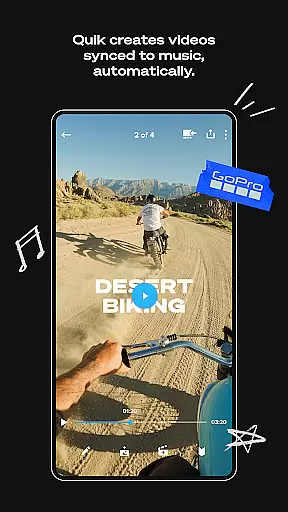
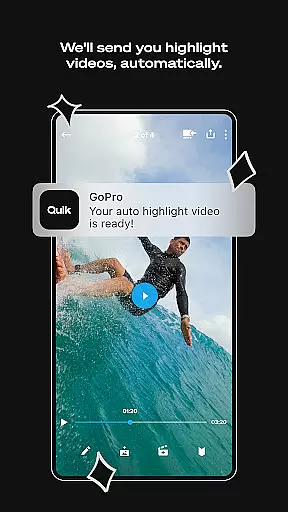
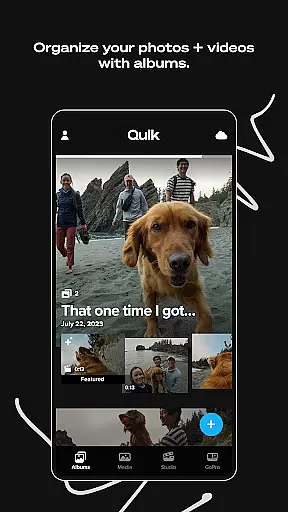
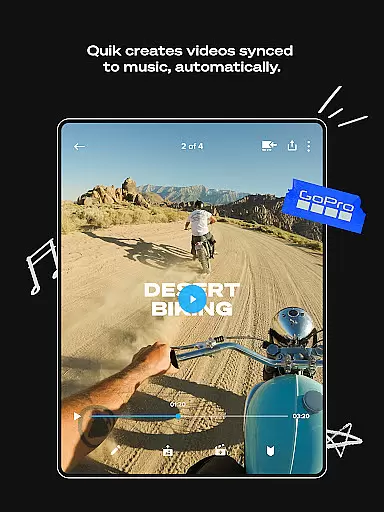
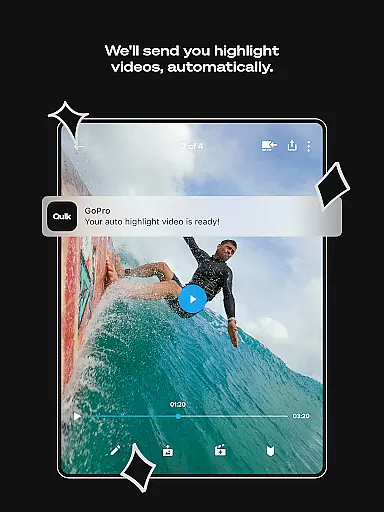
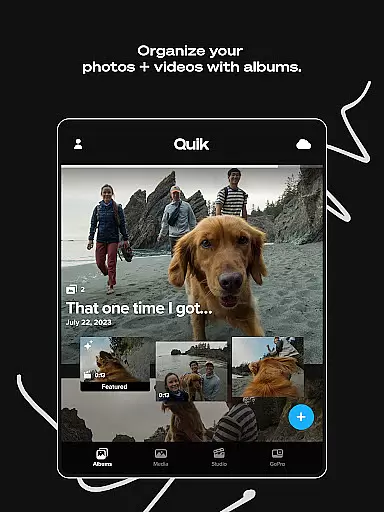
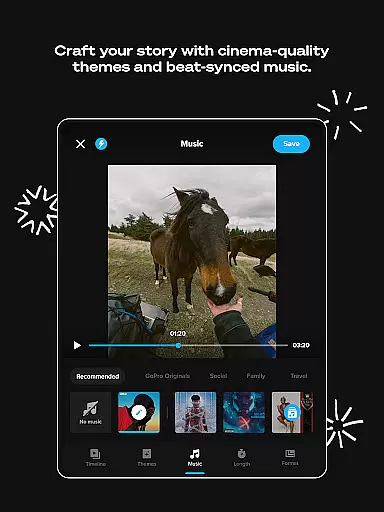
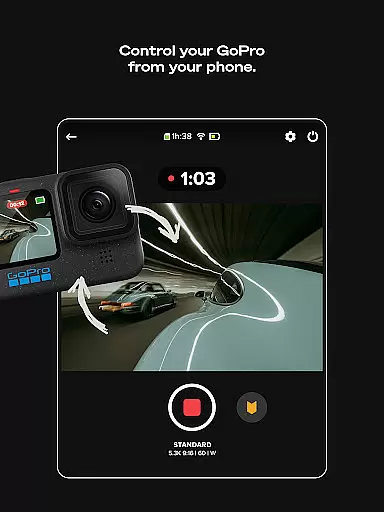
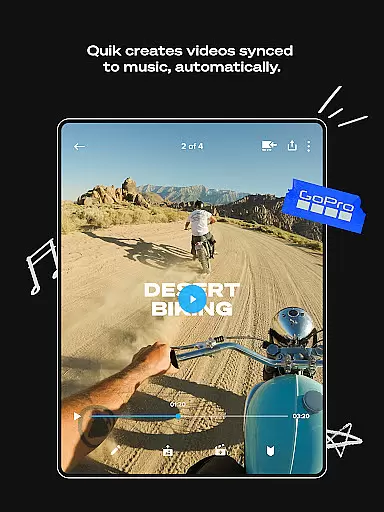
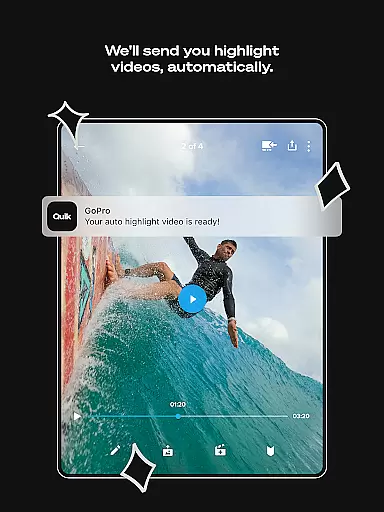
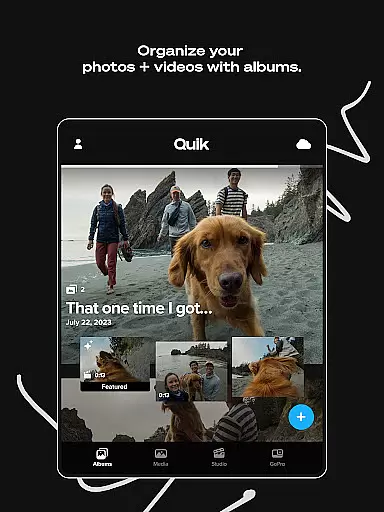
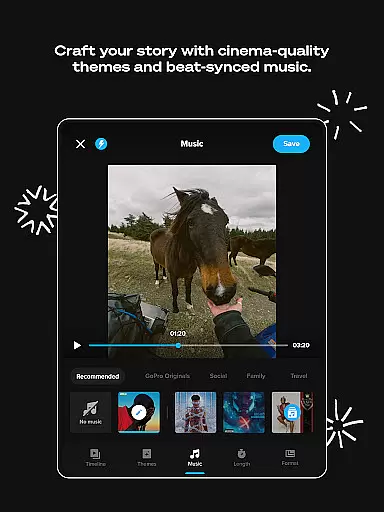
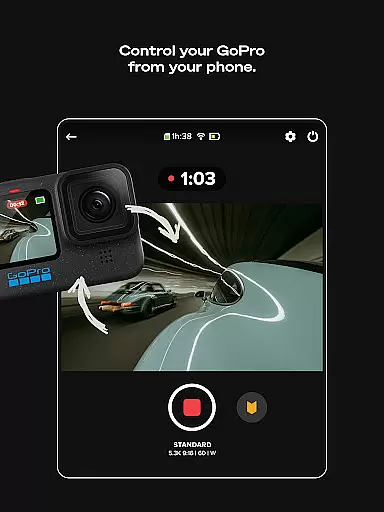
GoPro Quik is a powerful video editing application designed to simplify the process of creating professional-quality videos. The app's standout feature is its automatic editing capability, which intelligently selects your best shots, syncs them to music, and adds polished transitions to generate captivating videos with minimal effort. Beyond editing, GoPro Quik offers unlimited cloud storage for GoPro footage at 100% quality, along with cross-device synchronization, ensuring that all your media is securely backed up and easily accessible from anywhere.
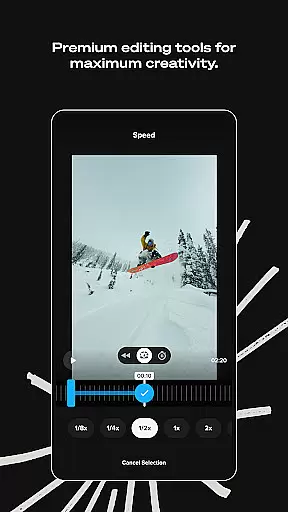
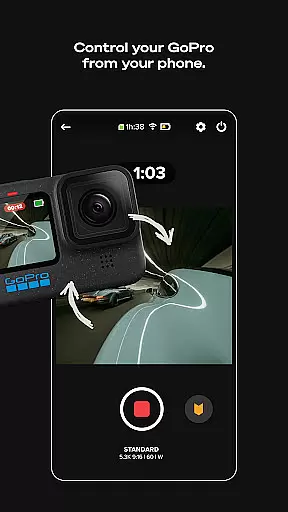
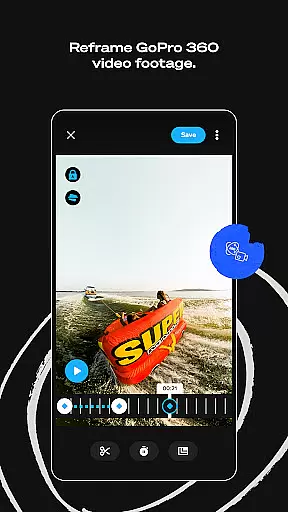
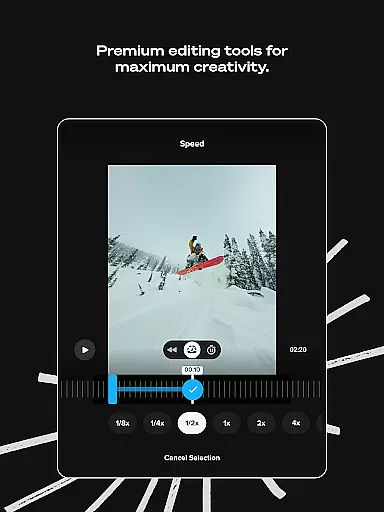
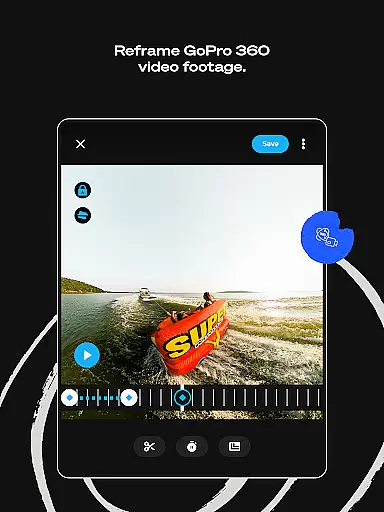
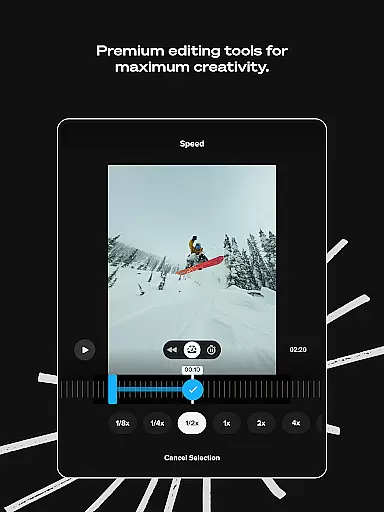
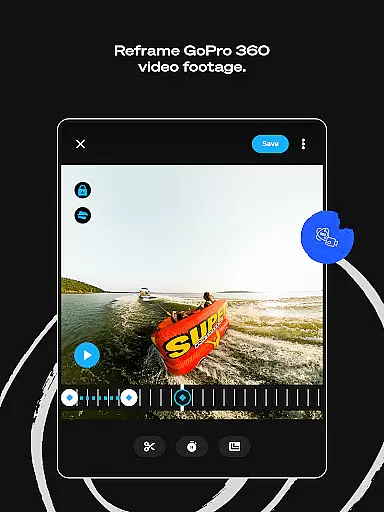
In addition to its automated features, the app provides a robust suite of premium editing tools. Users can experiment with color adjustments, trim clips, add text overlays, and apply cinematic themes and filters optimized for specific environments like snow and water. For GoPro camera owners, the app includes specialized functionalities such as Auto GoPro Detection, Reframe for transforming 360-degree footage into traditional videos, and efficient content management systems. Whether you're an amateur videographer or a seasoned content creator, GoPro Quik empowers you to produce stunning videos effortlessly while keeping your media organized and secure.
GoPro Quik stands out with its comprehensive set of features tailored for both casual users and professional editors. One of its core functionalities is Automatic Highlight videos, where the app analyzes your footage to identify the most compelling moments, syncing them to music beats and applying smooth transitions. This feature drastically reduces the time and effort required to create engaging videos. Additionally, the app offers unlimited cloud storage at full quality for GoPro footage, alongside generous storage options for non-GoPro media, ensuring that your files are always safe and accessible.
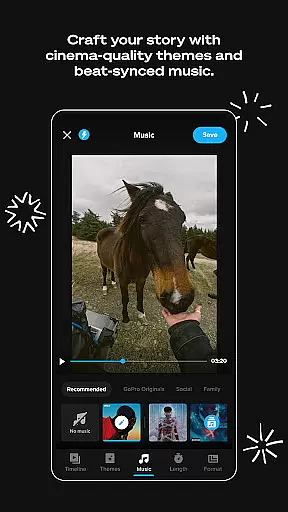
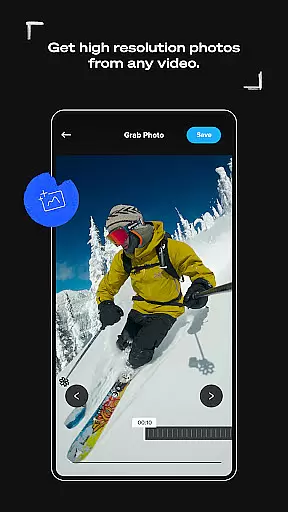
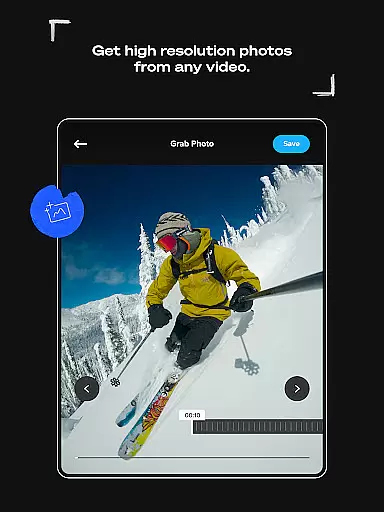
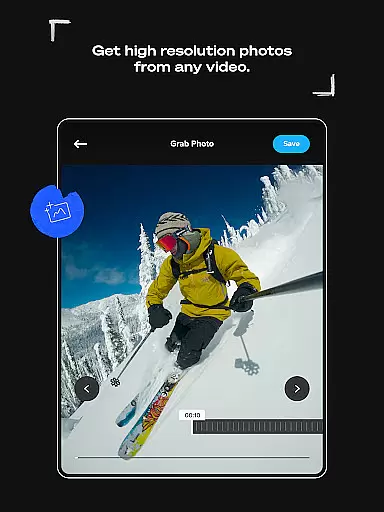
The app also boasts advanced editing tools such as Beat Sync, which aligns video effects with music rhythms, and Frame Grab, allowing users to extract high-resolution stills from videos. Themes and filters further enhance storytelling capabilities, while Text Overlays and Frame Adjust provide granular control over visual elements. For GoPro camera owners, features like Auto GoPro Detection streamline media transfers, and the Reframe tool enables creative experimentation with 360-degree footage. These innovations make GoPro Quik not just an editor but a complete ecosystem for managing, enhancing, and sharing your video content.
GoPro Quik supports a wide range of video formats, ensuring that users can import and edit footage from various devices seamlessly. The app is optimized to handle files captured by GoPro cameras as well as other popular camera models, providing flexibility for content creators.
The application's compatibility extends to high-resolution videos, including 4K footage, allowing users to maintain exceptional quality throughout the editing process. This ensures that every frame retains its original clarity and detail, which is crucial for professional-grade video production.
Additionally, GoPro Quik offers cross-device synchronization, enabling users to access their projects on multiple platforms without worrying about format issues. Whether you're working on a smartphone, tablet, or computer, the app ensures consistent performance and reliability across all your devices.
This comprehensive format support not only enhances user convenience but also expands creative possibilities. By accommodating diverse file types, GoPro Quik empowers users to experiment with different media sources and produce unique, high-quality content effortlessly.
GoPro Quik incorporates advanced AI-powered editing features that streamline the video creation process. One standout feature is Automatic Highlight, where the app intelligently identifies the most compelling moments in your footage and compiles them into a cohesive video story synced to music beats.
The AI technology doesn't stop there; it also applies smooth transitions between clips and suggests optimal trimming points to enhance storytelling. These automated yet customizable options allow users to create professional-looking videos with minimal effort, making sophisticated editing accessible to everyone.
Furthermore, the Beat Sync functionality leverages AI algorithms to synchronize video cuts, transitions, and effects precisely with the audio track's rhythm. This creates dynamic, engaging videos that captivate audiences and elevate the overall viewing experience.
By integrating these powerful AI-driven tools, GoPro Quik significantly reduces the complexity traditionally associated with video editing while maintaining creative control for the user. This blend of automation and customization sets GoPro Quik apart in the realm of mobile video editors.
User-friendly interface
Automatic video editing
Unlimited cloud backup
Premium editing tools
Cross-device sync
Premium subscription required
Limited free storage
Advanced tools complex
Occasional sync issues
File type restrictions

Tik & Story Saver-Download ALL social media videos, photos & reels no watermark.
 4.80
4.80
Fast video downloader & private browser. Save HD clips to watch offline.
4.40
AirMirror Receiver - Screen mirroring/cast web videos to Android TV by AirPlay.
4.40
Download website videos fast&privacy
4.40
All in one HD video downloader & player for multiple formats with full privacy
4.70
Powerful Video Editor & Photo Editing App —— Quick Edits & Stunning Effects!
4.30
Connect EasyCap or UVC devices for recording and broadcast video/audio stream
3.60
Viddo: Generate Action Figure, AI Anime, AI kiss, AI hug Video from image & text
4.40
Video&Drama Player All Format is a HD video player, music player
3.00
Play ALL formats in 4K & HD. Video downloader, MP3 player, Chromecast & more.
4.80
Pro video editor app for Instagram, edit video with song, AI, effect & slowmo.
4.80
An easy-to-use and all-round screen recorder with audio
4.80
Seamlessly connect and control your smart devices, anytime, anywhere with ease.
4.60
IPTV Loader, loads your own Playlist. DOES NOT CONTAIN ANY LIST OR CHANNELS
4.60
Create & edit videos with AI
4.30
This app was created to edit the metadata of music files.
4.20
Make your own Animations, Video and Photo Edits, Visual Effects, and more!
4.00
All in one multi protocols stream receiver for AirPlay, Cast and DLNA.
3.60
Play and download HD videos from all sources — fast, simple, and all-in-one.
4.1


User Reviews