
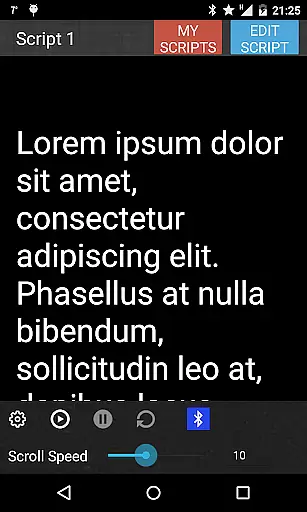
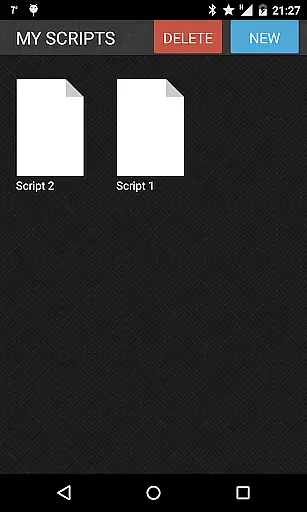
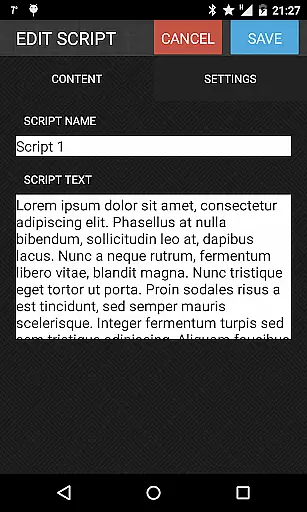
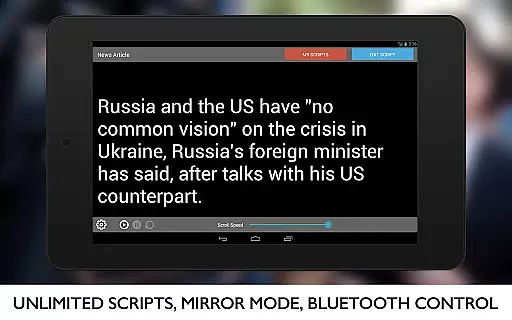
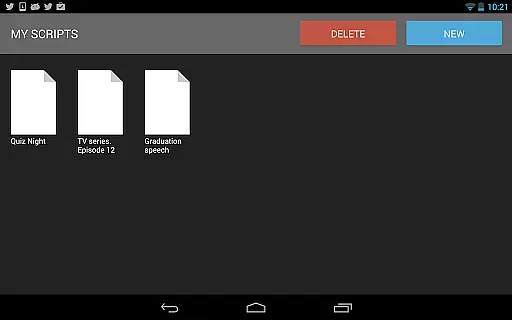
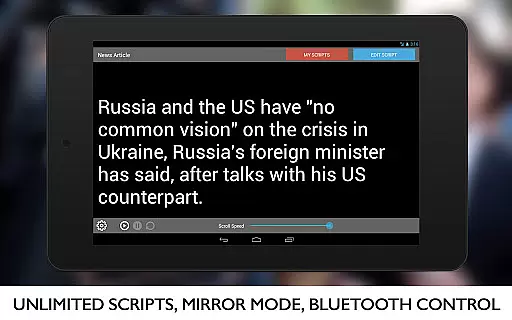
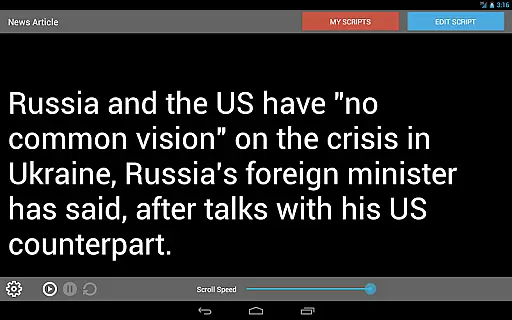
Teleprompter Pro is a professional teleprompter system designed for Android devices, catering to the needs of presenters, broadcasters, filmmakers, and public speakers. The app allows users to manage unlimited scripts with ease, offering features such as script import from text files, mirror mode for teleprompter rigs, and full-screen display.
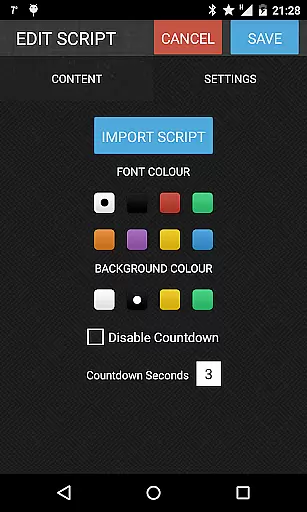
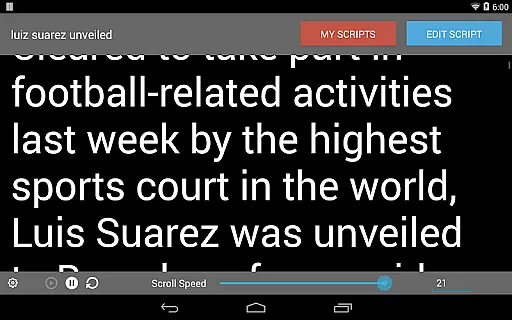
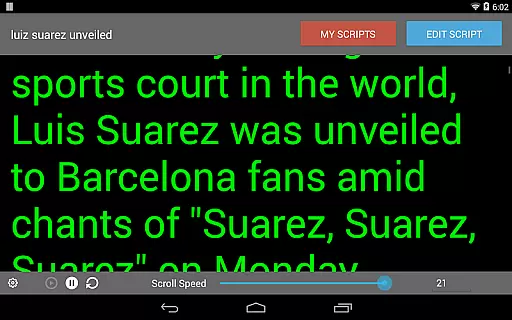
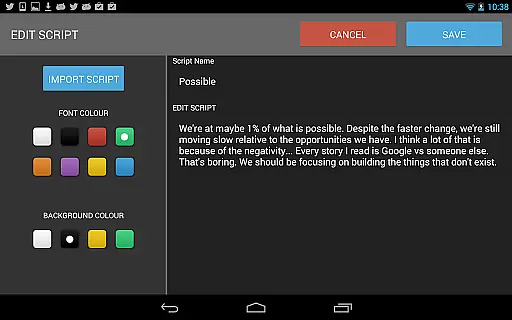
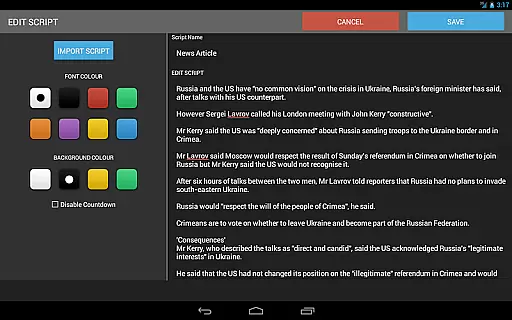
With advanced customization options like font and background color selection, adjustable text size, and brightness control, Teleprompter Pro ensures a seamless prompting experience. Additionally, users can control the speed of the teleprompter and utilize Bluetooth keyboard support for remote operation, making it ideal for professional presentations and media production environments.
Teleprompter Pro stands out with its comprehensive feature set tailored for professional use. The app supports unlimited scripts, enabling users to handle multiple projects efficiently. Its unique mirror mode caters specifically to teleprompter rig setups, while the remote control functionality via Bluetooth keyboard provides hands-free operation during live presentations or recordings.
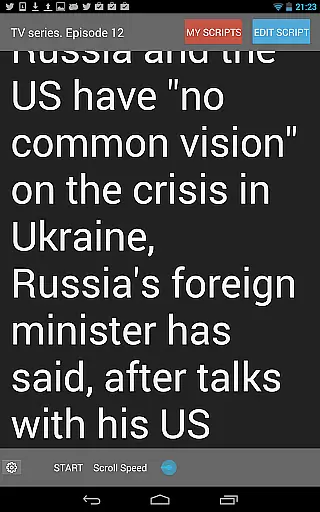
Customization is key in Teleprompter Pro, allowing users to adjust text size, scroll speed, and choose from various font and background color combinations. These features ensure optimal readability under different lighting conditions. Moreover, the in-app brightness control helps maintain consistent visibility without affecting the device's overall settings, providing an uninterrupted teleprompting experience for various professional scenarios.
Video format compatibility is a crucial feature for any video player or editor, including Teleprompter Pro. This app ensures that users can work with a wide range of script formats and text files, allowing seamless integration into various workflows.
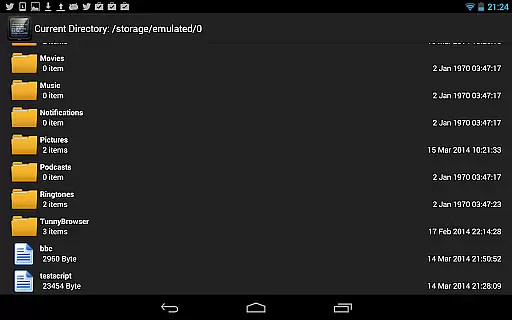
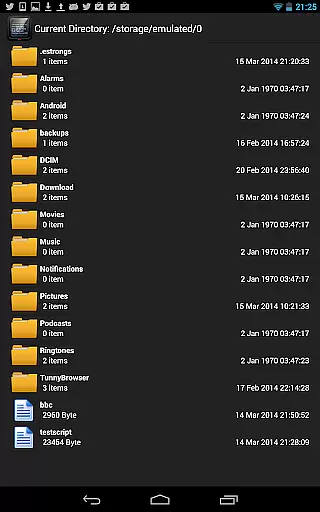
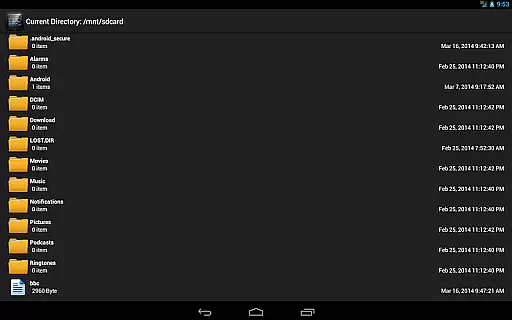
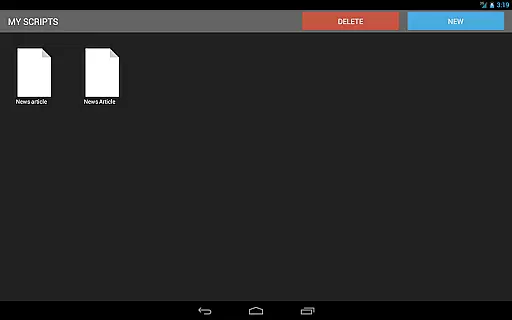
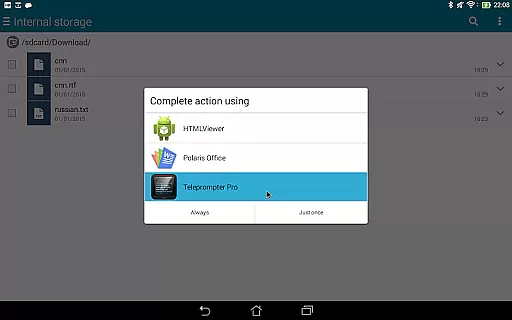
Teleprompter Pro supports unlimited scripts and enables importing from text files, ensuring that no matter the source of your content, it can be easily loaded and utilized within the app. This flexibility in handling different types of textual content makes it an invaluable tool for professionals across multiple industries.
Users benefit from the ability to adjust text size and font, as well as background color selection, which enhances readability and presentation quality. These features collectively ensure that regardless of the original format, your content will be displayed clearly and professionally.
The app's compatibility extends beyond just file formats; its full-screen mode, mirror mode, and remote control via Bluetooth keyboard make it adaptable to different presentation setups and environments. Whether you're a broadcaster, filmmaker, or business professional, Teleprompter Pro's versatile compatibility ensures a smooth and efficient teleprompting experience.
AI-powered editing features represent the cutting edge of video editing technology, and Teleprompter Pro incorporates these advancements to enhance user experience. While primarily a teleprompter app, its intelligent features simplify and elevate the process of script management and presentation.
One standout feature is the ability to adjust the speed of the teleprompter dynamically. This AI-driven functionality allows users to set a comfortable pace for their presentations without manual intervention, providing a natural flow to their delivery. Additionally, the app's brightness control adapts to different lighting conditions, ensuring optimal visibility at all times.
Teleprompter Pro also offers advanced customization options such as font and background color selection, which are powered by intelligent algorithms that suggest the best combinations for readability and aesthetics. These smart suggestions help users create professional-looking presentations with minimal effort.
While not traditionally categorized as a video editor, Teleprompter Pro's innovative features like mirror mode for teleprompter rigs and remote control capabilities demonstrate how AI-powered tools can revolutionize traditional workflows, making it an essential application for anyone involved in public speaking or media production.
User-friendly interface
Flexible customization options
Remote control support
Professional-grade features
Wide industry applicability
Limited iOS availability
Advanced features locked behind paywall
No cloud sync option
Occasional performance lags
Complex setup for beginners

IPTV-Smarters Player Pro M3U - Watch Live Stream TV Channels with Chromecast
 4.00
4.00
Tik & Story Saver-Download ALL social media videos, photos & reels no watermark.
4.80
KineMaster, Your Ultimate Video Editor!
4.40
Add date and time watermark to photos and videos
4.50
Browser for Sony TV to stream web videos, online movies and live tv
3.20
All in one multi protocols stream receiver for AirPlay, Cast and DLNA.
3.60
Browser + Remote for Roku to stream webvideos, online movies and livestreams
4.60
Screen recorder with audio to take live videos & Screenshot in high quality!
4.70
Viddo: Generate Action Figure, AI Anime, AI kiss, AI hug Video from image & text
4.40
Play ALL formats in 4K & HD. Video downloader, MP3 player, Chromecast & more.
4.80
Flud is a simple and beautiful BitTorrent client for Android.
4.80
HD Video player all format, HD Videos, Cast & Subtitle. No annoying ads.
4.60
Watch a large amount of high-definition short drama content
4.60
VLC Remote lets you control your VLC Media Player on Mac, PC or Linux.
4.60
Photo and Music Video Creator into Stunning Videos—Effortlessly
4.40
LumaFusion: The Ultimate Storytelling Experience for Video Editing
4.10
Connect 2 UVC devices for recording and broadcast video/audio stream
3.90
Livestream, news, & gaming content. Watch, chat, and upload. Join Rumble today!
3.80
AirMirror is Receiver for Screen Mirroring and Casting from Apple Devices.
3.60


User Reviews