
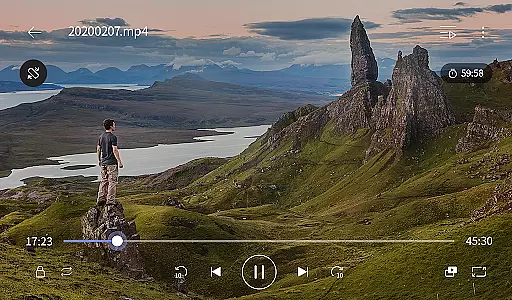
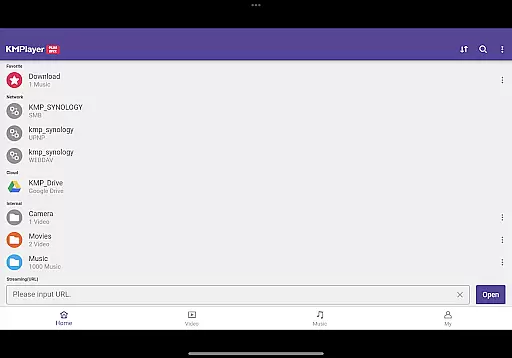
KMPlayer Plus (Divx Codec) is a versatile video player that supports Divx codec, making it ideal for users who need to play various video formats. The app offers high-definition playback for HD, 4K, and even 8K videos, ensuring an exceptional viewing experience across all resolutions.
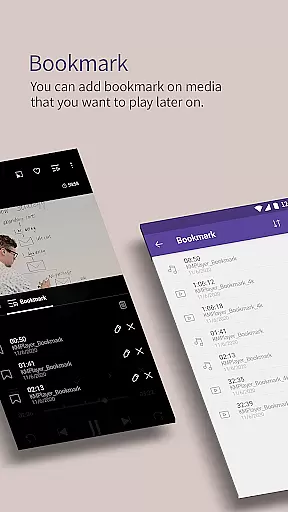
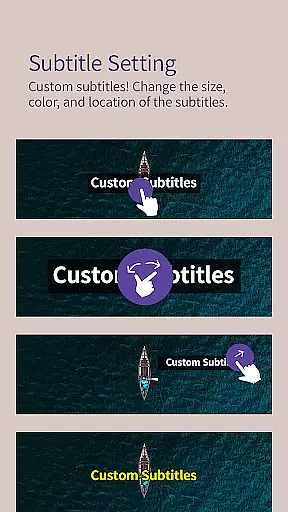
With advanced features like bookmarking, color adjustment, and subtitle settings, KMPlayer Plus allows users to customize their playback experience. It also includes practical functions such as popup play, speed control, and equalizer settings, catering to both casual viewers and audiovisual enthusiasts.
This application is particularly useful for individuals managing large media libraries or those who require specific codec support. Its ability to handle multiple subtitle formats and network streaming makes it a comprehensive solution for all video playback needs.
KMPlayer Plus stands out with its extensive codec support, including DXMF, DIVX, and MP4V, allowing users to play AVI and MKV files seamlessly. The app's functionality extends beyond basic playback, offering features like section repeat, video inversion, and quick button options for enhanced usability.
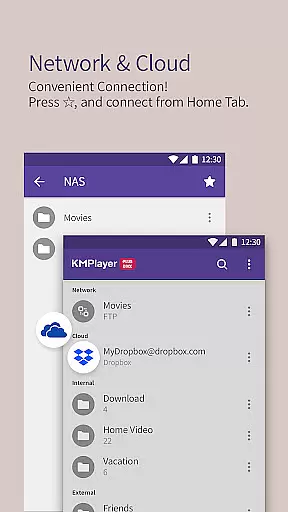
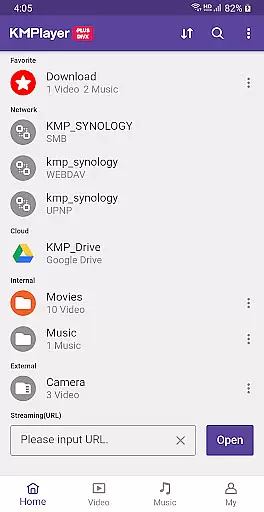
The inclusion of advanced tools such as torrent client integration, video cropping, and MP3 conversion provides users with professional-grade capabilities. Additionally, cloud service compatibility with Dropbox and OneDrive ensures easy access to media files from any location.
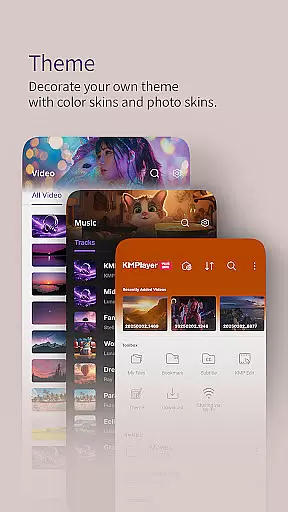
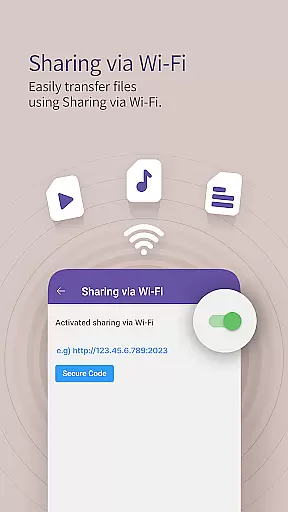
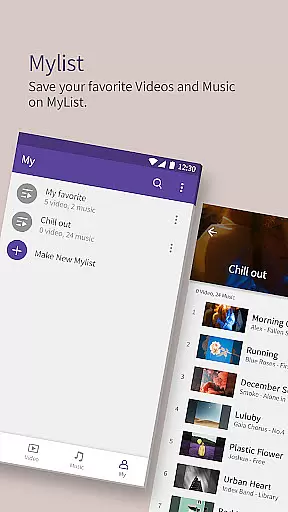
Users can enjoy the convenience of Wi-Fi sharing, playlist creation, and external storage support. These features, combined with a beautiful user interface and timer functions, make KMPlayer Plus a complete multimedia solution for Android devices.
Video format compatibility is a critical feature for any video player, determining the range of file types it can play. KMPlayer Plus (Divx Codec) excels in this area by supporting an extensive list of codecs including DXMF, DX50, DIVX, DIV4, DIV3, and MP4V for AVI and MKV files.
The application also provides clear information on unsupported codecs such as DTS, EAC3, and TrueHD, helping users manage their expectations and avoid playback issues. This transparency ensures that users are well-informed about the capabilities of the player before they attempt to open a file.
Moreover, KMPlayer Plus supports a wide array of subtitle formats like DVD, DVB, SSA/ASS Subtitle Track, SubStation Alpha (.ssa/.ass), SAMI (.smi), SubRip (.srt), MicroDVD (.sub/.txt), VobSub (.sub/.idx), and many more. This comprehensive support allows users to enjoy their media with subtitles tailored to their preferences.
By offering robust video and subtitle format compatibility, KMPlayer Plus ensures that users can access their multimedia content without worrying about format restrictions, thus enhancing the overall user experience.
AI-powered editing features represent the cutting-edge integration of artificial intelligence into video editing, allowing users to enhance their media with minimal effort. While KMPlayer Plus (Divx Codec) primarily focuses on video playback, it incorporates several advanced functionalities akin to AI-driven tools.
One notable feature is the ability to crop videos and audio, enabling users to select and cut desired sections with precision. Additionally, the GIF creation tool allows users to generate dynamic images from their favorite videos, providing a creative way to share content.
The inclusion of an MP3 converter further demonstrates the app's versatility, extracting and converting audio from video files efficiently. These features collectively offer a streamlined editing experience, empowering users to modify their media according to specific needs.
Although not marketed as a dedicated editing suite, KMPlayer Plus leverages intelligent functionalities to deliver a versatile and user-friendly environment for both playing and refining multimedia content.
Extensive codec support
High-definition playback
Advanced customization options
User-friendly interface
Cloud service integration
Limited free trial period
Some features require subscription
Occasional codec compatibility issues
Resource-intensive on older devices
Complex for beginners

Watch full episodes of your favorite Cartoon Network and Cartoonito shows!
 3.50
3.50
Video Downloader is an utility that can save videos and music from web sites
4.20
Stream high quality video from your camera over NDI protocol
4.2
AirMirror is Receiver for Screen Mirroring and Casting from Apple Devices.
3.60
Download website videos fast&privacy
4.40
All in one multi protocols stream receiver for AirPlay, Cast and DLNA.
3.60
Connect EasyCap or UVC devices for recording and broadcast video/audio stream
3.60
Manage your YouTube channel on the go
4.40
Capture the moment and Cut
3.40
AI Video Editor with Music, Filter, Slideshow, Effect, Merge & Trim Video.
4.80
#1 Torrent App on Android ** No Ads Ever + Battery Saver **
4.80
Snaptubè Video Downloader app allows to download videos and music in Snaptube. .
4.60
Browser + Remote for Roku to stream webvideos, online movies and livestreams
4.60
Fast, private downloading, video saving, social media
4.50
Cast to Chromecast, Xbox, Fire Stick, Roku, DLNA, Smart TV & No Feature Limited!
4.50
Fast & Private HD Video Downloader with Built-in Proxy Browser and Video Player.
4.50
Powerful, professional, versatile teleprompter. Developed by an active film crew
4.00
The smartest M3U IPTV Player your playlists have ever seen.
4.0
Powerful HD video player with support for all formats & subtitles.
4.0


User Reviews