

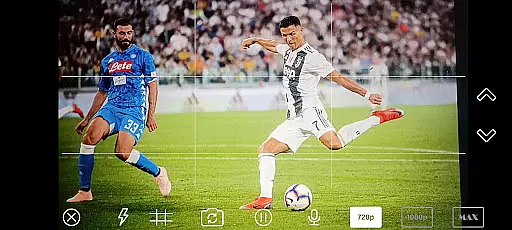
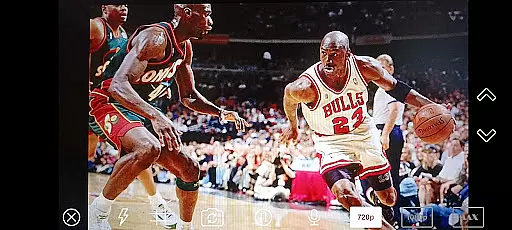
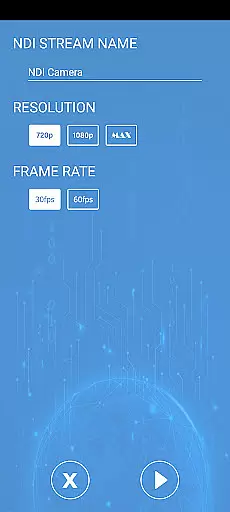

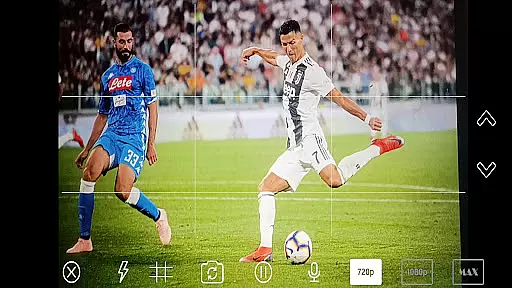
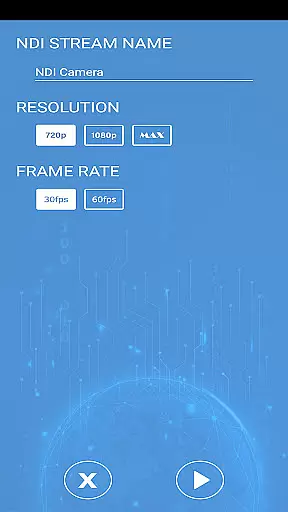
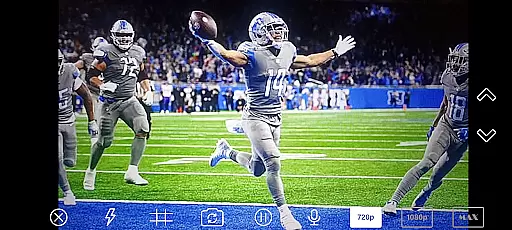
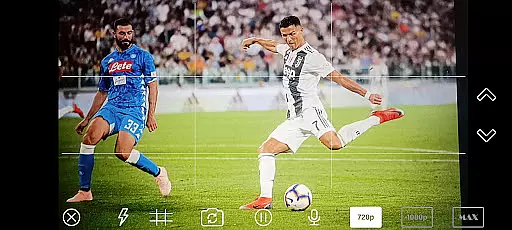
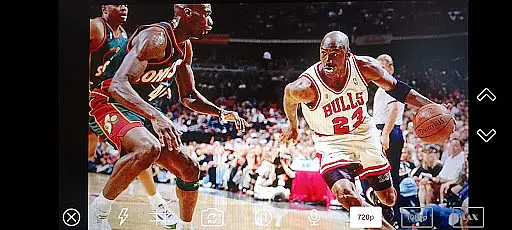
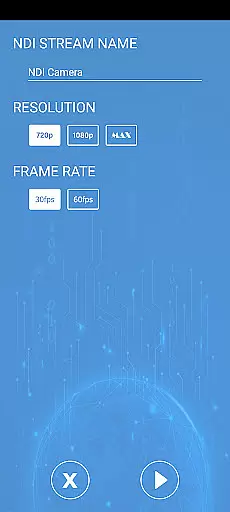
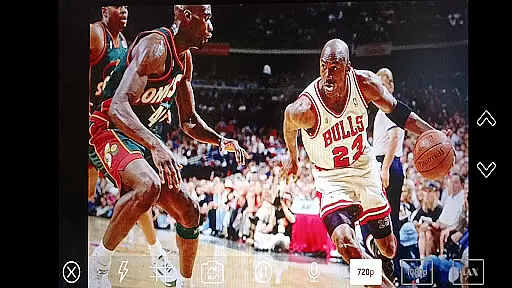
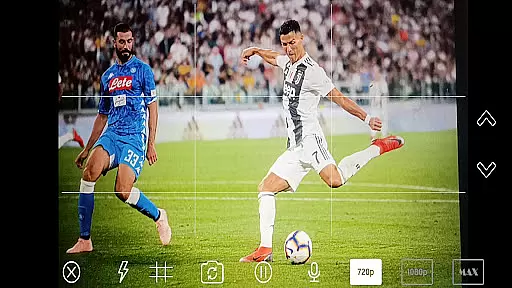

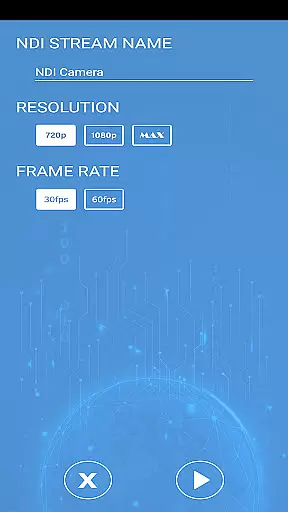
NDI Camera PRO is a powerful video streaming application designed for professional broadcasting needs. The app allows users to send high-quality NDI video streams directly from their device's camera over the NDI protocol. This makes it an ideal tool for live video production, especially when integrated with broadcasting software like OBS Studio.
With its low-latency IP video transmission capabilities, NDI Camera PRO ensures seamless and reliable video streaming. Whether you're working on live events, studio broadcasts, or any professional video production, this app provides the flexibility and performance required by industry experts.
The application is particularly useful in environments where multiple video sources need to be managed efficiently. By supporting an extensive range of transmission systems, NDI Camera PRO offers compatibility with various professional setups, making it a versatile choice for broadcasters.
NDI Camera PRO stands out with its advanced features tailored for professional video production. One of its core functionalities is the ability to stream video using the NDI protocol, which is renowned for its low-latency and high-quality transmission. This feature is crucial for real-time broadcasting without delays or quality loss.
The app integrates seamlessly with popular broadcasting tools such as OBS Studio, enhancing its usability in professional environments. Users can easily incorporate video streams from NDI Camera PRO into their existing workflows, providing a smooth and efficient production process.
Additionally, NDI Camera PRO supports a wide array of transmission systems from different manufacturers. This compatibility ensures that users can connect and work with various devices and systems, offering unparalleled flexibility in setting up complex broadcasting environments.
NDI Camera PRO excels in video format compatibility, ensuring seamless integration with a variety of broadcasting applications. The app supports the NDI protocol, which is designed for low-latency IP video transmission.
This compatibility allows users to stream high-quality video from their camera directly into professional production systems like OBS Studio. The support for NDI means that users can transmit video over a network with minimal delay, making it ideal for live productions.
By supporting an extensive list of transmission systems and manufacturers, NDI Camera PRO ensures that content creators can work with their preferred equipment without worrying about format restrictions. This flexibility enhances the creative process and enables users to focus on producing high-quality content.
While NDI Camera PRO focuses primarily on video streaming, its integration capabilities indirectly enhance AI-powered editing features. By providing a stable and high-quality video feed, editors can utilize advanced AI tools within their editing software to enhance and modify the streamed content.
The app's robust streaming performance ensures that editors receive the best possible input for AI processing. This includes features such as automated scene detection, smart color correction, and real-time effects rendering, all of which benefit from the pristine video source provided by NDI Camera PRO.
Content creators can thus take full advantage of AI-driven editing tools, knowing that the foundation of their work is built on reliable and high-quality video streams. This synergy between NDI Camera PRO and AI-powered editing features elevates the overall production quality and efficiency.
Low-latency streaming
High-quality video output
Seamless OBS Studio integration
Wide device compatibility
Professional-grade features
Requires NDI knowledge
Higher resource usage
Premium pricing model
Limited free features
Complex setup process

Kodi media center, a free and open source cross-platform entertainment hub
 3.60
3.60
IPTV-Smarters Player Pro M3U - Watch Live Stream TV Channels with Chromecast
4.00
KineMaster, Your Ultimate Video Editor!
4.40
Play ALL formats in 4K & HD. Video downloader, MP3 player, Chromecast & more.
4.80
Capture images & record videos for USB Camera, Webcam, Microscopes, Endoscopes
3.80
All in one multi protocols stream receiver for AirPlay, Cast and DLNA.
3.60
Browser for Samsung TV to stream webvideos, online movies and livestreams in HD
4.10
AI Video Editor with Music, Filter, Slideshow, Effect, Merge & Trim Video.
4.80
Download Hub, easy and private way to download and enjoy your videos offline
4.80
Video Trimmer, Video to MP3 Converter. Extract music from video, Easy & Fast.
4.80
Support 1000+ Video Format, Subtitle Download, mp3 & Background Play, Cast On TV
4.60
Auto video maker with music & exclusive filters. Video editing made simple.
4.50
Cast to Chromecast, Xbox, Fire Stick, Roku, DLNA, Smart TV & No Feature Limited!
4.50
HD video maker with no watermark, no ads & vlog maker with music, PIP, text
4.50
Create & edit videos with AI
4.30
AI Video Editor:AI Music, Text to Video,Text to Speech,Auto Caption,Video Effect
4.00
Fast private browser with secure, seamless access & supported video downloads!
4.00
This app is an emulator of some specific IPTV boxes
3.50
The essential companion to your Blue Iris PC software
2.50


User Reviews