
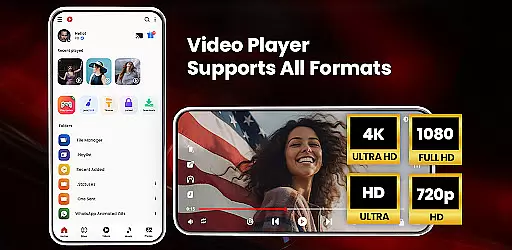

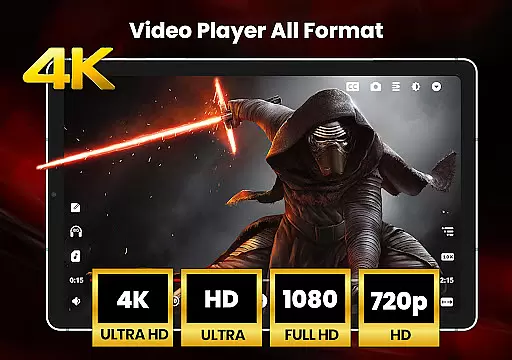
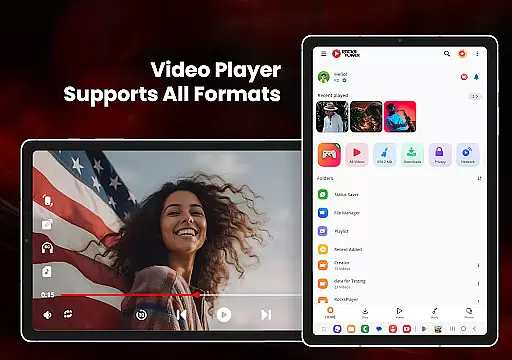
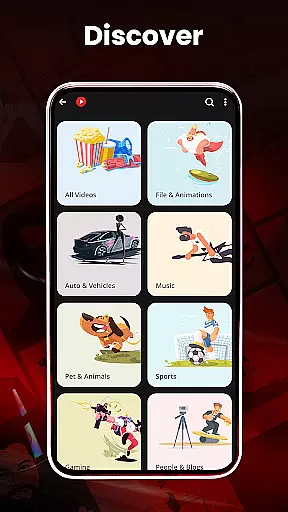
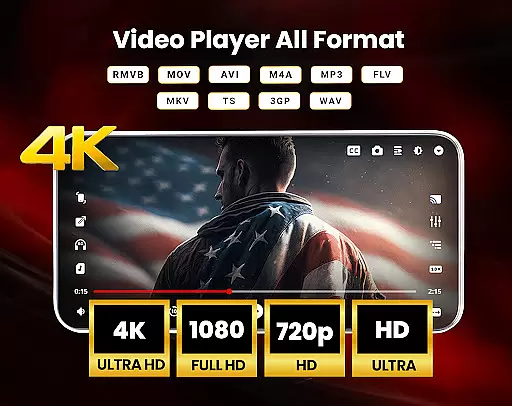
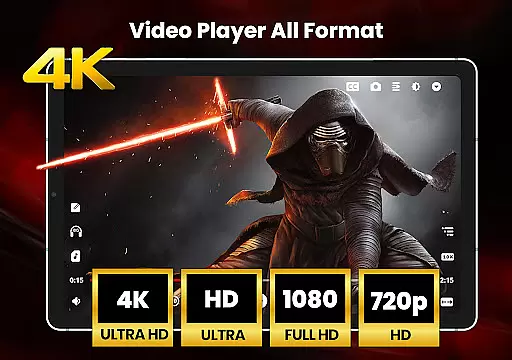
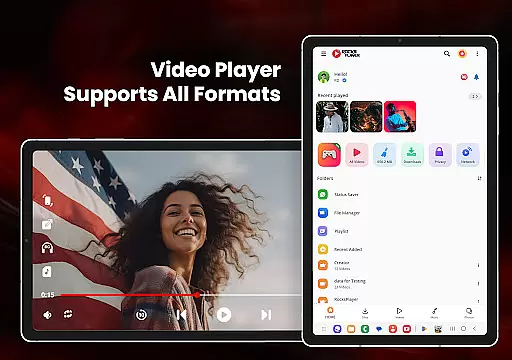

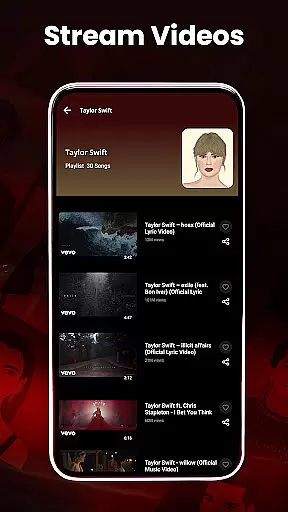
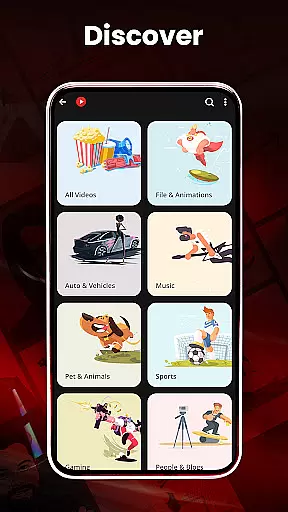
HD Video Player All Formats is a versatile media player designed for Android users who need comprehensive support for various video and audio formats. This powerful app supports playback of HD, Full HD, 4K, and Ultra HD video files, making it an ideal choice for enjoying high-quality content on mobile devices.
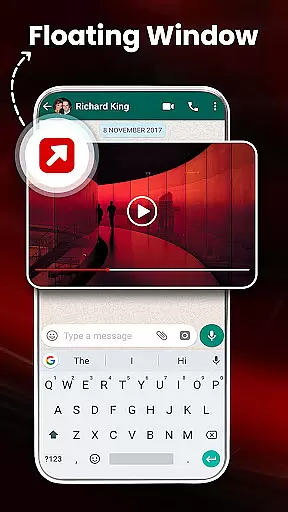
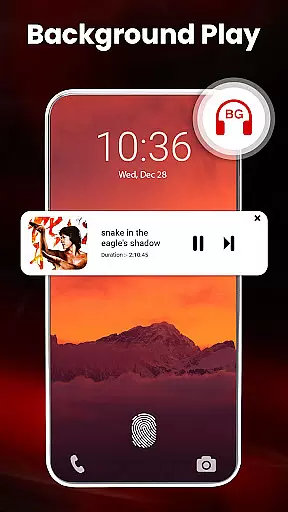
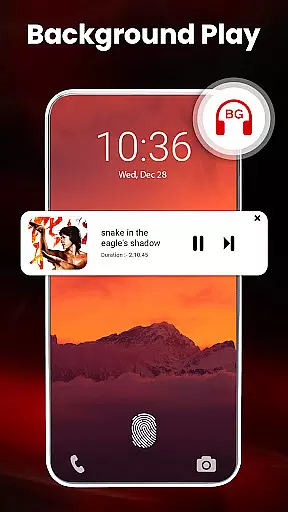
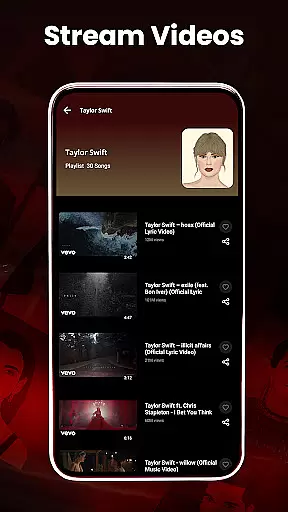
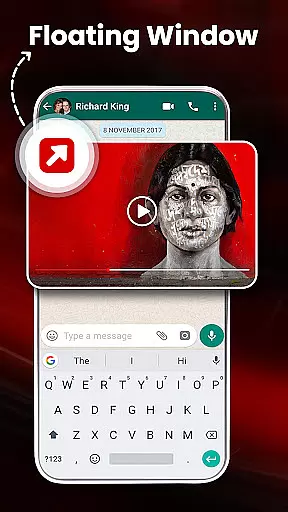
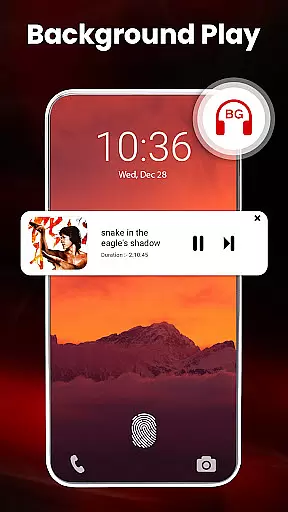
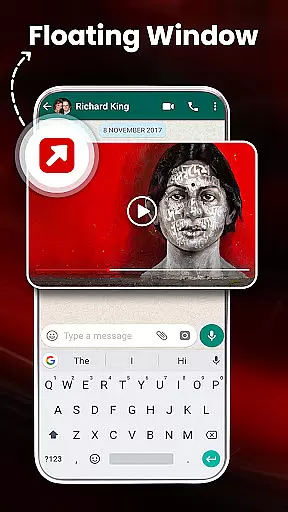
Beyond basic playback capabilities, the application offers advanced features such as casting videos to TV, playing in pop-up windows, and background audio playback. The built-in file manager allows users to organize their media library efficiently, while the video downloader facilitates saving online content for offline viewing. With its intuitive interface and robust functionality, this video player enhances the multimedia experience on Android devices.
The HD Video Player All Formats stands out with its extensive format compatibility, supporting popular video types like MKV, MP4, MOV, and audio formats such as MP3. One of its key innovations is the hardware acceleration feature using the new HW+ decoder, ensuring smooth playback even for demanding file types.
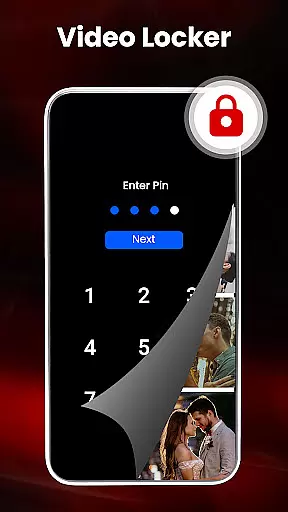
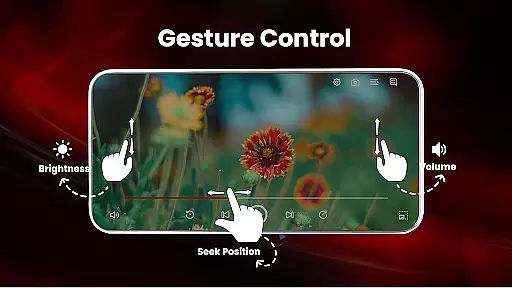
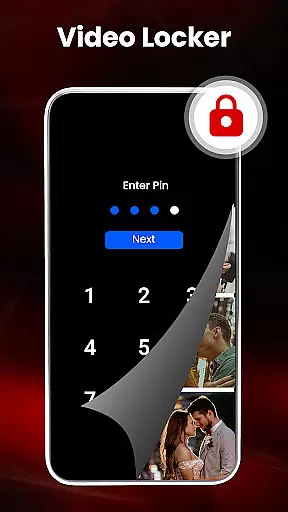
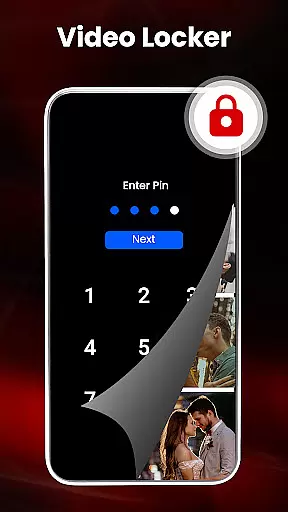
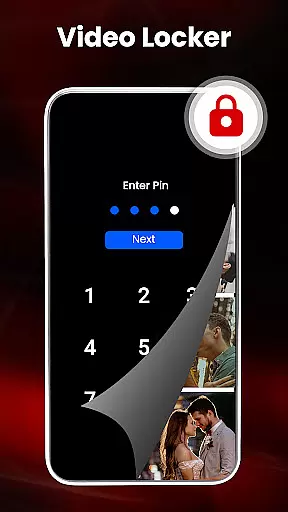
Users can benefit from practical utilities like a video locker for private files, a sleep timer for convenience, and a powerful equalizer with bass boost for enhanced audio experiences. The smart gesture controls allow effortless adjustments of volume, brightness, and playback progress. Additionally, the app's ability to play videos in split-screen mode and manage playlists makes it a complete solution for both casual viewers and power users.
Video format compatibility is a crucial feature for any video player, ensuring that users can enjoy their media files without limitations. HD Video Player All Formats excels in this area by supporting an extensive range of formats including MKV, MP4, M4V, MOV, 3GP, FLV, WMV, TS, MP3, and MPG.
This comprehensive support allows users to play videos and songs in various resolutions such as HD, Full HD, 4K, and Ultra HD seamlessly. The inclusion of popular formats ensures that no matter the source of your media, you can rely on this player to handle it with ease.
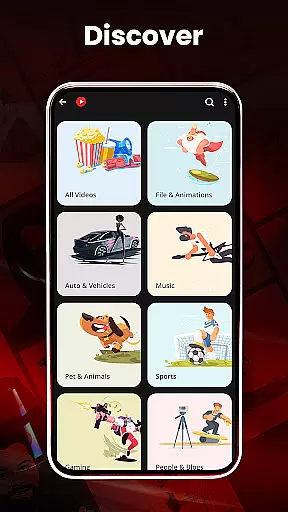
By offering compatibility with all major video and audio formats, the app provides a versatile solution for managing multimedia content. This means users can consolidate their media library within a single platform, simplifying playback and management tasks.
The ability to play diverse file types not only enhances user convenience but also expands the potential use cases for the application. Whether streaming online content or playing locally stored files, this robust compatibility ensures uninterrupted entertainment.
While HD Video Player All Formats focuses primarily on playback capabilities, its AI-powered editing features provide valuable tools for enhancing media management. The built-in functionality includes smart gestures that allow users to control volume, playing progress, and brightness through intuitive touch commands.
The application incorporates advanced features like hardware acceleration with the new HW+ decoder and extension mode, which optimizes performance during video playback. These technological enhancements contribute to smoother rendering of high-resolution content, particularly beneficial when viewing Full HD and 4K videos.
Additional intelligent features include automatic scanning of SD cards to identify all video files, duplicate file detection, and smart playback options. Users can utilize pinch-to-zoom functionality, adjust aspect ratios, and lock screen orientation for an optimized viewing experience.
These AI-driven capabilities demonstrate the application's commitment to providing more than just basic playback functionality. By integrating these sophisticated tools, the player offers users enhanced control over their media files while maintaining ease of use and accessibility.
User-friendly interface
Wide format support
Advanced playback options
Efficient file management
Comprehensive privacy features
Occasional ads display
Some features require premium
Large app size
Complex for beginners
External storage permission needed

Fast video downloader & private browser. Save HD clips to watch offline.
 4.40
4.40
Capture images & record videos for USB Camera, Webcam, Microscopes, Endoscopes
3.80
High-Quality USB Camera Viewer & HDMI Display
4.70
Pro video editor app for Instagram, edit video with song, AI, effect & slowmo.
4.80
Movie maker & video editing app with AI effects and green screen
4.30
A Simple app to download Video & Music from the Internet.
4.70
AI Video Editor with Music, Filter, Slideshow, Effect, Merge & Trim Video.
4.80
Enjoy your favorite videos and channels with the official YouTube app.
3.90
Make videos you’re proud to share with Edits, a video editor for creators.
4.70
Fast & easy HD video downloader for all formats, support 4K playback & download.
4.60
IPTV Loader, loads your own Playlist. DOES NOT CONTAIN ANY LIST OR CHANNELS
4.60
Fast, private downloading, video saving, social media
4.50
All format media Player, no need video converter any more!
4.00
Make your own Animations, Video and Photo Edits, Visual Effects, and more!
4.00
Cast to Smart TV, Fire TV. Cast video, photo - Fast & Stable!
3.90
HD video & music player - All format support with floating & PIP mode!
3.80
Live TV, anywhere in your home
3.80
Manage your IPTV live channels and VOD playlists (no playlist included)
3.80
Connect EasyCap or UVC devices for recording and broadcast video/audio stream
3.60


User Reviews