
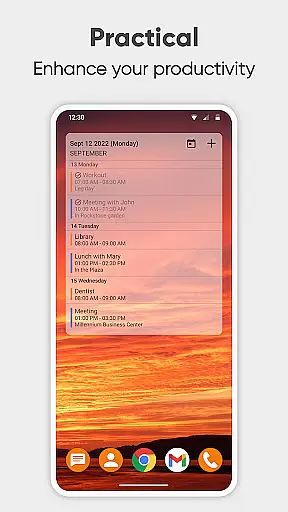
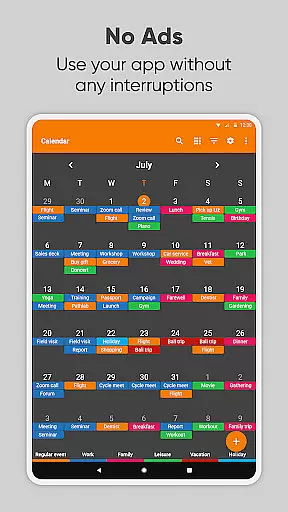
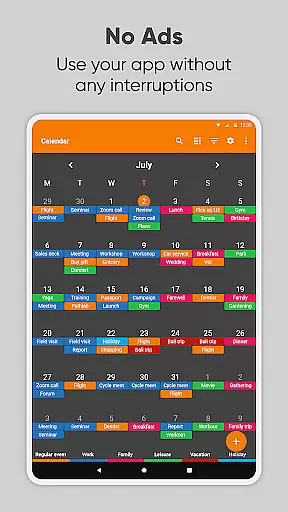
Simple Calendar Pro is a premium productivity application designed for Android users who need an efficient, offline calendar solution. This app serves as a personal schedule planner that focuses on simplicity and functionality without unnecessary complexities. With support for syncing events through Google Calendar or other CalDAV-compatible services, it ensures your schedule is always up-to-date across devices.
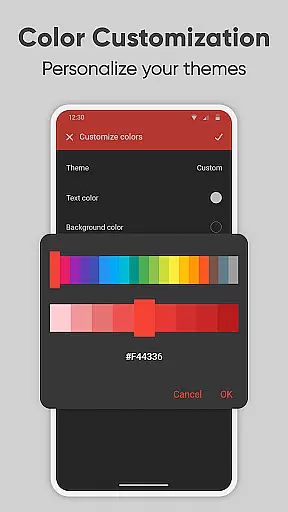
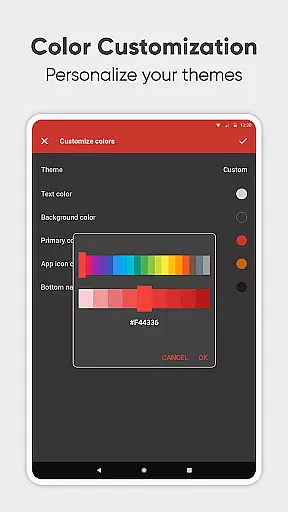
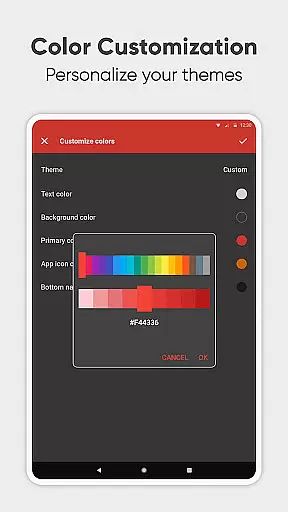
The app provides powerful customization options, allowing users to tailor notifications, event reminders, and the overall appearance of the calendar widget. Whether you're managing work appointments, family events, or personal tasks, Simple Calendar Pro helps you stay organized with its intuitive interface and flexible scheduling tools. Its offline functionality ensures privacy and stability, making it ideal for users who value security and independence from constant internet connectivity.
For professionals and families alike, this app offers a comprehensive suite of features including recurring event management, exporting and importing events via .ics files, and sharing capabilities through social media or email. The availability of 45+ language translations and customizable themes further enhance its accessibility and user experience, ensuring that planning your day is both efficient and enjoyable.
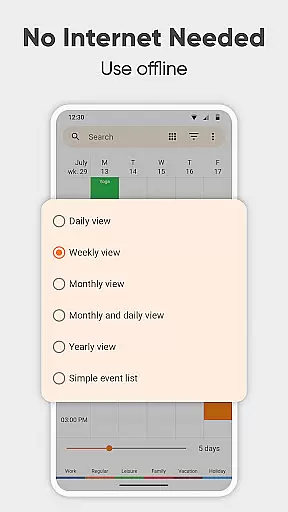
Simple Calendar Pro stands out with its extensive feature set tailored for productivity enthusiasts. One of its key strengths is the ability to function entirely offline, providing users with enhanced privacy and reliability without requiring internet access. This makes it perfect for individuals who prioritize data security and prefer not to rely on cloud services for their scheduling needs.
The app includes advanced customization options, enabling users to personalize nearly every aspect of their calendar experience. From adjusting notification sounds and vibrations to creating flexible event schedules with powerful repetition rules, Simple Calendar Pro caters to diverse user preferences. Additionally, its CalDAV support allows seamless integration with external calendars like Google Calendar, Microsoft Outlook, and Nextcloud, ensuring that all your events are synchronized effortlessly.
Another notable feature is the app's open-source nature, which fosters transparency and community-driven development. Users can export settings to .txt files for easy migration between devices and benefit from a wide range of themes and color options. With its focus on usability and customization, Simple Calendar Pro delivers a robust toolset for managing your daily agenda, whether you're planning business meetings or family gatherings.
At the heart of Simple Calendar Pro lies its robust core task management system, designed to streamline your daily planning. This feature allows users to effortlessly create, organize, and track events with precision. Whether it's a single appointment or recurring meetings, the app provides powerful repetition rules that ensure you never miss an important date.
The beauty of this productivity tool is its seamless integration with other calendar systems through CalDAV support. Users can sync their schedules across Google Calendar, Microsoft Outlook, Nextcloud, and more, ensuring that all your appointments are up-to-date regardless of the platform. This synchronization capability enhances cross-platform task management, making it easier for professionals who rely on multiple devices throughout their day.
Moreover, Simple Calendar Pro offers flexible event creation options including customizable reminders and notifications. These alerts can be tailored to individual preferences, allowing for personalized sound choices, vibration patterns, and even specific times before an event when you wish to be notified. Such detailed control over reminders ensures that users stay informed and punctual, ultimately boosting personal efficiency and time management skills.
Cross-device synchronization is a critical component of Simple Calendar Pro, providing unmatched reliability for today's mobile workforce. With its offline capabilities, the app guarantees access to your schedule anytime, anywhere without requiring constant internet connectivity. This not only enhances privacy but also ensures stability in areas with poor network coverage, giving users peace of mind knowing their data remains secure and accessible.
In addition to local storage, Simple Calendar Pro supports exporting and importing events via .ics files, enabling easy transfer between different devices or platforms. This flexibility allows individuals to back up their calendars or share them with colleagues seamlessly. Furthermore, settings can be exported to .txt files for quick restoration on another device, maintaining consistency across all your gadgets.
The app's commitment to open standards like CalDAV means it works harmoniously with popular calendar services such as Google Calendar and Microsoft Outlook. By supporting these protocols, Simple Calendar Pro ensures that updates made on one platform are instantly reflected everywhere else, creating a unified experience no matter which device you choose to use. This level of integration simplifies workflow management while promoting productivity by keeping everyone aligned and informed at all times.
User-friendly interface
Offline functionality
Customizable themes
Seamless CalDAV sync
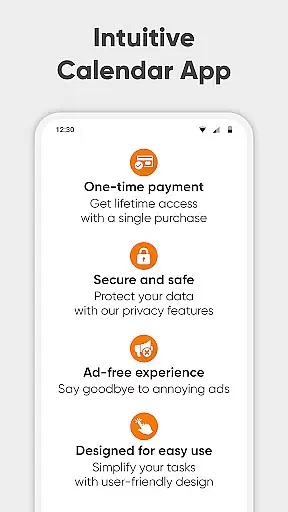
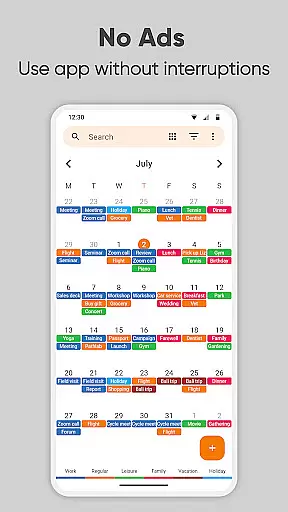
No ads or popups
Limited iOS support
Advanced features may overwhelm new users
Occasional sync delays
Requires manual updates
Learning curve for customization

Seamlessly integrate data and reports to build your presentation to impress
 4.80
4.80
Native client for Forgejo and Gitea
5.00
Unlock AutoNotification
4.00
PDF scanner & converter for files, photos, lottery, QR codes. One swipe away!
4.50
ID.me Authenticator is a simple and free Two Factor Authentication solution
3.50
* block pre-roll ads, pop-up and forced redirect ads * Samsung certification app
4.00
Understand anything with a personalized AI research assistant
4.80
Simple notepad & memo. Take notes, to-do list, shopping list with reminders.
4.80
Browse and view your photos and videos from the phone with photo & video hide.
4.10
Multilingual translator for text, voice, and image translation!
4.90
We're working to become the best machining app on the market! www.cncdirt.com
4.80
Secure, fast, open-source, Remote Desktop Client for Windows and Linux with SSH
4.60
App Lock with fingerprint, password: Lock apps & hide photos with lock screens
4.60
A lightweight JSON & XML files creator, editor and viewer (Premium Version)
4.40
Experience real multitasking on your Android!
4.00
Create and edit presentations with Google Slides, part of Google Workspace.
4.00
A Revolutionary All-in-One Artificial Intelligence Tools
3.80
Make your handwriting beautiful, even more than pen on paper.
3.60
A simple, portable logger for POTA, SOTA, Field Day, and more
4.1


User Reviews