
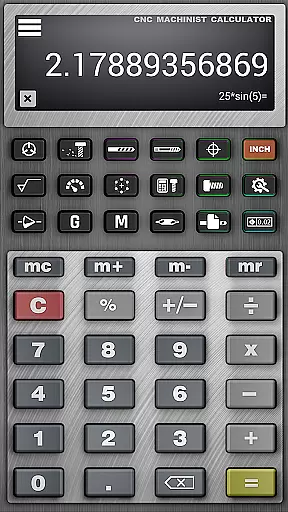
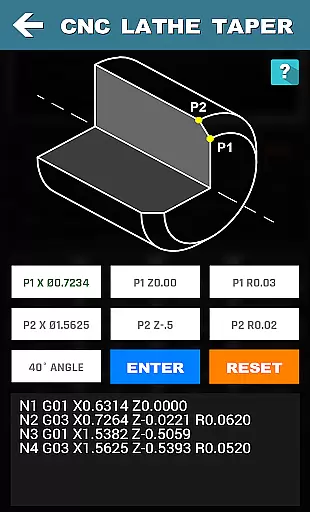



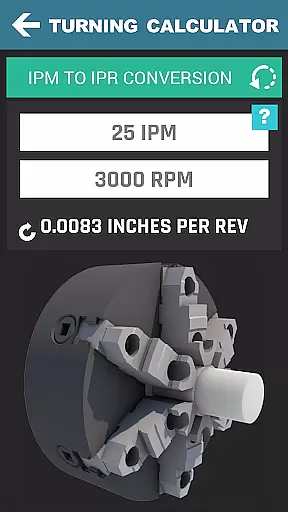


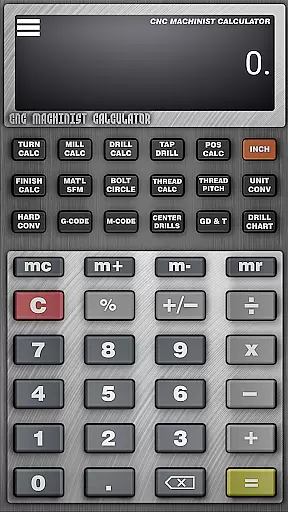
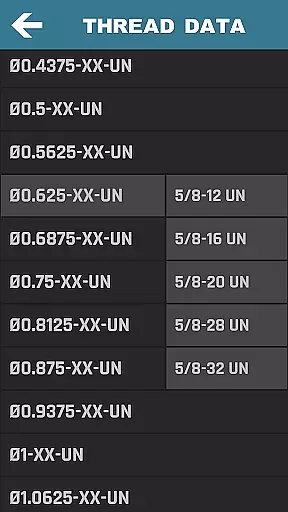

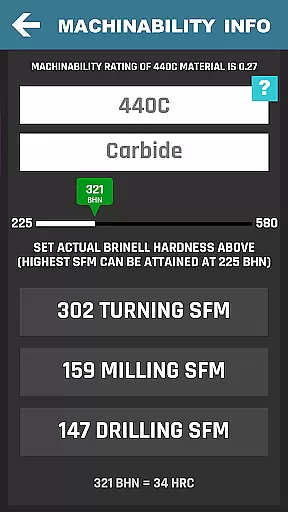

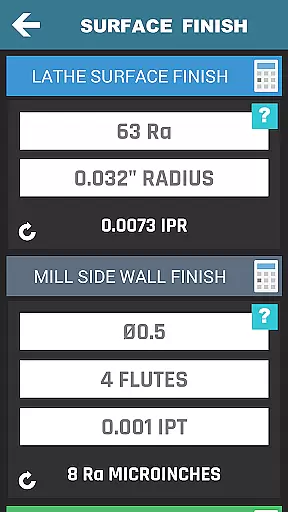
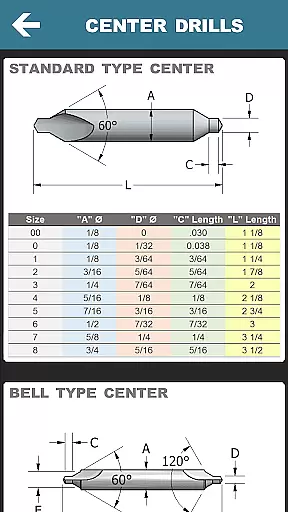
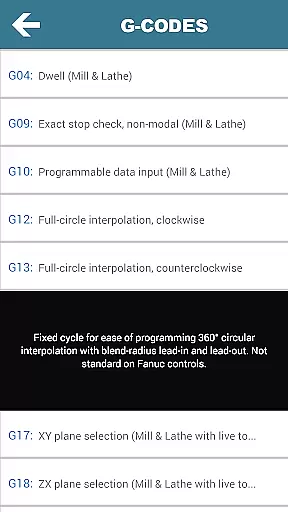
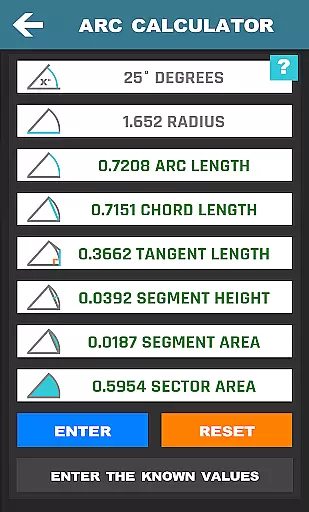


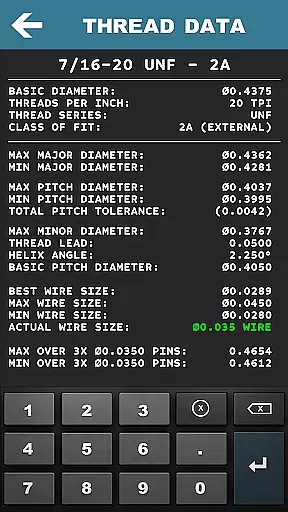


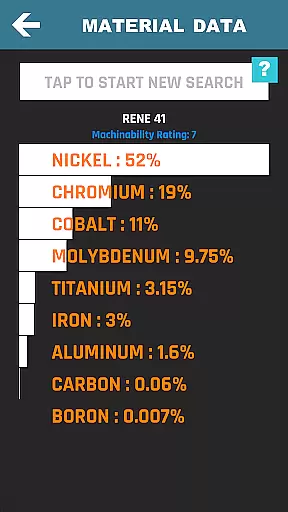
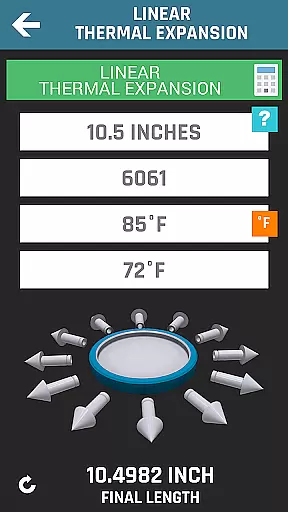
CNC Machinist Calculator Pro excels in core task management by offering a comprehensive suite of calculators tailored for manufacturing professionals. This productivity tool consolidates over 35 distinct calculation functions, ranging from turning and milling to grinding operations.
The application's interface is designed for quick access to essential machining calculations. Users can swiftly navigate through categorized calculators, each dedicated to specific machining processes such as lathe operations, mill operations, drilling, and thread measurements.
What sets this app apart is its ability to handle complex computations with ease. Machinists can calculate cutting speeds, cycle times, and material removal rates with precision, enabling them to optimize their machining strategies effectively.
By integrating these specialized calculators into one platform, CNC Machinist Calculator Pro significantly reduces the time required for manual calculations, allowing users to focus on more critical aspects of their machining projects.
While CNC Machinist Calculator Pro doesn't emphasize traditional cross-device synchronization, it offers reliable access to crucial machining data across different usage scenarios. The application ensures that all calculation modules are consistently updated with the latest machining standards and material properties.
The developers maintain high data integrity through regular updates that reflect current manufacturing practices. This reliability is crucial when machinists need consistent results whether they're using the app in their workshop or at the office computer.
Although not cloud-based, the app provides a standardized experience across devices running the same operating system version. This consistency ensures that calculations for cutting speeds, feed rates, and other parameters remain uniform regardless of where or when they're accessed.
Furthermore, the inclusion of offline functionality guarantees that machinists can rely on the app's calculations even in environments with limited internet connectivity, which is common in many manufacturing facilities.

Secure, fast, open-source, VNC and SSH Remote Desktop for Windows, Linux and Mac
 4.70
4.70
A lightweight JSON & XML files creator, editor and viewer (Premium Version)
4.40
Easiest event planning, volunteer signups & parent teacher conference scheduling
2.20
A comprehensive suite of tools designed specifically for Lactation Consultants
4.4
A simple Whisper AI keyboard for reliable speech transcription and rewording
4.60
Access your phone's notifications, calls, apps, photos & texts on your PC
3.90
Ultimate Virtual AI Character for immersive Roleplay Chat. Perfect Companion
3.90
AT&T Internet customers can use this app to personalize their Wi-Fi network.
4.40
Put a lock on your cloud: Take the security of your data into your own hands
3.70
Simple notepad & memo. Take notes, to-do list, shopping list with reminders.
4.80
Direct Chat without saving contacts & Dual WA Account on Single Device
4.70
A beautiful digital clock with autostart and many other functions
4.70
Lightweight PDF, Word, Excel reader.
4.60
Subscribe to Webcal & .ics calendars and keep them up-to-date!
4.50
Share files & memories safely. Keep your photos and videos secure.
4.40
* block pre-roll ads, pop-up and forced redirect ads * Samsung certification app
4.00
All in one sketching tool. Technical and General drawing. Online Maps support.
3.70
Experience and share your SolidWorks designs on your Android® phone and tablet.
2.50
IP Camera Viewer - Android TV : RTSP Surveillance camera viewer for Android TV
4.5


User Reviews