
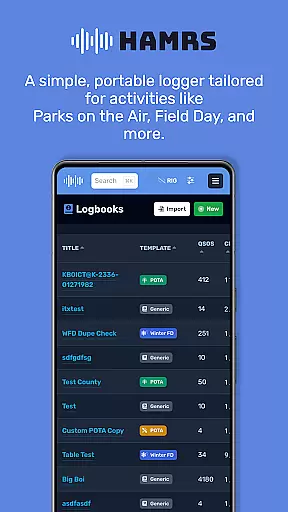
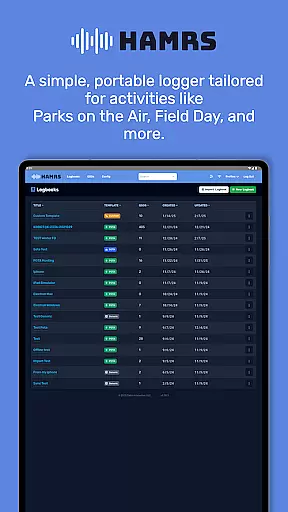
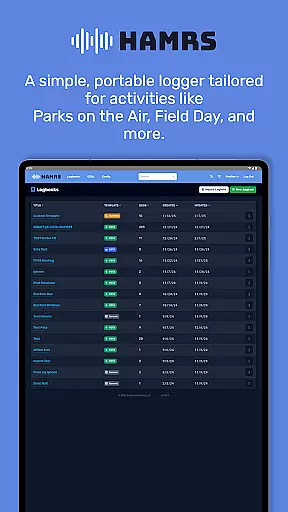
HAMRS Pro is a specialized logging tool designed for amateur radio enthusiasts, particularly those engaged in portable operations such as Parks on the Air and Field Day. The app has been completely redeveloped to offer a streamlined experience tailored to these activities.
With HAMRS Pro, users can efficiently log contacts by quickly tabbing through fields, view operator QTH information when connected to the internet, and export ADI files with ease. Additionally, it supports direct uploads to QRZ, making post-activity updates seamless and efficient.
This application is ideal for radio operators who need a reliable and efficient way to manage their logs during outdoor or remote operations, enhancing productivity while maintaining simplicity.
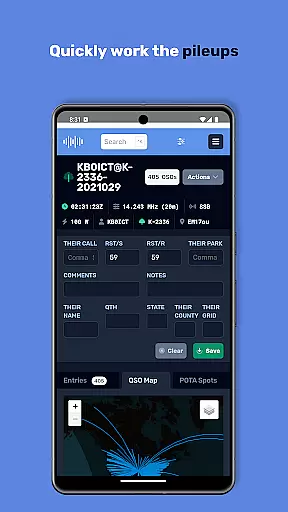
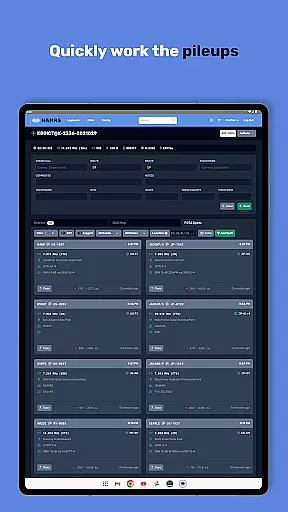
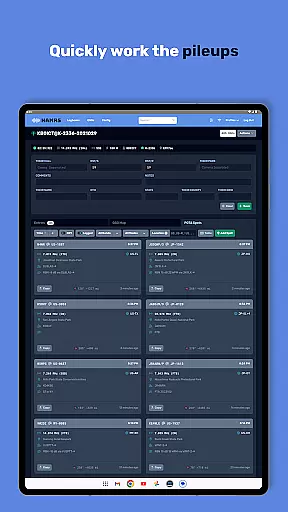
One of the standout features of HAMRS Pro is its intuitive interface that allows users to swiftly navigate through input fields, significantly speeding up the contact logging process. This feature is especially beneficial during fast-paced events like Field Day.
The app also provides real-time access to operator QTH information via an internet connection, adding a layer of convenience and accuracy to each log entry. Furthermore, HAMRS Pro offers seamless integration with QRZ, allowing users to upload their logs directly from the app.
Another notable feature is the easy export functionality for ADI files, ensuring that users can back up or transfer their data effortlessly. These capabilities make HAMRS Pro a comprehensive solution for managing amateur radio logs with efficiency and precision.
Effective task management is essential for amateur radio enthusiasts who need to log their activities efficiently. HAMRS Pro offers a streamlined interface that allows users to quickly navigate through various fields while making contacts.
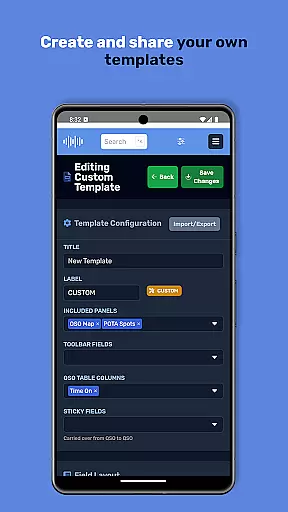
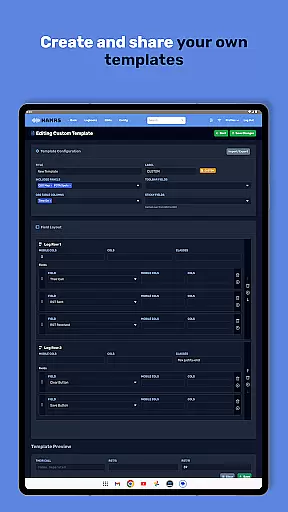
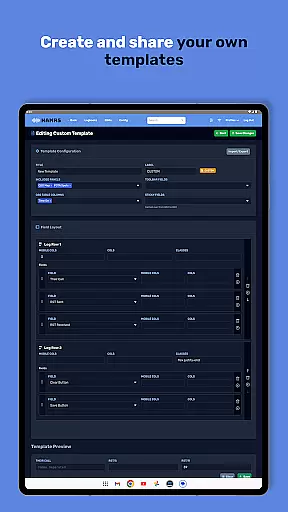
The application supports tailored templates designed specifically for portable activities such as Parks on the Air and Field Day, ensuring that all necessary information is captured without unnecessary complexity.
With an intuitive tab function, users can swiftly move through data entry fields, enhancing the speed and accuracy of logging each contact made during their amateur radio sessions.
For productivity applications like HAMRS Pro, reliable cross-device synchronization is crucial. The app ensures that your amateur radio logs are consistently updated across all your devices, providing peace of mind and data integrity.
Users can easily export their ADI files and upload them directly to QRZ from within the app, streamlining the process of managing and sharing their radio logs.
Additionally, with an active internet connection, operators can view QTH information in real-time, further enriching the user experience and ensuring that all logged activities are accurately reflected across devices.
User-friendly interface
Quick field navigation
Direct QRZ uploads
Real-time QTH info
Easy ADI export
Limited to amateur radio
Internet required for QTH
No cloud sync
Premium price tag
Focused feature set

Take control of your clipboard with Clipper!
 3.90
3.90
Wake up & get tasks done! Add alarms & reminders on the Clock Launcher.
4.00
8 custom complications. Custom Time Fonts. Beautiful color schemes. A++ Design.
5.00
Android Wallet Password Manager
4.80
Easiest event planning, volunteer signups & parent teacher conference scheduling
2.20
Font maker keyboard with your own handwriting
4.10
Simple and reliable communication between inmates, friends and family
3.20
Code on-the-go with VScode for Android. Edit,debug and collaborate from mobile!!
3.10
Simple notepad & memo. Take notes, to-do list, shopping list with reminders.
4.80
Quickly and easily keep track of your work shifts
4.70
The AI assistant that thinks with you - write, code, and solve complex tasks
4.60
Subscribe to Webcal & .ics calendars and keep them up-to-date!
4.50
Automates browsing any website and notifies you of important changes or events
4.30
Total remote control for your Android device, PC and cloud services (IFTTT)!
4.20
All in One PDF Reader: Manage, Read and Edit your Documents
4.20
Easily read and manage all your PDF files
4.10
Device's storage information in a simple and clear graphical form (infographics)
4.10
Ultimate Virtual AI Character for immersive Roleplay Chat. Perfect Companion
3.90
AI Video AI Image Private LLM AI Browser Llama Gemma Ollama Connect LLM Studio
4.5


User Reviews