
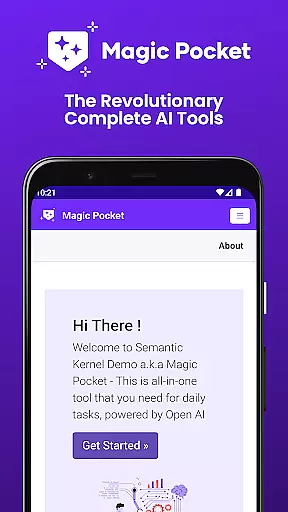
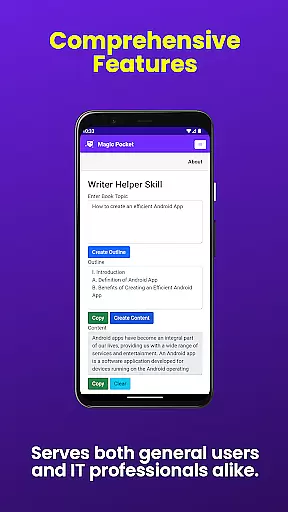
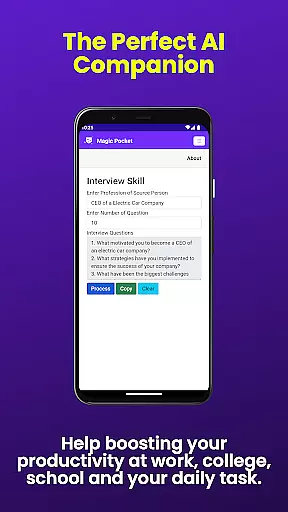
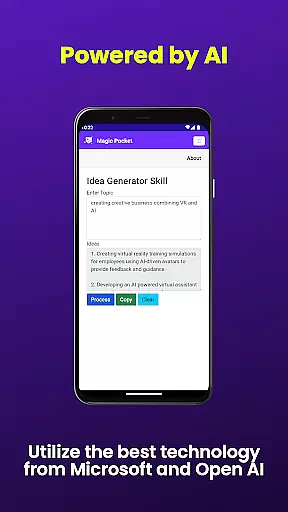
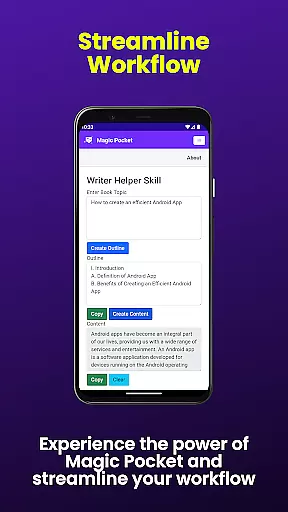
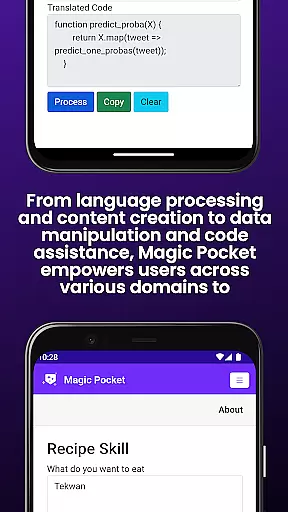
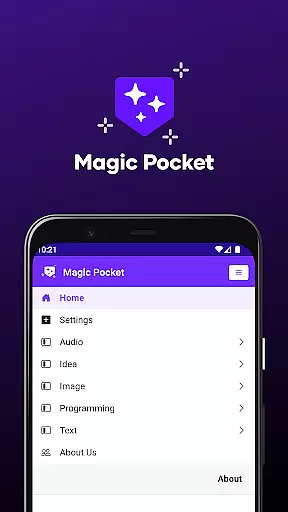
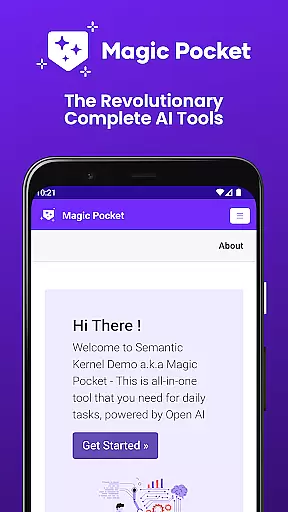
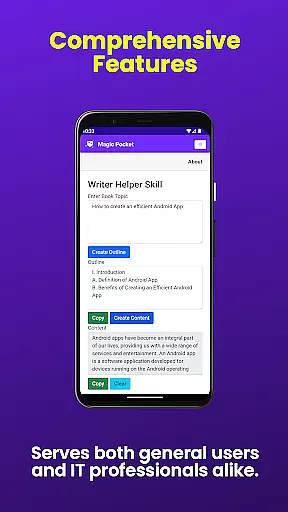
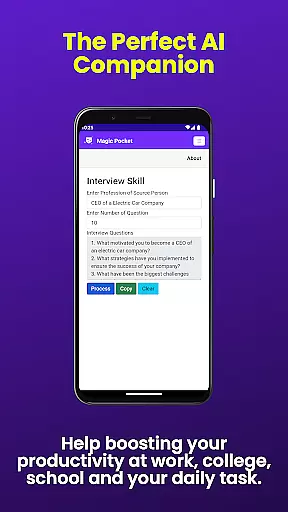
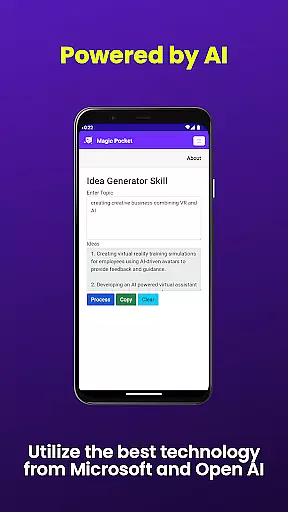
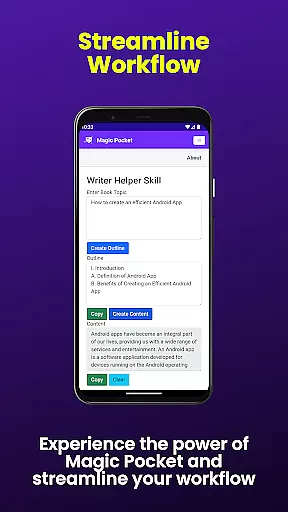
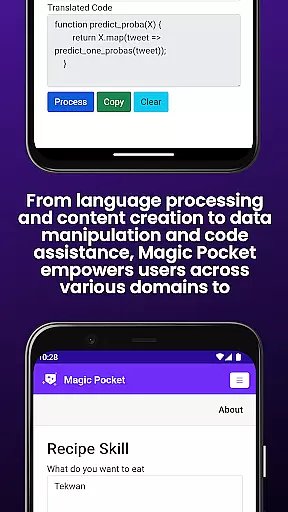
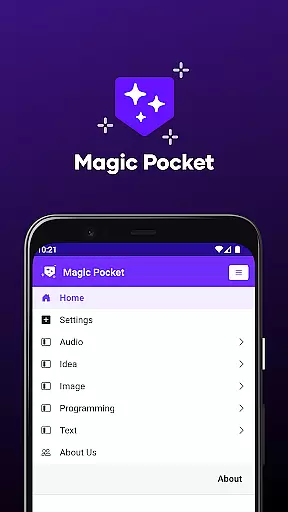
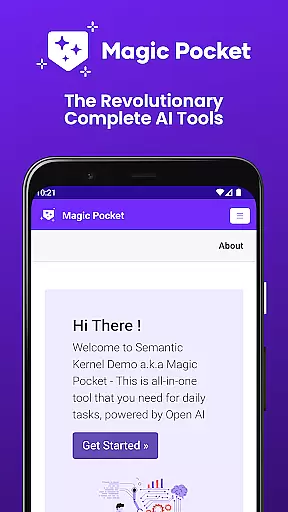
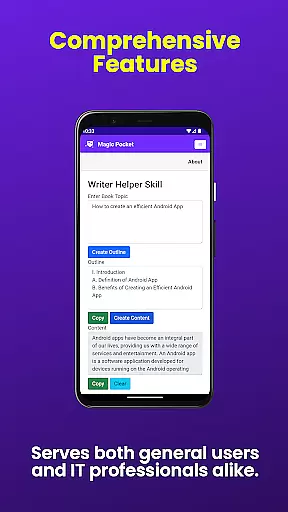
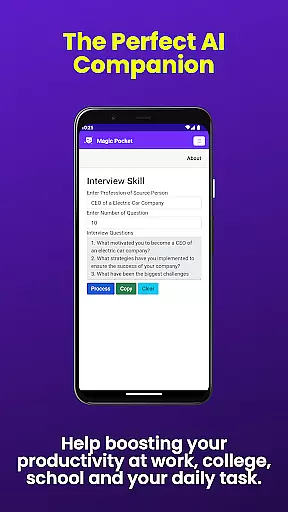
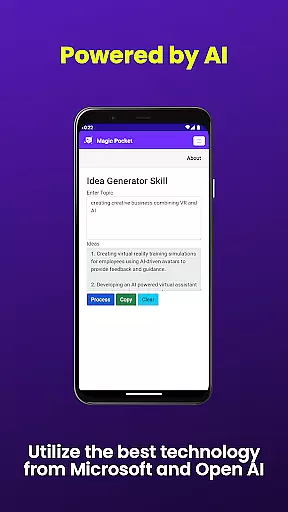
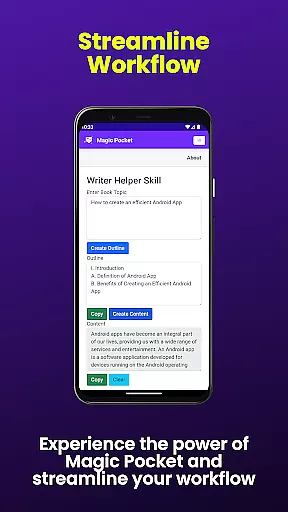
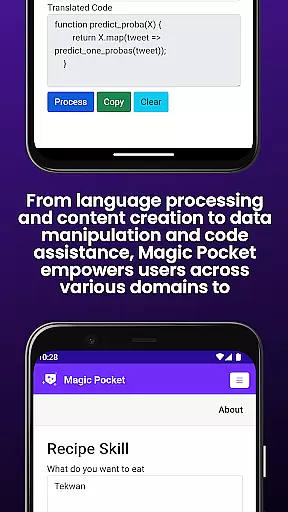
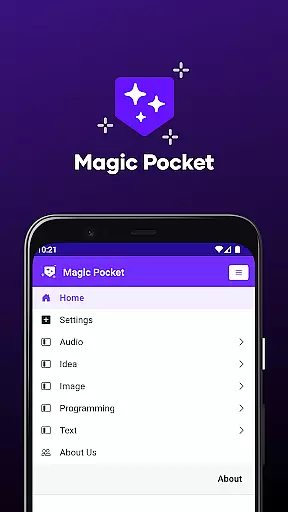
Magic Pocket is a productivity powerhouse, offering users an extensive suite of 100 cutting-edge features designed to enhance creativity and efficiency. Available on Android and Windows platforms, this app provides innovative tools for media management, creative projects, and text transformation.
At its core, Magic Pocket enables seamless video conversations, smooth speech-to-speech translation, and effortless content conversion between HTML and Markdown formats. The application stands out with its AI-driven image and video processing capabilities, including features like Image Inversion, Video Background Change, and Luma Video Generator. These tools empower users to manipulate multimedia content with unprecedented ease and precision.
The app's true value lies in its ability to streamline complex tasks while maintaining high-quality output across various media types. Whether you're creating professional headshots, generating vector images, or producing 2D animations from still photos, Magic Pocket delivers professional-grade results that cater to both creative professionals and productivity enthusiasts.
Magic Pocket distinguishes itself through its comprehensive feature set that spans multiple productivity domains. The app's most notable characteristic is its integration of advanced AI models for content generation and manipulation. Features like Sana Image Generator and Photon Image Generator leverage Nvidia's technology to produce stunning visuals with remarkable detail and accuracy.
The application excels in multimedia processing with specialized tools such as Video Foreground Extractor, Trellis 3D Asset converter, and Recraft Image Generator. Each feature is designed to simplify complex workflows - from extracting video captions to transforming images into expressive emojis. Particularly impressive is the app's capability to handle sophisticated tasks like converting images to 3D assets or generating realistic handwriting from digital text.
What sets Magic Pocket apart is its holistic approach to productivity enhancement. The inclusion of practical tools like Talk with Video for seamless communication, combined with creative utilities like Handwriting Generator and Image to 2D Animation, creates a versatile ecosystem that adapts to various professional needs while maintaining user-friendly interfaces across all 100 features.
In the realm of productivity, effective task management stands as a cornerstone for success. Magic Pocket - AI Tools excels in this area by offering an extensive suite of features designed to streamline and enhance your workflow. With over 100 cutting-edge tools at your disposal, organizing and prioritizing tasks becomes not just manageable, but truly innovative.
The application's unique capabilities, such as Talk with Video and Speech to Speech translation, revolutionize communication and coordination within task management. These features facilitate seamless interactions, ensuring that every team member is on the same page without the constraints of traditional text-based communication.
Moreover, Magic Pocket goes beyond conventional task tracking by integrating creative functionalities like Luma Video Generator and Image to 2D Animation. This integration allows users to incorporate multimedia elements directly into their project management processes, making it easier to visualize progress and outcomes. Such comprehensive support empowers users to tackle complex projects with confidence and creativity.
Ultimately, Magic Pocket - AI Tools transforms how individuals and teams approach task management. By combining essential productivity tools with advanced AI-driven features, it provides an unparalleled platform for achieving efficiency and innovation in everyday tasks. Users can expect not only improved organization but also enhanced collaboration and project visualization.
In today's fast-paced digital environment, reliable cross-device synchronization is crucial for maintaining productivity and ensuring seamless workflow across multiple platforms. Magic Pocket - AI Tools addresses this need by providing robust synchronization capabilities between Android and Windows devices, allowing users to transition smoothly between their mobile and desktop environments.
The application's sophisticated architecture ensures that all 100 features, including groundbreaking tools like Extract Image Data and Vector Image Generator, maintain consistent performance and data integrity across devices. This reliability means that whether you're working on intricate image manipulations or generating professional-grade vector graphics, your work remains perfectly synchronized regardless of which device you use.
Furthermore, Magic Pocket's synchronization extends beyond mere data transfer. The application intelligently manages resources and preferences across devices, creating a unified user experience. Features like Handwriting Generator and Video Foreground Extractor deliver identical results whether accessed from your smartphone or computer, eliminating the frustration of inconsistent functionality.
This level of synchronization reliability fundamentally changes how professionals approach their work. By removing barriers between devices, Magic Pocket enables true mobility and flexibility in productivity. Users can confidently start a project on one device and finish it on another, knowing that their work will be perfectly preserved and accessible wherever they choose to continue.
Extensive feature set
Cross-platform support
AI-powered tools
Professional-grade output
User-friendly interface
Steep learning curve
High system requirements
Subscription fees apply
Occasional bugs
Limited iOS support

All in one sketching tool. Technical and General drawing. Online Maps support.
 3.70
3.70
Absolutely the best CNC machinist speed and feed calculator around. fswizard.com
4.60
IP Camera Viewer - Android TV : RTSP Surveillance camera viewer for Android TV
4.1
Customizable calendar widget for seamless event sync, planning & scheduling.
4.00
PDF scanner & converter for files, photos, lottery, QR codes. One swipe away!
4.50
To do list widget with a notebook organizer, checklist, simple shopping list
4.60
A Pixel Art watchface inspired by other iconic 90s designs for Wear OS devices!
4.40
Okta MFA
4.70
Daily processing of PDF documents.
4.40
The long-awaited modern gallery app for your Nextcloud server
4.70
aCalendar+ makes your day, week and month
4.70
Secure, fast, open-source, Remote Desktop Client for Windows and Linux with SSH
4.60
Stay on top of your to-dos with Google Tasks, part of Google Workspace.
4.60
Fill, sign & send docs, forms, agreements & contracts via electronic signature.
4.50
Translate text/voice/photos in 150+ languages. Offline & fast translator app.
4.50
Automates browsing any website and notifies you of important changes or events
4.30
All in One PDF Reader: Manage, Read and Edit your Documents
4.20
Device's storage information in a simple and clear graphical form (infographics)
4.10
* block pre-roll ads, pop-up and forced redirect ads * Samsung certification app
4.00


User Reviews