
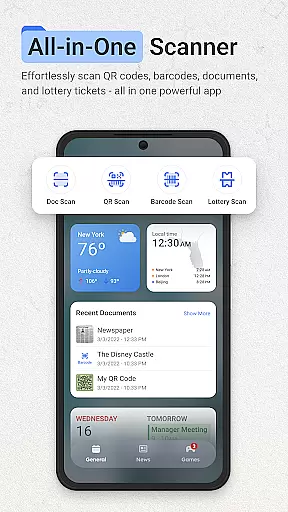
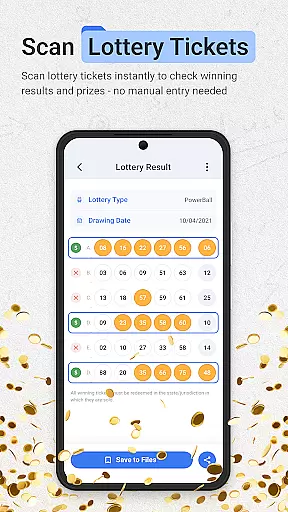
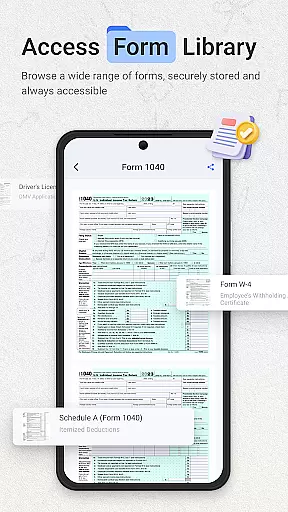
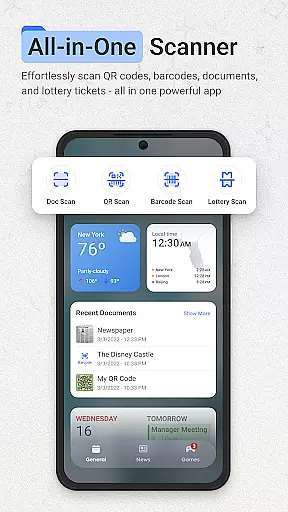
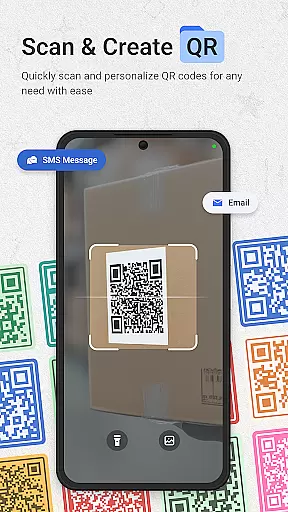
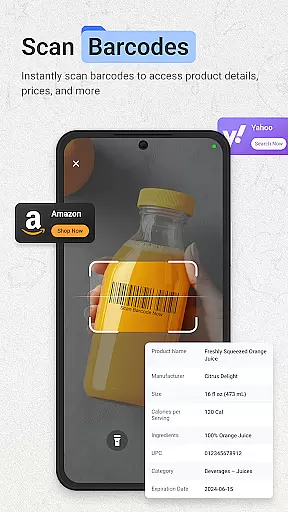
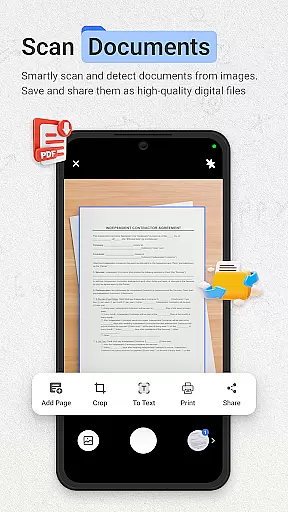
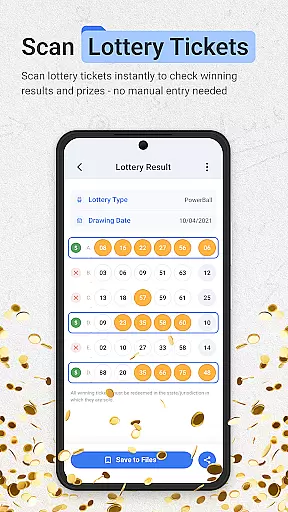
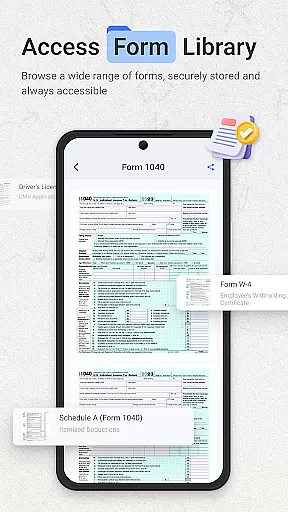
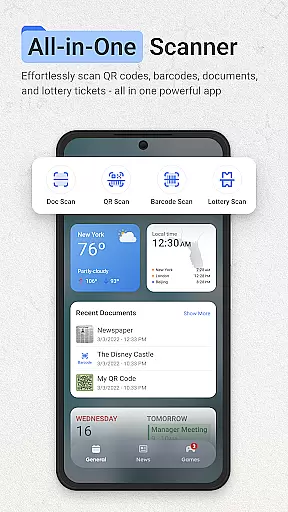
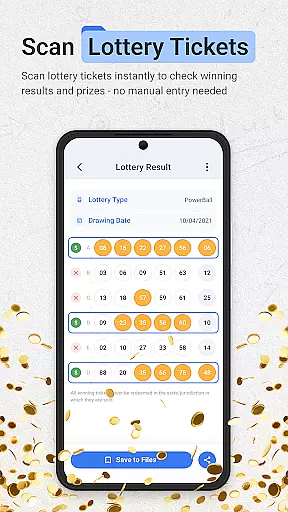
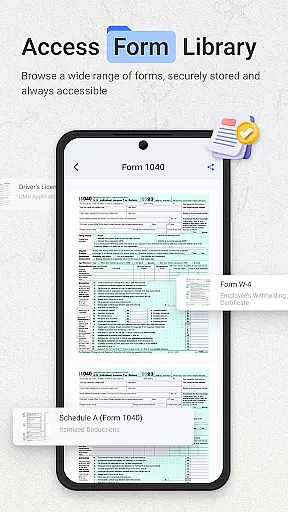
ScanNow Home revolutionizes productivity by integrating advanced scanning tools directly into your home screen experience. This innovative app combines a powerful document scanner, barcode and QR code reader, and lottery ticket validator with a customizable launcher interface. The document scanner offers auto-edge detection, perspective correction, and multi-page support, while the barcode scanner provides instant price comparisons and scan history. Its unique lottery validation feature helps users check results and track winnings efficiently.
The app's launcher component features a clean material design, smart app categorization, and adaptive icon support. With Yahoo-powered search functionality and dark mode support, it creates a seamless user experience. ScanNow Home is particularly useful for professionals who need quick access to scanning tools without switching between multiple apps. By streamlining essential productivity functions, this app significantly enhances workflow efficiency while maintaining an intuitive user interface.
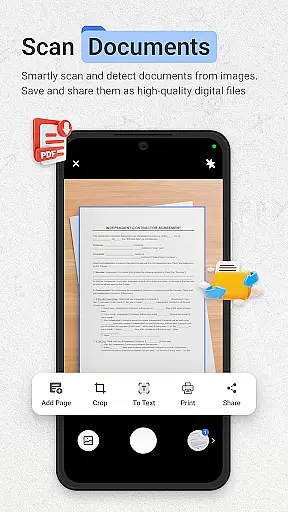
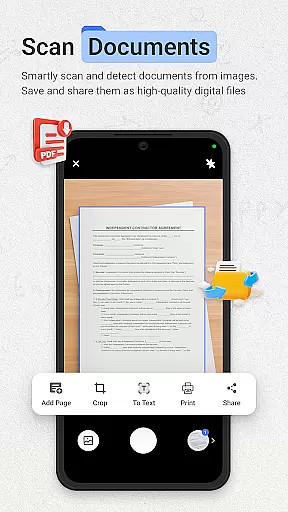
ScanNow Home stands out with its comprehensive feature set that addresses multiple productivity needs. The document scanner implements advanced algorithms for edge detection and perspective correction, ensuring professional-quality scans every time. Its image enhancement technology automatically adjusts contrast and brightness, while the batch scanning capability allows processing multiple pages efficiently. The export options include PDF, JPG, and searchable text formats, catering to various professional requirements.
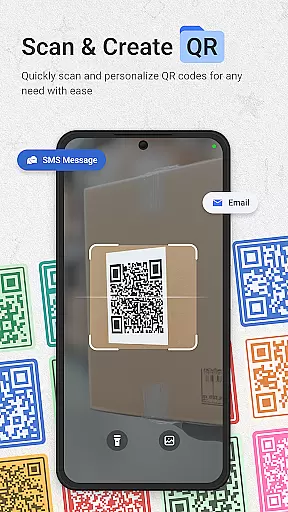
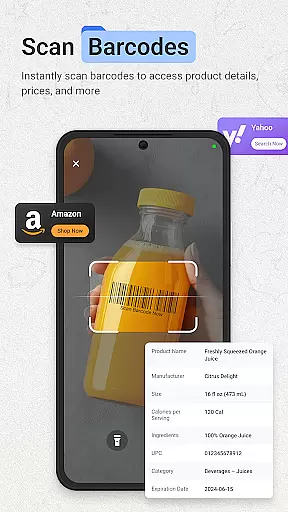
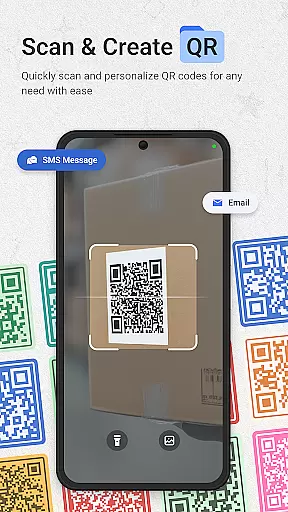
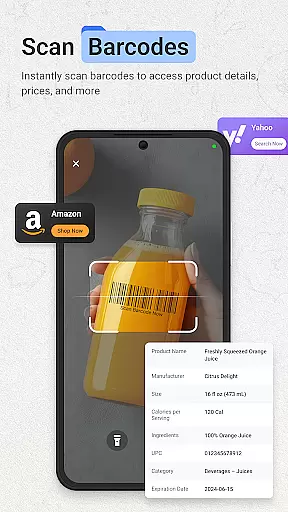
The barcode and QR scanner demonstrates exceptional speed and accuracy, supporting all major formats. Its integration with price comparison services and URL browsing functionality makes it invaluable for both shopping and information retrieval. The lottery validator showcases sophisticated pattern recognition capabilities, enabling quick result verification against official drawings. Additional features like dark mode support, smart app categorization, and adaptive icons demonstrate the app's attention to modern usability standards. These comprehensive tools make ScanNow Home a versatile productivity solution for Android users.
ScanNow Home redefines productivity by integrating essential scanning tools directly into your home screen experience. This innovative approach to task management allows users to access powerful document, barcode, and lottery ticket scanning features instantly.
The application's core functionality is designed around efficiency and organization. The document scanner offers auto-edge detection, perspective correction, and multi-page support, while the barcode scanner provides price comparison and scan history. These features work together to create a comprehensive task management solution that saves time and reduces clutter.
Users benefit from having all their scanning needs consolidated in one place. The app's smart categorization and adaptive interface make it easy to locate and use different scanning functions. This streamlined workflow helps users maintain better control over their daily tasks and documents.
The launcher's integration with Yahoo Search further enhances its task management capabilities. By combining essential tools with quick access to information, ScanNow Home creates a productivity ecosystem that keeps users organized and informed throughout their day.
In today's interconnected world, ScanNow Home ensures reliable cross-device synchronization for all your scanned documents and data. The application maintains consistent records across multiple devices, allowing users to access their important information anytime, anywhere.
The synchronization system is built on a robust architecture that guarantees data integrity and real-time updates. Whether you're scanning documents, barcodes, or lottery tickets, all information is securely stored and automatically synced across your registered devices. This feature is particularly valuable for users who manage their tasks on both mobile and desktop platforms.
Advanced cloud technology protects your data while enabling seamless transitions between devices. Users can start a scanning task on their phone and continue working on their tablet or computer without missing a beat. The app's battery optimization features ensure that synchronization occurs efficiently without draining device resources.
This reliable synchronization capability makes ScanNow Home an indispensable tool for professionals and students alike. With all your scanned documents and data available across devices, you can maintain productivity regardless of which device you're using at any given moment.
Instant access to scanning tools
Multi-functional productivity suite
Advanced document processing
Comprehensive barcode support
Customizable launcher interface
Some features require in-app purchases
Android 8.0 minimum requirement
Requires camera permissions
Storage access needed
Search provider change mandatory

Secure, fast, open-source, VNC and SSH Remote Desktop for Windows, Linux and Mac
 4.70
4.70
QuickBooks Workforce lets teams view pay info and track time in one place.
4.70
Seamlessly integrate data and reports to build your presentation to impress
4.80
Planet Free VPN - The best Fast Unlimited and Secure VPN Without Logs
4.50
Send files, sync SMS, notifications & clipboard across devices via local network
4.40
A simple, portable logger for POTA, SOTA, Field Day, and more
4.0
Functional QR scanner and barcode reader that requires little storage space.
4.60
Great calculator for Android named one of USA TODAY's "25 Essential Apps".
4.90
Set up, print, and get support—in one place
4.20
Mind Map and brainstorm, note taking and idea collection
4.80
aCalendar+ makes your day, week and month
4.70
Lightweight PDF, Word, Excel reader.
4.60
Secure your apps with lock screens, use custom themes and different features.
4.40
Automates browsing any website and notifies you of important changes or events
4.30
Pwnagotchi companion app
4.20
Wake up & get tasks done! Add alarms & reminders on the Clock Launcher.
4.00
Take control of your clipboard with Clipper!
3.90
Remotely view listen control and record cameras.
3.70
Auto-shutoff Alarm with Sunrise, Sunset & Fixed Options.
3.50


User Reviews