
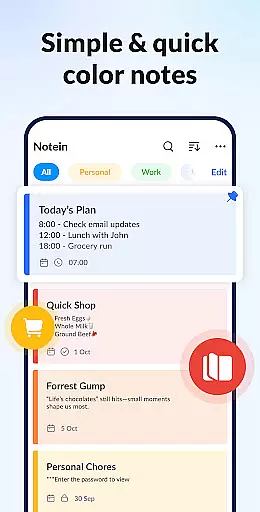
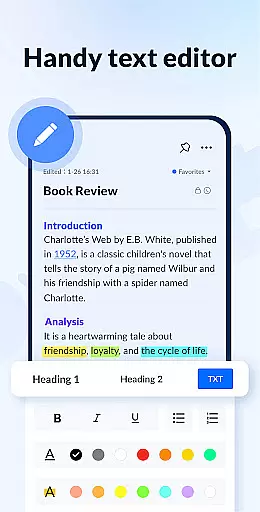
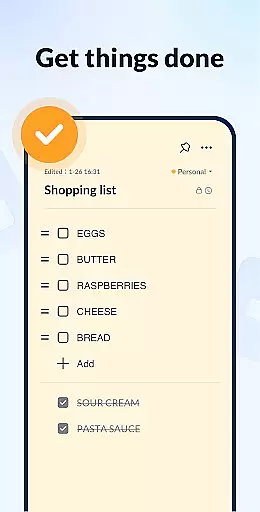
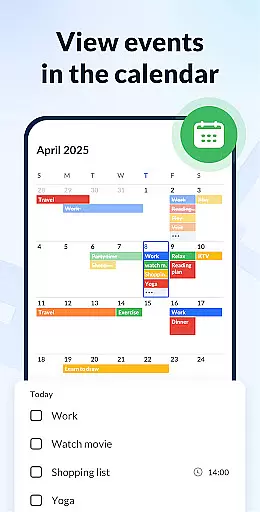
Notein - Notepad, Notes, Lists is a versatile productivity app designed to streamline note-taking and task management. This free notepad app offers multiple note-taking modes including text and checklist formats, automatic saving, and an intuitive interface for creating quick notes, meeting notes, or organizing tasks. The app supports calendar integration, enabling users to schedule tasks and reminders directly on their calendar.
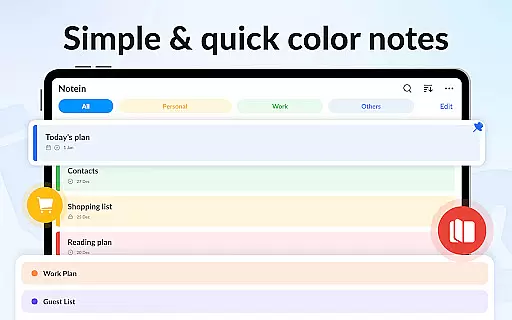
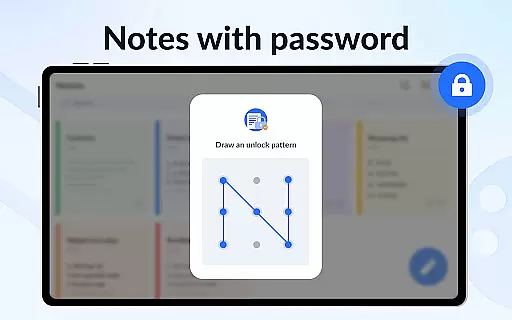
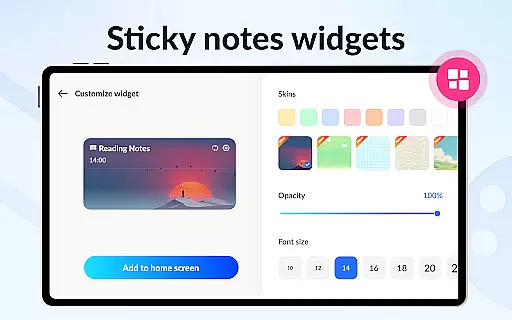
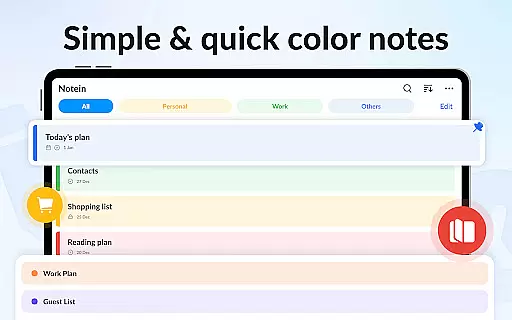
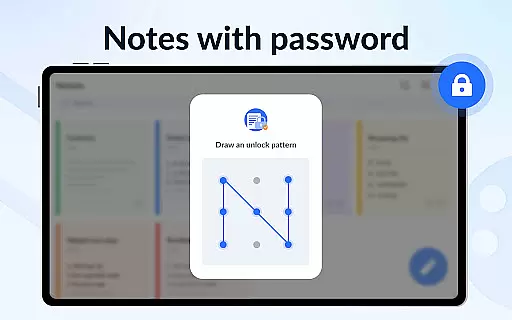
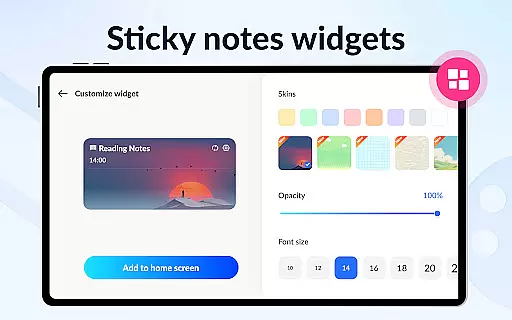
One of the standout features is its sticky notes widget functionality, which allows users to pin important notes to their home screen for easy access. With color-coded organization, password protection for privacy, and cloud backup options, Notein ensures both convenience and security. Whether you need to jot down memos, create to-do lists, or manage complex schedules, this app provides all the necessary tools in a user-friendly package.
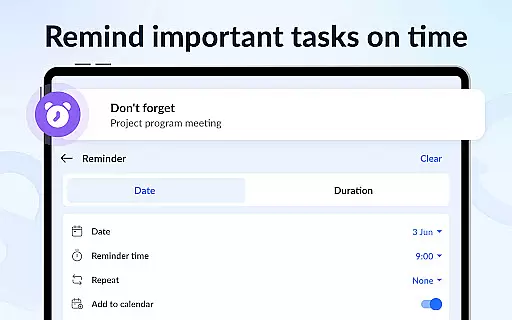
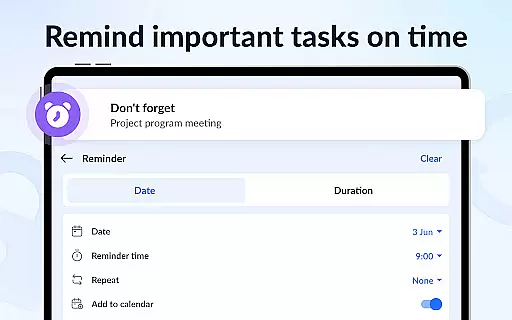
The app's practicality shines through its ability to sync with daily workflows. Users can set reminders for crucial tasks, share notes via various platforms like email or social media, and customize their experience by sorting notes by time or color. Its GTD (Getting Things Done) methodology support makes it ideal for professionals and students alike who want to stay organized while managing their busy schedules efficiently.
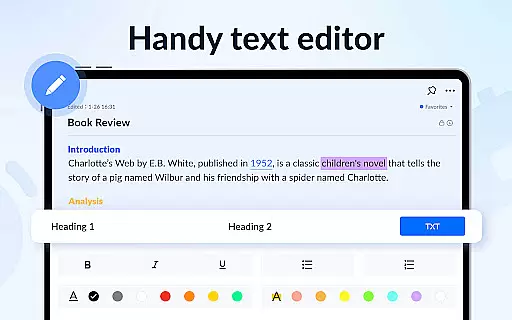
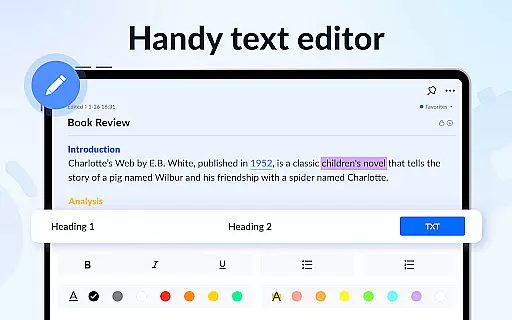
Notein stands out with its comprehensive feature set tailored for efficient note-taking and task management. The app provides two distinct note-taking modes: a lined-paper style text mode and a checklist mode, both of which automatically save your notes as you type. This ensures that no information is lost and allows for seamless editing and organization of school notes, meeting notes, or simple memos.
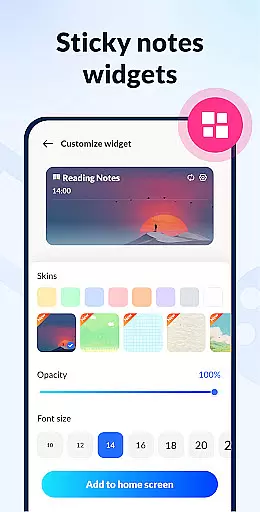
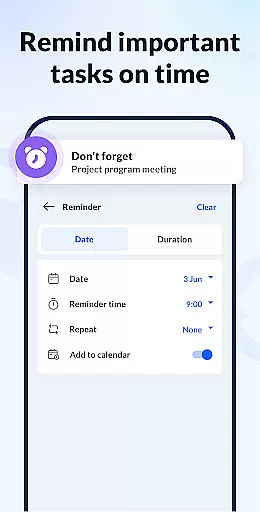
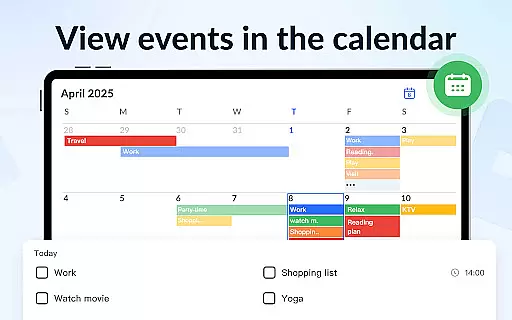
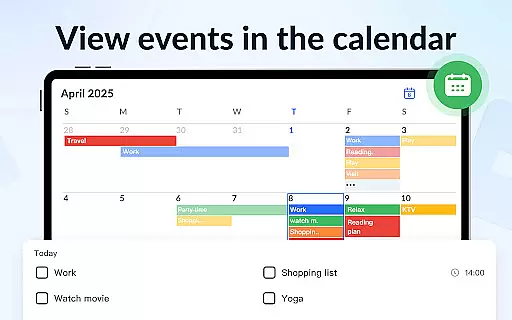
A key highlight is the sticky notes widget, which lets users pin important notes directly to their Android home screen, including devices from Samsung, Xiaomi, Huawei, and Redmi. The app also integrates with the device's calendar, allowing users to add notes and tasks directly to specific dates. This feature helps in visualizing schedules and deadlines more effectively. Additionally, the reminder function ensures timely notifications so users never miss critical tasks.
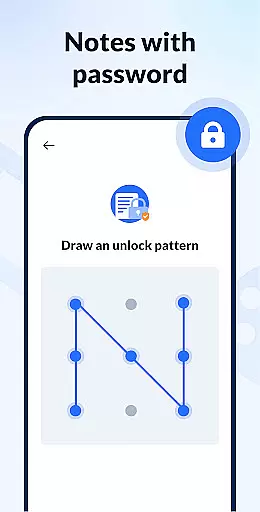
Security and customization are prioritized with features like color-coded notes and password protection. Users can organize their notes by different colors for easy identification and set passwords to keep sensitive information private. Cloud backup and restore functionality provide peace of mind by safeguarding data against loss. With additional options to display notes in list, grid, or detail views, and share them via multiple platforms, Notein delivers a robust solution for staying productive and organized.
Task management is a cornerstone of productivity applications, and Notepad, Notes, Easy Notebook excels in this area. This feature allows users to efficiently organize their daily tasks and responsibilities.
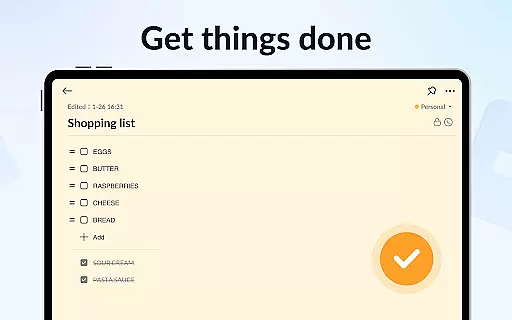
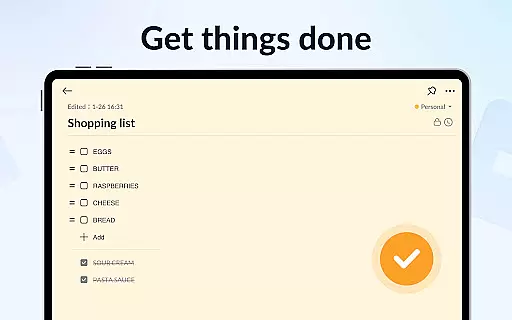
The app offers multiple modes for note-taking, including text mode and checklist mode, enabling users to structure their tasks clearly. The automatic saving feature ensures that no information is lost, while the ability to add reminders helps users keep track of important deadlines.
Users can benefit from the calendar integration, which allows them to schedule tasks and view their plans in a time-based context. This comprehensive approach to task management ensures that users can maintain an organized and productive workflow.
Additionally, the app's ability to pin important notes and display them through widgets on the home screen enhances accessibility and ensures that critical tasks are always visible. This functionality significantly boosts the app's value as a task management tool.
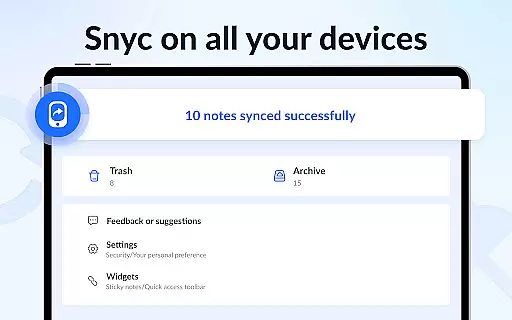
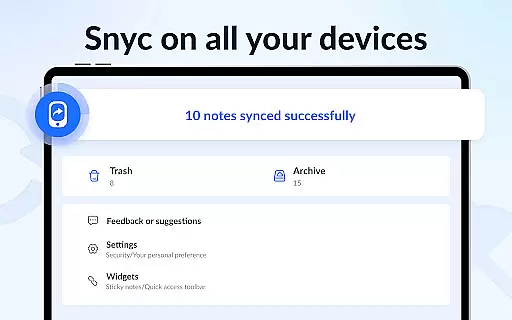
Cross-device synchronization is vital for users who need consistent access to their notes across multiple devices. Notepad, Notes, Easy Notebook addresses this need by providing reliable synchronization features.
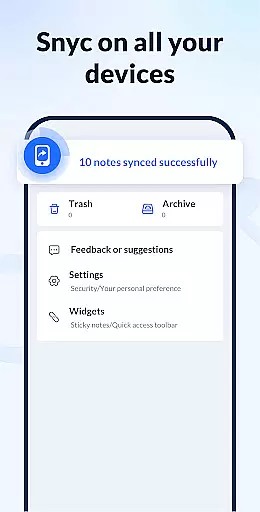
The app supports cloud backup and restore functionalities, ensuring that all notes and lists are securely stored and can be accessed from any device. This feature eliminates the risk of data loss and provides peace of mind for users who rely on their notes for personal and professional purposes.
With real-time updates, changes made on one device are immediately reflected on others, maintaining consistency and accuracy across platforms. This seamless synchronization process allows users to transition smoothly between devices without missing a beat.
Furthermore, the app's small size and efficient design ensure that synchronization does not compromise performance or storage space. This reliability makes Notepad, Notes, Easy Notebook a dependable choice for users seeking a robust cross-device note-taking solution.
User-friendly interface
Automatic note saving
Color-coded organization
Calendar integration
Cloud backup option
Limited advanced formatting
No collaboration features
Occasional sync issues
Basic sharing options
Widget design simplicity

Client for Nextcloud Deck
 4.60
4.60
QuickBooks Workforce lets teams view pay info and track time in one place.
4.70
Professional calendar app for Google Calendar, MS Outlook & Exchange
4.20
The upgraded version of Name Wheel with AI and the power to add your own wheels.
4.4
App lock - lock apps with fingerprint, password, pin or pattern, protect privacy
4.70
Code on-the-go with VScode for Android. Edit,debug and collaborate from mobile!!
3.10
Lightweight PDF, Word, Excel reader.
4.60
Understand anything with a personalized AI research assistant
4.80
Seamlessly read, manage, and organize all your PDF files solution in one place
4.40
Seamlessly integrate data and reports to build your presentation to impress
4.80
A beautiful digital clock with autostart and many other functions
4.70
Fill, sign & send docs, forms, agreements & contracts via electronic signature.
4.50
A Pixel Art watchface inspired by other iconic 90s designs for Wear OS devices!
4.40
Secure your apps with lock screens, use custom themes and different features.
4.40
Automates browsing any website and notifies you of important changes or events
4.30
Device's storage information in a simple and clear graphical form (infographics)
4.10
Activate Two Factor Authentication (2FA or Multi OTP), Password manager and more
4.10
Customizable calendar widget for seamless event sync, planning & scheduling.
4.00
Simple and reliable communication between inmates, friends and family
3.20


User Reviews