
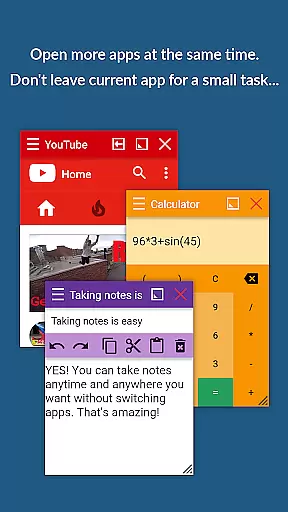
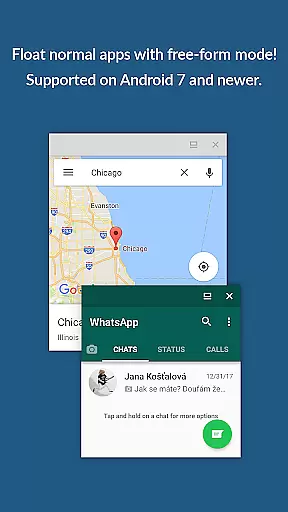
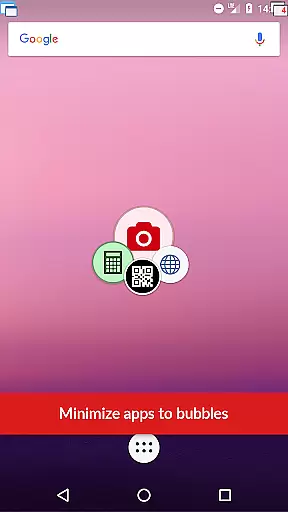
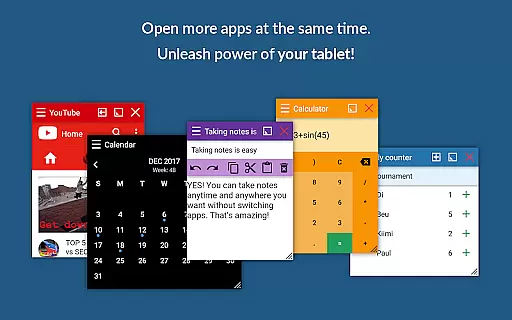
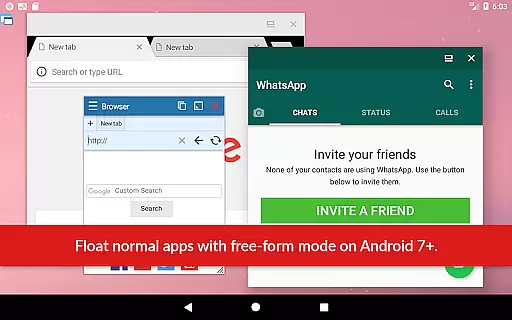
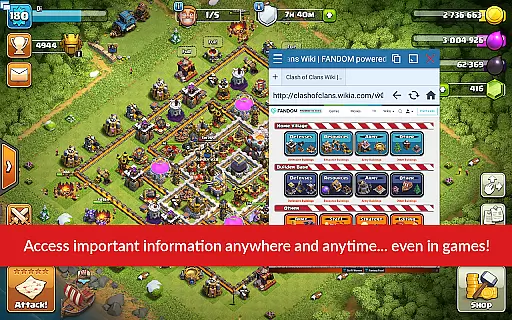
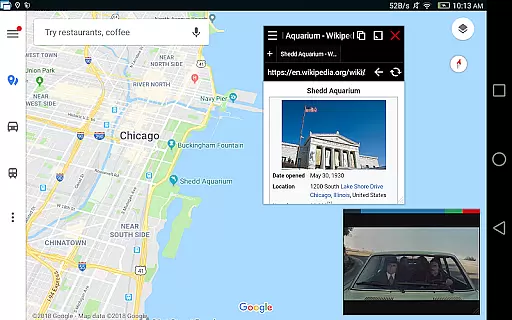
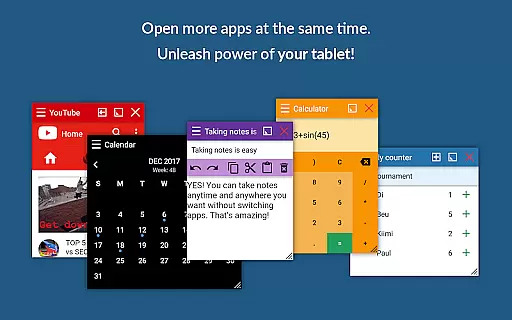
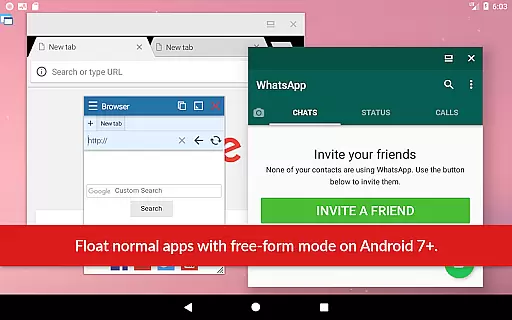
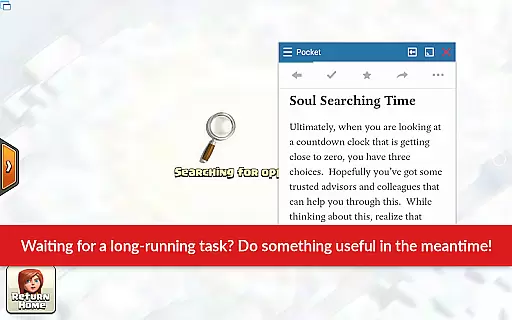
Floating Apps revolutionizes the way users handle multiple tasks on their Android devices by enabling real multitasking. This is achieved through its ability to open more apps simultaneously in floating windows, allowing seamless transitions between different activities without the need to close or switch apps.
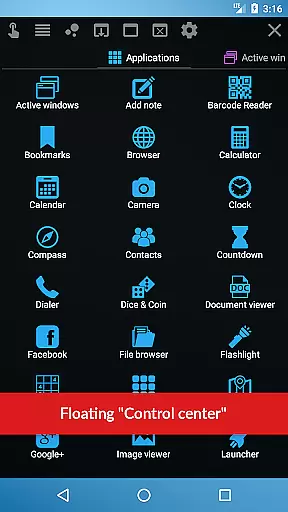
The app includes over 41 built-in floating mini apps ranging from a floating browser, document viewer, YouTube, calculator, and many more. Each of these can be accessed and used while staying within other applications, significantly improving efficiency and user workflow. For instance, you can watch videos, take notes, or view email attachments without leaving the current app.
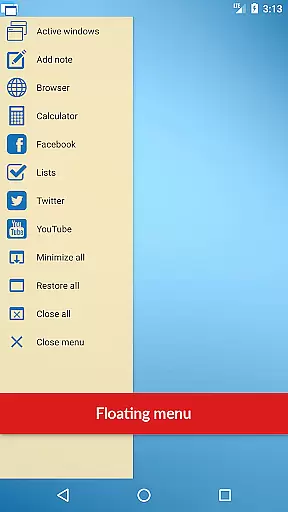
Users benefit from advanced features such as the movable and resizable quick launch icon, which provides one-tap access to floating apps, ensuring they are always available on top of other apps. Additionally, the powerful floating menu allows not only access to floating apps but also normal and recent apps and shortcuts, streamlining the multitasking experience further.
While Floating Apps focuses primarily on enhancing multitasking on a single device, it offers features that support a cohesive experience across different sessions and potentially multiple devices. The app's ability to save states and user preferences ensures a consistent experience when transitioning between tasks or devices.
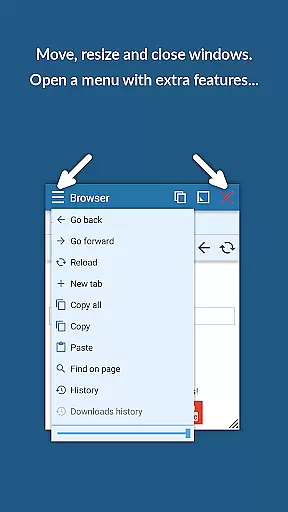
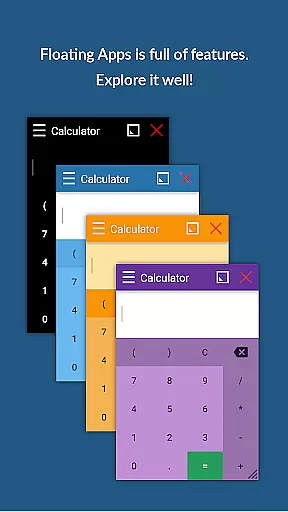
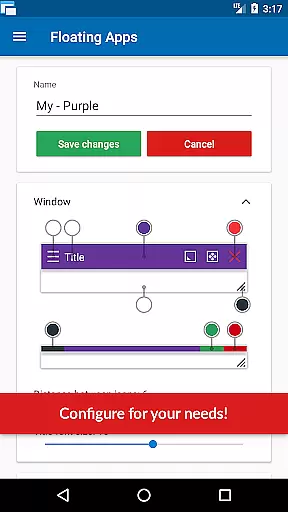
One standout feature is the customizable nature of the floating windows themselves. Users can move windows by dragging their title, resize them by adjusting their bottom bar, and even maximize or minimize them based on current needs. This flexibility guarantees that whether a user is on a smartphone or tablet, their experience remains fluid and adaptive to different screen sizes and usage contexts.
Moreover, the app supports an extensive range of languages and offers comprehensive user support, ensuring that help is readily available regardless of the device or location. By providing robust functionalities like turning home screen widgets and URLs into floating apps, Floating Apps empowers users to create a personalized and reliable multitasking environment tailored to their specific needs.

Native client for Forgejo and Gitea
 5.00
5.00
Ads Free App! Editor, Hide File, Copy, Move, Delete and Rename.. all facility av
1.70
Remotely view listen control and record cameras.
3.70
All in One PDF Reader: Manage, Read and Edit your Documents
4.20
The AI assistant that thinks with you - write, code, and solve complex tasks
4.60
Calendar 2023 widget for Android. Appointment scheduler, planner, and reminder
4.60
Daily processing of PDF documents.
4.40
Browse and view your photos and videos from the phone with photo & video hide.
4.10
Note taking, handwriting, record audio, PDF annotation, planner & journal
4.20
Use powerful, industry-leading AI tools to generate visual charts from any data
4.80
All document reader, all in one file viewer read PDF, DOCX, XLS, PPT, TXT files.
4.60
Functional QR scanner and barcode reader that requires little storage space.
4.60
Fill, sign & send docs, forms, agreements & contracts via electronic signature.
4.50
Translate text/voice/photos in 150+ languages. Offline & fast translator app.
4.50
A lightweight JSON & XML files creator, editor and viewer (Premium Version)
4.40
Secure, open-source, SPICE and SSH Remote Desktop for QEMU KVM virtual machines
4.00
Find and delete junk files & block unwanted notifications & manage files
3.70
AI Video AI Image Private LLM AI Browser Llama Gemma Ollama Connect LLM Studio
4.4
A simple, portable logger for POTA, SOTA, Field Day, and more
4.1


User Reviews