
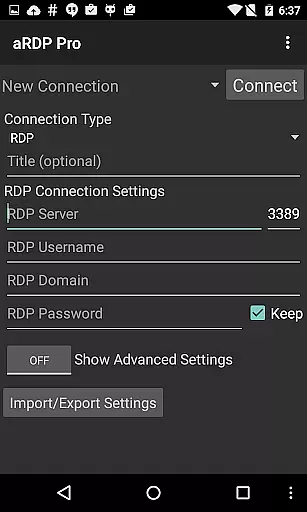
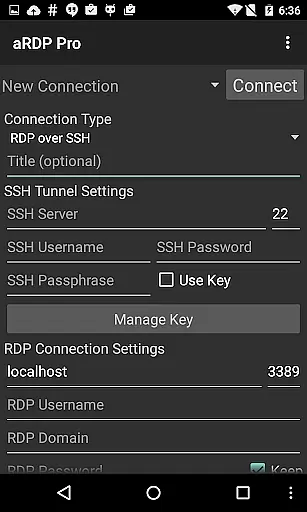
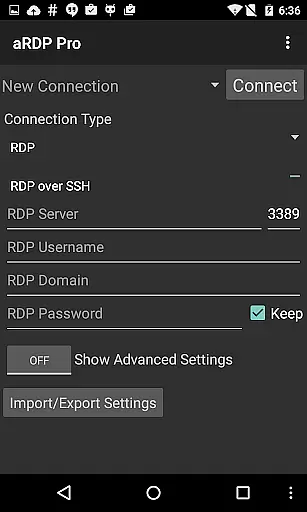
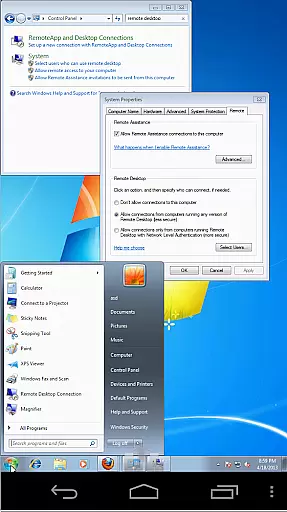
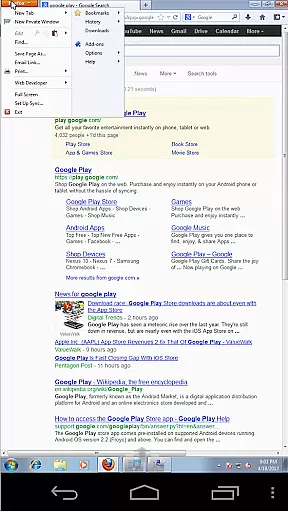
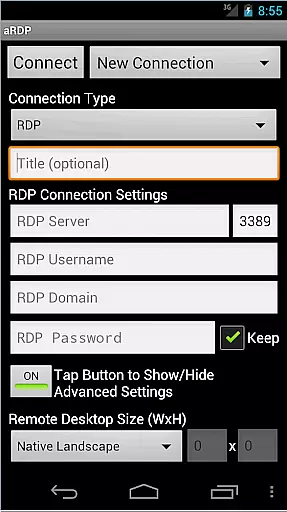
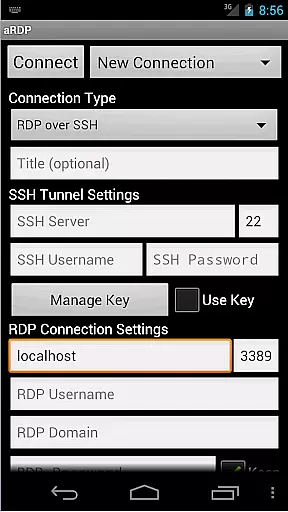
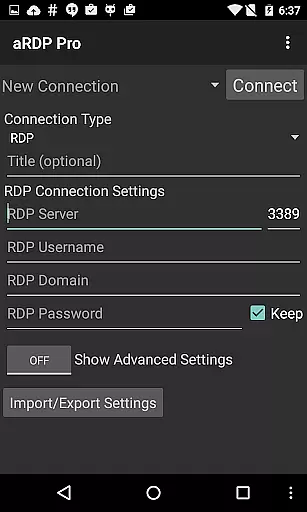
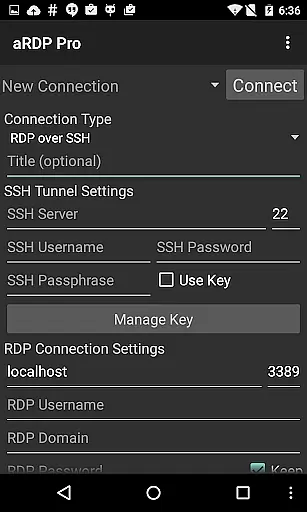
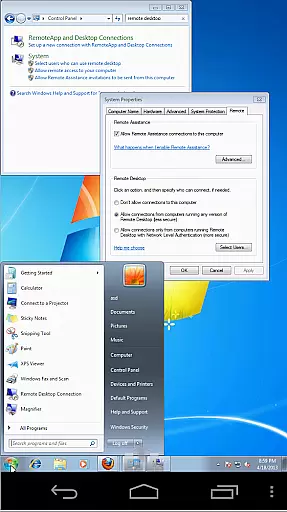
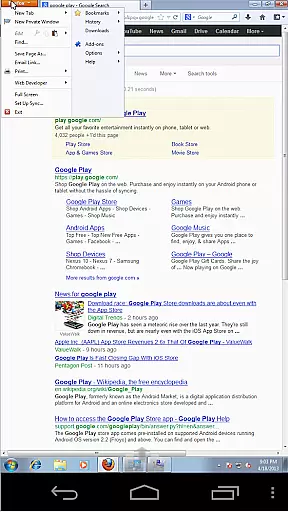
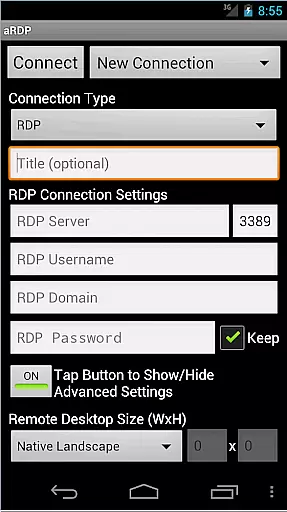
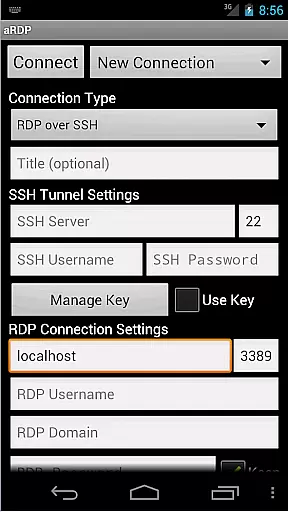
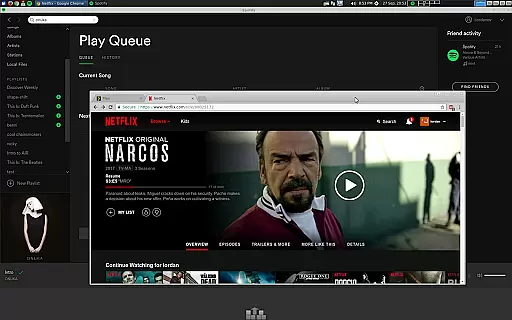
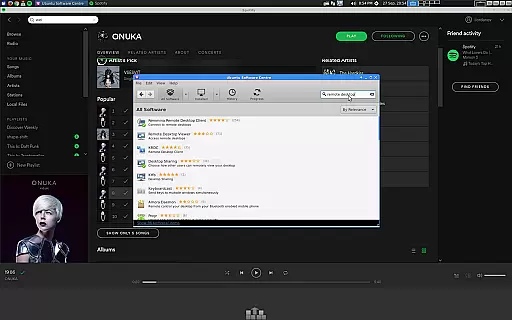
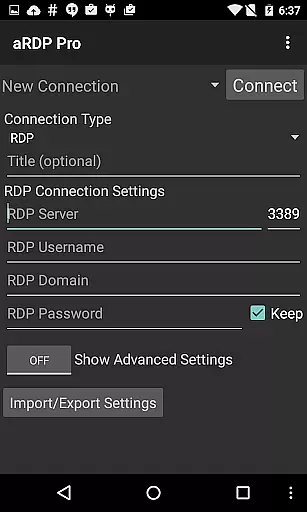
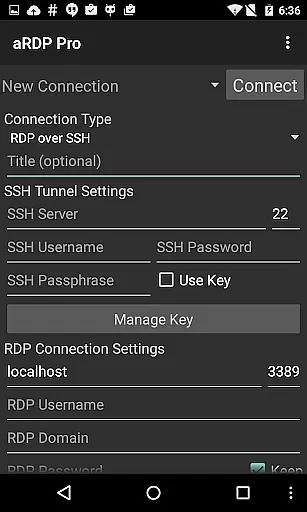
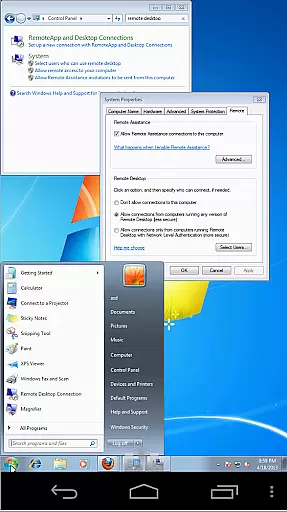
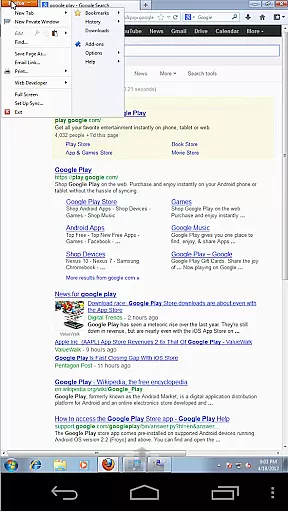
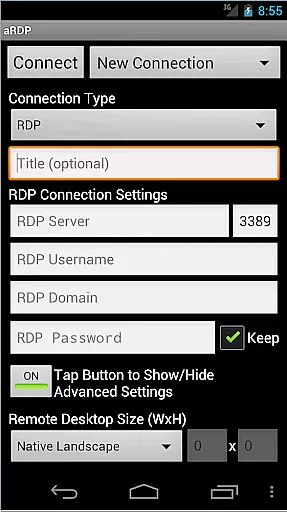
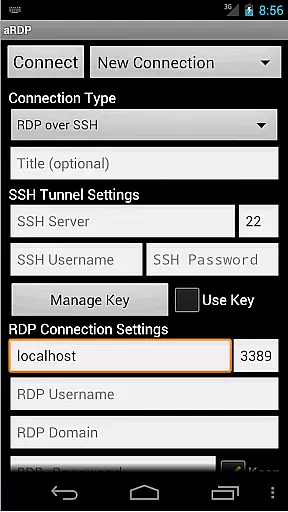
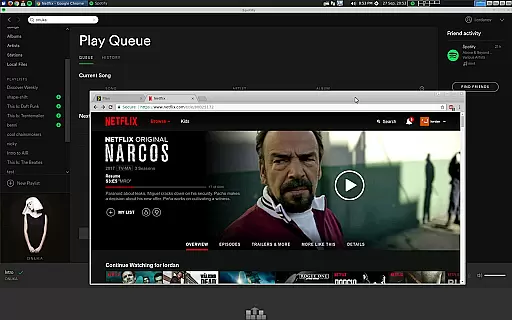
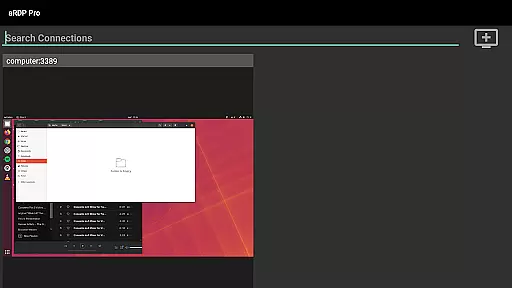
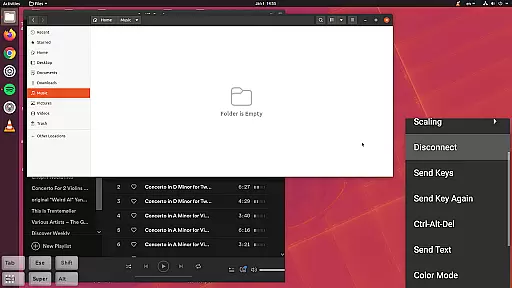
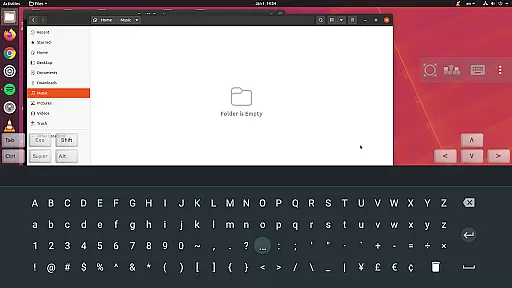
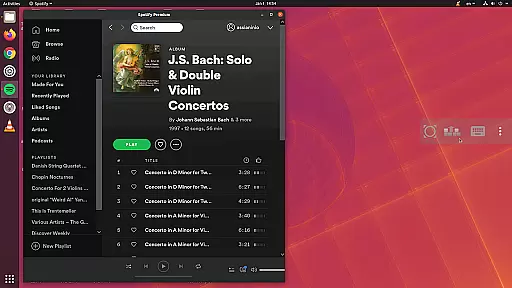
aRDP Pro is a premier open-source Remote Desktop Protocol (RDP) client, offering secure and versatile remote desktop control. It leverages the robust FreeRDP library to enable users to connect to Windows and Linux systems, except Windows 10 Home, where a VNC server is recommended. The app supports advanced features like SSH tunneling, sound redirection, and multi-touch gestures, making remote management seamless.
Designed for productivity, aRDP Pro includes options for dynamic resolution changes, multi-language support, and full mouse functionality on Android 4.0+. With capabilities such as RDP Gateway Support, SDcard redirection, and immersive mode options, it ensures an optimized user experience across smartphones and tablets. Its intuitive interface and comprehensive feature set make it ideal for both personal and professional remote desktop needs.
aRDP Pro stands out with its rich feature set tailored for efficient remote desktop management. The app provides extensive protocol support, including RDP File compatibility in the Pro version and full Ubuntu 22.04+ integration. Users can benefit from advanced security measures like MFA/2FA SSH authentication and master password functionality, ensuring safe connections to remote systems.
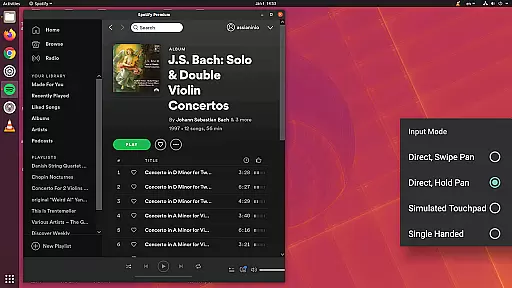
Enhancing usability, aRDP Pro offers multi-touch controls for mouse operations, pinch-zooming, and scroll functionalities. It also supports various input modes, on-screen key stowage, and hardware keyboard compatibility. Additional highlights include automatic session saving, zoomable scaling modes, and clipboard integration, which collectively streamline the remote desktop experience for diverse user requirements.
aRDP Pro excels in core task management by offering users comprehensive control over remote desktop sessions. The application supports multiple operating systems, including various versions of Windows and Linux, ensuring broad compatibility for productivity tasks.
With features like dynamic resolution changes and full rotation support, users can seamlessly adapt their remote desktop environments to different workflows. The ability to reconfigure the desktop while connected allows for maximum flexibility during task execution.
The app's implementation of multi-touch controls and customizable input modes enhances productivity. Users can efficiently navigate through tasks using intuitive gestures such as pinch-zooming and scrolling with two-finger drag operations.
Advanced session management capabilities, including automatic connection saving and RDP file support in the Pro version, ensure that users can maintain consistent workflows across different devices and locations. This makes aRDP Pro an essential tool for managing remote computing tasks effectively.
Cross-device synchronization is where aRDP Pro truly shines, providing reliable performance across various Android devices. The application maintains consistent settings and configurations regardless of whether you're using a smartphone or tablet.
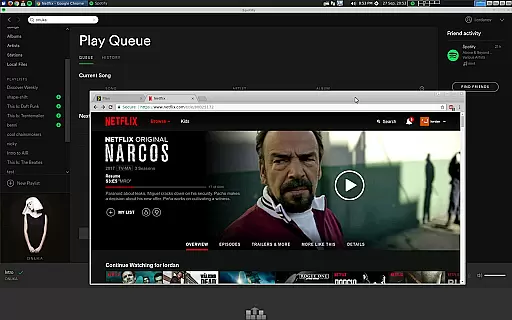
Through its support for Samsung multi-window and DEX functionality, users can create flexible workspaces that adapt to their preferred working style. The app's UI optimizations for different screen sizes ensure that productivity remains high across all device types.
Clipboard integration enables seamless copy-pasting between local and remote systems, while master password functionality and MFA/2FA SSH authentication maintain security during cross-device operations. These features guarantee that sensitive information remains protected.
Furthermore, the app's ability to import/export settings allows users to quickly synchronize their preferred configurations across multiple devices. This ensures that productivity tools and preferences remain consistent, regardless of which device is being used for remote desktop access.
Secure SSH connections
Multi-touch gestures
Dynamic resolution
Clipboard integration
Comprehensive help
No Windows 10 Home
Cyrillic issues
Complex setup
Paid Pro features
Limited iOS support

Secure, fast, open-source, VNC and SSH Remote Desktop for Windows, Linux and Mac
 4.70
4.70
Take control of your clipboard with Clipper!
3.90
IP Camera Viewer - Android TV : RTSP Surveillance camera viewer for Android TV
4.3
Pwnagotchi companion app
4.20
Secure, open-source, SPICE and SSH Remote Desktop for QEMU KVM virtual machines
4.00
Scientific calculator for Android - looks and operates like the real thing!
4.90
Intelligent AI Assistant
4.10
Daily processing of PDF documents.
4.40
Note taking, handwriting, record audio, PDF annotation, planner & journal
4.20
Direct Chat without saving contacts & Dual WA Account on Single Device
4.70
Absolutely the best CNC machinist speed and feed calculator around. fswizard.com
4.60
App Lock with fingerprint, password: Lock apps & hide photos with lock screens
4.60
Stay on top of your to-dos with Google Tasks, part of Google Workspace.
4.60
Calendar 2023 widget for Android. Appointment scheduler, planner, and reminder
4.60
A simple Whisper AI keyboard for reliable speech transcription and rewording
4.60
Lightweight PDF, Word, Excel reader.
4.60
Total remote control for your Android device, PC and cloud services (IFTTT)!
4.20
Create and edit presentations with Google Slides, part of Google Workspace.
4.00
Find and delete junk files & block unwanted notifications & manage files
3.70


User Reviews