
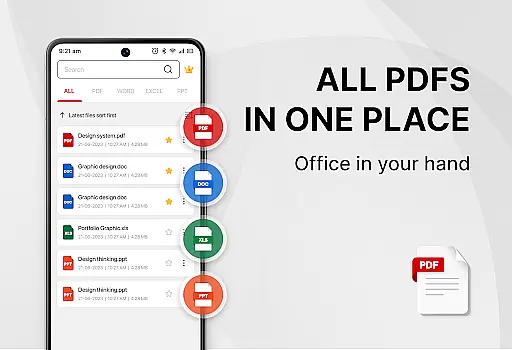
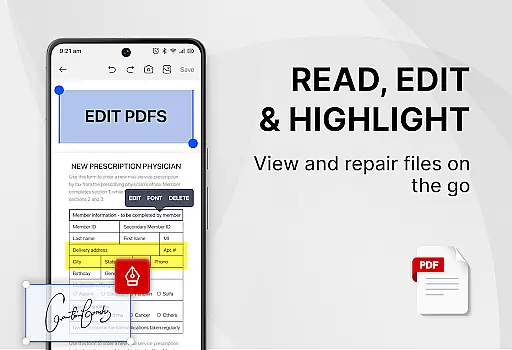
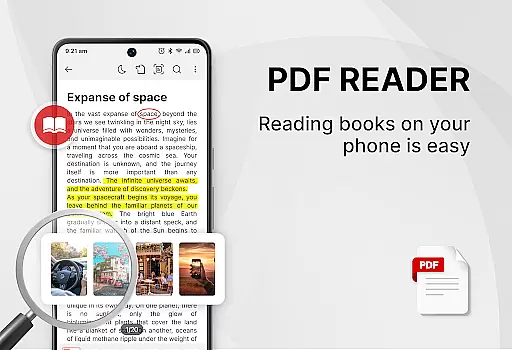
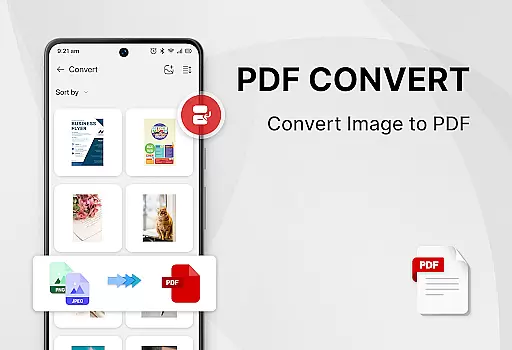
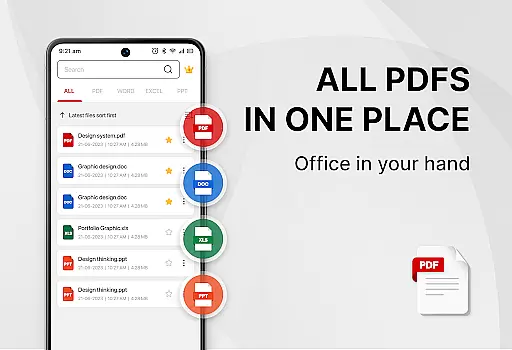
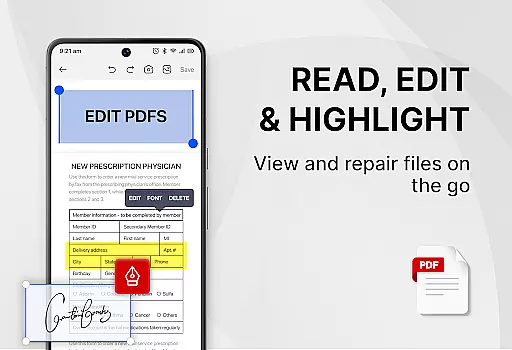
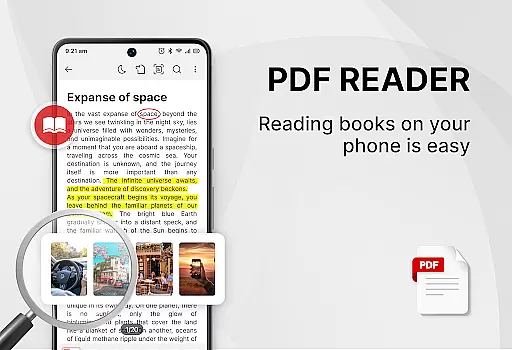
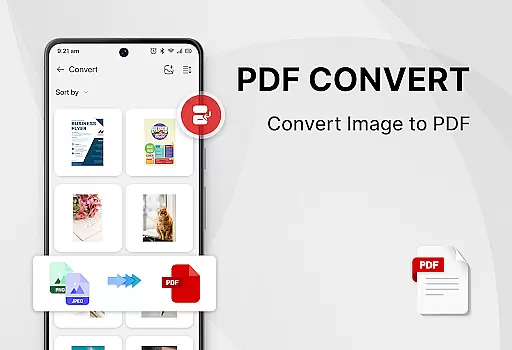
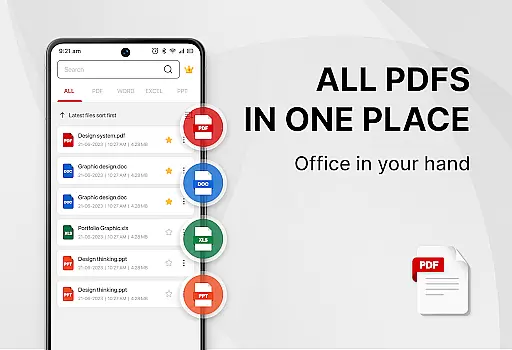
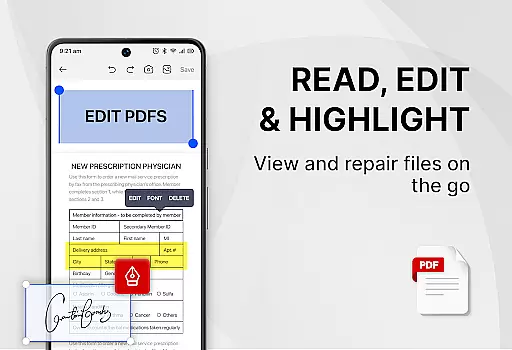
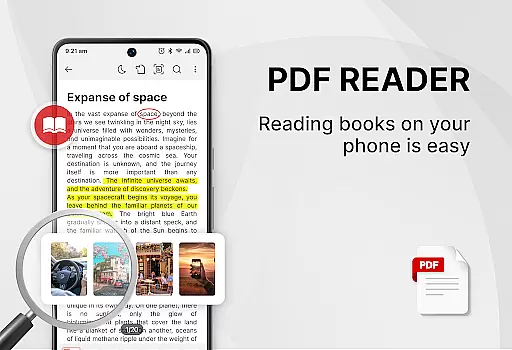
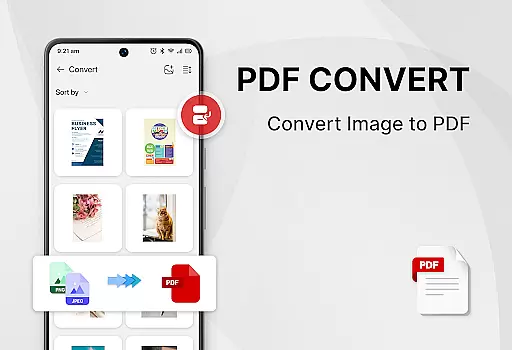
PDF Reader - Smart PDF Viewer is a comprehensive productivity app designed for Android users who need an all-in-one solution for managing and reading various document formats. This free app allows you to read and manage PDF files effortlessly, while also supporting other document types such as Word, Excel, and PPT.
In addition to its primary function as a PDF reader, the app offers advanced features like e-signature capabilities, PDF conversion tools, and file management options. Whether you're a student or a professional, this app can significantly enhance your document handling efficiency.
The app's intuitive interface provides easy navigation between light and dark modes, recently opened files, and powerful PDF tools. With its comprehensive feature set, PDF Reader - Smart PDF Viewer is suitable for anyone looking to streamline their document management process.
PDF Reader - Smart PDF Viewer stands out with its extensive range of features tailored for productivity enthusiasts. The app supports all major document formats including PDFs, Word documents, Excel sheets, and PowerPoint presentations, making it a versatile tool for any user.
One of the key highlights is the ability to add e-signatures, convert images or scanned documents to PDF, merge and split PDF files, and even set passwords for document protection. These features ensure that users have complete control over their documents.
Moreover, the app provides a user-friendly experience with functionalities like one-click switching between light and dark modes, smart search capabilities, and easy sharing options. These aspects make document management not only efficient but also enjoyable.
Task management is a critical aspect of productivity applications, especially for tools designed to handle documents and files. PDF Reader - Smart PDF Viewer excels in this area by offering users an intuitive way to manage their PDFs and other document formats.
The app provides smart search functionality that effortlessly locates all types of document files such as PDFs, Word, Excel, and PPTs. This feature ensures that users can quickly find and access the documents they need without wasting time navigating through complex folder structures.
Additionally, the recently opened files list simplifies the process of revisiting documents that are currently in use or were last viewed. This seamless integration of task management features within a document reader enhances user efficiency and streamlines workflow.
By combining essential file management tasks with powerful PDF tools like merging, splitting, and password protection, PDF Reader - Smart PDF Viewer becomes an indispensable asset for anyone looking to optimize their document handling processes.
In today's interconnected world, reliable cross-device synchronization is vital for maintaining productivity and ensuring that important documents are accessible from any device at any time. PDF Reader - Smart PDF Viewer addresses this need by providing features that support a seamless user experience across multiple platforms.
While the app itself may not directly offer cloud services, its ability to easily share PDF files with others implies a level of connectivity that facilitates synchronization. Users can access their documents on different devices by simply sharing them via email or cloud storage services after managing them within the app.
Moreover, the app's comprehensive set of features including adding e-signatures, converting files to and from PDF, and securing documents with passwords, ensures that users have consistent functionality regardless of where they access their files.
This consistency in features and performance across devices means that whether you're switching between your phone, tablet, or computer, PDF Reader - Smart PDF Viewer maintains the integrity and usability of your documents, thus enhancing your productivity wherever you go.
User-friendly interface
Comprehensive format support
Free to use
Advanced PDF tools
Efficient file management
Requires storage permission
Limited offline help
Occasional ads
No cloud sync
Basic UI design

A Revolutionary All-in-One Artificial Intelligence Tools
 3.80
3.80
QuickBooks Workforce lets teams view pay info and track time in one place.
4.70
Experience real multitasking on your Android!
4.00
Mega cloud explorer plugin for Solid Explorer
3.80
A simple, portable logger for POTA, SOTA, Field Day, and more
4.4
Absolutely the best CNC machinist speed and feed calculator around. fswizard.com
4.60
Access, manage and transfer files on Android, PC, Mac, NAS and cloud storages.
4.30
Scientific calculator for Android - looks and operates like the real thing!
4.90
Understand anything with a personalized AI research assistant
4.80
Great calculator for Android named one of USA TODAY's "25 Essential Apps".
4.90
Mind Map and brainstorm, note taking and idea collection
4.80
Protect and view your important info on your phone and tablet with eWallet®
4.80
Simple notepad & memo. Take notes, to-do list, shopping list with reminders.
4.80
aCalendar+ makes your day, week and month
4.70
App Lock with fingerprint, password: Lock apps & hide photos with lock screens
4.60
Secure your apps with lock screens, use custom themes and different features.
4.40 4.20
4.20
The ultimate file manager for rooted devices. The original and still the best.
4.00
Ultimate Virtual AI Character for immersive Roleplay Chat. Perfect Companion
3.90


User Reviews