
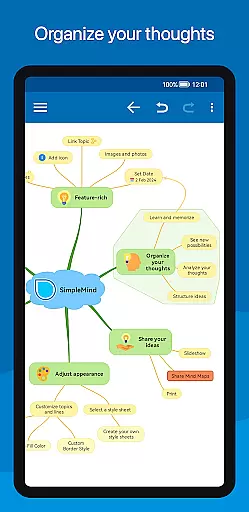
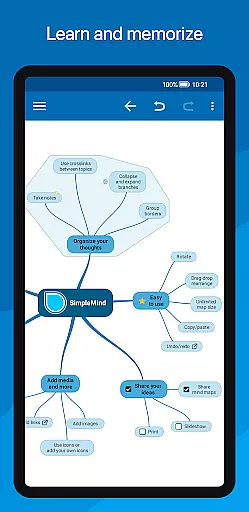
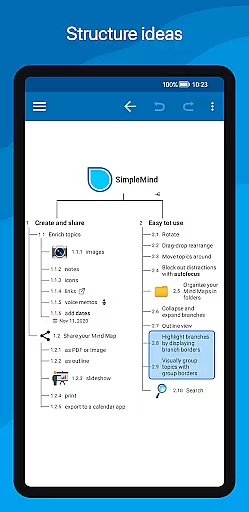
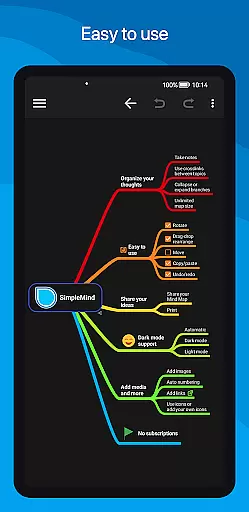
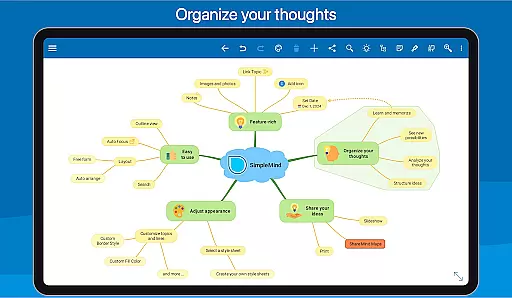
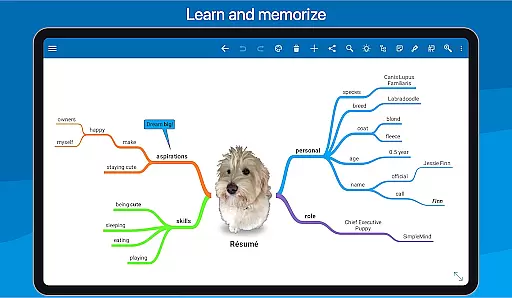
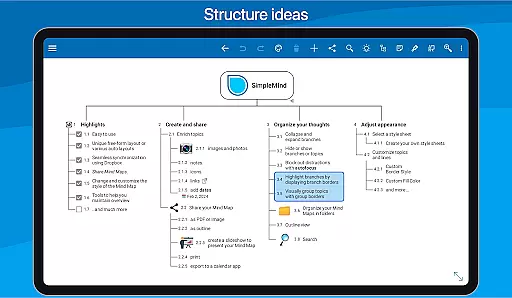
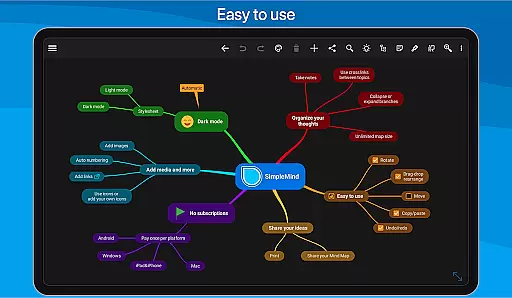
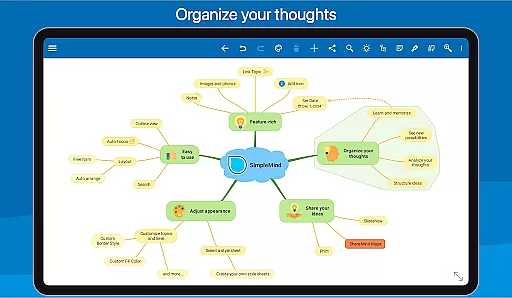
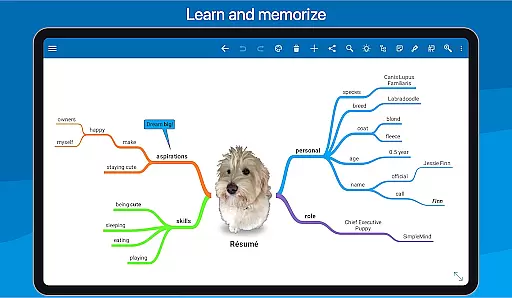
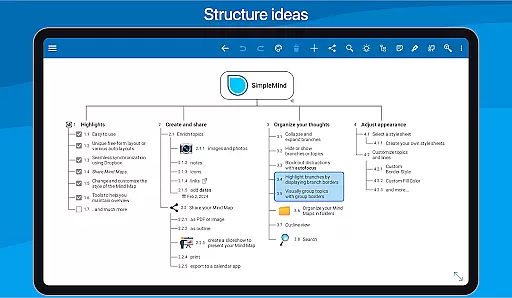
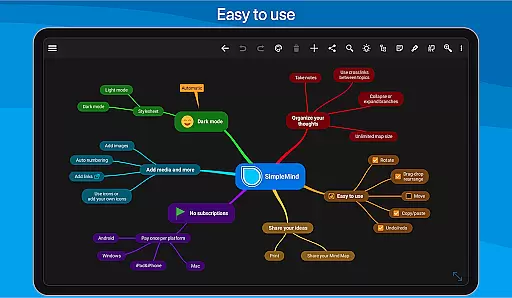
SimpleMind Pro is a premier mind mapping application designed to help users organize thoughts, retain information, and spark new ideas. This productivity tool stands out with its intuitive interface and cross-platform synchronization capabilities, allowing you to create and access mind maps on any device, anywhere, anytime.
The app offers versatile features such as free-form and auto-layout options, media integration, and styling customization, making it suitable for various professional fields including business, education, and healthcare. With reliable performance refined over 10+ years, SimpleMind Pro ensures that your creative process is both seamless and efficient.
SimpleMind Pro boasts an array of powerful features tailored to enhance your mind mapping experience. The app supports unique free-form layouts alongside multiple auto-layouts, perfect for brainstorming sessions. Users can easily reorganize their maps using drag-and-drop functionality, add progress indicators, and label relationships between topics.
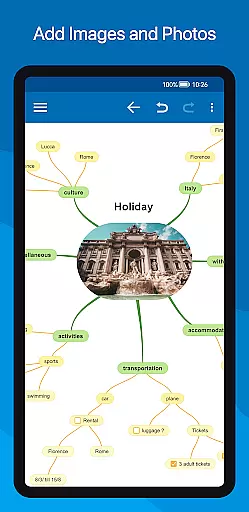
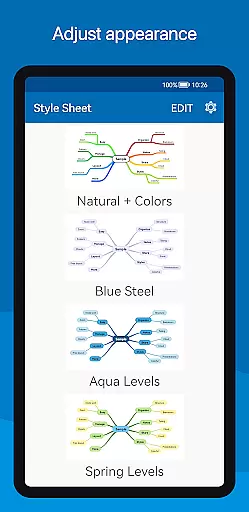
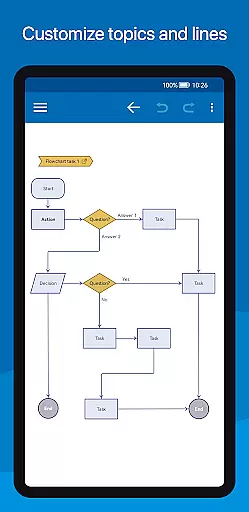
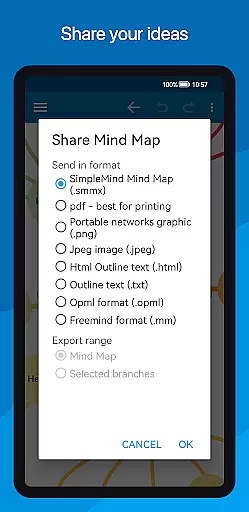
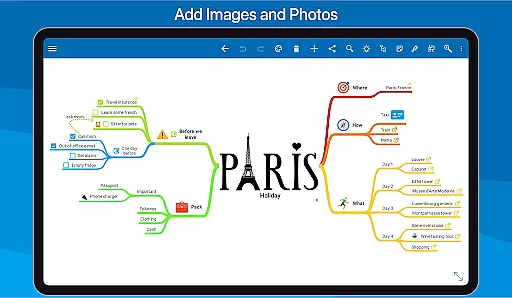
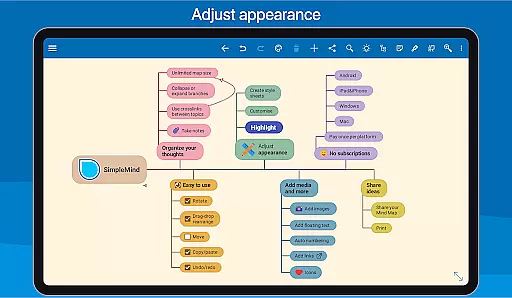
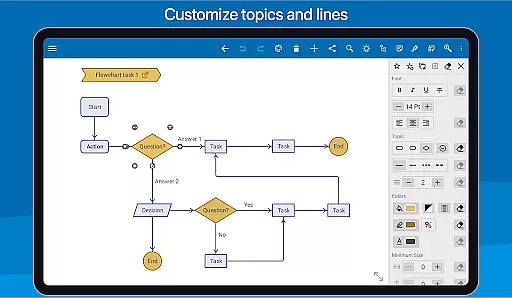
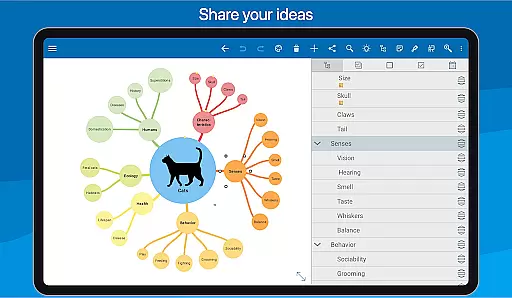
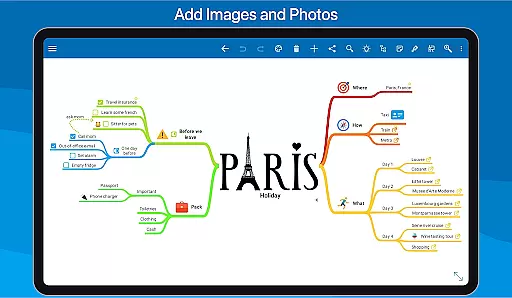
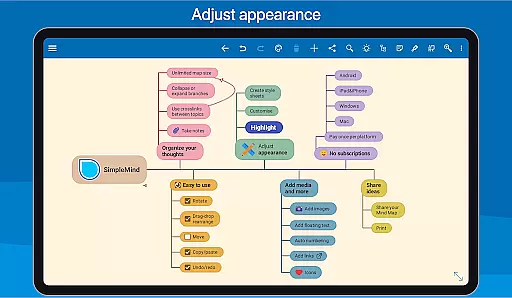
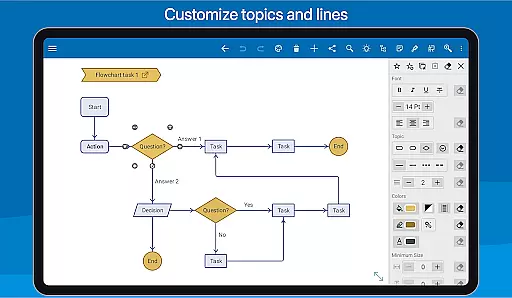
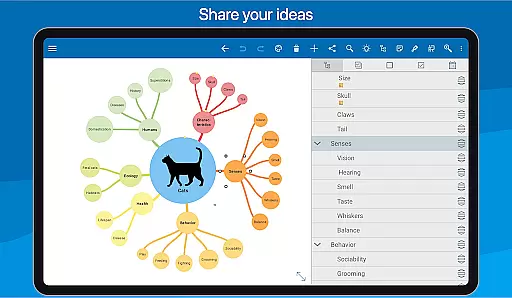
Media integration is another highlight, enabling the attachment of images, notes, icons, voice memos, and even videos to your mind maps. Sharing and exporting options are abundant, allowing you to present your work as PDFs, images, or outlines. Additionally, style customization lets you personalize every aspect of your mind map's appearance, from colors to borders, ensuring your maps are both functional and visually appealing.
SimpleMind Pro excels in core task management by offering a versatile mind mapping experience that helps users organize thoughts and generate ideas effectively. The app provides both free-form and auto-layout options, allowing for flexible brainstorming sessions.
Users can easily restructure their mind maps through intuitive drag-and-drop functionality, while features like checkboxes and progress bars help track task completion. This ensures that each step of the project is accounted for and visible at a glance.
The ability to connect any two topics with crosslinks and label relations adds depth to task organization, enabling users to see how different elements are interconnected. This feature is particularly useful for complex projects requiring meticulous planning and execution.
Cross-device synchronization is a standout feature of SimpleMind Pro, ensuring reliable access to mind maps across various platforms. Users can synchronize their mind maps seamlessly using cloud services such as Dropbox.
This synchronization capability extends beyond Android devices, allowing users to maintain consistency with separate purchases on Windows or Mac systems. Such integration supports a fluid workflow regardless of the device in use.
By syncing mind maps across platforms, users can continue their work uninterrupted, whether they're transitioning from a desktop at the office to a tablet at home. This reliability fosters productivity and peace of mind, knowing that all updates are securely stored and accessible wherever needed.
User-friendly interface
Cross-platform sync
Versatile layout options
Extensive styling tools
Reliable long-term support
Premium price point
Separate desktop purchase
Limited free version
Advanced features may overwhelm
Occasional sync issues

Take control of your clipboard with Clipper!
 3.90
3.90
Native client for Forgejo and Gitea
5.00
Protect and view your important info on your phone and tablet with eWallet®
4.80
Customizable calendar widget for seamless event sync, planning & scheduling.
4.00
ID.me Authenticator is a simple and free Two Factor Authentication solution
3.50
Enjoy classic gameplay with customizable features and retro-style graphics.
4.30
* block pre-roll ads, pop-up and forced redirect ads * Samsung certification app
4.00
A simple Whisper AI keyboard for reliable speech transcription and rewording
4.60
Quickly and easily keep track of your work shifts
4.70
Seamlessly integrate data and reports to build your presentation to impress
4.80
Planet Free VPN - The best Fast Unlimited and Secure VPN Without Logs
4.50
PDF scanner & converter for files, photos, lottery, QR codes. One swipe away!
4.50
Send files, sync SMS, notifications & clipboard across devices via local network
4.40
Device's storage information in a simple and clear graphical form (infographics)
4.10
Experience real multitasking on your Android!
4.00
Code on-the-go with VScode for Android. Edit,debug and collaborate from mobile!!
3.10
Experience and share your SolidWorks designs on your Android® phone and tablet.
2.50
Easiest event planning, volunteer signups & parent teacher conference scheduling
2.20
Ads Free App! Editor, Hide File, Copy, Move, Delete and Rename.. all facility av
1.70


User Reviews