
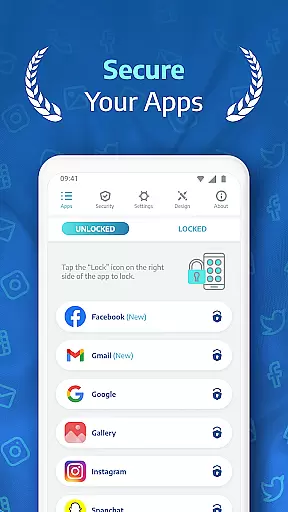
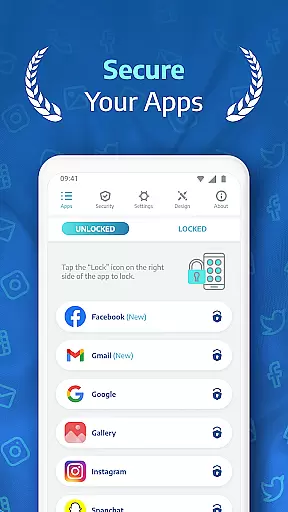
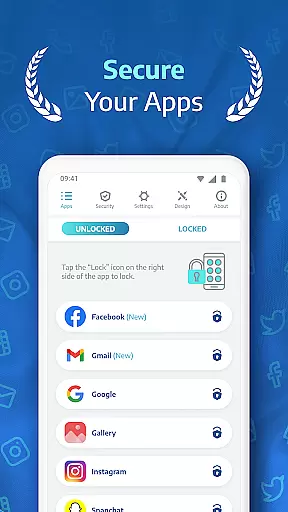
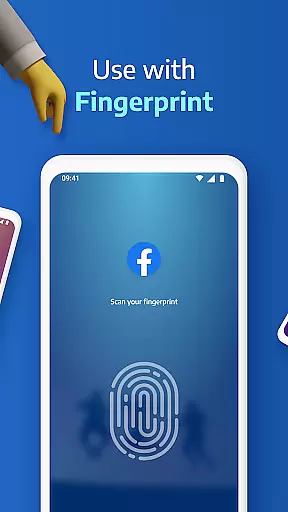
AppLock Pro is a premier productivity app designed to secure your personal data by locking access to specific apps and photos. This powerful tool allows users to protect sensitive information across various platforms, including social media apps like WhatsApp and Instagram, as well as system settings and galleries. With its intuitive interface and advanced security features, AppLock Pro ensures that only authorized individuals can access your private content.
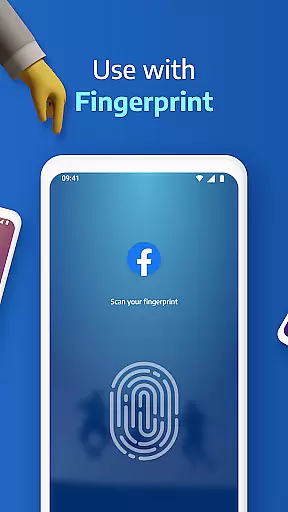
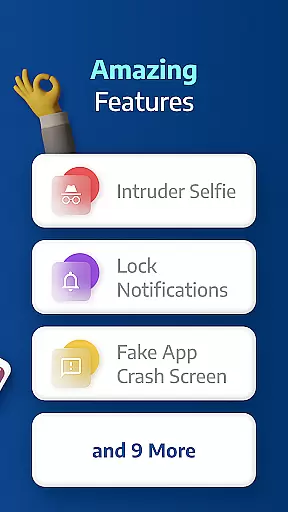
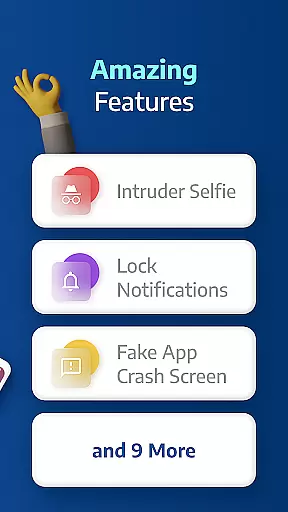
The application offers multiple layers of protection, such as fingerprint recognition, PIN codes, patterns, and even KnockCode for devices that support it. Additionally, innovative features like spy camera functionality and fake error messages provide an extra level of security against unauthorized access attempts. Whether you're at home or on the go, AppLock Pro gives you peace of mind knowing your digital life remains confidential.
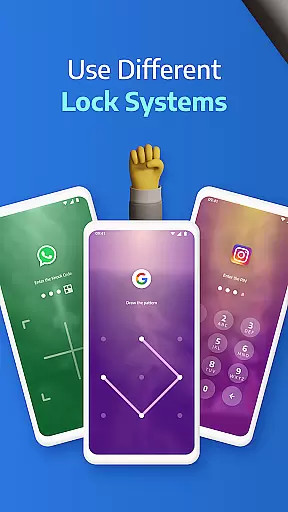
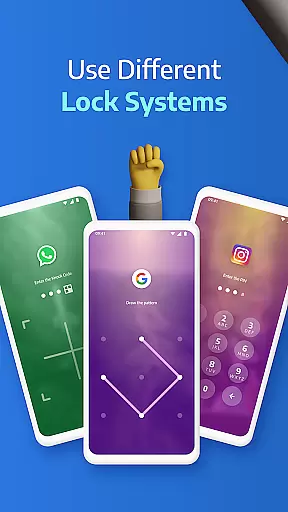
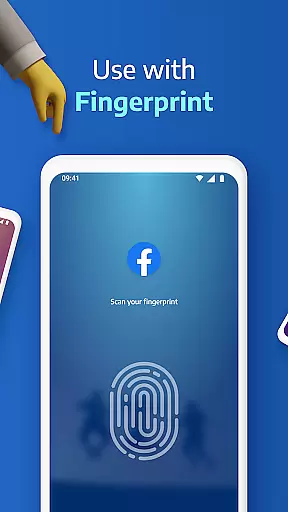
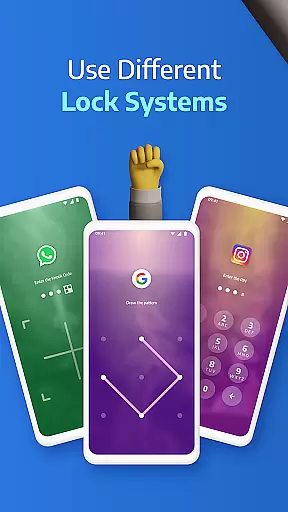
One of the standout aspects of AppLock Pro is its comprehensive suite of features tailored to enhance user privacy and control over their devices. The app supports several lock types, including fingerprint authentication (on compatible devices), pattern locks, PIN codes ranging from 4 to 8 digits, and the unique KnockCode feature. These options ensure that users can choose the most convenient yet secure method to safeguard their apps.
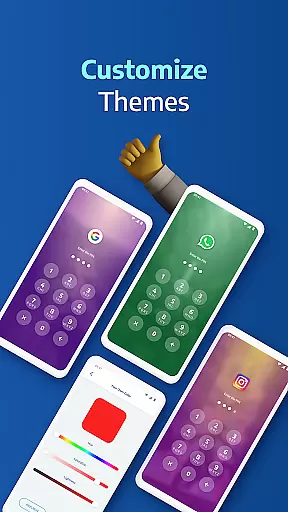
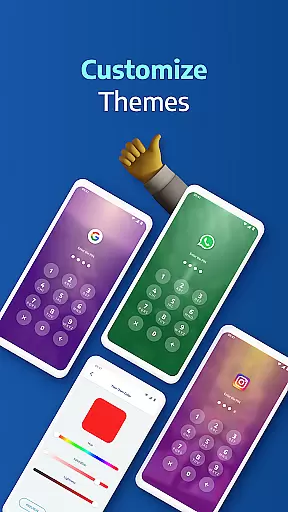
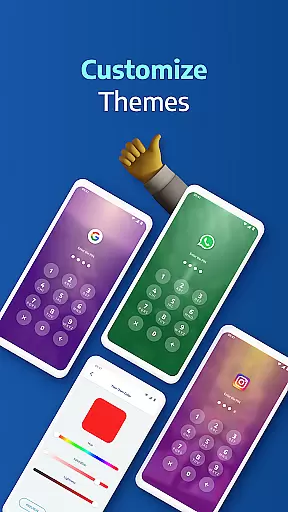
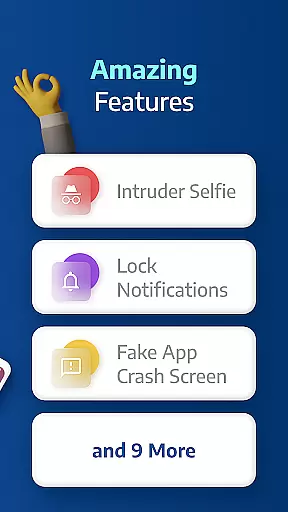
Beyond basic locking capabilities, AppLock Pro includes smart functionalities such as spy camera protection, which captures photos of anyone attempting unauthorized access after multiple failed password entries. It also offers customizable lock styles, allowing users to personalize their experience with different themes and backgrounds sourced directly from their gallery. Furthermore, practical settings like auto-relock timers and notification hiding help streamline daily usage while maintaining top-notch security standards.
Applock Pro excels in core task management by offering a comprehensive suite of locking mechanisms tailored to secure various aspects of your digital life. The app provides multiple lock types including PIN, pattern, fingerprint (if supported by the device), and KnockCode, ensuring that users can choose the most convenient and secure method for their needs.
The application goes beyond basic locking features by incorporating smart settings such as auto-relock and lock timers. These options allow users to set specific periods during which the app remains unlocked, providing both security and convenience. Additionally, the ability to lock system settings and enable 'Hide Icon' adds an extra layer of protection against unauthorized access or uninstallation attempts.
By integrating these advanced functionalities, Applock Pro empowers users with robust control over their app security, safeguarding sensitive information from intruders while maintaining ease of use through customizable and intuitive interfaces.
While Applock Pro primarily focuses on securing individual devices, it ensures cross-device synchronization reliability through its cloud backup feature. This functionality allows users to save their lock settings and preferences securely in the cloud, enabling seamless restoration on other devices or after reinstalling the app.
The synchronization process is designed to be both reliable and efficient, minimizing data loss risks while transferring configurations across different platforms. Users can rest assured that their personalized lock styles, custom backgrounds, and critical security settings will remain consistent regardless of the device they are using.
This level of synchronization not only enhances user experience by reducing setup time on new devices but also reinforces overall security posture. By maintaining uniform protection measures across all gadgets, Applock Pro guarantees that users' privacy remains uncompromised, irrespective of where or how they access their digital content.
Highly Secure
User-Friendly Interface
Customizable Lock Options
Advanced Spy Camera Feature
Lightweight Performance
Limited Free Features
Requires Multiple Permissions
Occasional Ads in Free Version
No Cross-Platform Sync
Fingerprint Support Dependent on Device

Direct Chat without saving contacts & Dual WA Account on Single Device
 4.70
4.70
Planet Free VPN - The best Fast Unlimited and Secure VPN Without Logs
4.50
Secure, fast, open-source, Remote Desktop Client for Windows and Linux with SSH
4.60
CalenGoo is a very flexible and feature-rich calendar app
4.40
All in One PDF Reader: Manage, Read and Edit your Documents
4.20
PDF scanner & converter for files, photos, lottery, QR codes. One swipe away!
4.50
Code on-the-go with VScode for Android. Edit,debug and collaborate from mobile!!
3.10
A Pixel Art watchface inspired by other iconic 90s designs for Wear OS devices!
4.40
Scan paperwork into PDF/JPG, generate your own e-signature and send fax or email
4.70
Native client for Forgejo and Gitea
5.00
8 custom complications. Custom Time Fonts. Beautiful color schemes. A++ Design.
5.00
Scientific calculator for Android - looks and operates like the real thing!
4.90
The long-awaited modern gallery app for your Nextcloud server
4.70
Lightweight PDF, Word, Excel reader.
4.60
Subscribe to Webcal & .ics calendars and keep them up-to-date!
4.50
Experience Reading - Night Mode for Documents
4.40 4.20
4.20
Experience and share your SolidWorks designs on your Android® phone and tablet.
2.50
A comprehensive suite of tools designed specifically for Lactation Consultants
4.2


User Reviews