
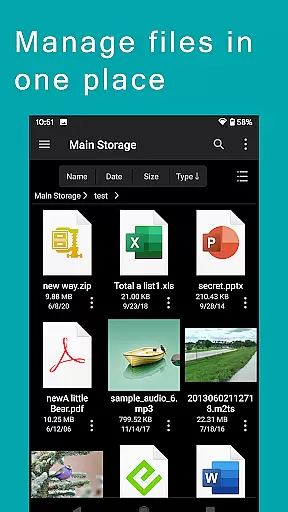
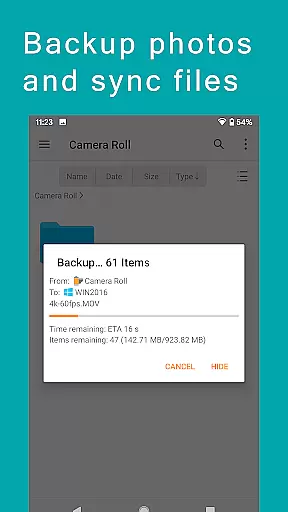
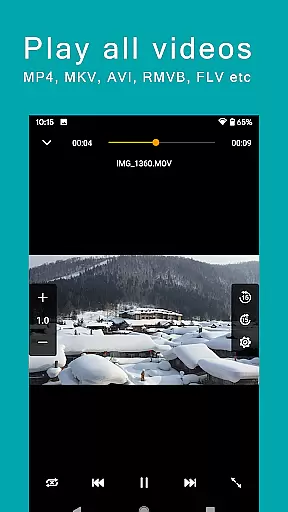
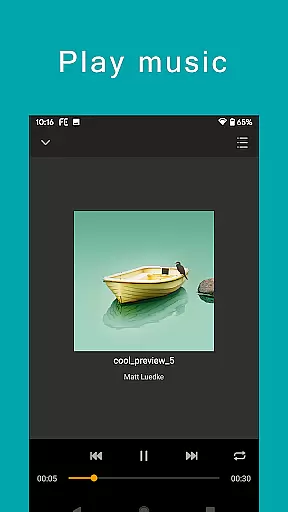
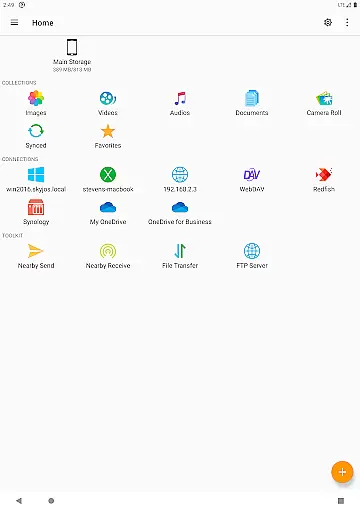
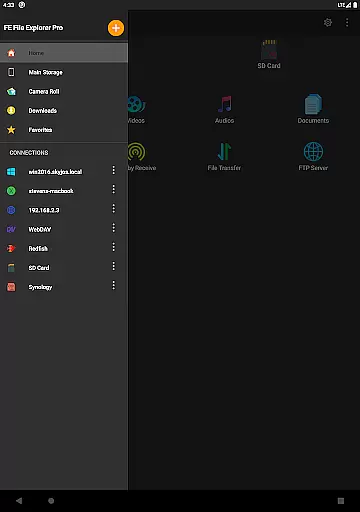
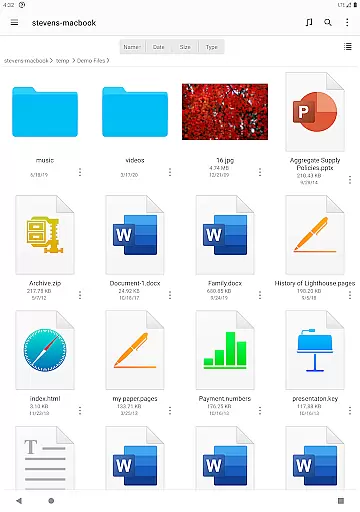
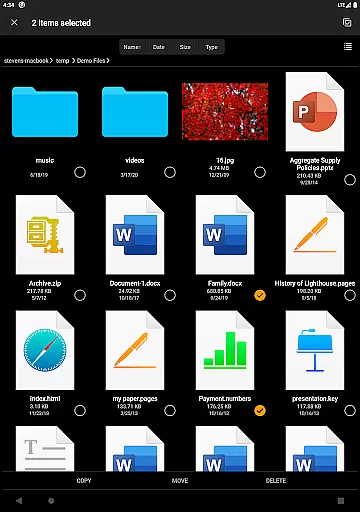
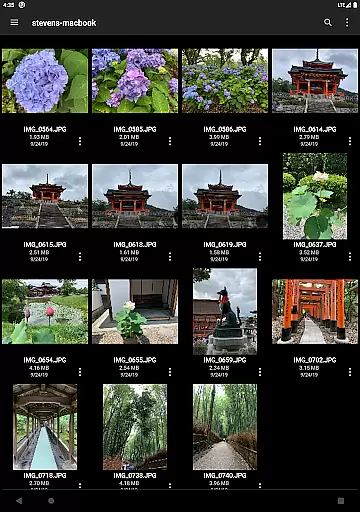

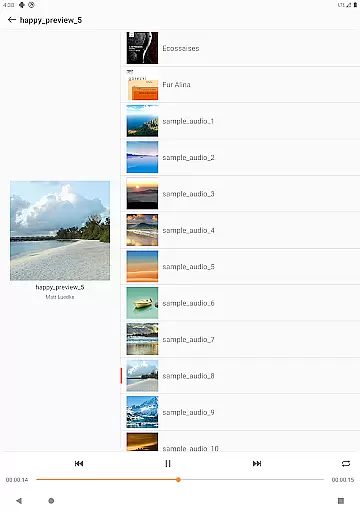
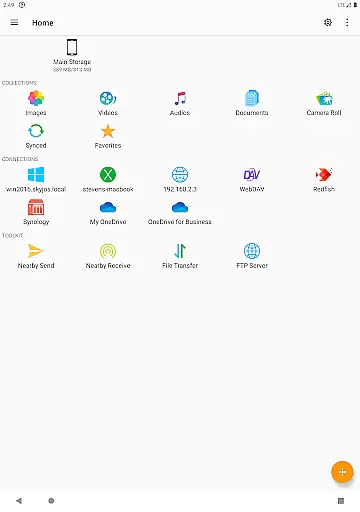
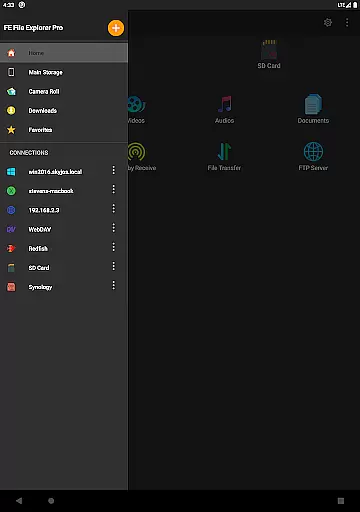
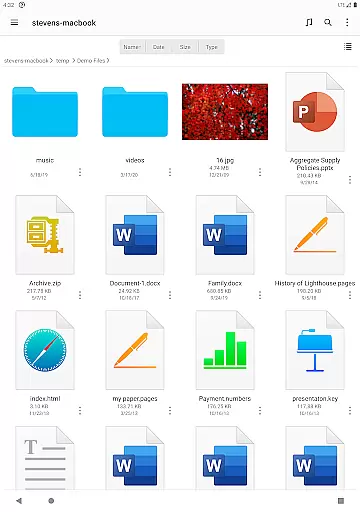
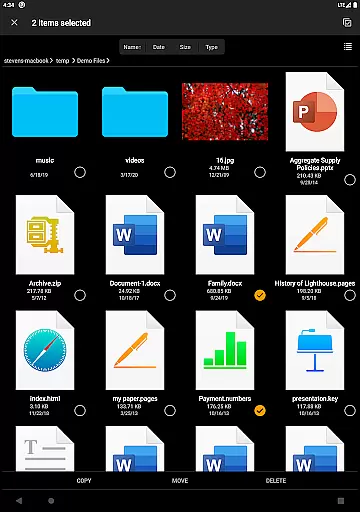
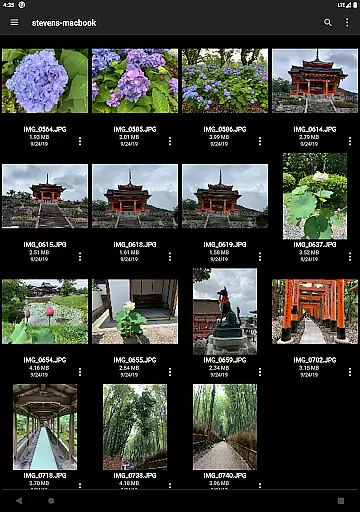

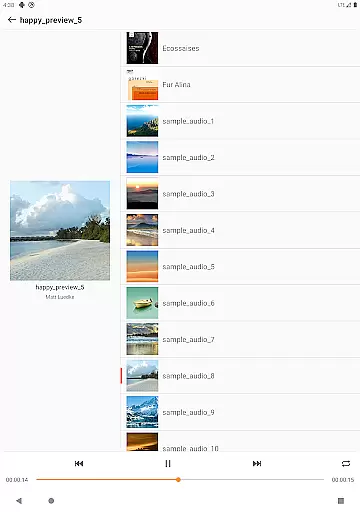
FE File Explorer Pro is a versatile productivity tool designed for seamless file management across multiple platforms. This powerful app allows users to access and manage files not only on their Android devices but also on computers, NAS systems, and various cloud storage services. With support for protocols like SMB/CIFS, WebDAV, FTP, and SFTP, it ensures comprehensive network connectivity.
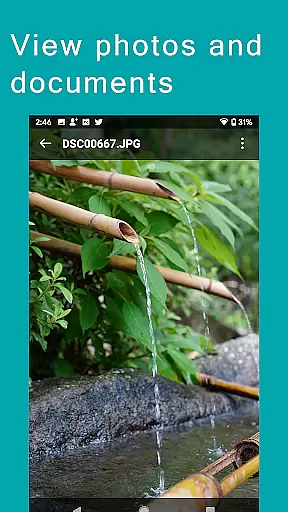
The app's standout feature is its ability to stream multimedia content directly to your device while enabling direct viewing and management of documents and photos without the need for downloading. Whether you're transferring files between different locations or syncing data with remote storage, FE File Explorer Pro provides an efficient solution for all your file management needs.
Ideal for professionals who require remote access to their files, this app enhances productivity by allowing users to edit documents in place and automatically save changes back to the remote storage. Its extensive functionality makes it particularly valuable for those managing complex digital environments across multiple devices.
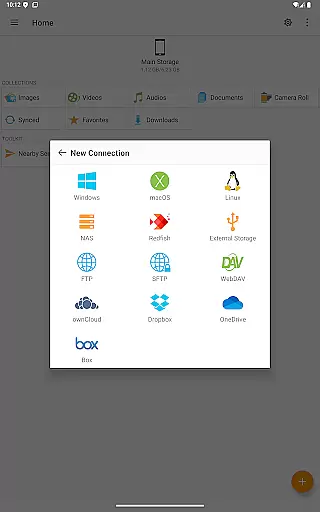
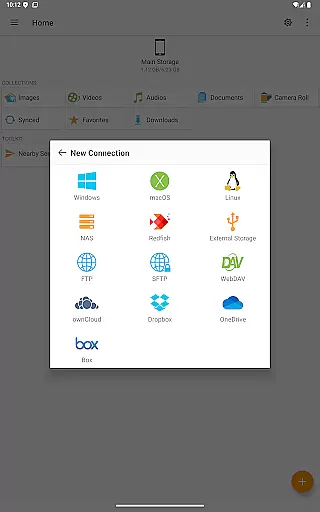
FE File Explorer Pro offers an impressive array of features that set it apart from other file management applications. The app supports multiple connection protocols including SMB/CIFS, WebDAV, FTP, and SFTP, enabling users to access network shares on macOS, Windows, Linux, and NAS systems. It also integrates seamlessly with popular cloud storage services such as OwnCloud, Dropbox, and OneDrive.
One of the app's most innovative features is its Edit-in-Place functionality, which allows users to modify documents stored on remote servers directly within the app. Changes are automatically saved back to the original location, streamlining workflow efficiency. Additionally, the app can handle various archive formats including ZIP, RAR, and 7zip, making file compression and extraction quick and easy.
The app's advanced search capabilities and automatic discovery of network devices simplify the process of finding and connecting to available storage resources. With functions like file transfer between storages, photo backup to remote locations, and nearby file sharing between Android and iOS devices, FE File Explorer Pro provides a complete solution for managing digital assets across different platforms.
FE File Explorer Pro excels in core task management by providing users with a comprehensive suite of tools to handle files across multiple environments. The app supports access to network shares on various operating systems and NAS via SMB/CIFS protocol, as well as WebDAV, FTP, and SFTP servers.
With this app, you can seamlessly manage your documents, photos, and files on cloud storages like OwnCloud, Dropbox, OneDrive, and more without the need for downloading. It empowers you to copy, move, rename, and delete files directly from your Android device, streamlining your workflow.
The ability to edit documents located on remote storage within another app and have FE File Explorer save it back automatically is a testament to its efficient task management capabilities. This feature ensures that productivity is maintained without unnecessary steps or delays.
Cross-device synchronization is where FE File Explorer Pro truly shines, offering reliable and consistent access to files regardless of their location. Whether on local storage, SD Card, USB OTG, or cloud services, the app ensures that your files are always up-to-date across all your devices.
Automatic discovery of computers and NAS when setting up new connections simplifies the process of syncing data. Support for Windows Domain, Active Directory, and DFS further enhances the robustness of cross-device operations, making file management intuitive and hassle-free.
Moreover, the app facilitates transferring files between different storage locations and syncs files between remote storage and Android devices. With features like backing up camera photos to remote storage and nearby file transfer between Android and iOS devices, FE File Explorer Pro guarantees that your data is synchronized reliably wherever you go.
Multi-platform support
Direct file editing
Advanced search options
Seamless cloud integration
Efficient file transfer
Complex interface
High learning curve
Limited free features
Occasional sync issues
Resource intensive

Absolutely the best CNC machinist speed and feed calculator around. fswizard.com
 4.60
4.60
Easiest event planning, volunteer signups & parent teacher conference scheduling
2.20
Cloud storage, automatic phone backup, and more.
4.10
A beautiful digital clock with autostart and many other functions
4.70
A Pixel Art watchface inspired by other iconic 90s designs for Wear OS devices!
4.40
Share files & memories safely. Keep your photos and videos secure.
4.40
Lightweight PDF, Word, Excel reader.
4.60
Understand anything with a personalized AI research assistant
4.80
Okta MFA
4.70
Scan paperwork into PDF/JPG, generate your own e-signature and send fax or email
4.70
The Pro Version of Android's tiniest Notepad app. Just 0.3MB but feature-packed!
4.60
Stay on top of your to-dos with Google Tasks, part of Google Workspace.
4.60
A customizable calendar for your Wear OS watch
4.20
Professional calendar app for Google Calendar, MS Outlook & Exchange
4.20
Secure, open-source, SPICE and SSH Remote Desktop for QEMU KVM virtual machines
4.00
A Revolutionary All-in-One Artificial Intelligence Tools
3.80
Smart PDF reader & editor to view, organize and manage PDF documents easily.
3.70
The upgraded version of Name Wheel with AI and the power to add your own wheels.
4.0
A simple, portable logger for POTA, SOTA, Field Day, and more
4.2


User Reviews