
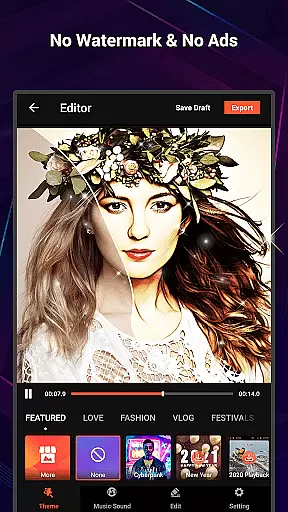
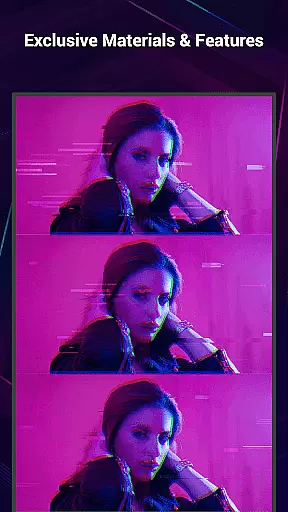
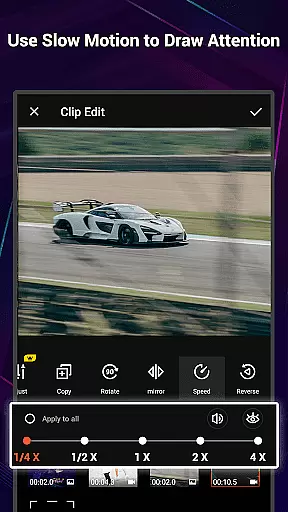
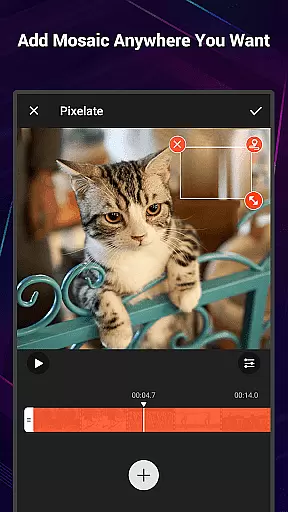
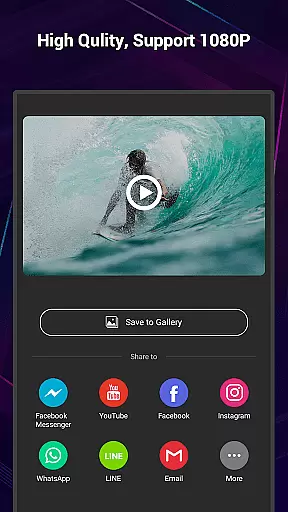
VideoShow Pro is a premium video editing application designed for both amateur and professional content creators. This app offers advanced features such as no watermark, ad-free interface, and support for exporting videos in 1080p and 4K resolutions. With an extensive library of exclusive materials and up to 20 FX effects per video, it provides users with everything needed to create high-quality videos.
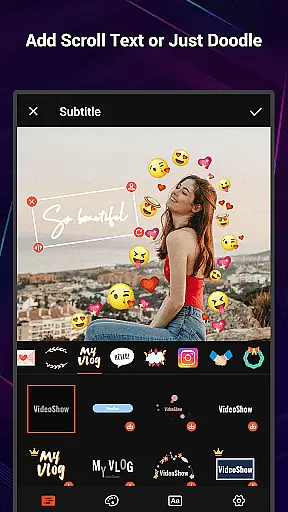
The app allows seamless integration of photos and videos, enabling users to produce stunning visual content with minimal effort. It includes various creative tools like text overlays, stickers, music tracks, filters, transitions, and live dubbing options. VideoShow Pro also features a Materials Store with themes, music, text styles, stickers, sound effects, and fonts, making it easy to add unique touches to any project.
Whether you're creating a vlog, promotional video, or personal montage, VideoShow Pro ensures your content stands out with its powerful editing capabilities and user-friendly interface.
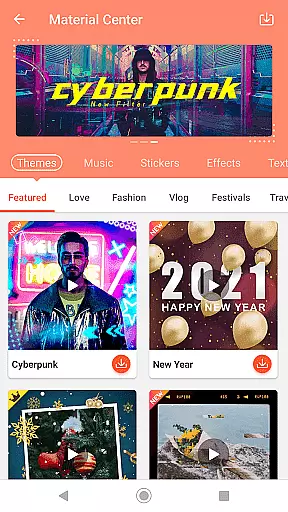
VideoShow Pro boasts a comprehensive set of features that cater to diverse video editing needs. Users can zoom and rotate videos, create videos without pre-transcoding, and mix photos and videos seamlessly. The app's Fantastic Materials Store offers a wide range of customizable themes, music tracks, text styles, stickers, sound effects, and fonts, allowing for endless creativity.
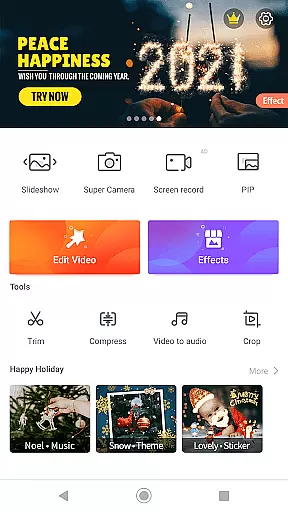
In addition to its core editing functions, VideoShow Pro includes a robust toolbox with Ultra Cut for merging video segments, Fast Trim for quick edits, Compress Video for reducing file sizes, and Video to MP3 for extracting audio tracks. These practical tools ensure that users can refine their projects efficiently while maintaining high-quality output.
The app supports square themes and modes tailored for social media platforms, along with multi-music tracks and live voice recording. Stunning filters enhance video aesthetics effortlessly, providing users with professional-grade results every time they edit.
VideoShow Pro stands out with its exceptional video format compatibility, ensuring that users can work seamlessly with a wide range of video types. The application supports high-resolution formats, including 1080p and 4K video exports, which is crucial for professional video editors who require top-notch quality.
The app's ability to handle various formats without the need for pre-transcoding simplifies the editing process significantly. This feature allows creators to import and edit videos directly, saving valuable time and storage space while maintaining the original quality of the footage.
Moreover, VideoShow Pro enhances user experience by integrating photos and videos into one cohesive project, regardless of the original format. This flexibility empowers users to produce content that is not only diverse in expression but also consistent in quality across different devices and platforms.
VideoShow Pro incorporates advanced AI-powered editing features that revolutionize the way users enhance their videos. With an array of exclusive materials at their disposal, creators can apply up to 20 FX effects in a single video, adding a professional touch to their work effortlessly.
The app offers a fantastic Materials Store filled with themes, music, text styles, stickers, sound effects, and fonts. These resources are designed to help users generate characteristic videos instantly, catering to various occasions such as love, birthdays, or friend gatherings.
In addition to its creative tools, VideoShow Pro provides stunning filters that beautify videos in just one step. Whether it's achieving a beauty effect or transforming footage into a sketch, these AI-driven features ensure that even novice editors can achieve impressive results with minimal effort.
Ad-free experience
High-resolution exports
Exclusive materials library
User-friendly interface
Comprehensive editing tools
Premium version cost
Advanced features may overwhelm beginners
Limited free materials
Occasional performance lags
Large app size

This app was created to edit the metadata of music files.
 4.20
4.20
AirMirror is Receiver for Screen Mirroring and Casting from Apple Devices.
3.60
Download videos easily & play them all in one smart, powerful video manager.
3.40
Browser for Samsung TV to stream webvideos, online movies and livestreams in HD
4.10
LumaFusion: The Ultimate Storytelling Experience for Video Editing
4.10
Powerful video player with advanced hardware acceleration and subtitle supports
4.20
Screen recorder with audio to take live videos & Screenshot in high quality!
4.70
Viddo: Generate Action Figure, AI Anime, AI kiss, AI hug Video from image & text
4.40
Video&Drama Player All Format is a HD video player, music player
3.00
Video Trimmer, Video to MP3 Converter. Extract music from video, Easy & Fast.
4.80
GENRAL PRO - General Pro is the best video player that fully supports all formats.
4.70
All in one HD video downloader & player for multiple formats with full privacy
4.70
Video Player - Unlimited features, 30 days money back guarantee.
4.60
Add date and time watermark to photos and videos
4.50
Download website videos fast&privacy
4.40
Powerful Video Editor & Photo Editing App —— Quick Edits & Stunning Effects!
4.30
All format media Player, no need video converter any more!
4.00
1)AirPlay/DLNA Mirroring/Streaming, up to 4 connections; 2)Samba/NAS/DMS Player.
4.00
IPTV Player - Watch live TV from m3m & m3u8 playlist, stream IPTV on mobile
3.30


User Reviews