
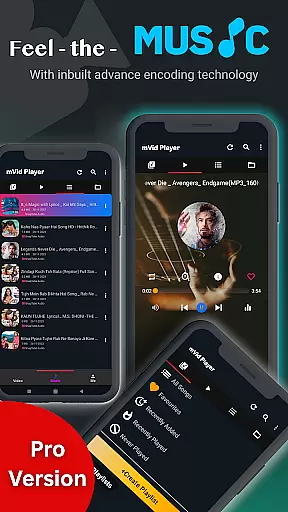
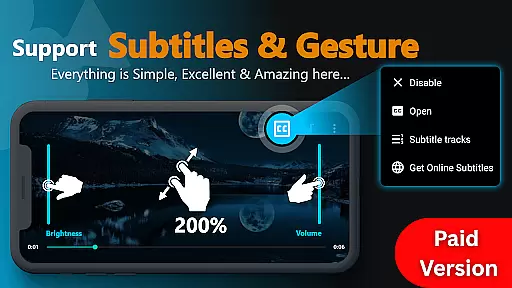
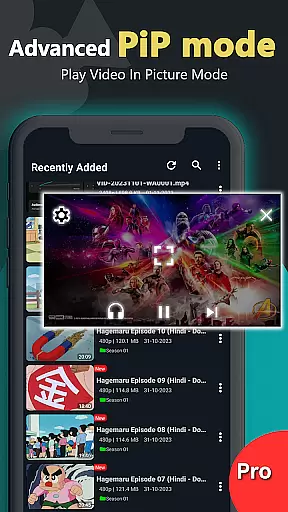
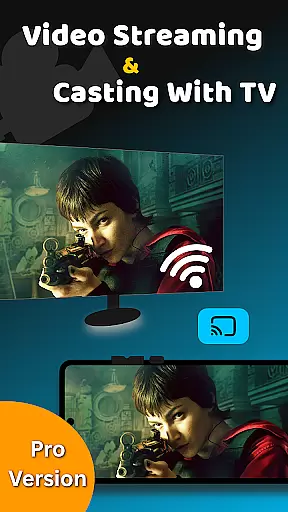
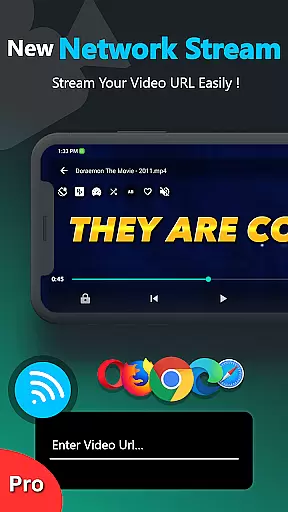
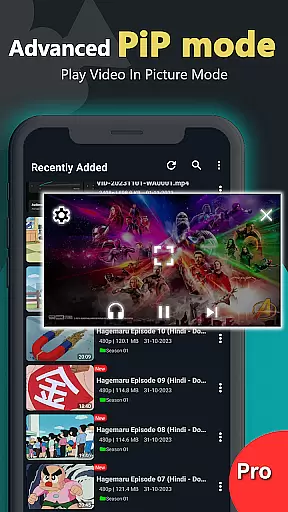
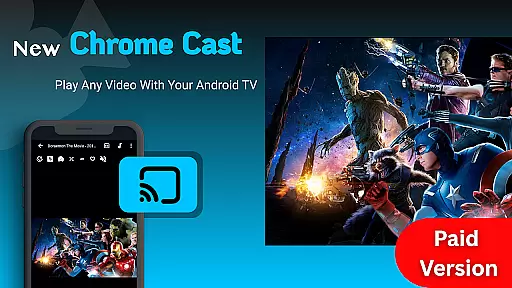
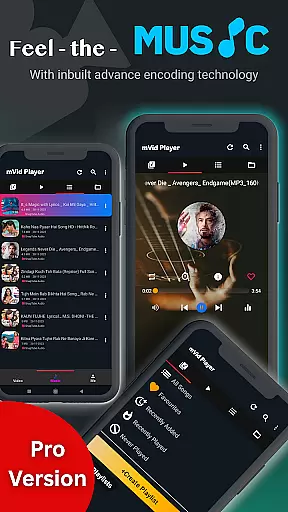
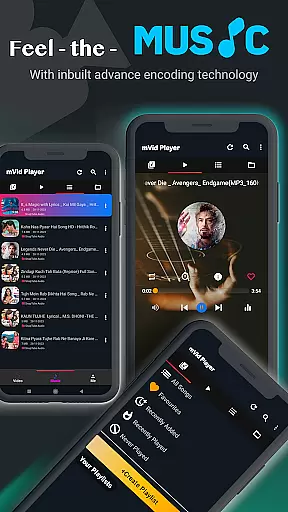
Zea Player Pro is a premium-grade video player designed for Android devices, offering an ad-free experience with support for all major video and audio formats. This includes high-resolution files up to 8K, making it ideal for movie enthusiasts and content creators who demand the best in video quality.
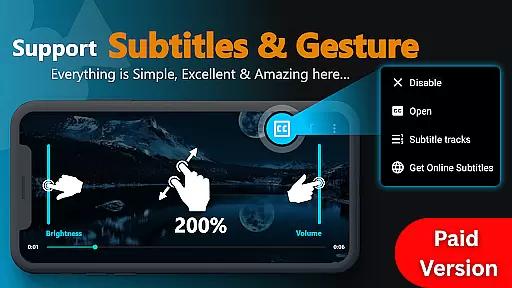
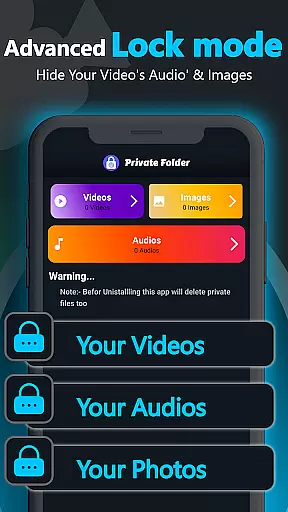
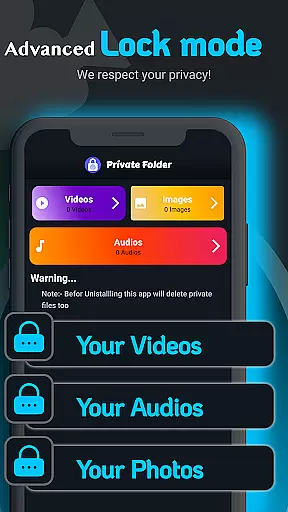
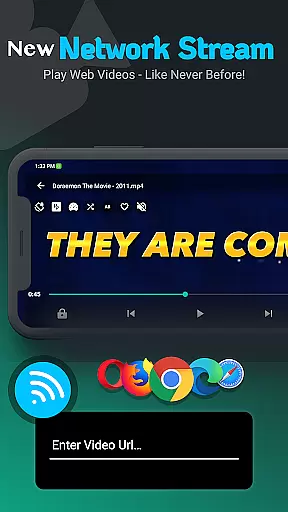
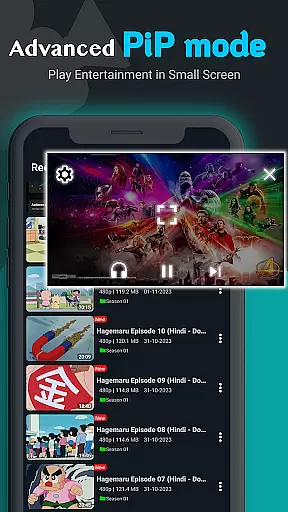
With advanced features such as subtitle support, dual audio tracks, and background playback, Zea Player Pro ensures a versatile and uninterrupted media experience. Its private folder functionality allows users to protect personal media, while volume booster and URL streaming enhance usability for various entertainment needs.
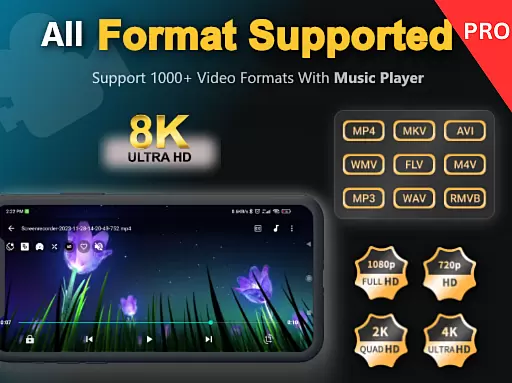
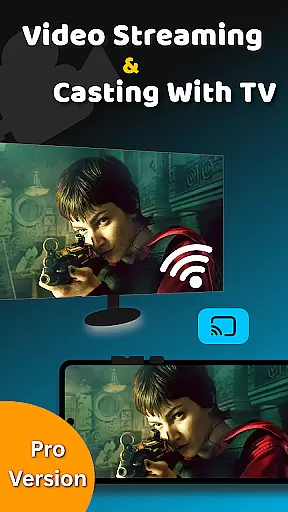
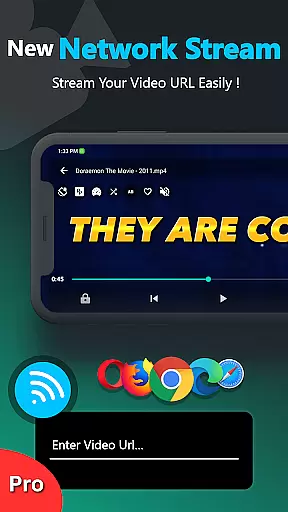
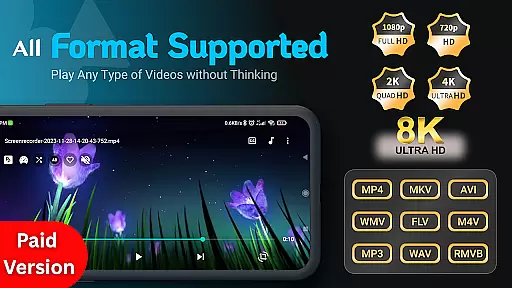
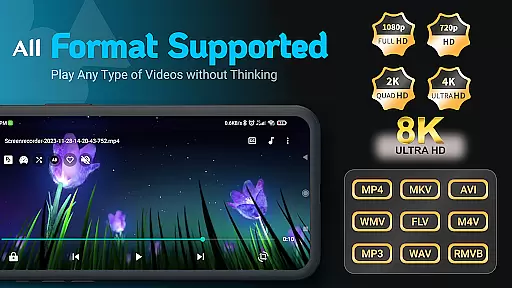
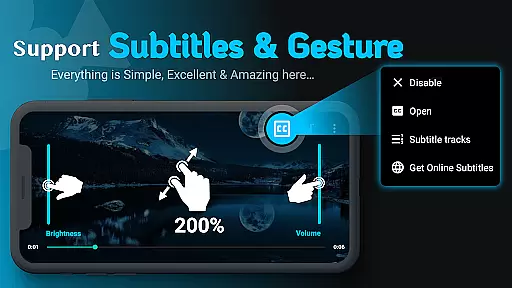
Zea Player Pro stands out with its comprehensive feature set tailored for media aficionados. The app supports all popular video formats including MKV, MP4, AVI, and FLV, along with ultra HD resolutions up to 8K. Users can enjoy smooth zooming capabilities using pinch gestures and stream videos directly via URLs.
Additional functionalities include background audio and video playback, customizable subtitles, and dual audio track options. The inclusion of a private folder with password protection ensures user privacy, while easy controls for volume, brightness, and playback progress provide a seamless interface. These robust features make Zea Player Pro a top choice for those seeking a professional-grade media player on Android.
Video Player Pro Version stands out for its exceptional video format compatibility, ensuring users can enjoy a seamless playback experience across all major file types. The app supports an extensive range of formats including MKV, MP4, AVI, MOV, and even ultra-high-definition 4K and 8K videos.
This comprehensive support is made possible through advanced decoding technologies that automatically detect and process different video codecs. Whether you're watching locally stored files or streaming content via URLs, the player ensures smooth rendering without any need for external plugins or converters.
For users, this means unparalleled flexibility in managing their media libraries. You can easily switch between various video resolutions and formats without worrying about compatibility issues. The inclusion of subtitle support further enhances accessibility, allowing viewers to enjoy multilingual content effortlessly.
The application's ability to handle such diverse formats positions it as an essential tool for movie enthusiasts, content creators, and anyone who values high-quality media playback on their Android devices.
While Video Player Pro Version primarily focuses on playback capabilities, it also incorporates AI-powered features that enhance the overall user experience. The app utilizes intelligent algorithms to optimize video quality based on device specifications and network conditions.
One notable implementation is the automatic subtitle synchronization feature, where AI analyzes audio tracks to ensure precise timing of text overlays. Additionally, the volume booster function employs machine learning to maintain consistent audio levels across different media sources.
These smart features work behind the scenes to deliver professional-grade playback without requiring manual adjustments from users. For instance, the app can automatically adjust brightness and contrast settings based on environmental lighting conditions detected by your device's sensors.
Although not a traditional video editor, these AI-driven enhancements effectively transform the viewing experience, making it more intuitive and enjoyable while maintaining the premium, ad-free environment that users expect from a paid media player application.
Ad-free playback
Supports 8K video
Private folder option
Subtitle downloads
Background playback
Paid application
No free version
Advanced settings
Requires storage
Learning curve

Video Player - Unlimited features, 30 days money back guarantee.
 4.60
4.60
Your media, on your terms.
4.10
Live TV, anywhere in your home
3.80
Download videos easily & play them all in one smart, powerful video manager.
3.40
Make your own Animations, Video and Photo Edits, Visual Effects, and more!
4.00
Mix with Virtual DJ directly from your phone or tablet !
3.10
Photo editor & video maker with music and slideshows.
4.10
Manage your YouTube channel on the go
4.40
convenient, safe and fast at Video Downloader & Player
4.60
An easy-to-use and all-round screen recorder with audio
4.80
Watch a large amount of high-definition short drama content
4.60
VLC Remote lets you control your VLC Media Player on Mac, PC or Linux.
4.60
Fast & easy HD video downloader for all formats, support 4K playback & download.
4.60
IPTV Loader, loads your own Playlist. DOES NOT CONTAIN ANY LIST OR CHANNELS
4.60
Photo and Music Video Creator into Stunning Videos—Effortlessly
4.40
AirMirror Receiver - Screen mirroring/cast web videos to Android TV by AirPlay.
4.40
Manage your IPTV live channels and VOD playlists (no playlist included)
3.80
Save photos and videos from social apps in one tap.
3.60
The smartest M3U IPTV Player your playlists have ever seen.
4.0


User Reviews