
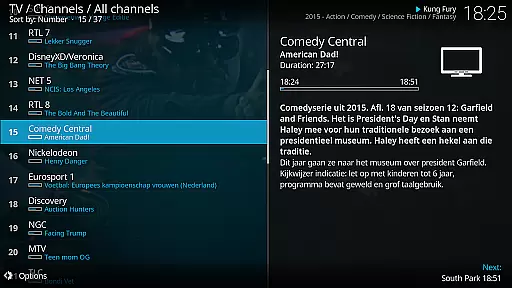
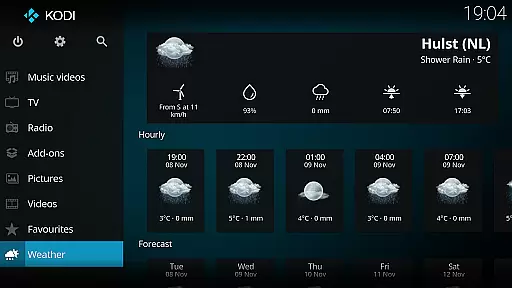
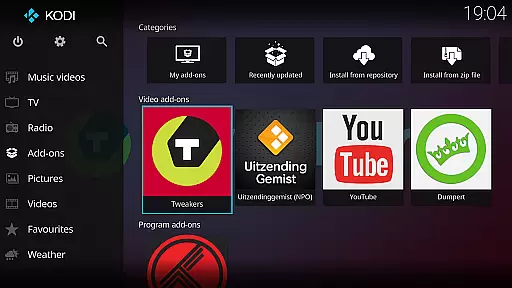
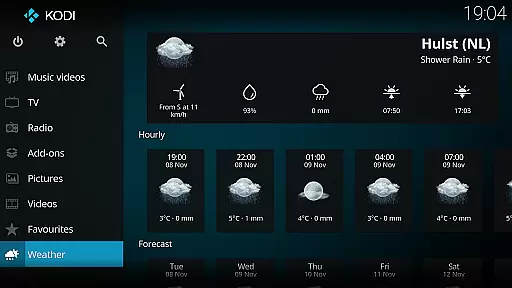
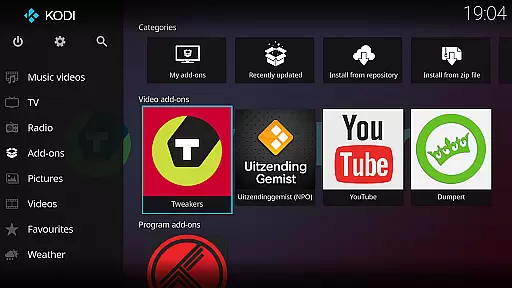
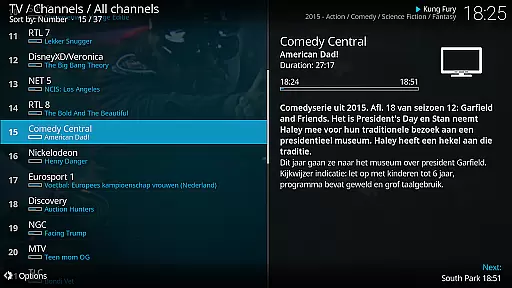
Kodi is an award-winning media player and entertainment hub designed for home theater setups. It offers a 10-foot user interface, making it perfect for living-room environments where users can navigate digital media with a remote control. The application supports various media formats and allows seamless access to content from multiple sources including hard drives, optical discs, local networks, and the internet.
With its powerful graphical user interface, Kodi enables easy browsing and viewing of videos, photos, podcasts, and music. Its versatility extends to supporting third-party plugins, which can provide access to freely available content online. Kodi's design emphasizes user experience, ensuring smooth playback and intuitive navigation across different platforms.
Whether you're managing a personal media library or streaming content from online sources, Kodi serves as a comprehensive solution for all your digital media needs. Its open-source nature encourages community contributions, resulting in continuous improvements and updates.
Kodi boasts a range of features that make it stand out among media players. One of its key strengths is the ability to play virtually any media format without requiring additional codecs. This flexibility ensures that users can enjoy their favorite content without compatibility issues. Additionally, Kodi's support for third-party plugins expands its functionality, allowing access to a wide array of online content.
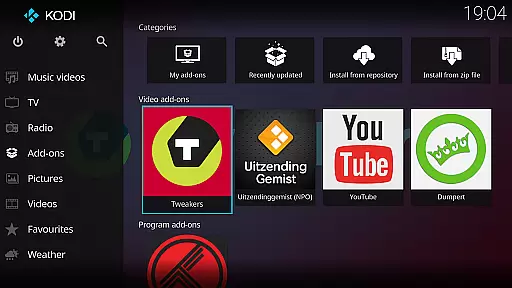
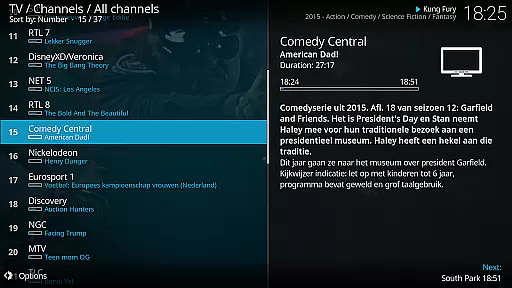
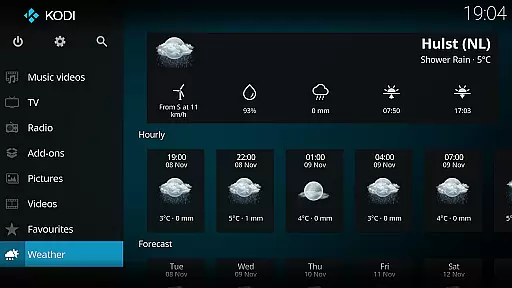
The software's user interface is another highlight, featuring the Estuary skin as the default option. Designed for speed and ease of use, Estuary provides a visually appealing and responsive experience. For mobile devices, the Estouchy skin enhances usability on larger screens, making Kodi suitable for tablets and big phones. These customizable skins cater to diverse user preferences and device types.
Kodi also excels in network capabilities, enabling users to stream content from local servers or cloud storage. Its robust library management system organizes media efficiently, providing quick access to extensive collections. Furthermore, Kodi's active development community ensures regular updates and new feature integrations, keeping the platform fresh and relevant.
One of the core strengths of Kodi lies in its extensive video format compatibility. This media player supports a wide array of video formats including but not limited to MP4, AVI, MKV, MOV, and WMV. Such versatility ensures that users can play virtually any video file stored on their device or network without worrying about format restrictions.
The application achieves this through an advanced decoding engine that utilizes both native codecs and third-party libraries. This dual-layered approach allows for smooth playback even of high-definition content. Users can enjoy seamless streaming from local storage, network shares, or online sources with minimal buffering or compatibility issues.
This comprehensive format support brings significant value to users who maintain diverse media libraries. Whether you're watching home videos, professional films, or downloaded content, Kodi's format flexibility eliminates the need for additional conversion software or plugins.
While primarily known as a media player, Kodi incorporates several AI-powered features that enhance the video viewing experience. The application uses intelligent algorithms to optimize video playback settings based on content type and viewing environment. This includes automatic adjustment of brightness levels, color correction, and frame rate optimization.
Kodi's AI capabilities extend to smart playlist creation and content organization. The system can analyze your video library and automatically categorize content based on genre, resolution, or viewing preferences. These features help users maintain an organized media collection while discovering new content they might enjoy.
The implementation of these AI features maintains Kodi's user-friendly philosophy while adding sophisticated functionality. Users benefit from enhanced video quality and more efficient media management without needing technical expertise. This combination of traditional playback capabilities with modern AI enhancements makes Kodi a versatile solution for digital media entertainment.
User-friendly interface
Wide format support
Customizable skins
Active community support
Cross-platform compatibility
No built-in content
Requires technical knowledge
Third-party plugin dependency
Large app size
Occasional bugs

Video Player - Unlimited features, 30 days money back guarantee.
 4.60
4.60
Cast Videos from Web Browser, IPTV to Roku, Chromecast, DLNA, Smart TV +more
4.60
Video Downloader is an utility that can save videos and music from web sites
4.20
Create & edit videos with AI
4.30
VLC Remote lets you control your VLC Media Player on Mac, PC or Linux.
4.60
Make your own Animations, Video and Photo Edits, Visual Effects, and more!
4.00
Find, download, and play torrents with the official BitTorrent® Pro app
4.70
Web Browser for LG TV to stream webvideos, online movies and livestreams in HD
4.20
Video&Drama Player All Format is a HD video player, music player
3.00
Play ALL formats in 4K & HD. Video downloader, MP3 player, Chromecast & more.
4.80
AI Video Editor with Music, Filter, Slideshow, Effect, Merge & Trim Video.
4.80
IPTV Loader, loads your own Playlist. DOES NOT CONTAIN ANY LIST OR CHANNELS
4.60
Photo and Music Video Creator into Stunning Videos—Effortlessly
4.40
Fast video downloader & private browser. Save HD clips to watch offline.
4.40
IPTV-Smarters Player Pro M3U - Watch Live Stream TV Channels with Chromecast
4.00
Capture images & record videos for USB Camera, Webcam, Microscopes, Endoscopes
3.80
Save photos and videos from social apps in one tap.
3.60
Client application for NextPVR software
3.00
The smartest M3U IPTV Player your playlists have ever seen.
4.1


User Reviews