


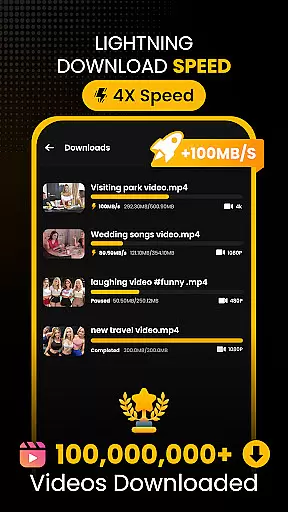






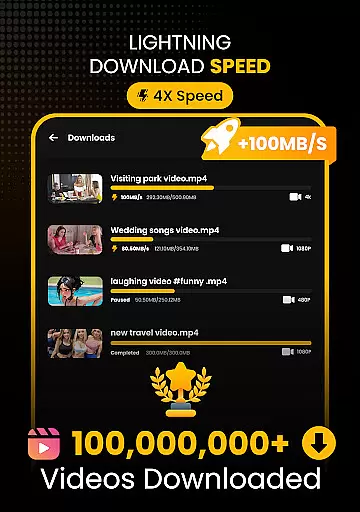
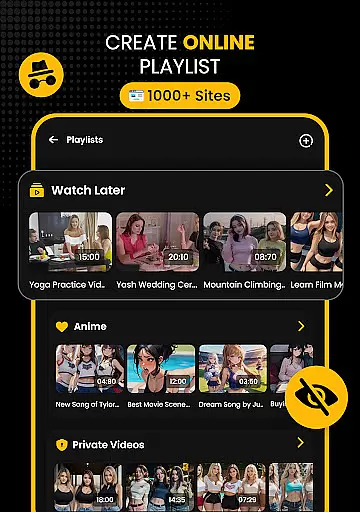




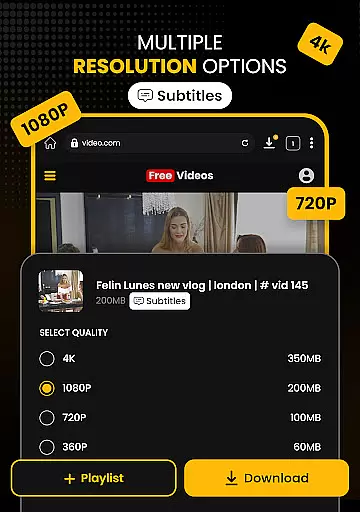

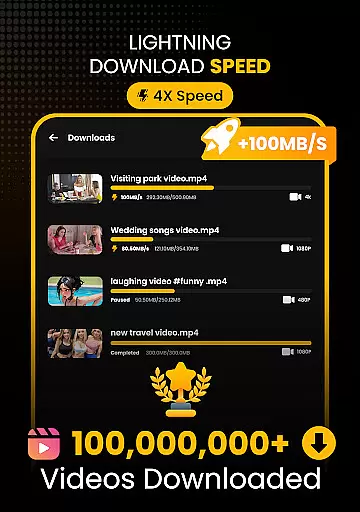





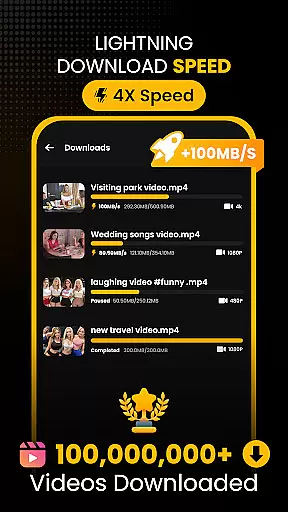




Download Hub is a versatile all-in-one application designed for efficient video downloading, private browsing, and secure file management. This app combines a powerful video downloader with an incognito browser and a robust file manager, making it the ultimate tool for managing digital content. Users can enjoy features like multi-threading technology that accelerates download speeds by up to 300%, smart detection of downloadable media, and resolution control from SD to 4K.
In addition to its downloading capabilities, Download Hub offers a secure private browser that ensures user privacy through incognito mode, ad blocking, and safe browsing alerts. The built-in file manager supports SD card storage, background service for uninterrupted downloads, and resume support for fixing interrupted downloads. With functionalities extending to audio extraction and offline HD playback, this app caters to a wide range of users including commuters, students, and privacy-conscious individuals.
Download Hub stands out with its comprehensive feature set tailored for both casual and power users. The Universal Downloader Engine utilizes advanced multi-threading technology to significantly boost download speeds while offering smart detection of media links and resolution control. Whether you're downloading HD movies or smaller video clips, the app provides extensive format support and batch mode for handling multiple files simultaneously.
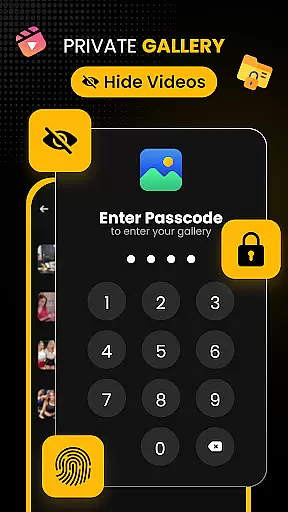
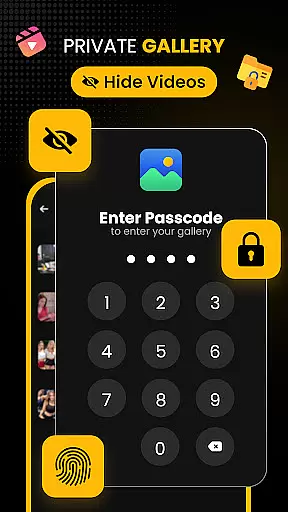
Beyond downloading, the Secure Private Browser ensures a safe and untracked browsing experience. It includes an ad blocker for seamless media consumption and desktop mode for accessing full versions of websites. The Security Center & Private Gallery adds another layer of protection with app lock options and hidden folders. Meanwhile, the Advanced File Manager gives users total control over their local storage, supporting external SD cards and providing resume support for interrupted downloads.
Video format compatibility is a crucial feature for any video player and editor, ensuring that users can enjoy content in various formats without technical barriers. Download Hub supports an extensive range of video formats including MP4, M4V, MOV, AVI, WMV, MKV, FLV, and MPG. This wide compatibility allows users to download and play videos from different sources without worrying about format issues.
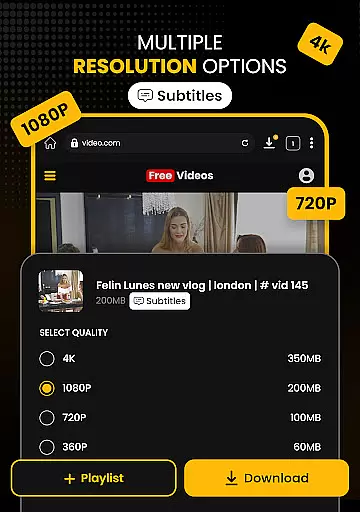
The app's universal downloader engine enhances the video format support by detecting downloadable media links on web pages and enabling users to save videos in their preferred resolution and format. Whether you need standard definition (SD) or high definition (HD) videos, Download Hub provides options for 480p, 720p, 1080p, 2K, and even 4K quality downloads.
For users who require more than just video playback, the app also functions as an efficient audio downloader. It can extract audio tracks from video clips and save them in compatible formats for offline listening. This versatility ensures that whether you're downloading movies, educational lectures, or music, Download Hub has you covered with its broad format compatibility.
AI-powered editing features are revolutionizing how users interact with video content, providing smarter and more efficient ways to edit and manage media files. Download Hub incorporates advanced AI technology to enhance user experience through smart detection of media links on web pages. When browsing, the app automatically identifies downloadable content and lights up the download button, streamlining the process of saving media.
In addition to intelligent detection, Download Hub offers robust file management capabilities powered by AI. The app's advanced file manager supports SD card storage, background service for uninterrupted downloads, resume support for fixing interrupted downloads, and media organization by name, size, or date. These features ensure that users have total control over their local storage while maintaining optimal performance.
Download Hub also includes privacy-focused AI tools such as secure private browsing with incognito mode, ad blocker, desktop mode, and multi-tab functionality. These features not only improve the efficiency of downloading and managing files but also protect user privacy and provide a seamless browsing experience. With these AI-powered editing and management features, Download Hub stands out as a comprehensive tool for both casual viewers and professional content creators.
User-friendly interface
Fast download speeds
Comprehensive privacy features
Extensive format support
Offline playback capability
No YouTube support
Limited to legal content
Requires manual updates
Occasional ads in free version
Advanced features need learning

You can play SWF format file!
 2.50
2.50
Save photos and videos from social apps in one tap.
3.60
Create & edit videos with AI
4.30
KineMaster, Your Ultimate Video Editor!
4.40
Stream high quality video from your camera over NDI protocol
4.1
All format media Player, no need video converter any more!
4.00
This app was created to edit the metadata of music files.
4.20
Turn your phone into a wireless camera!
4.20
#1 Torrent App on Android ** No Ads Ever + Battery Saver **
4.80
All in one HD video downloader & player for multiple formats with full privacy
4.70
High-Quality USB Camera Viewer & HDMI Display
4.70
Video Player - Unlimited features, 30 days money back guarantee.
4.60
Fast & easy HD video downloader for all formats, support 4K playback & download.
4.60
Watch IPTV on your Android device
4.60
Powerful Video Editor & Photo Editing App —— Quick Edits & Stunning Effects!
4.30
Your media, on your terms.
4.10
Connect 2 UVC devices for recording and broadcast video/audio stream
3.90
Livestream, news, & gaming content. Watch, chat, and upload. Join Rumble today!
3.80
Video player with powerful streaming playback and various convenient features.
2.10


User Reviews