
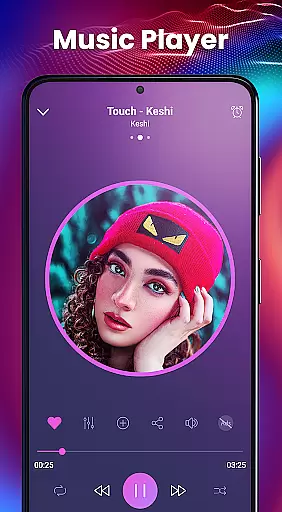
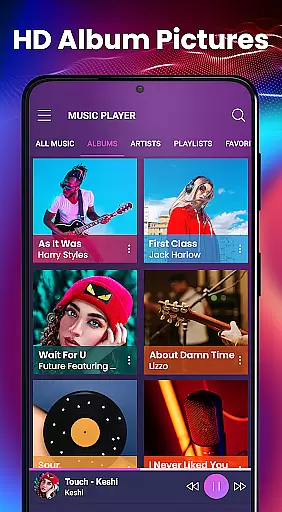
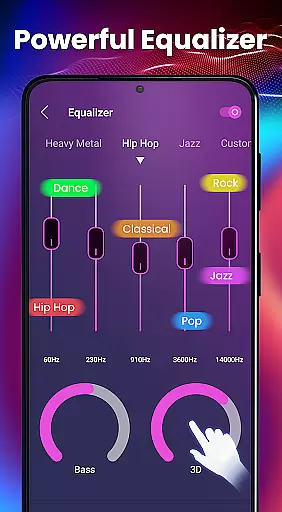
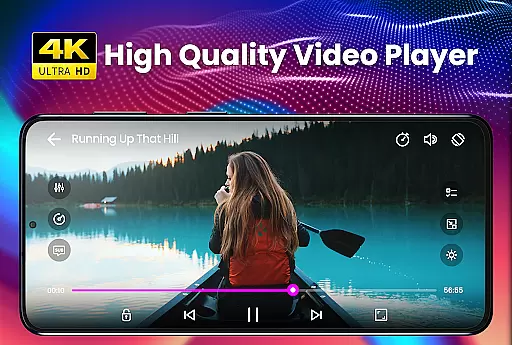
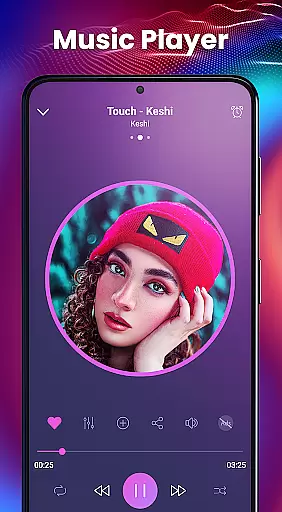
Video Player - PRO Version is a premium video player app that offers unlimited features and dedicated support. With advanced hardware acceleration and comprehensive subtitle support, it delivers smooth playback for all video formats, including HD and 4K content. The app also includes a built-in equalizer with bass boost and 3D effects, making it an excellent choice for audio enthusiasts.
This professional-grade media player ensures high-quality performance through its innovative HW+ decoder and supports various subtitle formats with automatic synchronization. It's an ideal solution for users who demand superior video playback and customizable audio settings on their mobile devices.
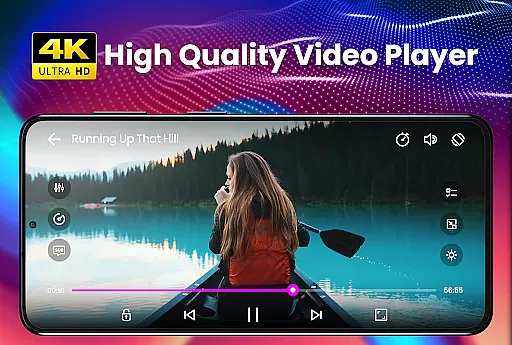
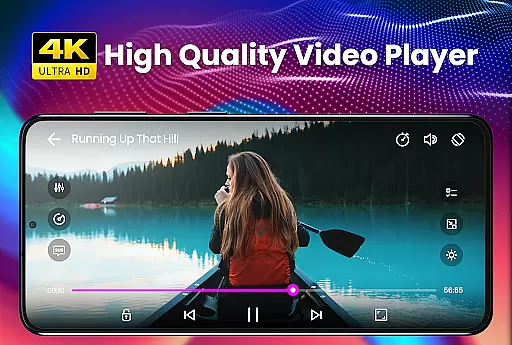
The Video Player - PRO Version stands out with its powerful feature set tailored for both casual viewers and tech-savvy users. The app's hardware acceleration, powered by the new HW+ decoder, allows for seamless playback of ultra-high-definition videos while maintaining optimal device performance.
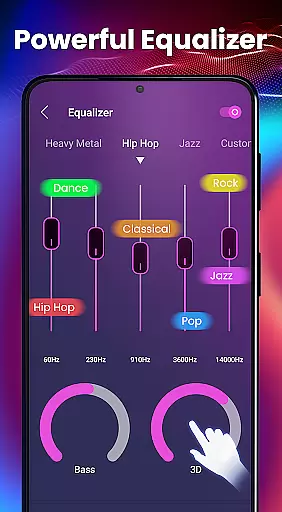
Subtitle support is another key strength, enabling users to load .srt files directly from their devices. Additionally, the built-in 5-band equalizer comes with amazing presets and effects like bass boost and virtualizer, enhancing your music listening experience. The kids' lock feature provides peace of mind by keeping children entertained without accessing other apps or making accidental calls.
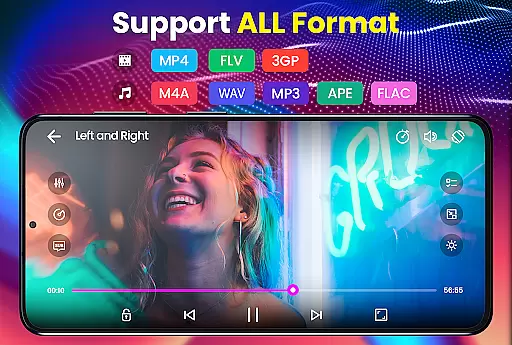
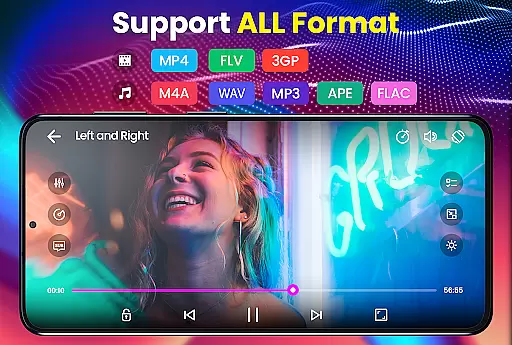
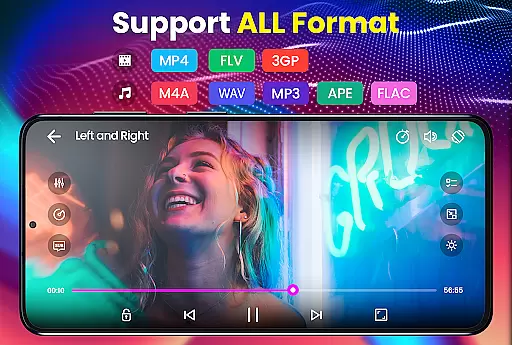
Video Player - PRO Version stands out with its extensive video format compatibility, ensuring users can play virtually any file type without conversion. The app supports an impressive range of formats including AVI, MP4, MKV, FLV, and many more, even extending to high-definition options like 4K video files.
This comprehensive support is powered by advanced hardware acceleration, utilizing the new HW+ decoder. This feature not only broadens the range of compatible video formats but also enhances playback smoothness and quality, providing an uninterrupted viewing experience.
For users, this means freedom from format restrictions and the ability to enjoy all their video content, regardless of source or resolution. Whether it's movies, TV shows, or personal recordings, this player handles them all with ease.
While primarily a video player, Video Player - PRO Version incorporates AI-powered features that enhance the viewing experience. Although it doesn't offer traditional video editing capabilities, its intelligent processing optimizes video playback through automatic adjustments and enhancements.
The application's AI capabilities extend to its sophisticated subtitle handling system. It supports multiple subtitle formats with automatic synchronization, while its advanced algorithms ensure accurate timing and positioning. The player can also remember user preferences and adjust settings accordingly for future playback sessions.
These smart features create a personalized and optimized viewing experience without requiring manual adjustments from users. The combination of format versatility and intelligent playback optimization makes this player a valuable tool for both casual viewers and media enthusiasts who demand high-quality, hassle-free video playback.
Unlimited features
Premium support
Advanced hardware acceleration
Comprehensive subtitle support
Powerful equalizer
Subscription cost
Occasional bugs
Limited free version
High system requirements
No cloud integration

Online Videos Player
 3.90
3.90
Connect 2 UVC devices for recording and broadcast video/audio stream
3.90
You can play SWF format file!
2.50
Save photos and videos from social apps in one tap.
3.60
IPTV-Smarters Player Pro M3U - Watch Live Stream TV Channels with Chromecast
4.00
Stream high quality video from your camera over NDI protocol
4.1
Capture images & record videos for USB Camera, Webcam, Microscopes, Endoscopes
3.80
Flud is a simple and beautiful BitTorrent client for Android.
4.80
convenient, safe and fast at Video Downloader & Player
4.60
A Simple app to download Video & Music from the Internet.
4.70
All in one HD video downloader & player for multiple formats with full privacy
4.70
Search & download videos from net with all video downloader, auto-detect & safe.
4.60
Support 1000+ Video Format, Subtitle Download, mp3 & Background Play, Cast On TV
4.60
Fast, private downloading, video saving, social media
4.50
Video Downloader is an utility that can save videos and music from web sites
4.20
VLC for Android is the best open source video and music player, fast and easy!
4.10
Powerful, professional, versatile teleprompter. Developed by an active film crew
4.00
Stream Web Videos to Chromecast, Samsung, LG, Sony, Roku, Fire TV, DLNA + more
4.00
This app is an emulator of some specific IPTV boxes
3.50


User Reviews