
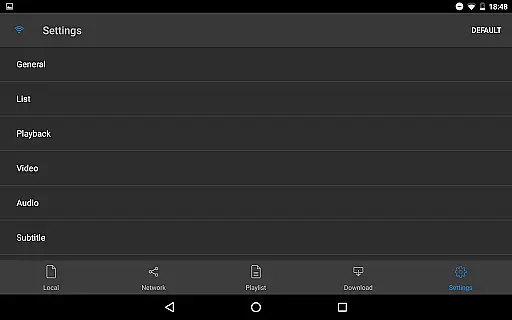
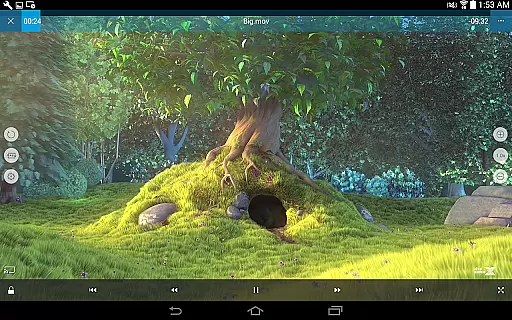
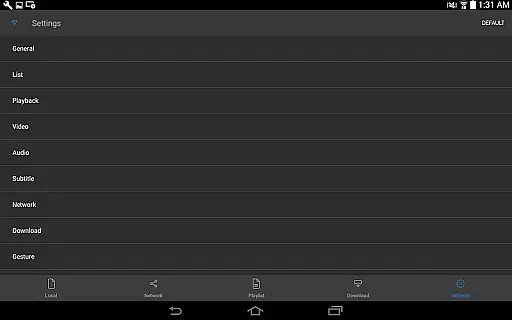
nPlayer is a versatile video player app designed for seamless media playback without the need for file conversion. Supporting an extensive range of video, audio, and subtitle formats, it ensures users can enjoy their content in its original quality on mobile devices.
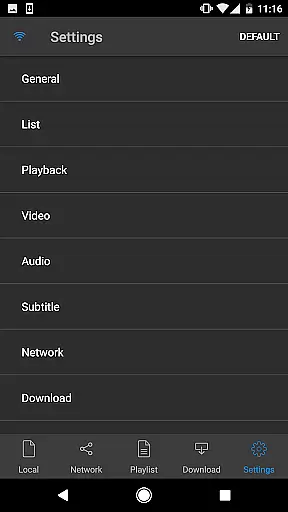
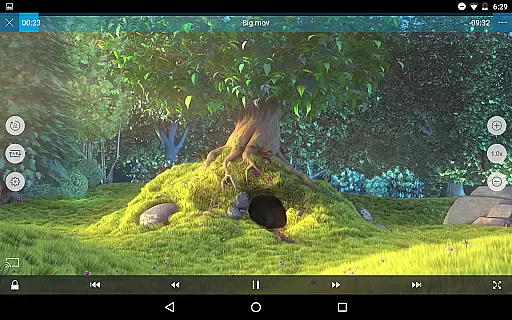
With intuitive touch controls, users can easily adjust playback settings, manage subtitles, and control volume or brightness. The app also supports advanced features like DTS audio codec, multi-track audio, and external subtitles, making it ideal for both casual viewers and audiophiles.
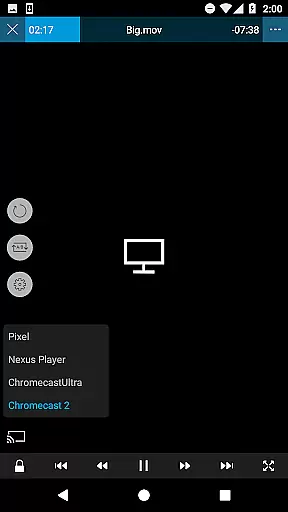
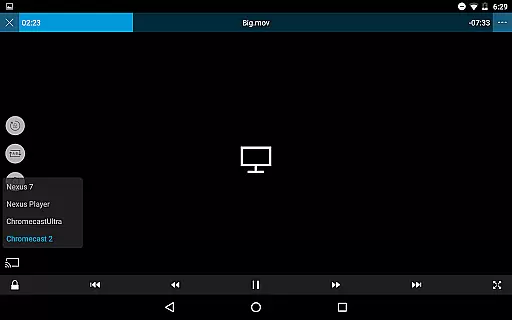
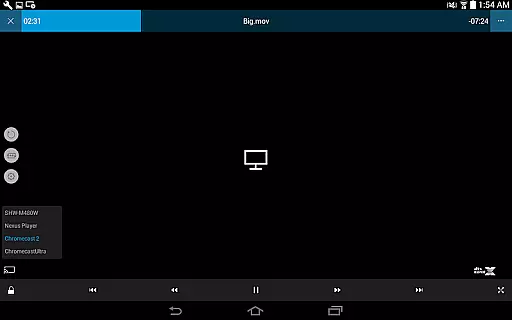
Whether you're streaming from cloud services or managing local files, nPlayer provides a comprehensive solution for all your media needs, enhancing the viewing experience with customizable options and smart TV casting capabilities.
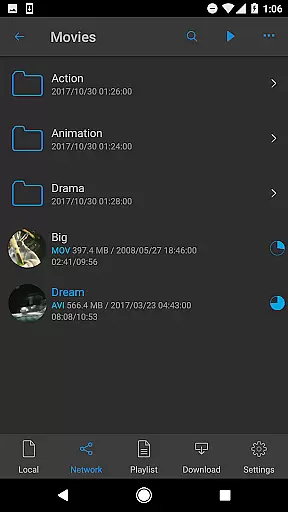
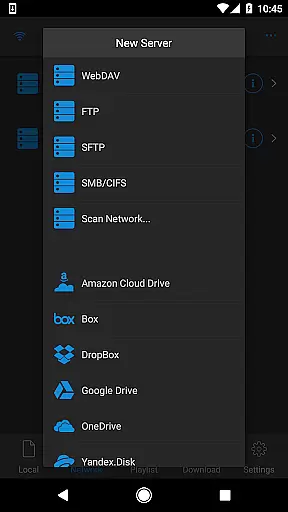
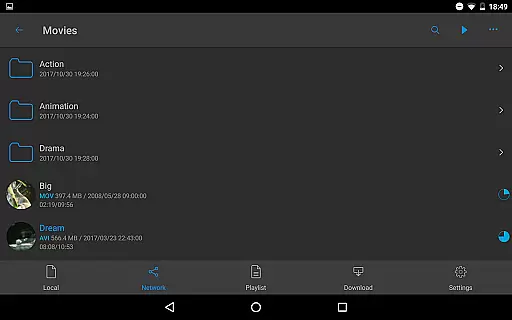
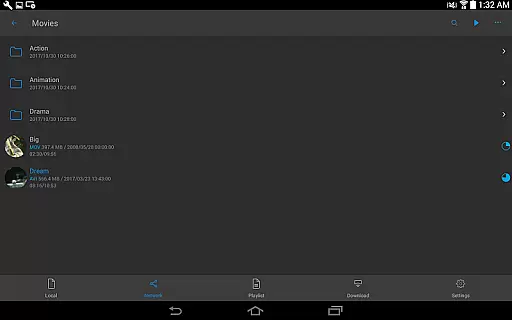
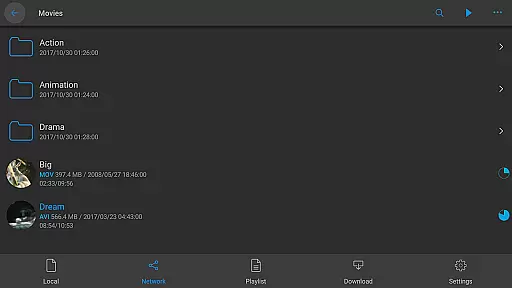
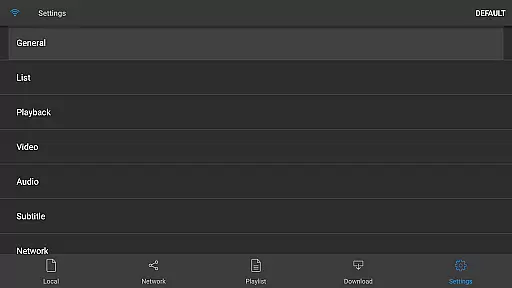
nPlayer stands out with its robust feature set tailored for diverse media consumption needs. It supports device file playback and management, allowing users to organize and access their media effortlessly. Additionally, the app facilitates downloads for offline viewing and integrates with various cloud services such as Google Drive and Dropbox.
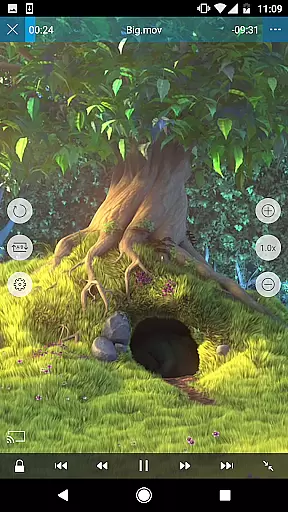
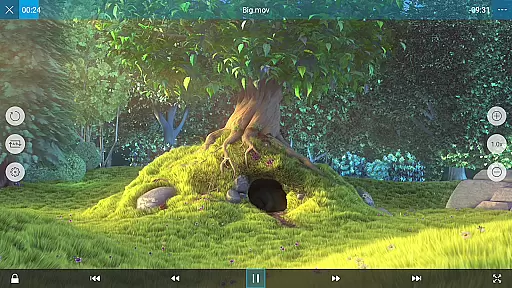
The app's compatibility with multiple video formats—including MP4, MKV, and AVI—ensures broad usability. Its support for embedded and external subtitles, along with adjustable font sizes and styles, enhances accessibility. Furthermore, nPlayer offers innovative playback options like pop-up play and HDMI output, catering to users who demand flexibility and convenience.
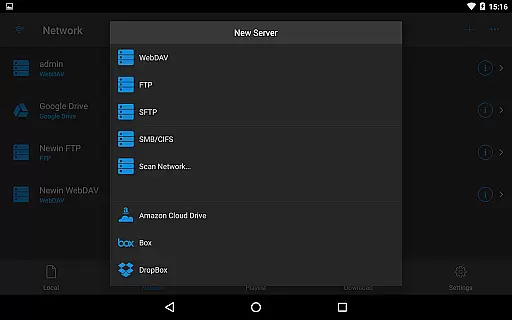
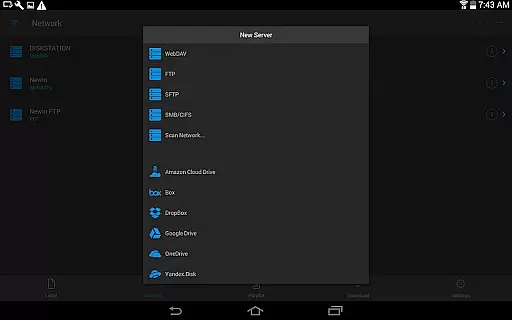
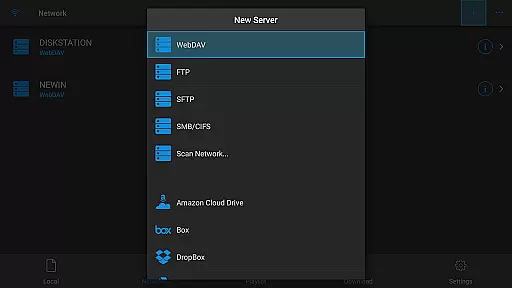
With advanced audio features like DTS codec support and audio boost, nPlayer delivers an immersive auditory experience. Users can also take advantage of network protocols such as WebDAV and SMB/CIFS for seamless media streaming across devices.
One of the standout features of nPlayer is its extensive video format compatibility, eliminating the need for users to convert files to MP4 for mobile playback. This Video Players & Editors app supports a wide array of formats including MP4, MOV, MKV, AVI, WMV, and many more, ensuring that users can play almost any video file type without additional conversion efforts.
The application's support extends to various audio and subtitle files as well, enhancing the multimedia experience. Formats such as MP3, WAV, FLAC for audio, and SMI, SRT, SSA for subtitles are all compatible, providing an inclusive environment for enjoying media content in its intended form.
This broad compatibility not only saves time but also preserves the original quality of the media files. Users can seamlessly enjoy their favorite movies or series without worrying about format restrictions, making nPlayer a versatile tool for both casual viewers and multimedia enthusiasts alike.
While nPlayer focuses primarily on playback capabilities, it incorporates AI-powered editing features that enhance user interaction with media files. The app allows precise control over subtitles, enabling adjustments to location, font size, and timing through simple finger gestures, which reflects a level of detail and personalization powered by intelligent algorithms.
Additionally, nPlayer offers advanced audio controls like multi-track audio support and audio boost, which utilize AI to optimize sound output based on the content being played. These features ensure an immersive auditory experience tailored to individual preferences and environments.
Although not a traditional video editor, nPlayer's smart playback adjustments and enhanced media management provide users with powerful tools to customize their viewing experience. This positions the app as a comprehensive solution for managing and enjoying diverse digital media libraries with ease and precision.
User-friendly interface
Wide format compatibility
Advanced subtitle support
Cloud service integration
Multi-track audio options
Premium version required
Occasional bugs reported
High system requirements
Limited free features
No built-in converter

Kodi media center, a free and open source cross-platform entertainment hub
 3.60
3.60
Powerful, professional, versatile teleprompter. Developed by an active film crew
4.00
Save photos and videos from social apps in one tap.
3.60
Video Trimmer, Video to MP3 Converter. Extract music from video, Easy & Fast.
4.80
Snaptubè Video Downloader app allows to download videos and music in Snaptube. .
4.60
Fast video downloader & private browser. Save HD clips to watch offline.
4.40
AirMirror is Receiver for Screen Mirroring and Casting from Apple Devices.
3.60
Cast to Smart TV, Fire TV. Cast video, photo - Fast & Stable!
3.90
IPTV Loader, loads your own Playlist. DOES NOT CONTAIN ANY LIST OR CHANNELS
4.60
Search & download videos from net with all video downloader, auto-detect & safe.
4.60
KMPlayer Plus (Divx Codec) officially support Divx codec.
4.30
Powerful Video Editor & Photo Editing App —— Quick Edits & Stunning Effects!
4.30
This app was created to edit the metadata of music files.
4.20
IPTV-Smarters Player Pro M3U - Watch Live Stream TV Channels with Chromecast
4.00
Explore the largest library of free GIFs, Stickers & Memes - or create your own!
3.90
Capture images & record videos for USB Camera, Webcam, Microscopes, Endoscopes
3.80
Livestream, news, & gaming content. Watch, chat, and upload. Join Rumble today!
3.80
The essential companion to your Blue Iris PC software
2.50
Powerful HD video player with support for all formats & subtitles.
4.5


User Reviews