
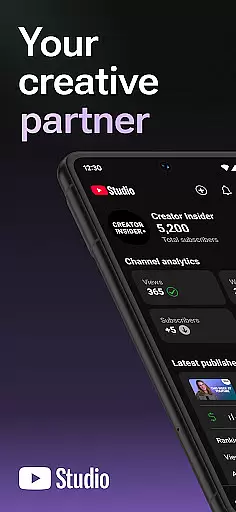
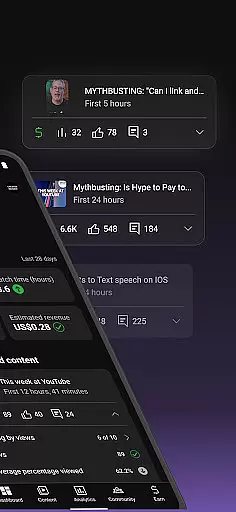
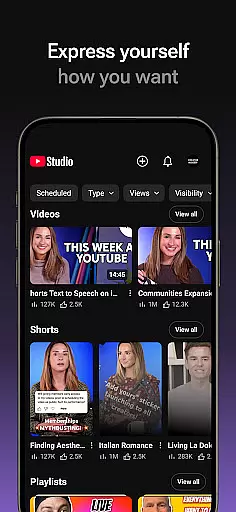
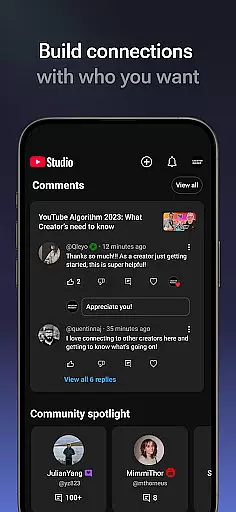
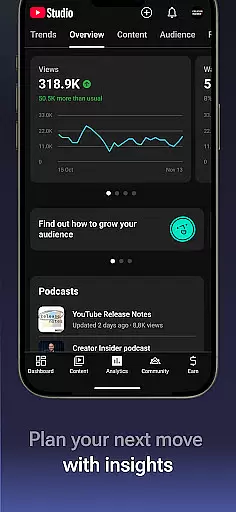
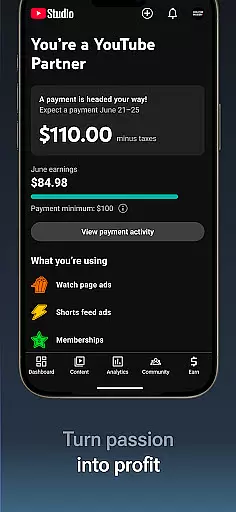
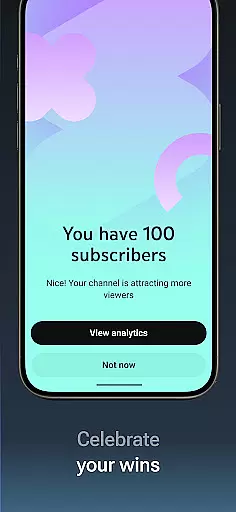
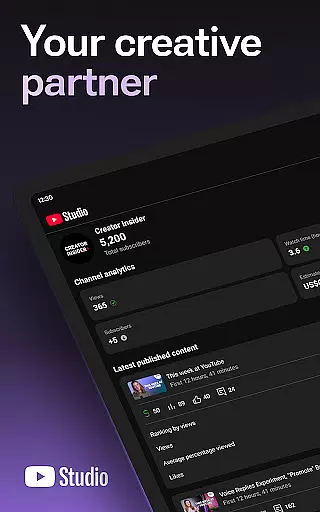
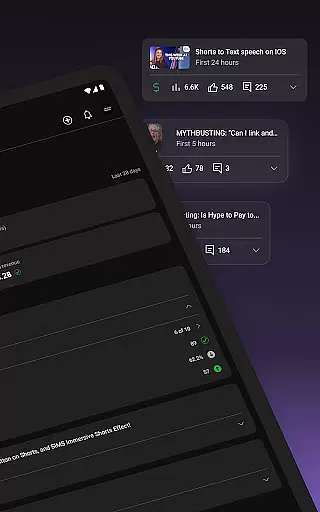
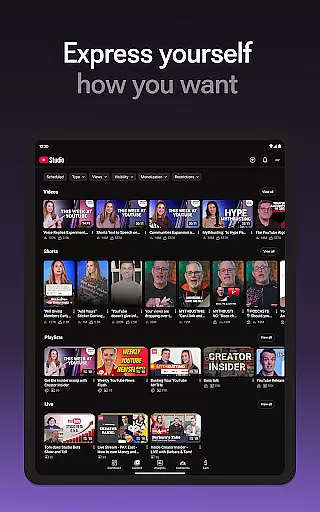
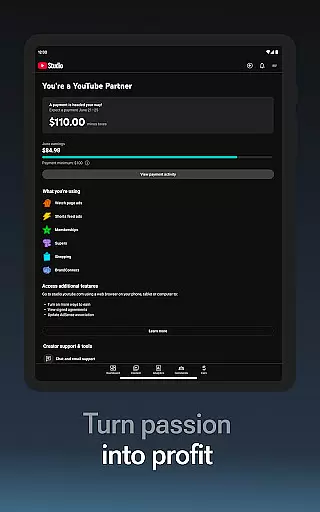

YouTube Studio is the official mobile app designed specifically for content creators to manage their YouTube channels on-the-go. The app provides a comprehensive suite of tools that enable creators to monitor channel performance, engage with their audience, and make necessary updates to their content directly from their mobile devices. With features like the Channel Dashboard, detailed Analytics, and comment management, it serves as an all-in-one solution for YouTubers looking to optimize their channel's growth and community engagement.
The app is particularly useful for creators who need immediate access to their channel's performance metrics and want to respond quickly to audience interactions. Whether you're a beginner or an established creator, YouTube Studio ensures you have the necessary tools to cultivate a successful YouTube presence. Its intuitive interface and robust functionality make it an indispensable companion for modern content creators.
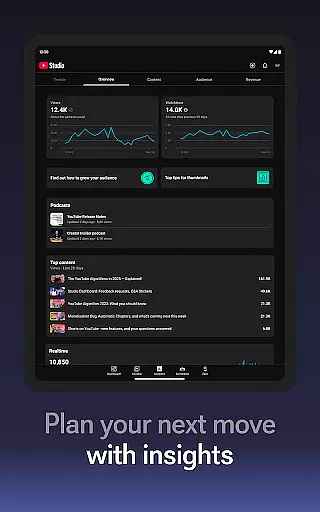
YouTube Studio offers an array of powerful features tailored for content creators. One of its standout capabilities is the Channel Dashboard, which provides a quick snapshot of your channel's recent performance. This feature allows creators to stay updated on key metrics without having to dive deep into analytics, making it easier to track growth over time.
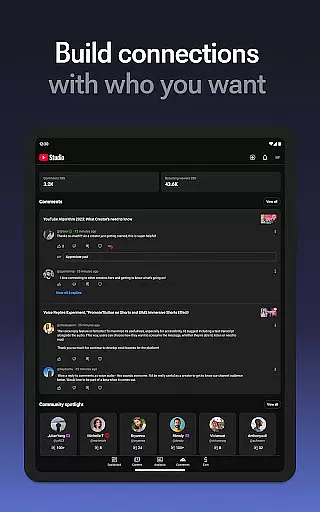
In addition to the dashboard, the app includes detailed Analytics that break down how different types of content are performing. Creators can view specific data on videos, shorts, and livestreams, helping them understand what resonates most with their audience. The app also enables users to sort and filter comments, ensuring they can maintain meaningful conversations within their community. Furthermore, YouTube Studio allows for on-the-fly updates to video information and channel aesthetics, empowering creators to keep their content fresh and engaging.
Video format compatibility is essential for any video editor or player, and YouTube Studio excels in this area. The app supports a wide range of video formats, ensuring that creators can upload and manage content without worrying about compatibility issues.
YouTube Studio allows users to update information for individual videos, shorts, and livestreams. This flexibility ensures that no matter the original format, creators can easily make changes and optimize their content for the platform.
The detailed Analytics tab provides insights into how different types of content perform, regardless of the format. This feature helps creators understand which formats resonate best with their audience and adjust their strategies accordingly.
By supporting various formats and providing tools to manage and analyze them, YouTube Studio empowers creators to focus on producing high-quality content. This comprehensive support enhances the overall user experience and effectiveness of content management.
AI-powered editing features are revolutionizing the way creators produce and manage content on YouTube Studio. These advanced tools help streamline the editing process, making it more efficient and accessible for all users.
One key AI feature is the ability to sort and filter comments, allowing creators to prioritize important conversations within their community. This tool uses AI algorithms to identify and highlight engaging discussions, fostering deeper connections with the audience.
Additionally, YouTube Studio's AI capabilities extend to performance analytics. The app provides detailed insights into how different types of content perform, helping creators make data-driven decisions to enhance their channel's growth.
By integrating AI-powered editing features, YouTube Studio not only simplifies content management but also elevates the quality of interactions and strategic planning. Creators can leverage these tools to build a more engaged and loyal audience.
User-friendly interface
Comprehensive analytics
Real-time performance tracking
Easy content updates
Effective comment management
Limited advanced editing
Occasional sync issues
No offline functionality
Basic monetization tools
Restricted to mobile use

You can play SWF format file!
 2.50
2.50
AirMirror is Receiver for Screen Mirroring and Casting from Apple Devices.
3.60
Explore the largest library of free GIFs, Stickers & Memes - or create your own!
3.90
Movie maker & video editing app with AI effects and green screen
4.30
Powerful Video Editor & Photo Editing App —— Quick Edits & Stunning Effects!
4.30
Find, download, and play torrents with the official BitTorrent® Pro app
4.70
Manage your IPTV live channels and VOD playlists (no playlist included)
3.80
Create, Publish & Maximize
4.70
convenient, safe and fast at Video Downloader & Player
4.60
Tik & Story Saver-Download ALL social media videos, photos & reels no watermark.
4.80
#1 Torrent App on Android ** No Ads Ever + Battery Saver **
4.80
Add date and time watermark to photos and videos
4.50
Fast & Private HD Video Downloader with Built-in Proxy Browser and Video Player.
4.50
Create & edit videos with AI
4.30
Turn your phone into a wireless camera!
4.20
Web Browser for LG TV to stream webvideos, online movies and livestreams in HD
4.20
Powerful video player with advanced hardware acceleration and subtitle supports
4.20
Livestream, news, & gaming content. Watch, chat, and upload. Join Rumble today!
3.80
Watch full episodes of your favorite Cartoon Network and Cartoonito shows!
3.50


User Reviews