
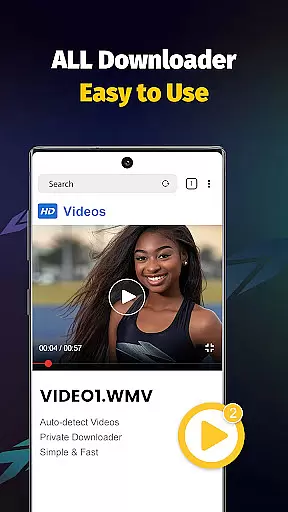
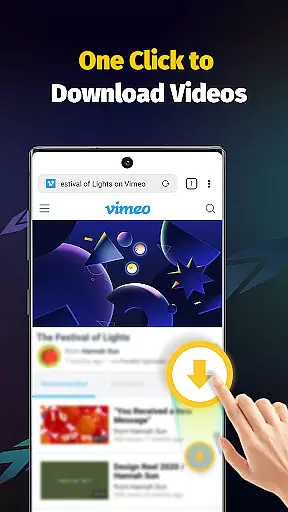
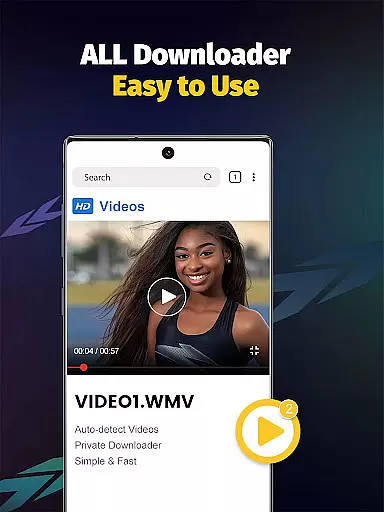
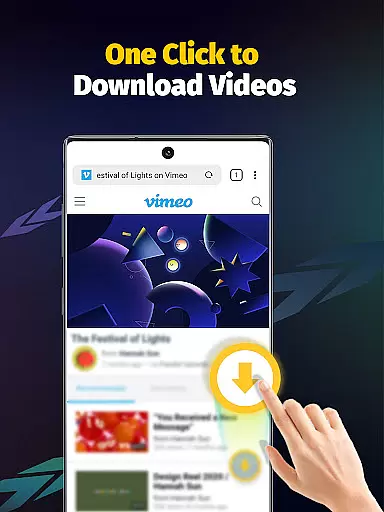
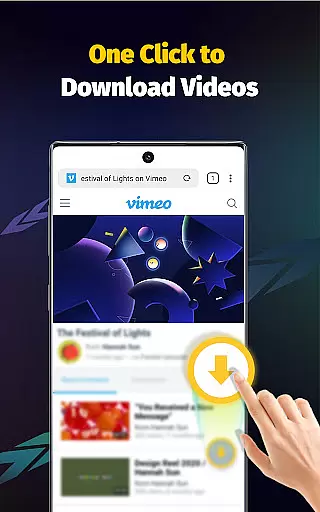
Video Downloader - Save Videos is a versatile and efficient tool designed for users who need to download, save, and manage video content across multiple platforms. This app stands out with its ability to support fast downloads of videos, music, and images from various social media sites, making it an essential utility for content creators and casual users alike.
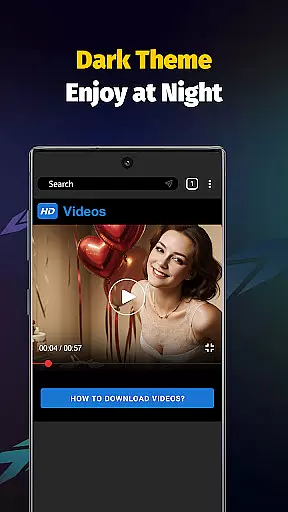
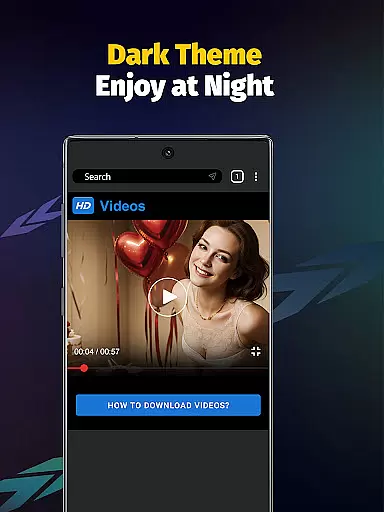
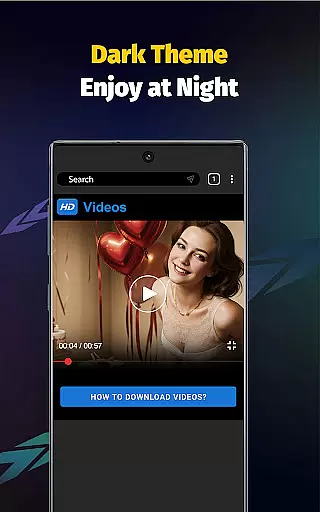
The application offers advanced features such as multi-threading downloads, which significantly accelerates the downloading process, and supports multiple file formats including MP4, AVI, and MOV. With its built-in browser and player, users can seamlessly transition from downloading to enjoying their content without any interruptions.
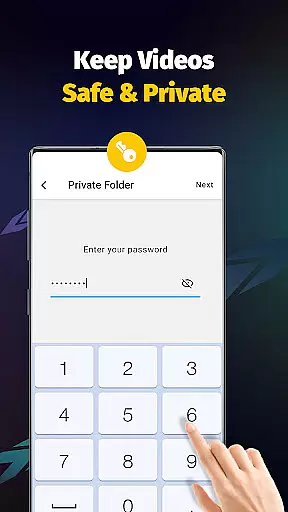
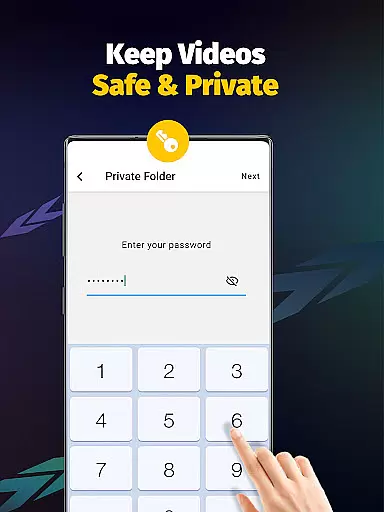
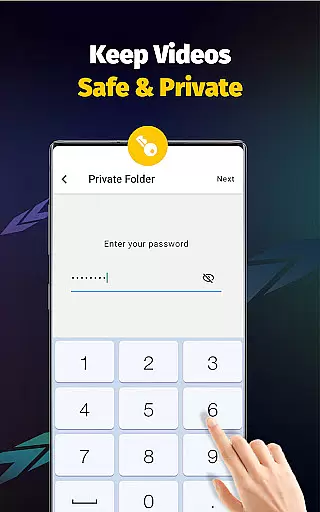
Privacy and security are also prioritized, allowing users to password-protect private folders and manage storage locations efficiently. Whether you're looking to save HD videos for offline viewing or collect inspiring content for future reference, Video Downloader - Save Videos provides a comprehensive solution tailored to enhance your digital experience.
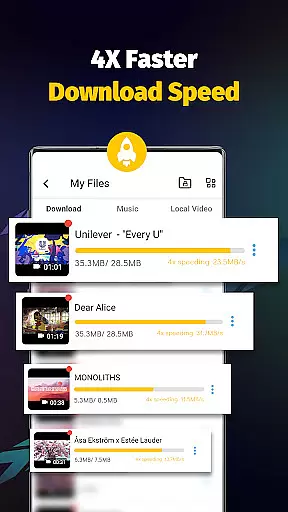
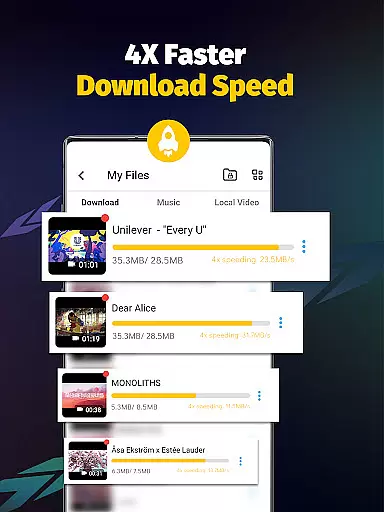
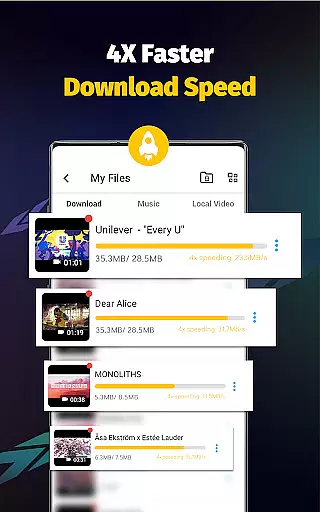
Video Downloader - Save Videos boasts an array of powerful features that cater to diverse user needs. One of its standout capabilities is the support for simultaneous downloads of multiple files, coupled with multi-threading technology that boosts download speeds several times over traditional methods.
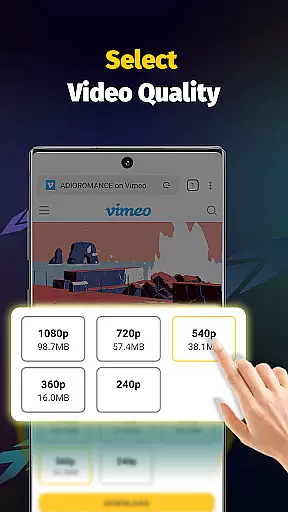
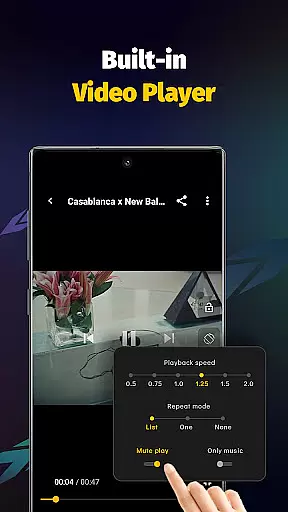
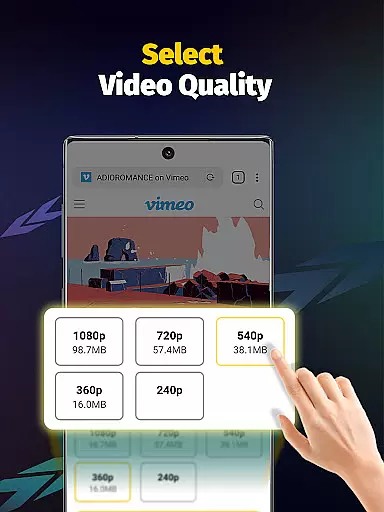
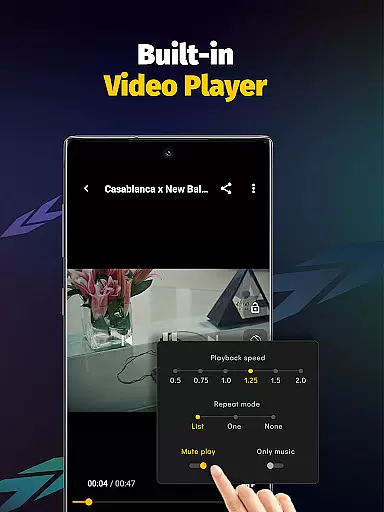
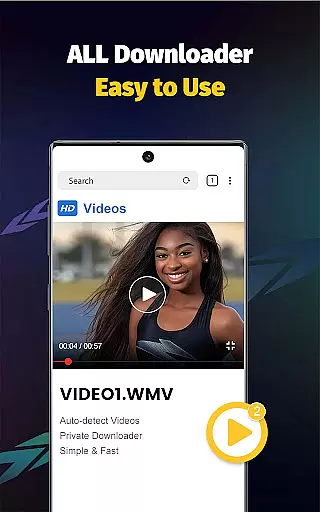
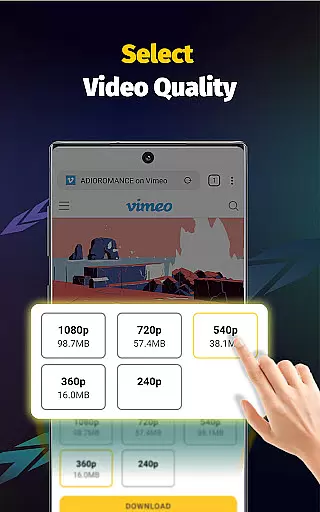
In addition to speed, the app ensures quality by offering various video resolutions and supporting a wide range of file formats such as MP4, M4A, AVI, and more. The integrated media player allows users to enjoy their downloaded content offline, while the automatic detection feature simplifies the process of finding downloadable media.
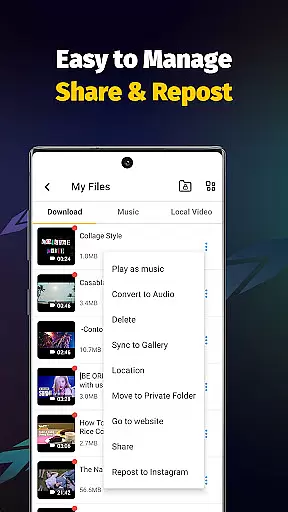
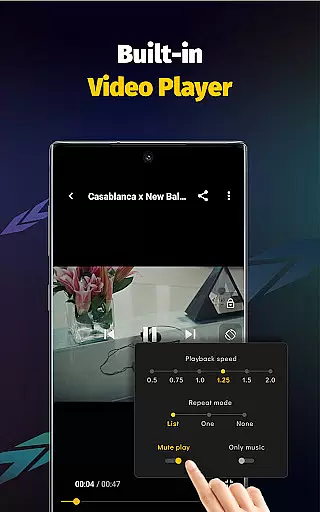
Usability is further enhanced through customizable options like adjustable playback speeds and audio extraction from videos. These features collectively ensure that users have a seamless, efficient, and enjoyable experience when managing their digital media library.
Video Downloader - Save Videos stands out for its exceptional video format compatibility, ensuring users can download and save media in various formats without hassle. The app supports an extensive range of file types including MP4, M4A, M4V, AVI, WMV, MOV, JPG, JPEG, and PNG, making it a versatile tool for all your video downloading needs.
This broad compatibility is crucial for users who source videos from different platforms, each potentially using distinct formats. By accommodating multiple formats, the app ensures that no content is off-limits due to format restrictions, thus enhancing the user's ability to collect and enjoy diverse media seamlessly.
Moreover, the inclusion of a built-in player further enriches this feature by allowing users to play downloaded videos offline directly within the app. This eliminates the need for external players and guarantees that videos saved in any supported format will be accessible, providing a comprehensive solution for managing and enjoying digital content.
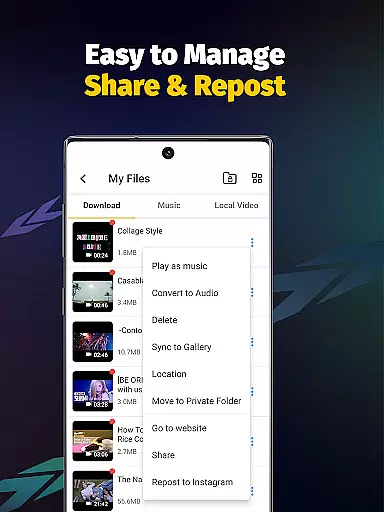
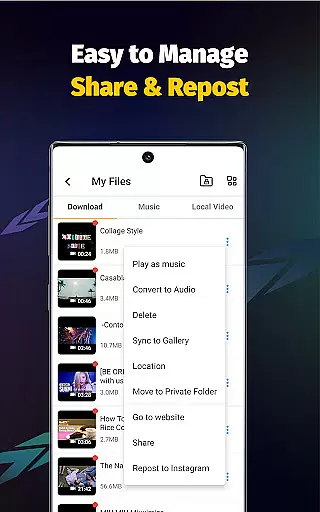
While Video Downloader - Save Videos primarily focuses on downloading capabilities, it also integrates AI-powered editing features that elevate the user experience beyond mere downloading. These features include the ability to adjust video playback speed, extract audio from videos, and set video playing modes, all achievable with a simple tap.
The incorporation of multi-threading video download and acceleration technologies showcases the app's commitment to leveraging advanced algorithms for improving efficiency. Users benefit from significantly reduced download times without compromising the quality of the content, thanks to these intelligent processing capabilities.
Additionally, the app offers privacy-focused functionalities such as password-protected private folders, demonstrating how AI-driven insights can enhance security measures. With these sophisticated yet user-friendly tools, Video Downloader - Save Videos not only simplifies the process of acquiring digital content but also empowers users to personalize and secure their media libraries effectively.
User-friendly interface
Fast download speeds
Multi-format support
Built-in media player
Private folder protection
No YouTube support
Limited to permitted content
Requires platform login
Storage management needed
Third-party dependencies

Powerful, professional, versatile teleprompter. Developed by an active film crew
 4.00
4.00
IPTV-Smarters Player Pro M3U - Watch Live Stream TV Channels with Chromecast
4.00
HD video & music player - All format support with floating & PIP mode!
3.80
Support 1000+ Video Format, Subtitle Download, mp3 & Background Play, Cast On TV
4.60
Pro video editor app for Instagram, edit video with song, AI, effect & slowmo.
4.80
Mix with Virtual DJ directly from your phone or tablet !
3.10
Screen recorder with audio to take live videos & Screenshot in high quality!
4.70
Create, Publish & Maximize
4.70
Capture the moment and Cut
3.40
High-Quality USB Camera Viewer & HDMI Display
4.70
Download videos and play them offline
4.70
Video Player - Unlimited features, 30 days money back guarantee.
4.60
VLC Remote lets you control your VLC Media Player on Mac, PC or Linux.
4.60
Add date and time watermark to photos and videos
4.50
KineMaster, Your Ultimate Video Editor!
4.40
Fast & Private Video Downloader App. Save all videos easily from the Internet.
4.40
Stream Web Videos to Chromecast, Samsung, LG, Sony, Roku, Fire TV, DLNA + more
4.00
Connect EasyCap or UVC devices for recording and broadcast video/audio stream
3.60
Download videos easily & play them all in one smart, powerful video manager.
3.40


User Reviews