

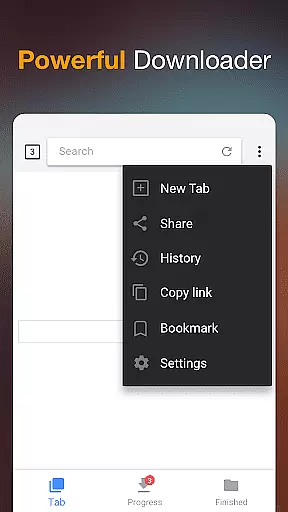
Video Downloader is a versatile tool designed for users who need to download and manage video content directly on their mobile devices. The app supports all popular formats including MP4, AVI, and MOV, making it suitable for various use cases from personal entertainment to professional media management.
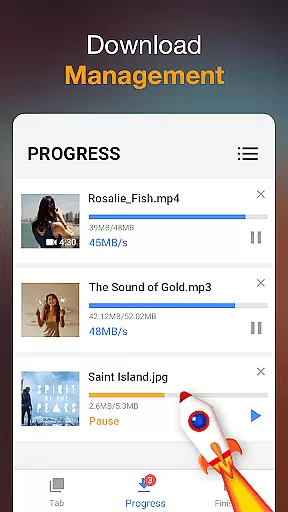
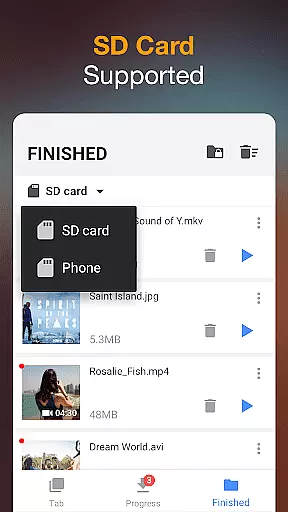
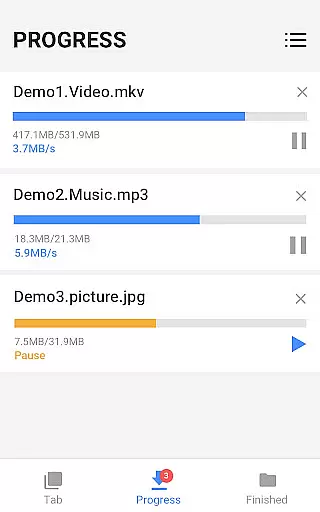
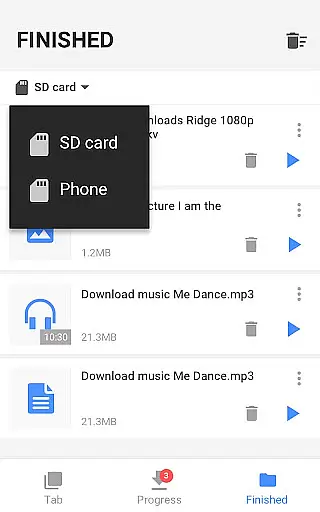
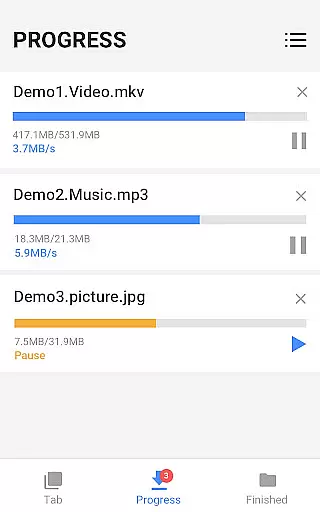
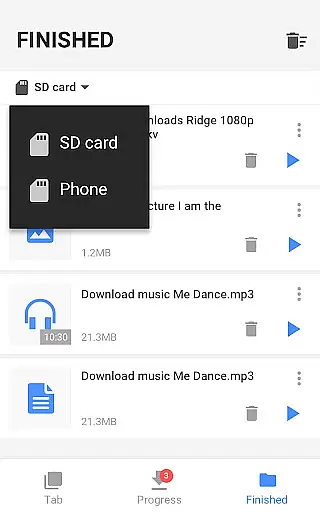
The application's key strength lies in its powerful download manager that allows users to pause, resume, and organize multiple downloads simultaneously. With additional features like background downloading, SD card support, and a built-in media browser, this app ensures a seamless experience for users who require offline access to their favorite videos.
Whether you're a content creator needing to save reference materials or simply someone who wants to watch videos on the go, Video Downloader provides a reliable solution with its user-friendly interface and efficient performance.
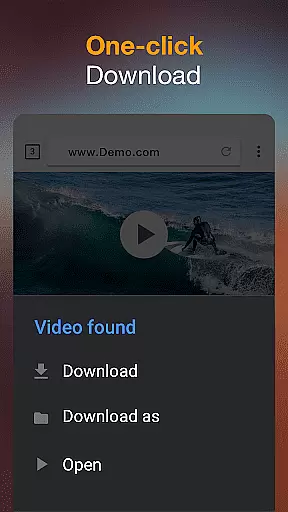
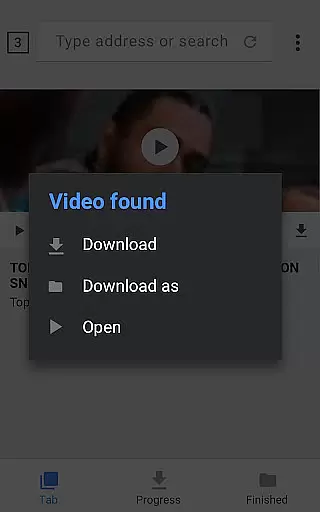
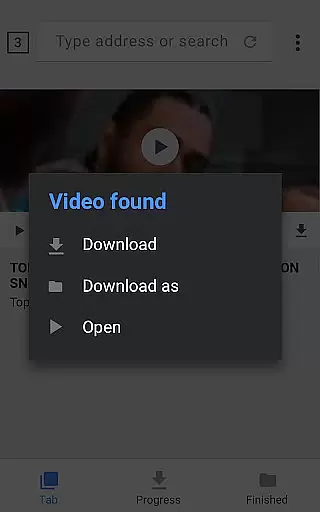
Video Downloader stands out through its comprehensive feature set tailored for optimal media management. The app's automatic video detection system simplifies the downloading process, enabling users to save online content with just one click. This functionality is particularly useful when browsing video-heavy websites or social media platforms.
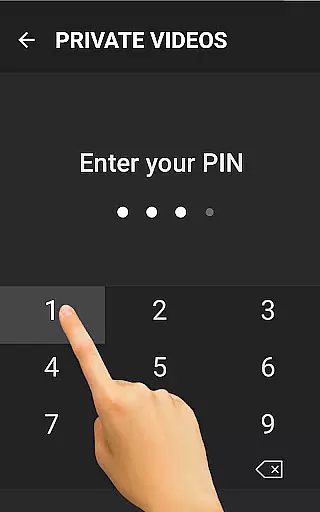
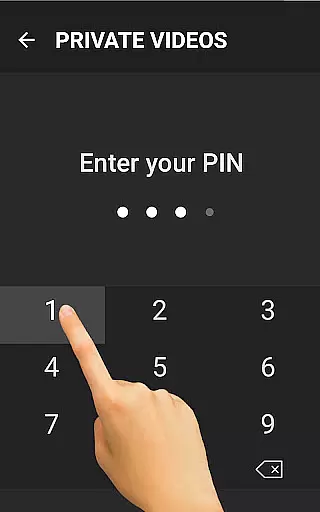
Advanced download capabilities include simultaneous file downloads, background operation support, and the ability to handle large HD video files without compromising speed or quality. The integrated media player allows users to preview downloaded content instantly, while password-protected folders ensure sensitive materials remain secure.
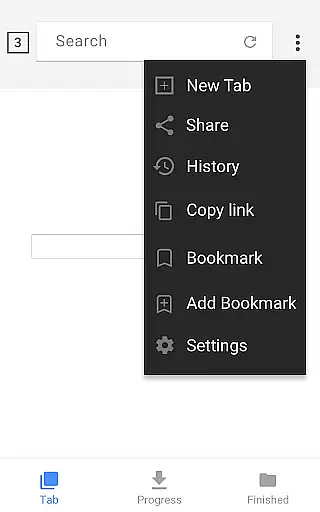
Additional notable features include bookmarking for favorite websites, detailed download progress indicators, and robust recovery options for interrupted downloads. These elements combine to create a comprehensive video management solution that caters to both casual users and professionals requiring advanced media handling capabilities.
Video Downloader stands out for its exceptional video format compatibility, ensuring users can download and enjoy content in their preferred formats. This application supports an extensive range of formats including MP3, M4A, MP4, M4V, MOV, AVI, WMV, among others, catering to diverse user needs.
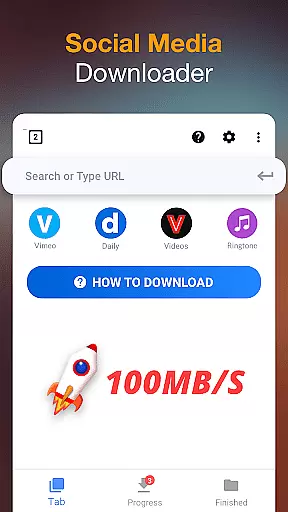
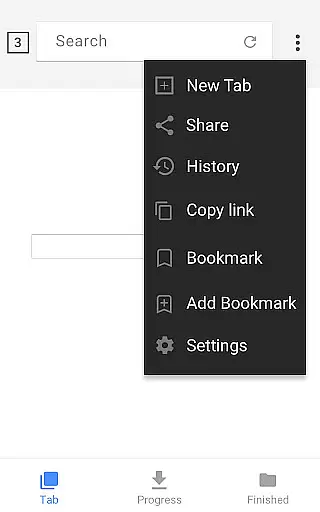
The app's built-in browser facilitates seamless browsing and auto-detection of videos across websites, allowing users to download videos with a single click. Regardless of the original format of the online video, Video Downloader converts it efficiently, providing options that maintain the quality and integrity of the video files.
For users who require specific formats for professional editing or playback on particular devices, this app removes the hassle of manual conversion. By offering direct downloads in desired formats, it saves time and effort, enhancing the overall user experience.
Ultimately, the broad video format support positions Video Downloader as a versatile tool in the arsenal of multimedia apps, making it indispensable for anyone looking to manage their video collection across different platforms and devices.
While Video Downloader specializes in downloading capabilities, it also integrates AI-powered editing features that streamline the post-download process. These innovative tools allow users to effortlessly enhance their downloaded videos, ensuring they meet personal or professional standards.
Upon downloading a video, users can utilize the integrated editing suite to trim, crop, or merge clips without needing additional software. The AI algorithms assist in optimizing video quality, stabilizing shaky footage, and even enhancing audio tracks, making every download a polished final product.
This combination of download versatility and AI-driven editing functionality significantly elevates the utility of Video Downloader beyond just acquiring content. It empowers users to curate and refine their media library with minimal effort.
By incorporating these advanced editing features, Video Downloader not only simplifies the acquisition of digital content but also enriches the creative possibilities available to its users, setting a new benchmark in the realm of video player and editor applications.
User-friendly interface
Fast download speeds
Multiple format support
Background downloading
Powerful download manager
Requires storage space
Internet connection needed
Some features may be complex
Privacy concerns possible
Ads in free version

Client application for NextPVR software
 3.00
3.00
AirMirror is Receiver for Screen Mirroring and Casting from Apple Devices.
3.60
High-Quality USB Camera Viewer & HDMI Display
4.70
Pro video editor app for Instagram, edit video with song, AI, effect & slowmo.
4.80
An easy-to-use and all-round screen recorder with audio
4.80
Movie maker & video editing app with AI effects and green screen
4.30
AI Video Editor with Music, Filter, Slideshow, Effect, Merge & Trim Video.
4.80
Video player with 4K & 1080P support, popup play, background play and subtitle.
4.20
convenient, safe and fast at Video Downloader & Player
4.60
Browser + Remote for Roku to stream webvideos, online movies and livestreams
4.60
Create & edit videos with AI
4.30
Powerful Video Editor & Photo Editing App —— Quick Edits & Stunning Effects!
4.30
Stream Web Videos to Chromecast, Samsung, LG, Sony, Roku, Fire TV, DLNA + more
4.00
Make your own Animations, Video and Photo Edits, Visual Effects, and more!
4.00
Connect 2 UVC devices for recording and broadcast video/audio stream
3.90
Explore the largest library of free GIFs, Stickers & Memes - or create your own!
3.90
Cast to Smart TV, Fire TV. Cast video, photo - Fast & Stable!
3.90
All in one multi protocols stream receiver for AirPlay, Cast and DLNA.
3.60
Download videos easily & play them all in one smart, powerful video manager.
3.40


User Reviews